



In Photoshop, generative filling, which is also fed with English prompts, has been added to content-based filling. In the Adobe Express beta, you can now also generate images with prompts and the text effects from Firefly are integrated. And in Adobe Illustrator Beta, you can now leave the colour design to the AI.
Content-based filling has been around for a while in Photoshop and is often used to remove unwanted parts of an image. Generative filling now works in a similar way. You create a selection and if you don’t enter a prompt, the AI simply tries to fill the selection sensibly. The results are usually much better than with content-based filling because the engine analyses the image content better and recognises objects.
A test!
To do this, I first removed the hotel logos and the parked cars from a sunset snapshot from the hotel window. Surprisingly, this works better when the selection extends a little beyond the objects. After a few attempts, the vehicles were removed using suitable overlays. The AI also generated the slightly larger, clunky car at the front.
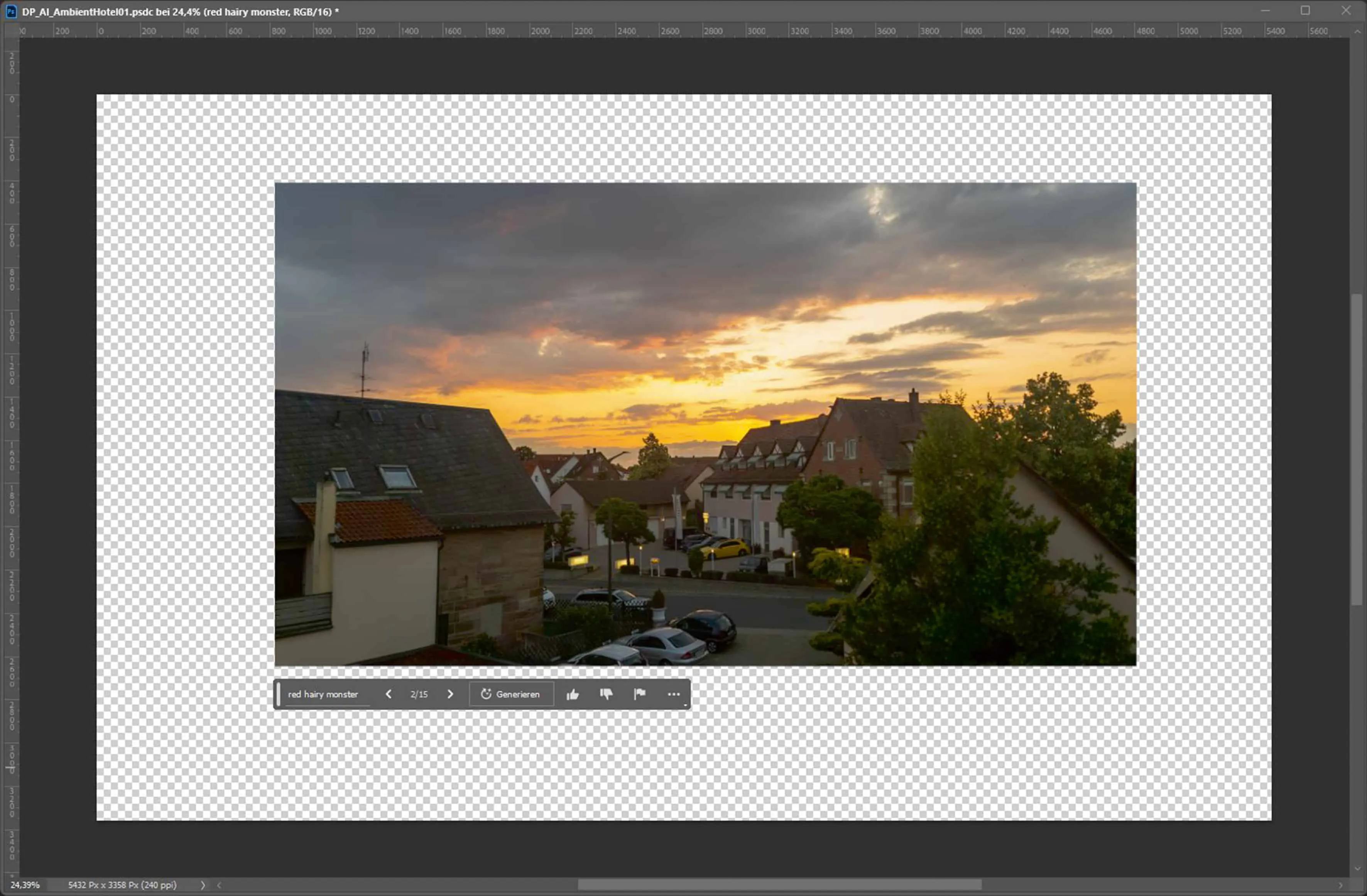
For the set extension after the four sides, I simply extended the workspace with the cropping tool and then created a selection in each case that contained a few pixels from the original image. As you can see, the AI then uses an empty prompt to generate mostly really suitable image parts that even take colour mood and shadows into account. However, the image parts to be expanded must not be too large, otherwise the generated image part will become muddy. As far as I know, the number of pixels generated is currently limited to 1024 × 1024 pixels. Anything larger than this is stretched. It is therefore advisable to generate larger extensions in stages. In the lower part, I used the “river with reflection” prompt to create a river in the image, on which I generated the same with the “boat” prompt, although this turned out a little too bright.
The other prompts “red table and seats” “red flowers” “plants” on the roof railing and “alligator” worked well. The “blonde girl” and “reflective solar panel” are also a little bright, but with a little reworking you can adjust them a little. Unfortunately, the number in the prompts doesn’t really work. I wanted to conjure up a large number of spaceships in the sky, but no matter whether I had “armada”, “fleet”, “many”, “100” or “millions of steampunk spaceships” in the prompt, there were always only a few and of course different variants each time.
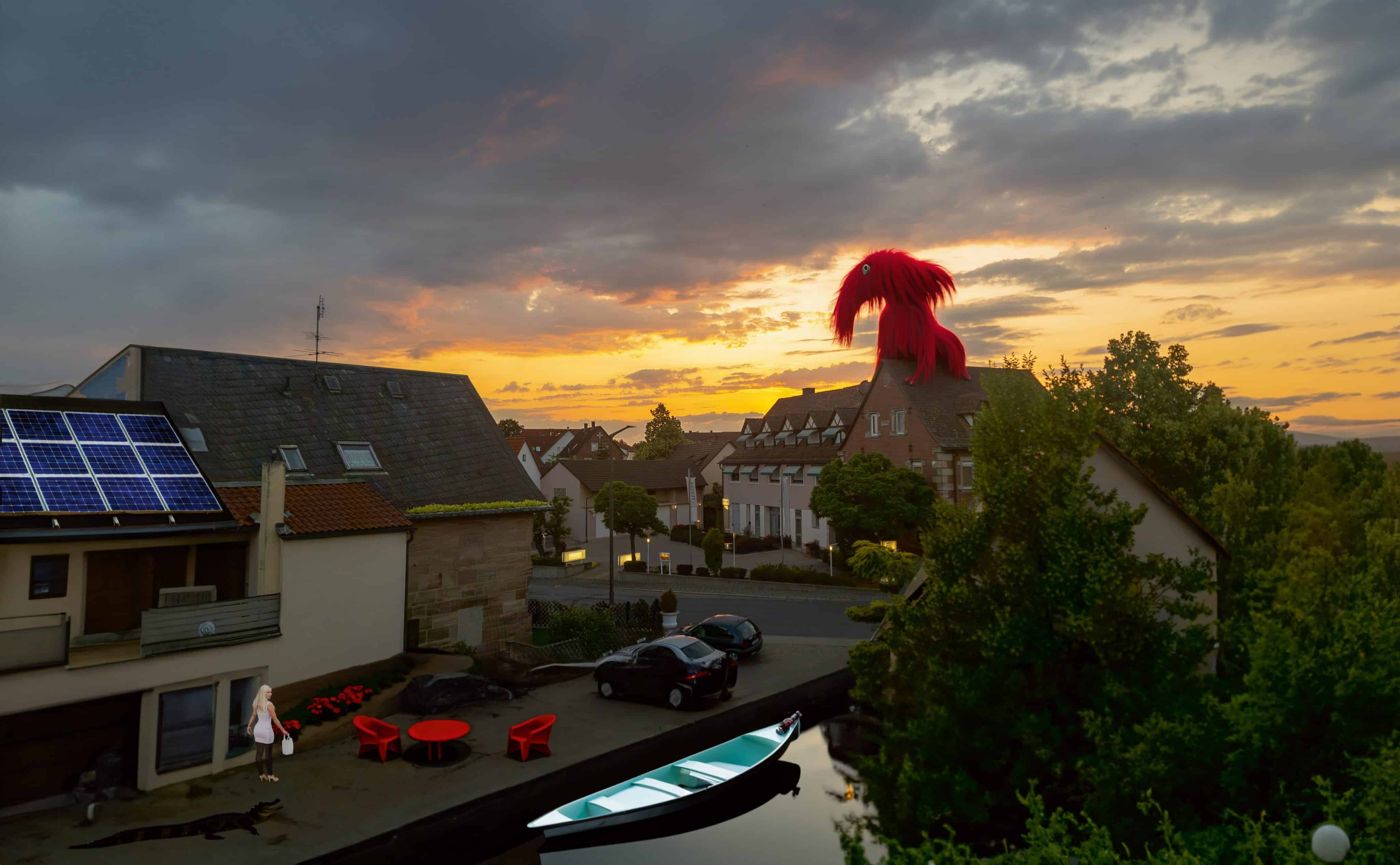
My favourite object, however, is the “red hairy monster” on the roof. Three versions are created for each generation and if they don’t fit, three new ones are created. You can also adjust the prompt a little each time and hope that it will eventually match what you had in mind. However, there are no guarantees. But as long as that’s the case, we creatives don’t need to worry too much about the AI taking our jobs, because it’s not possible to implement concrete specifications for real customer orders in this way. However, AI can be very helpful in finding ideas. Even the sometimes very strange excesses.
Equirectangular
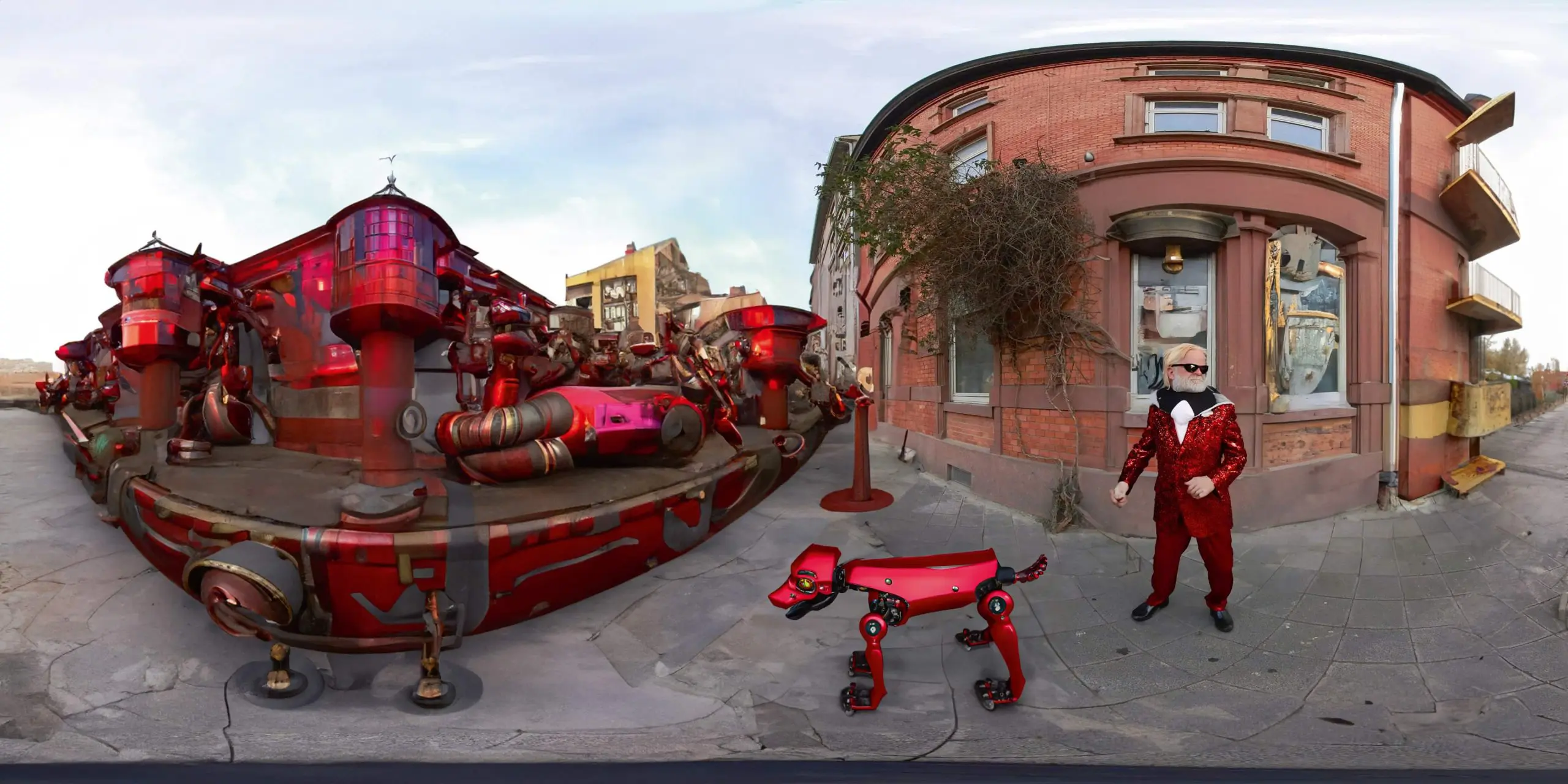
The AI seems to recognise the Equirectangular format in Photoshop, because my attempts to modify Böckstrasse in Jungbusch in Mannheim, where a historic building burnt down, also worked well directly in Photoshop. However, it should be noted that when saving as a JPG, Photoshop does not automatically set the flag by which Facebook, for example, recognises that it is a 360 degree image
Image. You have to select all layers and create a new panorama layer from the selected layers via the 3D menu. This must then be exported as a panorama using the same menu. Unfortunately, the panorama workflow in Photoshop is a bit slow. It is quicker to export the files saved as PSDs with Pano2VR via quick share, where you can also specify the initial perspective and the geo and meta data.
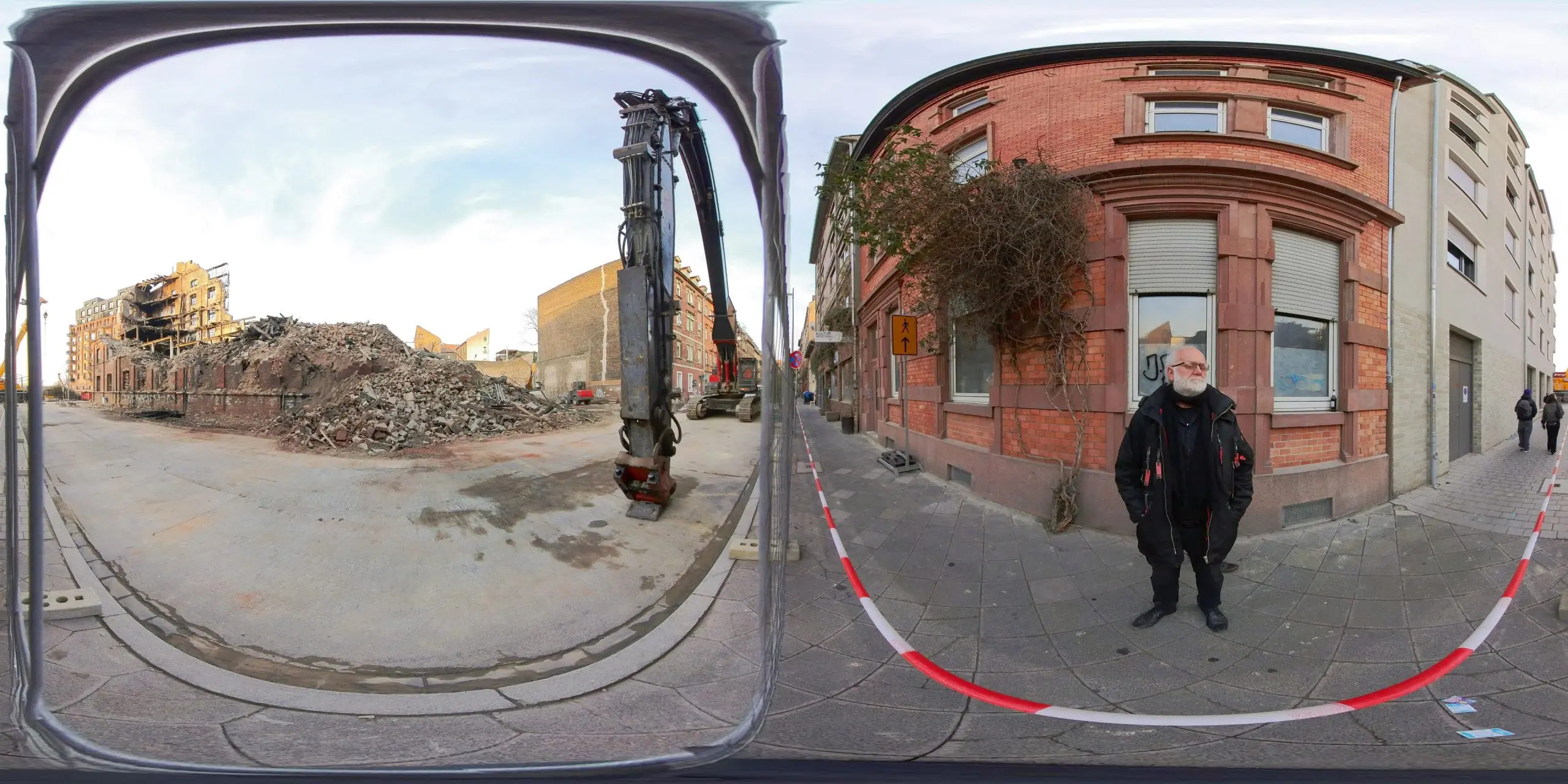
The removal of passers-by, bars, barriers, excavators and ruined buildings, as well as the modification of my outfit and my robot dog look pretty good in perspective. I even have hair on my head again. The only problem I still had was with my hands. Hopefully the city planners in Mannheim won’t take too much of an example from my building design.
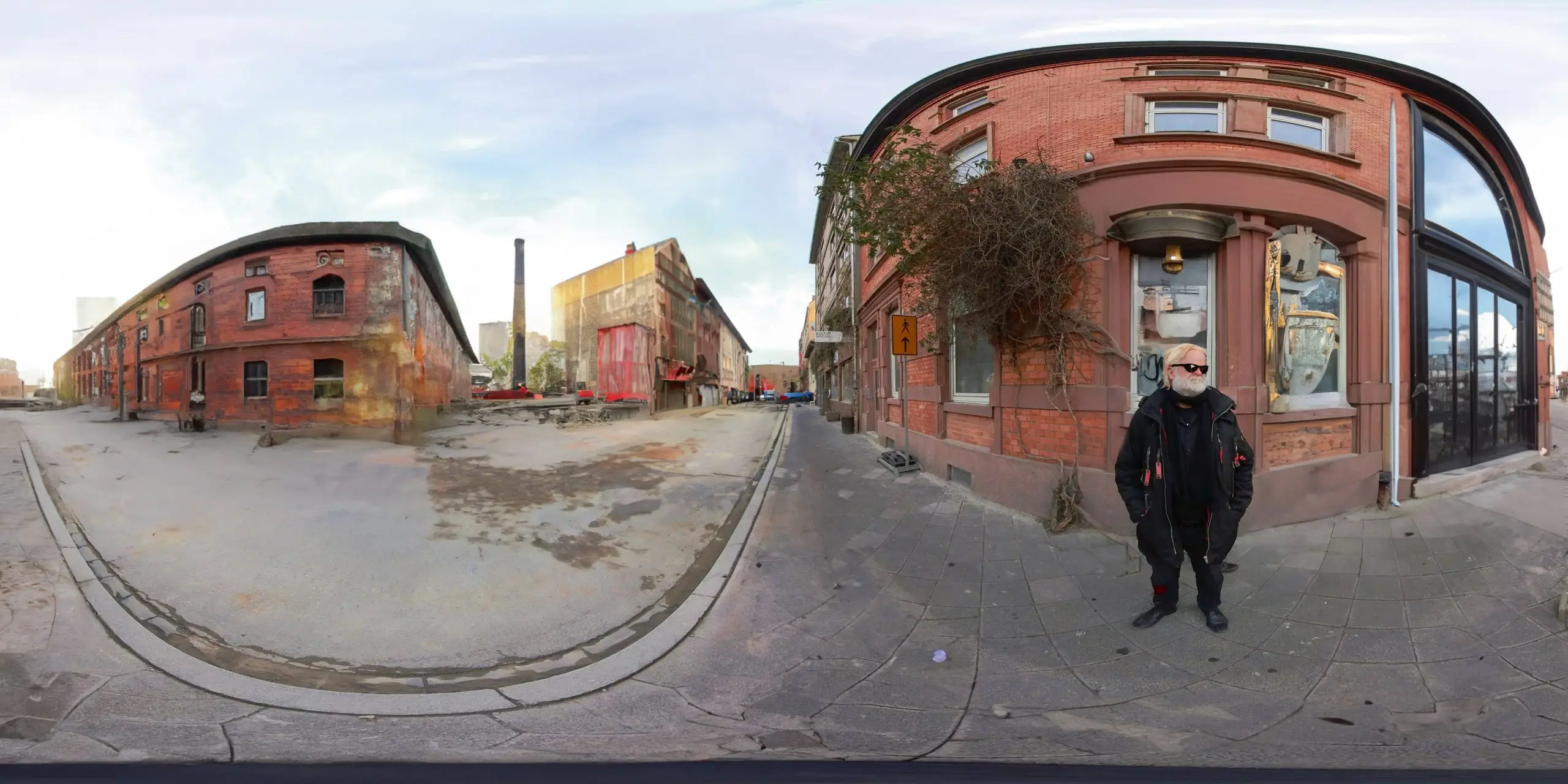
Of course, there is still plenty of room for optimising the workflow. For example, it would be more effective if a mask were also generated for the objects so that they could also be resized and repositioned. Because if you change the position of the selection, the generated background borders no longer fit and if you generate the same prompt, the result is often a completely different object. It would be good to be able to set the prompts here. It would also be nice if the prompts could be included in the layer names so that the objects can be assigned more easily.
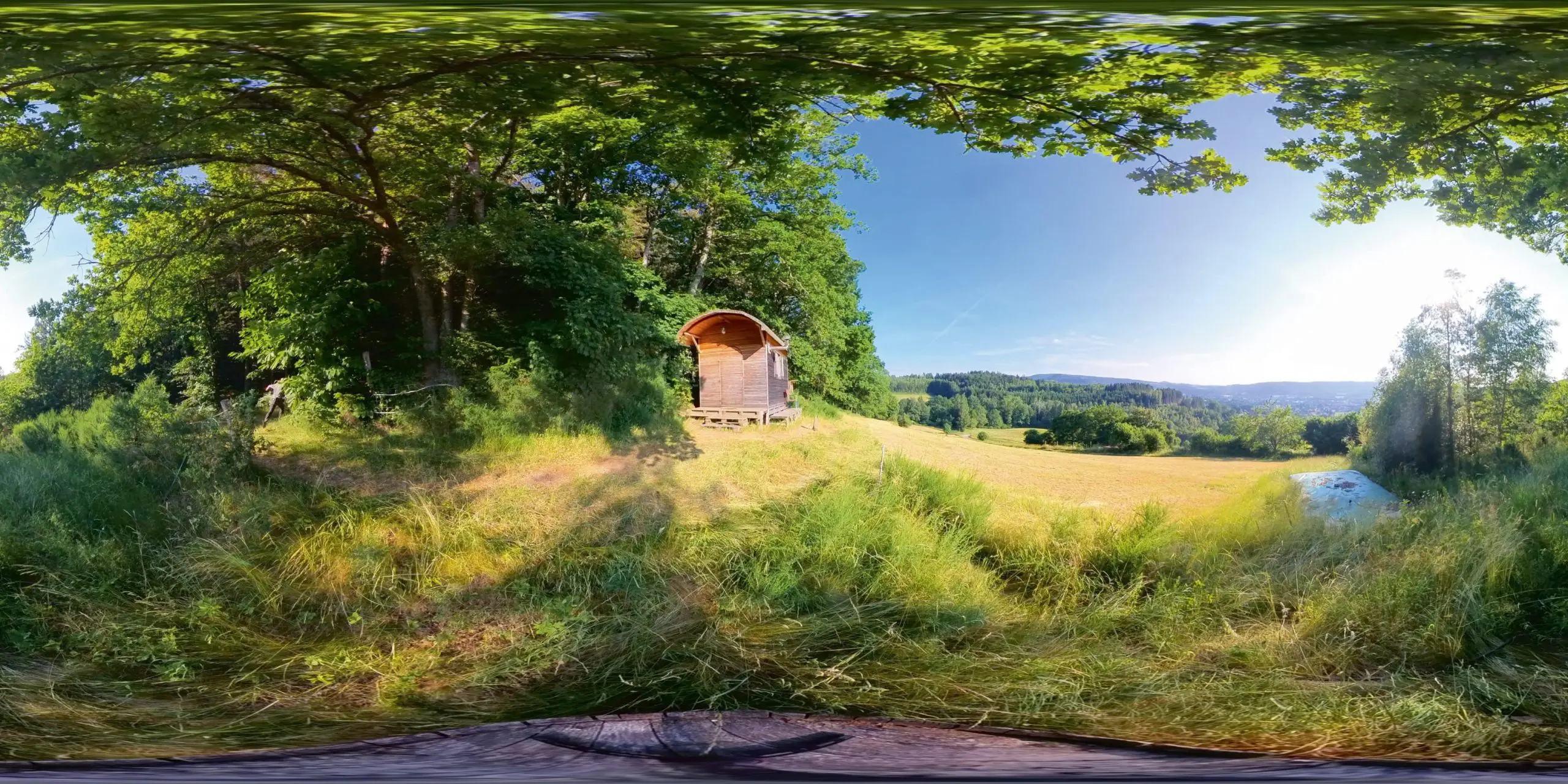
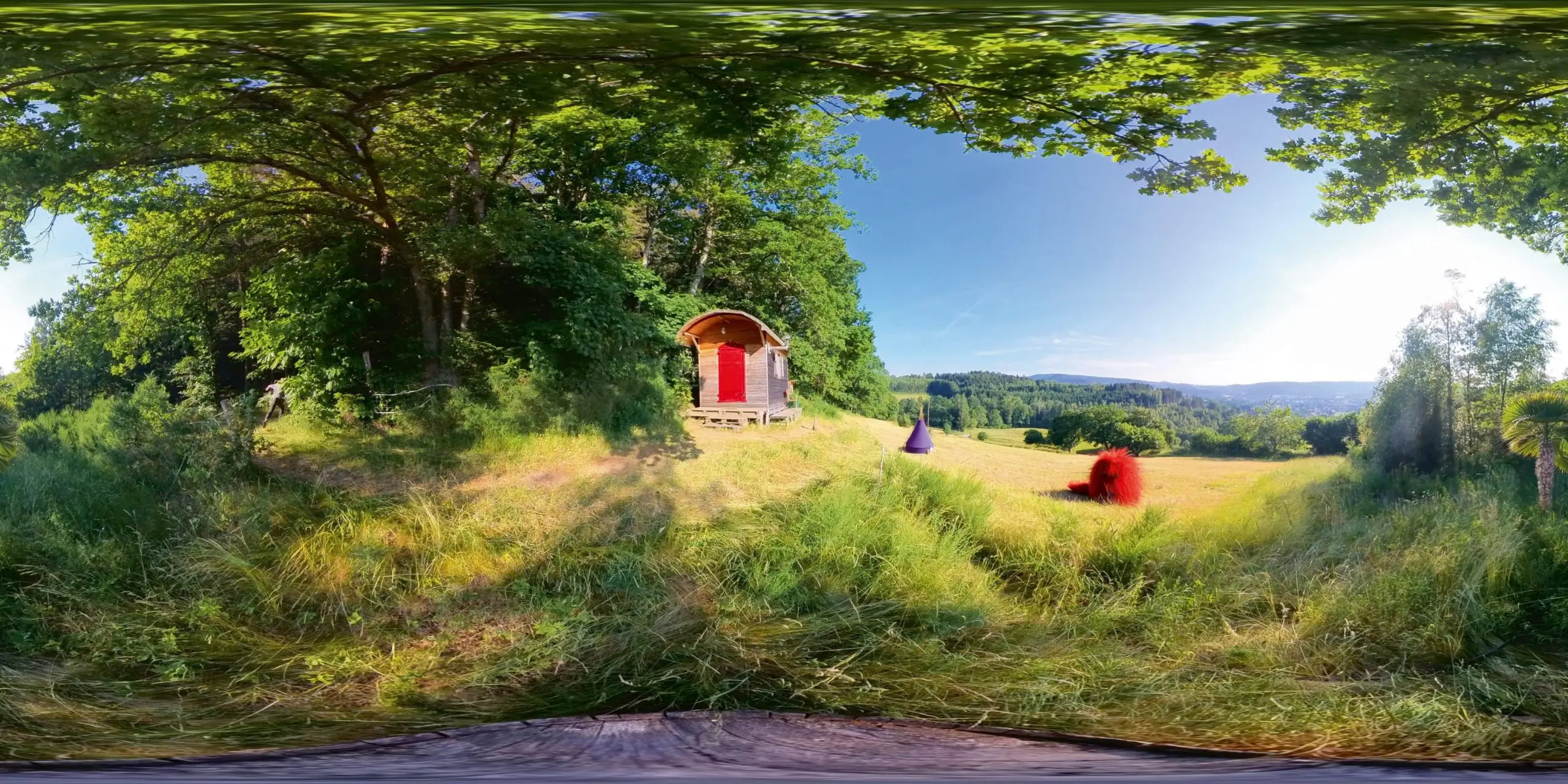
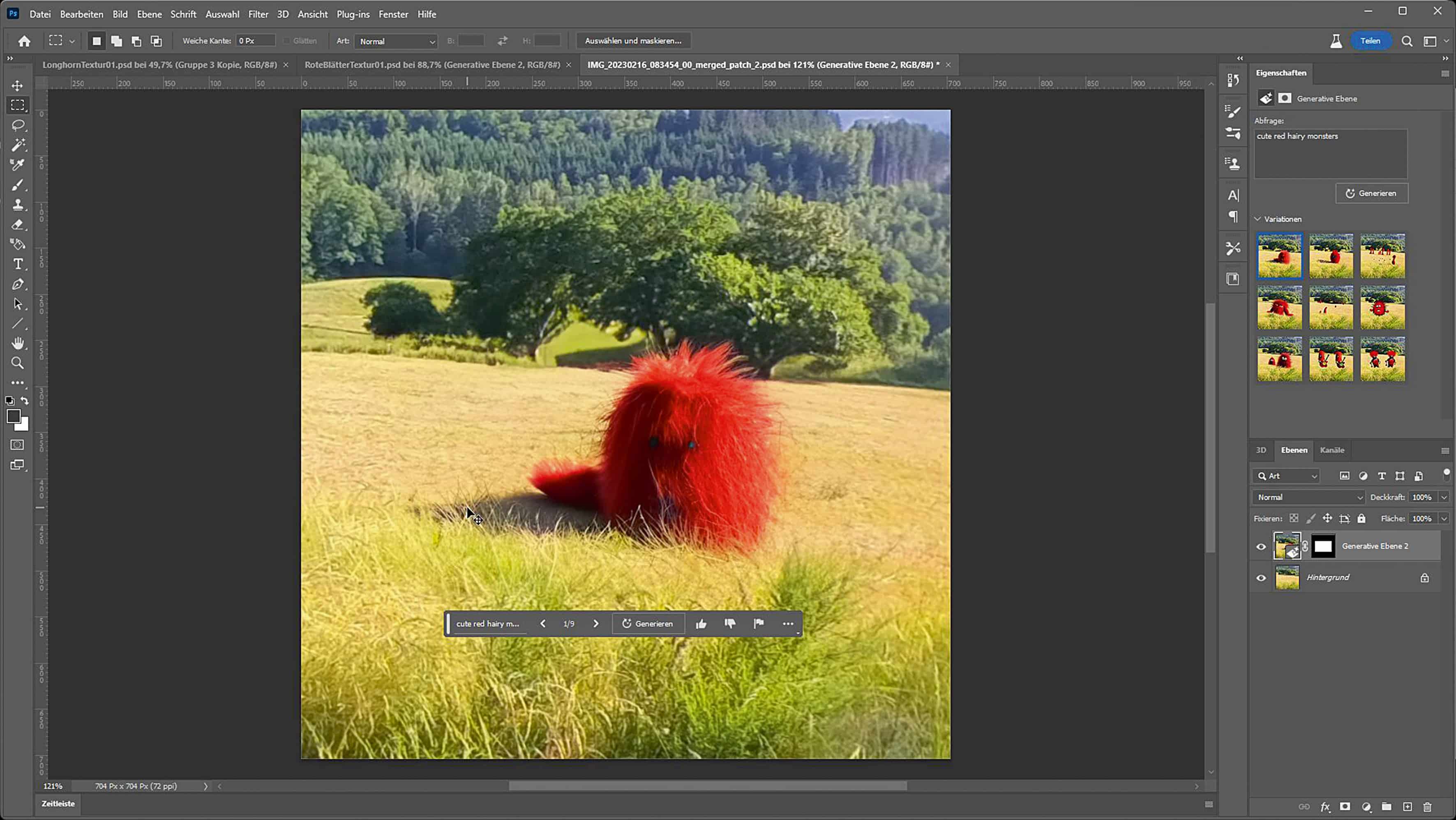
Vosges are better with red pixel!
Seamless textures with generative fill

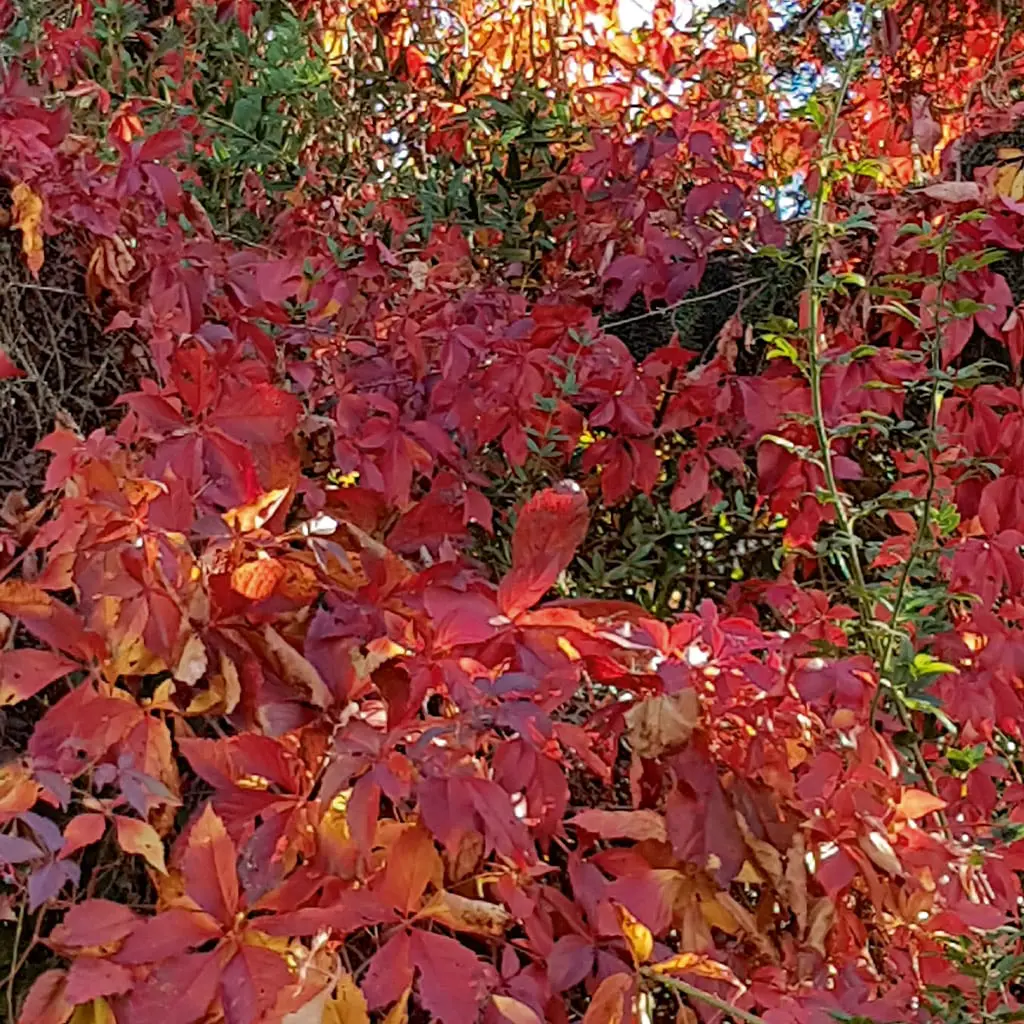
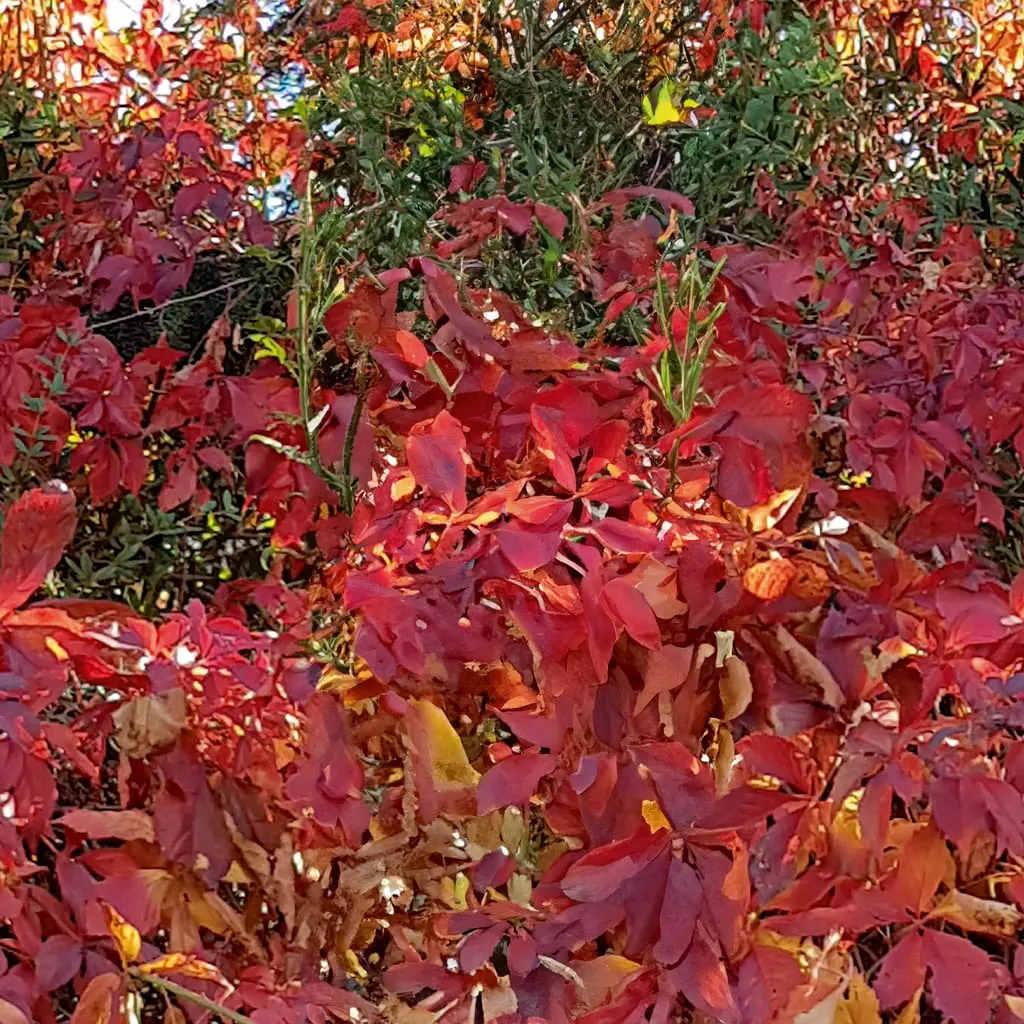
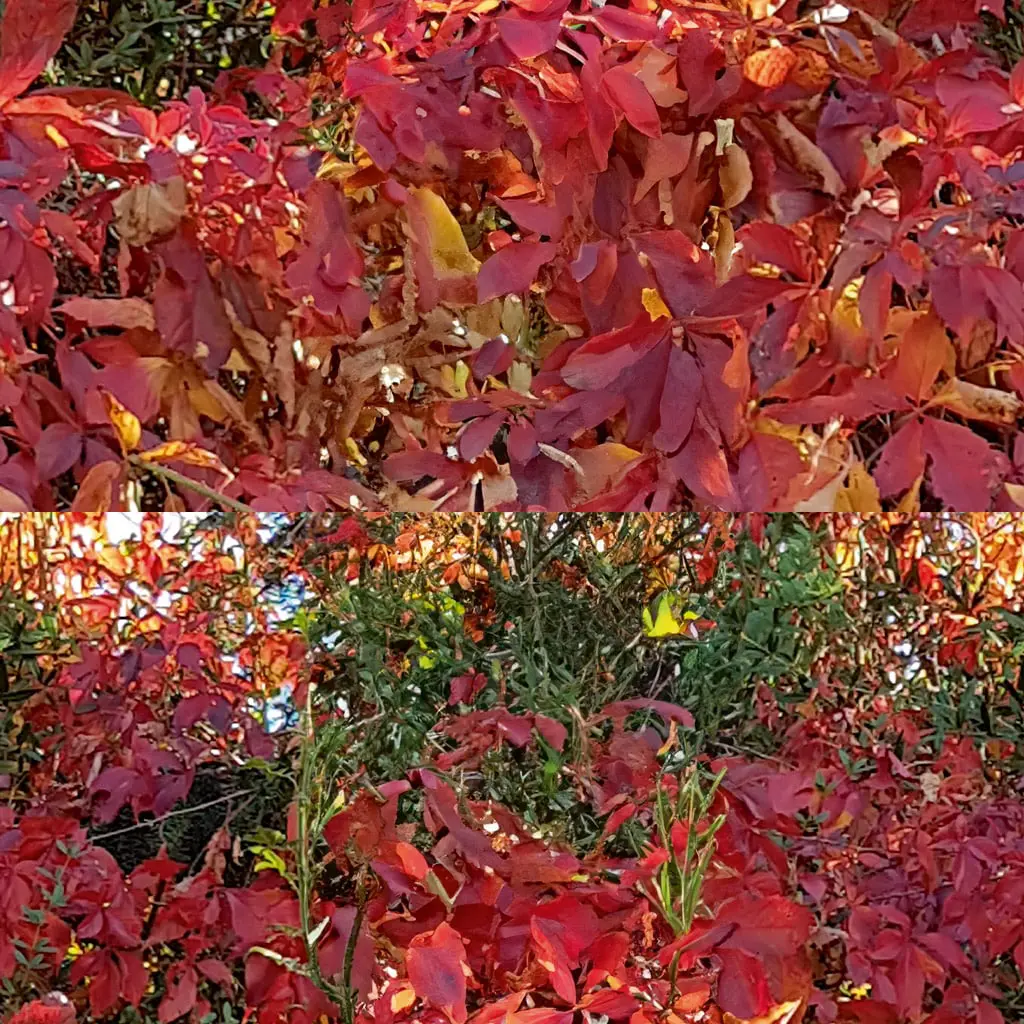
In this example, I have reduced a mobile phone image to 1024 × 1024. Then I used the Move effect to move the seam to the centre. Now simply draw a large rectangular selection around the seam and generate the content with an empty prompt. Then bake in the generated part and repeat the whole thing again with a horizontal shift. This method can also be used to create seamless ring panoramas from widescreen images, for example for enviroment maps in 3D programmes.


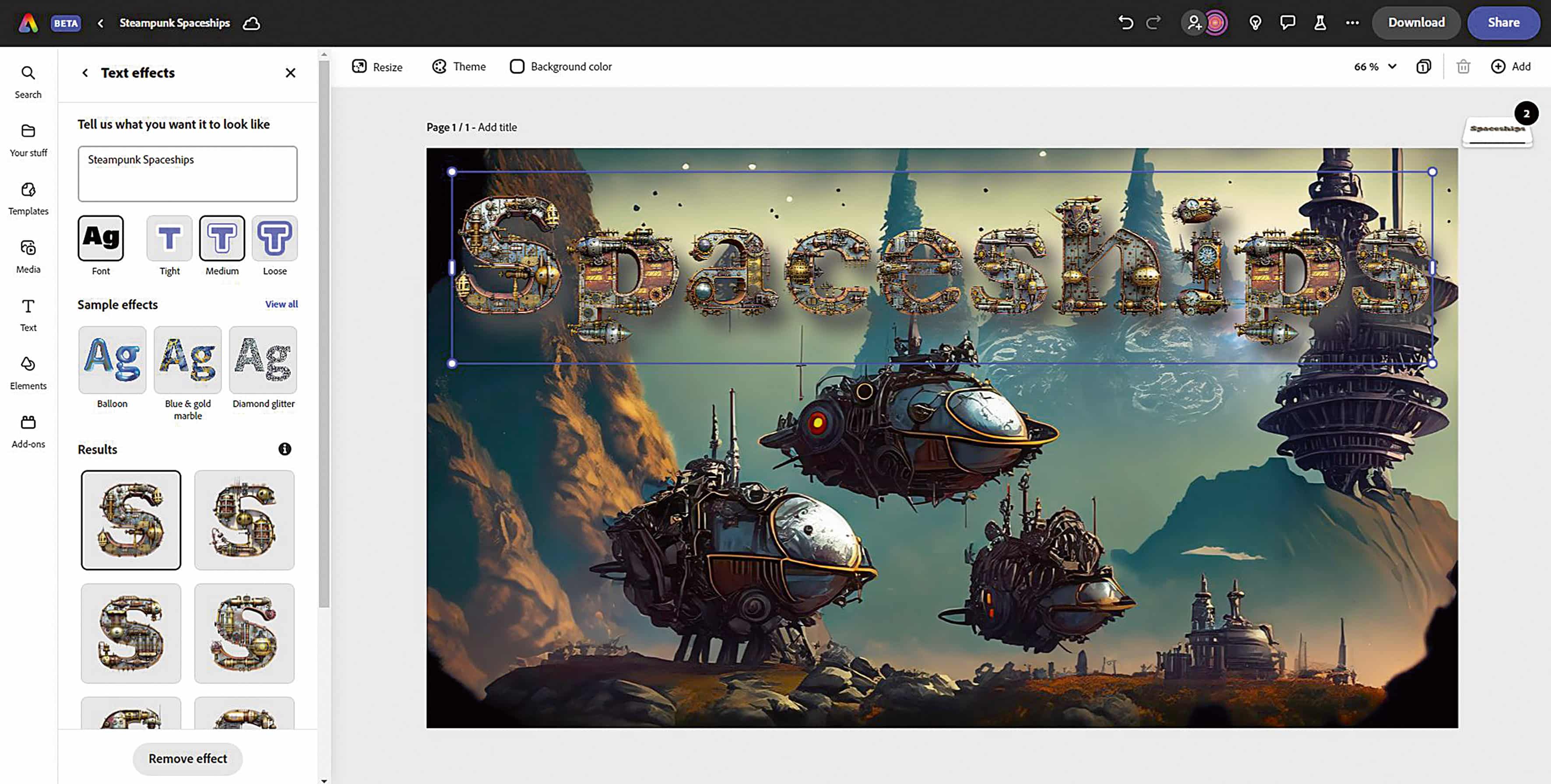
Adobe Express Beta
Some Firefly functions have also been integrated here. The advantage is that you can combine these with the other functions. This creates cool online image compositions for social media or even flyers and posters. The integration of animation, videos and external media has also been improved. This allows you to produce attractive moving trailers and motion graphics without having to use After Effects.
Conclusion
It is important to note what is stated in the Adobe Generative AI Beta user guidelines. While Generative AI features are in beta, all generated output is for personal use only and may not be used commercially
personal use only and may not be used commercially. It remains to be seen what the licence model will look like after the beta phase. Of course, we hope that it will simply become part of the Adobe Creative Cloud subscription for commercial use, as it was in the beta. The addictive factor should not be underestimated, because it’s fun to work with these new tools.
