



AEPowerPin
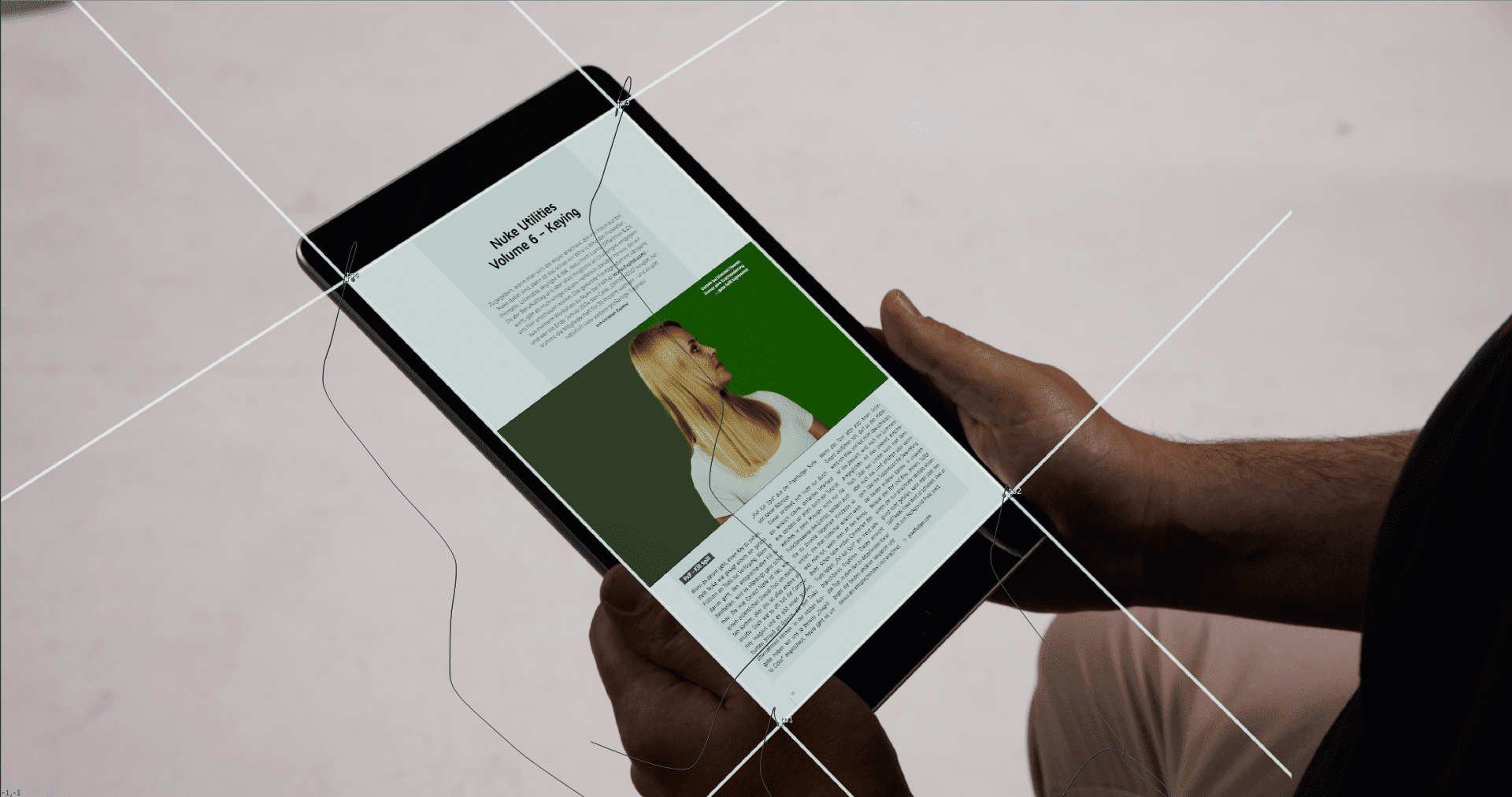
It would be so easy… Directors and clients could simply decide before the shoot what should be shown in the scene on the smartphone, monitor or iPad and then you could shoot it just like that. But because decisions are so difficult, the screen insert has become an integral part of our day-to-day work. And whether we use a point track, a planar track or Mocha Pro to get to the heart of the matter, we end up with a corner pin in Nuke. This is all very well as long as we don’t have to move or scale the content. In this case, we can get involved in the “artist versus perspective” battle, which is simply not fair with the four corners of the “From” tab of the corner pin node. Aitor Echeveste’s AE PowerPin provides a remedy here, as it not only offers decent perspective guides, but also the option of moving and scaling the content along these guides in the correct perspective. Especially nice: If you have already exported a corner pin with a correct track, for example from Mocha Pro, you can easily import the data from the corner pin node into the AE Power Pin with two clicks.
AETransform
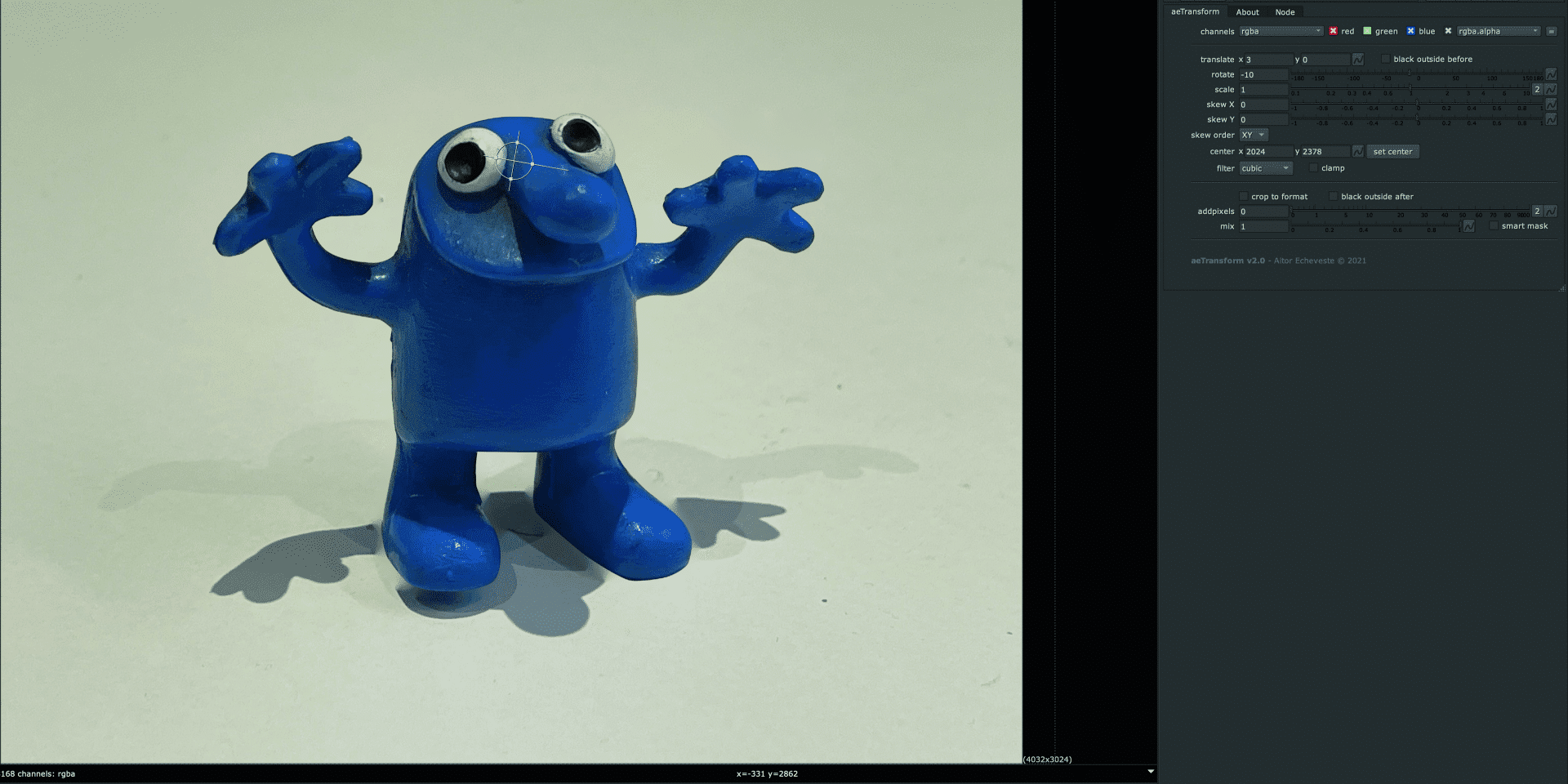
Our second tool also comes from Aitor Echeveste. The AETransform is a gizmo based on the STMap, which makes it extremely easy to distort image content. The STMap as a basis ensures that the script also remains nice and performant. As the name suggests, the controls are based on the classic Transform Node. Translate, Rotation Scale and Skew and, of course, a centre point are available. The area that is to be distorted accordingly is defined via a control mat. This opens up many possibilities, as the control mat can now also be animated. Of course, the possibilities are not quite as sophisticated as, for example, Nuke’s own Spline Warp, but you can find your way around much faster and reach your goal quickly.
bm_Camera_Shake
The last touch of realism is sometimes missing, especially at the end of large comps. When you’ve pulled out all the stops, from chromatic aberrations to perfectly matched grain, and the comp still isn’t where it should be, sometimes all you need is the subtle shake of a hand-held camera. Nuke has its own Camera Shake Node, but Ben McEwan offers a truly fantastic alternative with his Camera Shake. Instead of amplitudes, octaves and frequencies, Ben Nodes uses three terms that can also be used by the director, for example: jitter, shake and float. In addition – just like in real life – the centre point is also moved slightly, which provides more realism. In addition, different types of edge treatment can be selected in the tool itself, so that you don’t necessarily have to zoom in on the plate after the camera shake.

Transform Dissolve
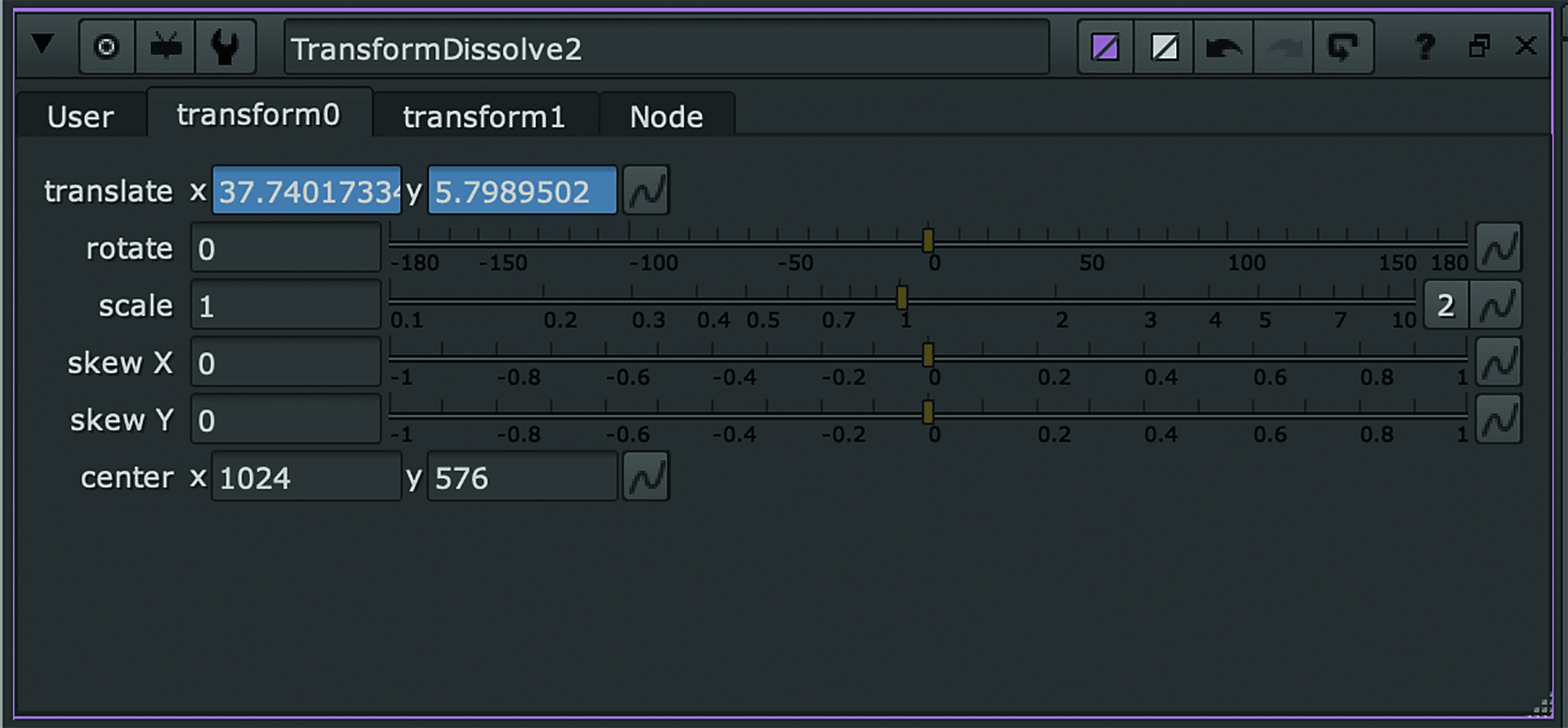
There are those of us who have always been good at maths, who have never had problems solving equations with two unknowns and who can simply write an expression for every little problem. For the rest of us, there’s Transform Dissolve. Frank Rueter’s tool does pretty much what you’d expect – it blends the keyframe data from two different inputs. However, as Nuke’s Node Graph is an image processing pipeline, the tool only has one input – the two transforms to be blended can be fed via two tabs within the node properties – drag and drop in the properties panel is a good option here. Of course, these can also be dynamic links, for example to trackers. And then you can fade back and forth between the two transforms as you wish. And regardless of whether you want to match two moving plates with each other, whether a long sequence could not be tracked in one or whether the editorial has made itself popular again with a few “invisible cuts”, there are certainly enough possible applications for this practical helper.
Morph Dissolve 1.1
When AVID introduced Fluid Morph to editors a few years ago in a surprising fit of innovation, you could have guessed what would happen. All of a sudden, dialogue pauses were cut out, the tiniest winks of the eye were removed and otherwise beautiful takes were pieced together. And the fluid morph was completely sufficient for the editing – “good enough for jazz”. But when it came to getting the whole thing ready for broadcast, or – heaven forbid – onto the big screen, the whole thing became a topic for the VFX department. And that could then escalate into quite elaborate comp arias. Thankfully, Erwan Leroy took on the subject and wrote his Morph Dissolve for Nuke. The principle is as simple as it is ingenious: two inputs that can be faded between with a control
can be faded between, except that morphing takes place between the two sources. You can choose between two underlying algorithms, the iDissolve and the Kronos. For the sake of completeness, it should be mentioned that the iDissolve unfortunately did not work in the last releases of Nuke, but Kronos continued to work perfectly. It is to be hoped that an update will soon make both variants available again. However, the possible uses of the tools do not end with classic fluid morphs. With pre-stabilised plates in particular, you can blend retouched plates together wonderfully, reconstruct shadows and much more.
