



X_Tesla
If you’re currently working on the next dystopian streaming series or just like to let it rip, you’ll love X Tesla by Xavier Martin. This beautiful gizmo generates a lightning bolt between two naturally animated points defined by the artist that would make Thor green with envy. In terms of adjustability, the tool is absolutely on a par with the competing product from a well-known plug-in manufacturer. Amplitude, number of spurs, frequency, glow, spread and much more can be customised, leaving nothing standing in the way of the next thunderstorm.
Grad Magic
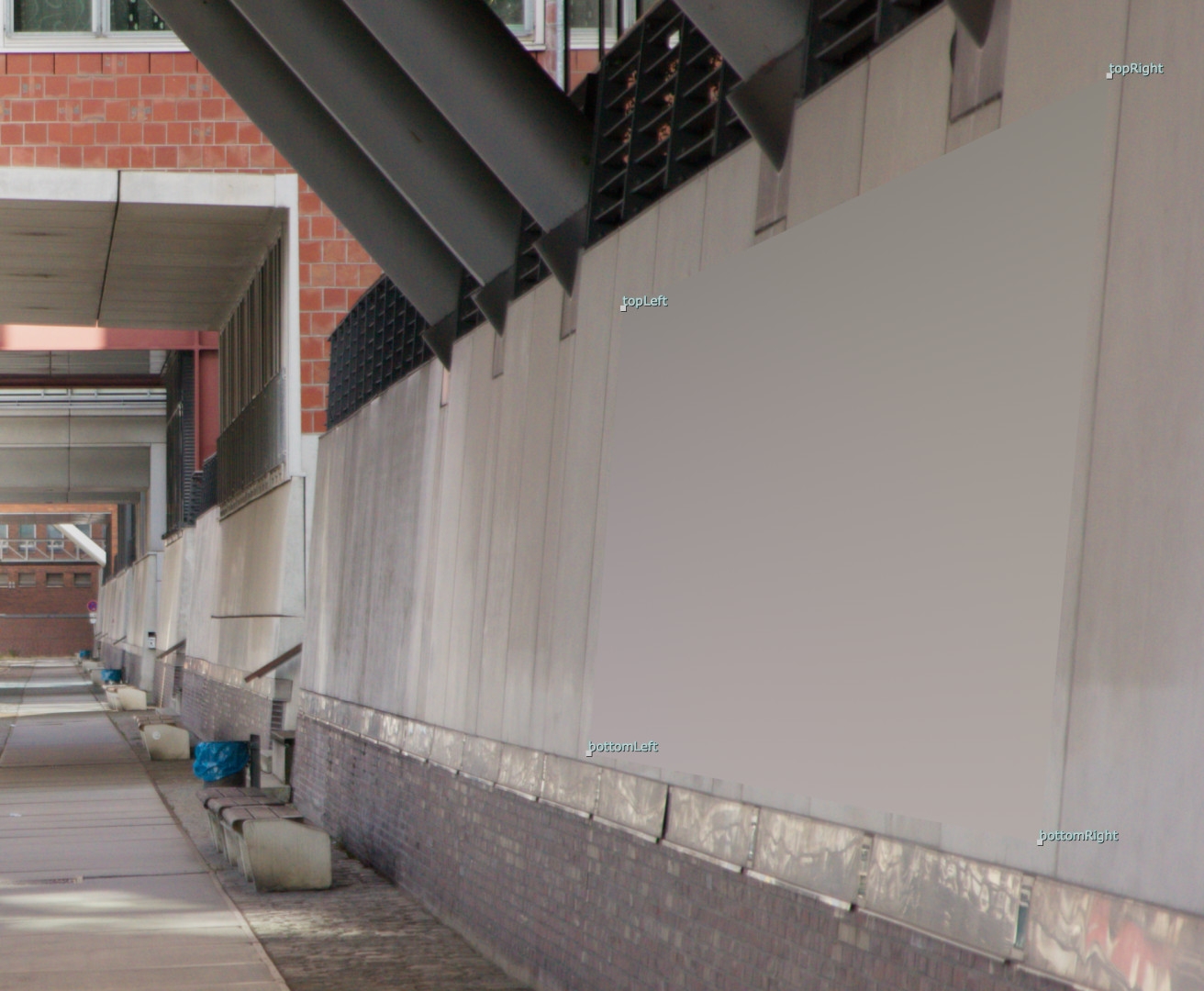
Next up is a real jack-of-all-trades – Grad Magic from Tony Lions. Grad stands for gradient. But anyone expecting just a colour gradient here is mistaken. When you open Grad Magic, you are immediately reminded of Nuke’s Corner Pin Node: four dots can be moved through the picture to sample colours at their respective positions. Grad Magic thus creates a colour gradient between these four points. The colour gradient then also includes any changes in light over the duration of the footage.
Of course you can also animate the four sampling points, but it gets even better: these can be linked directly to a corner pin node. This allows you to use a point or planar track to quickly generate a patch. For example, an annoying U-crane can quickly disappear when retouching paint. Both the colour sampling itself and the corner pin can be baked in the node or switched live again, which makes the whole thing very flexible. If you have the Nuke Survival Toolkit installed, you already have Grad Magic, otherwise it is also available separately on Nukepedia. As so often, Tony also has an excellent video tutorial(is.gd/tutorial_gradmagic) on his YouTube channel. is.gd/grad_magic
Caustics
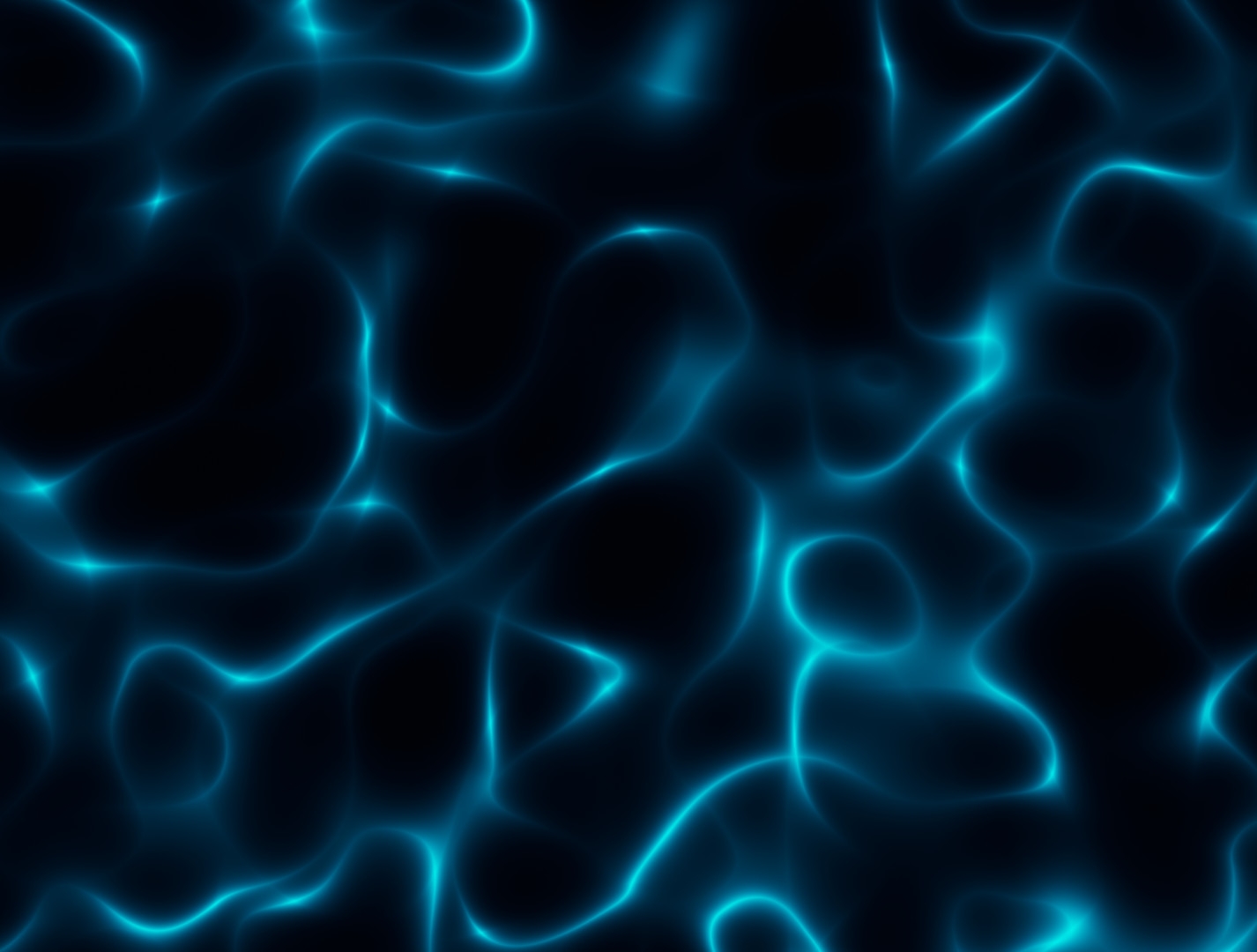
A very simple and at the same time very helpful tool is Caustics by Jason Bidwell. With just a few sliders, you can create wonderful water reflections and refractions. Size, distance, speed and aspect ratio can be adjusted as required. From there, it can help to enliven a matte painting, break up masks or control distortion – there are no limits to the imagination here. is.gd/caustics_jb
Colour Noise
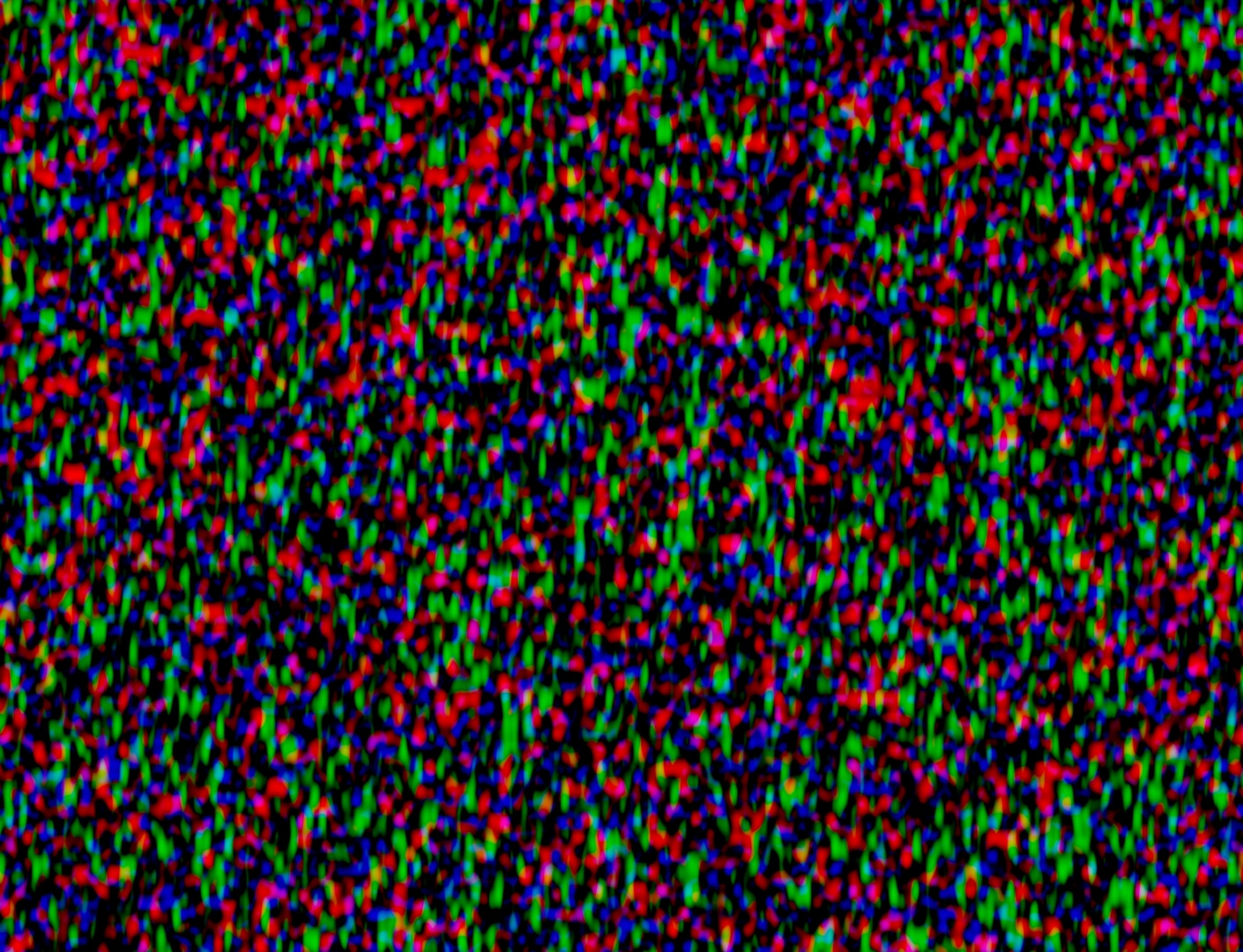
If you don’t just want to break up your alpha a little organically, but perhaps also want to imitate an old tube TV or just want to go psychedelic, you’ll find a noise here in which all three colour channels can be set completely freely. Ozgur Taparli’s tool offers separate X and Y scalings for each channel as well as a parameter for distributing the noise. is.gd/colour_noise
Flare Factory 4.0
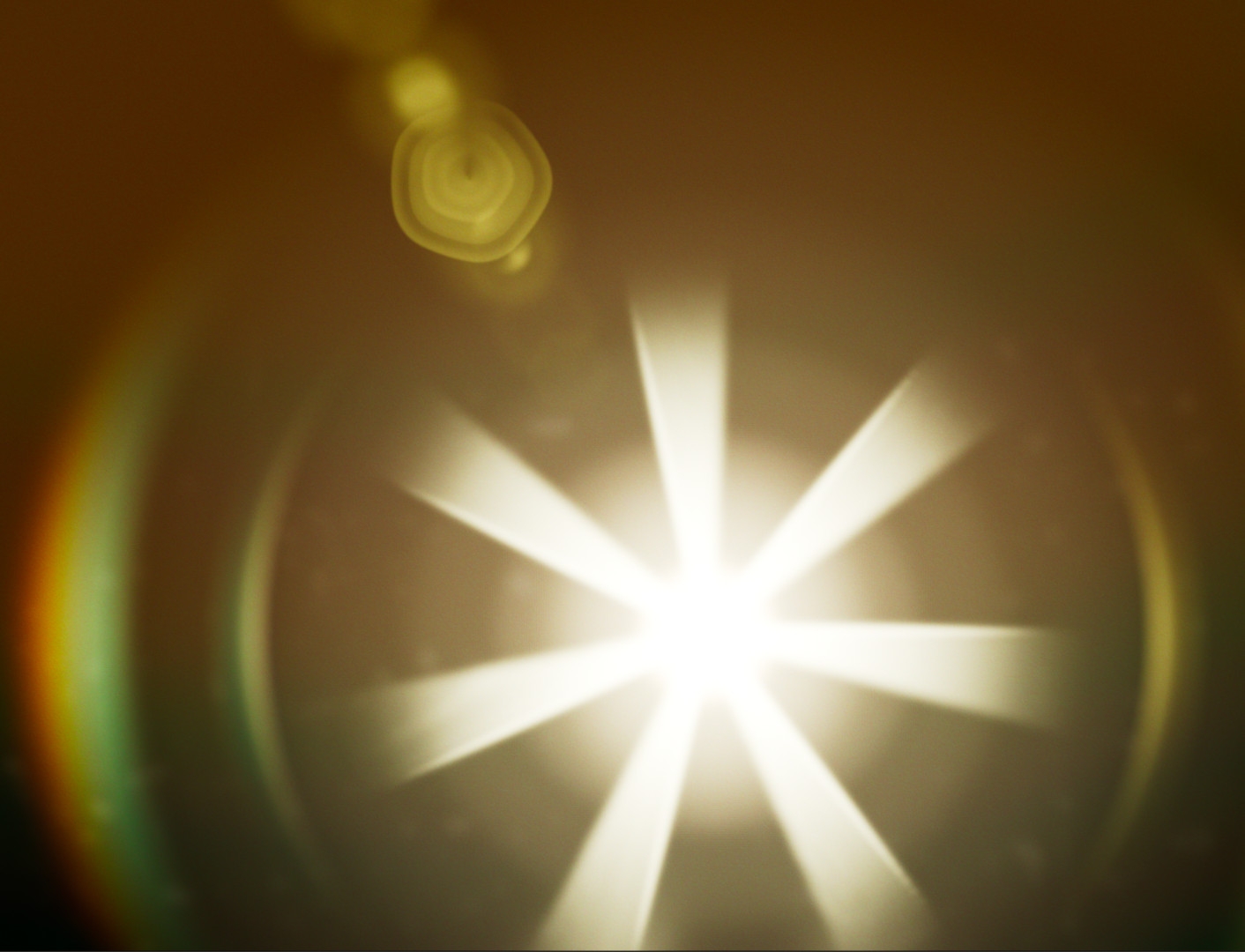
Lens flares have been a blessing and a curse ever since JJ Abrams’ foray into the Star Trek universe. If they are unwanted in the picture, they make the artist’s life hell. If you want them in, you can spend hours or even days recreating the correct lens flares. The bench mark for this has always been Optical Flares for Nuke from Video Copilot, but if you needed something quicker, Sapphire from Boris FX could also help. The only time you looked really stupid was when there was neither one nor the other, because the lens flare tools that Nuke comes with out of the box make you despair pretty quickly.
Fortunately, Doug Hogan’s Flare Factory offers a remedy. With twelve presets ranging from Blue Panavision to Cylon Warning, the tool offers great starting points, which can then be further refined using five different tabs. Even the lens flare can be adjusted, and rings and chromatic aberrations can also be customised. However, the Flare Factory is purely a generator; external textures cannot be added. It is also not possible to save your own presets within the tool. But if you are looking for a free way to generate a high-quality lens flare in a short space of time and don’t need to recreate a specific lens exactly, you will find a solid tool here. is.gd/flare_factory
Iris – A Procedural Bokeh Generator
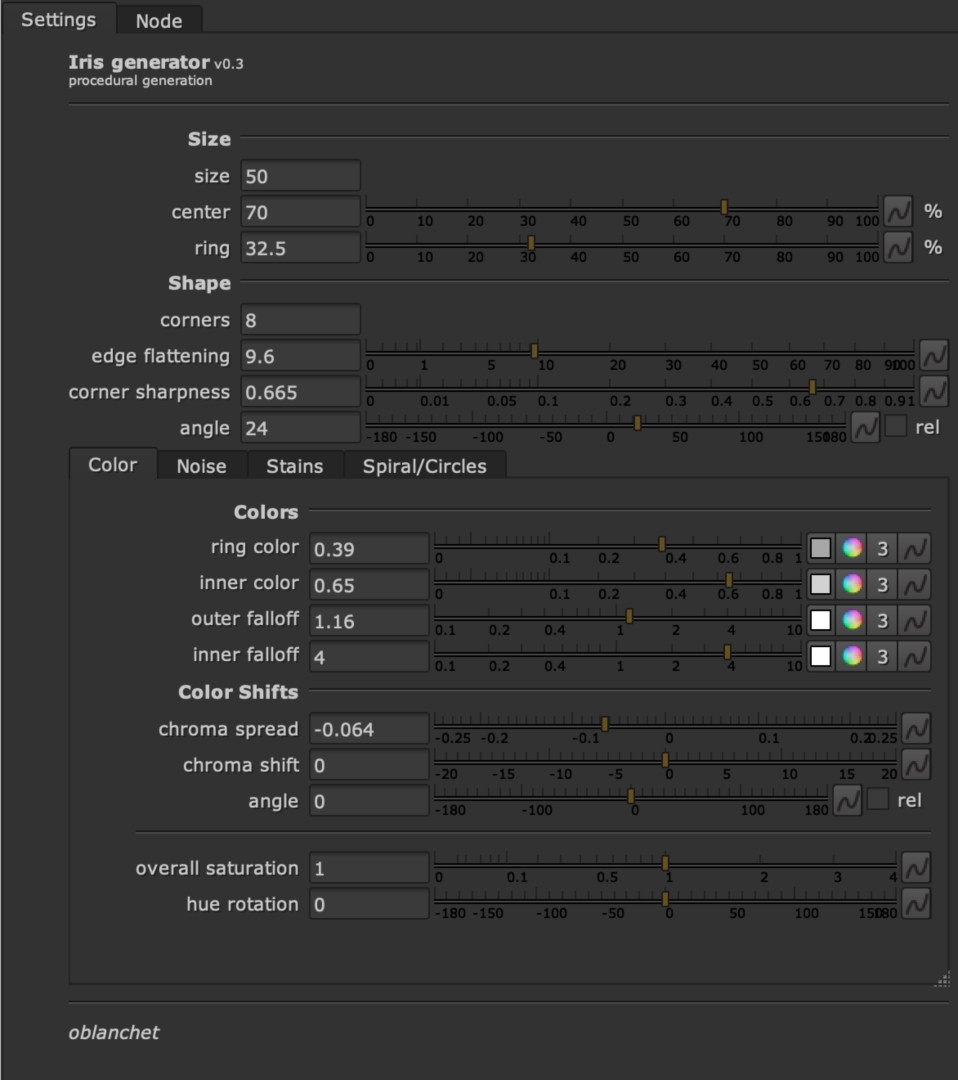
Since Nuke 14, Nuke artists have had access to the wonderful and much appreciated PG Bokeh, which also allows the feeding of external images as a kernel for the lens used. Anyone who doesn’t have a well-maintained database of lens kernels will be delighted with Iris. Olivier Blanchet has created a completely procedural kernel generator with which all kinds of kernels can be generated. From circular to star-shaped, with lens dirt and colour shifts, everything is possible here. And, of course, it can also be used to make beautiful glares, flares and glints a little prettier. is.gd/iris_bokeh
T_Steel Wool
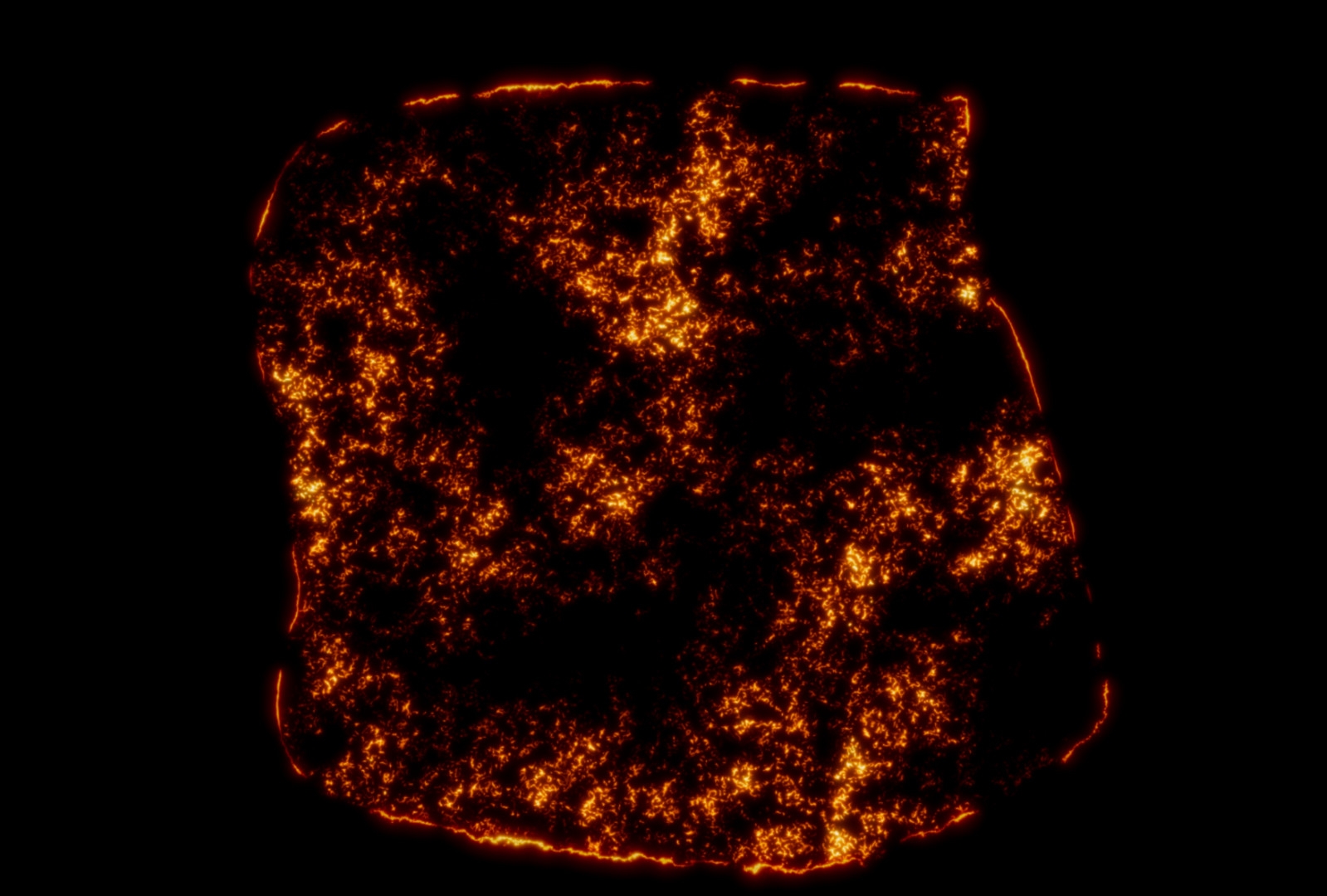
Anyone who has studied the pyrotechnic effects of the eighties and nineties will realise that burning steel wool played a decisive role in the destruction of various spaceships and all kinds of other effects. Petar Tsonev’s tool simulates this look wonderfully. An external Roto Shape is used to define the area of the image where it should burn. Thanks to the Roto, the typical burning or glowing edge can then also be displayed. Within the shape, we then see small centres of fire, and the progress of the destruction can of course be adjusted down to the last detail using various sliders. And just like the practical effects from the “good old days”, this can then be used as the basis for all kinds of other effects. is.gd/steelwool
