Learn the Blender-to-Resolve workflow with a new course by Gleb Alexandrov. Available as a “pay-what-you-want” option, this tutorial helps you integrate Blender and DaVinci Resolve.
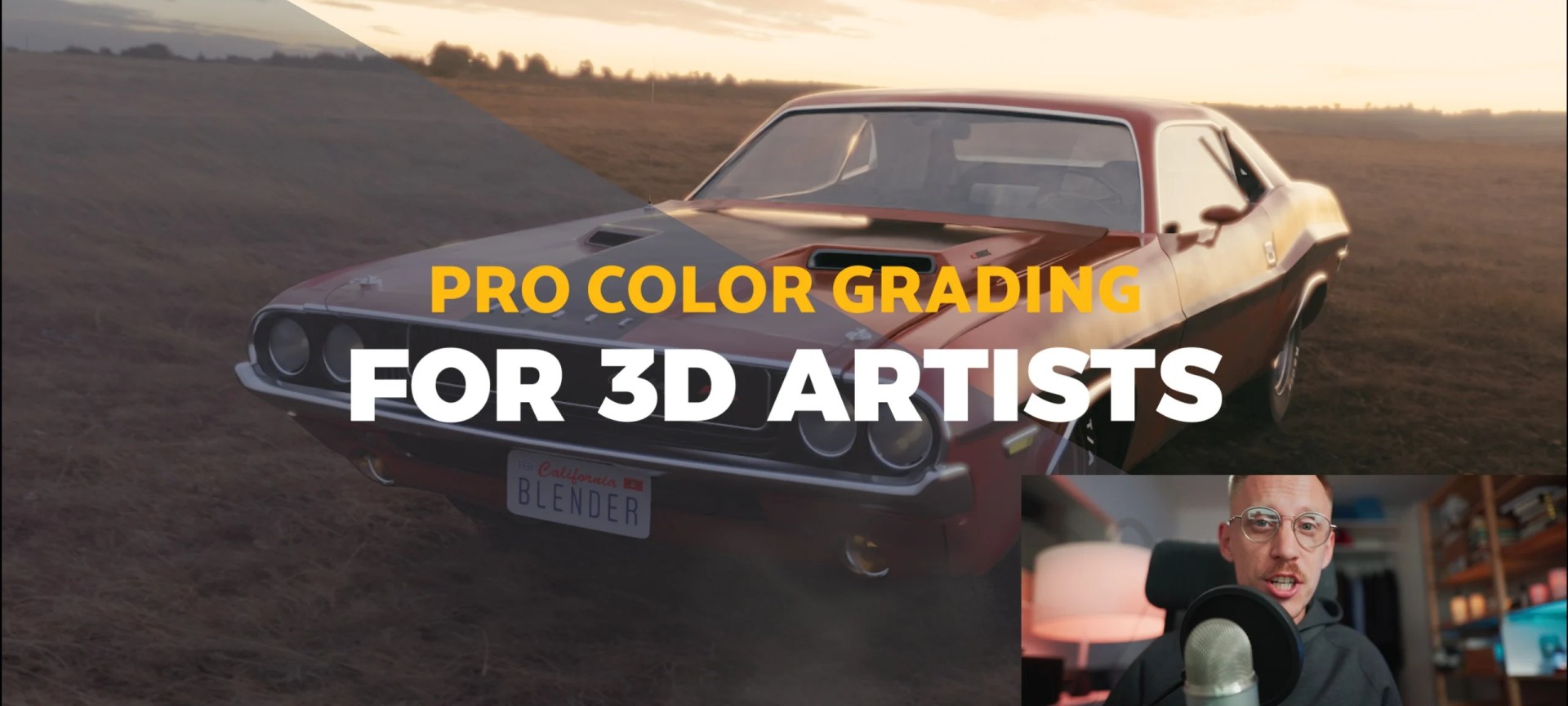
Gleb Alexandrov, known for his high-quality tutorials, has released a new course covering the full Blender-to-Resolve pipeline. Aimed at artists working across 3D and post-production, the course provides step-by-step guidance on how to streamline workflows between Blender and DaVinci Resolve. The course covers everything from exporting 3D models and animations to color grading, compositing, and final editing.
The course focuses on key challenges that often arise when moving from Blender to DaVinci Resolve. You’ll learn how to properly export animated scenes, handle camera tracking, and ensure that your 3D models integrate seamlessly into DaVinci Resolve’s editing and compositing environments. Gleb explains best practices for avoiding common technical issues like file compatibility and animation glitches, which often plague artists trying to combine 3D assets with post-production software.
Throughout the course, Gleb uses practical examples, walking you through real-world projects to show how to optimize your workflow. His easy-to-follow style is particularly valuable for users who need precise technical instruction without overcomplication. Each lesson builds on the previous one, ensuring that by the end of the course, you’ll have a comprehensive understanding of how to bridge Blender and Resolve.
Pricing and Availability
The Blender-to-Resolve Workflow Course is available on a “pay-what-you-want” basis via Gumroad. This model allows you to contribute any amount you feel is appropriate, making it accessible for artists of all levels. You can access the course through this link.
For additional information and to access the full course, visit Gleb Alexandrov’s Creative Shrimp page.