



Transitioning assets from Blender to Unreal Engine 5 can often feel like trying to fit a square peg into a round hole. Enter Scott Rafferty’s Python script, BlenderCollection2Empty, designed to smooth out these workflow wrinkles.
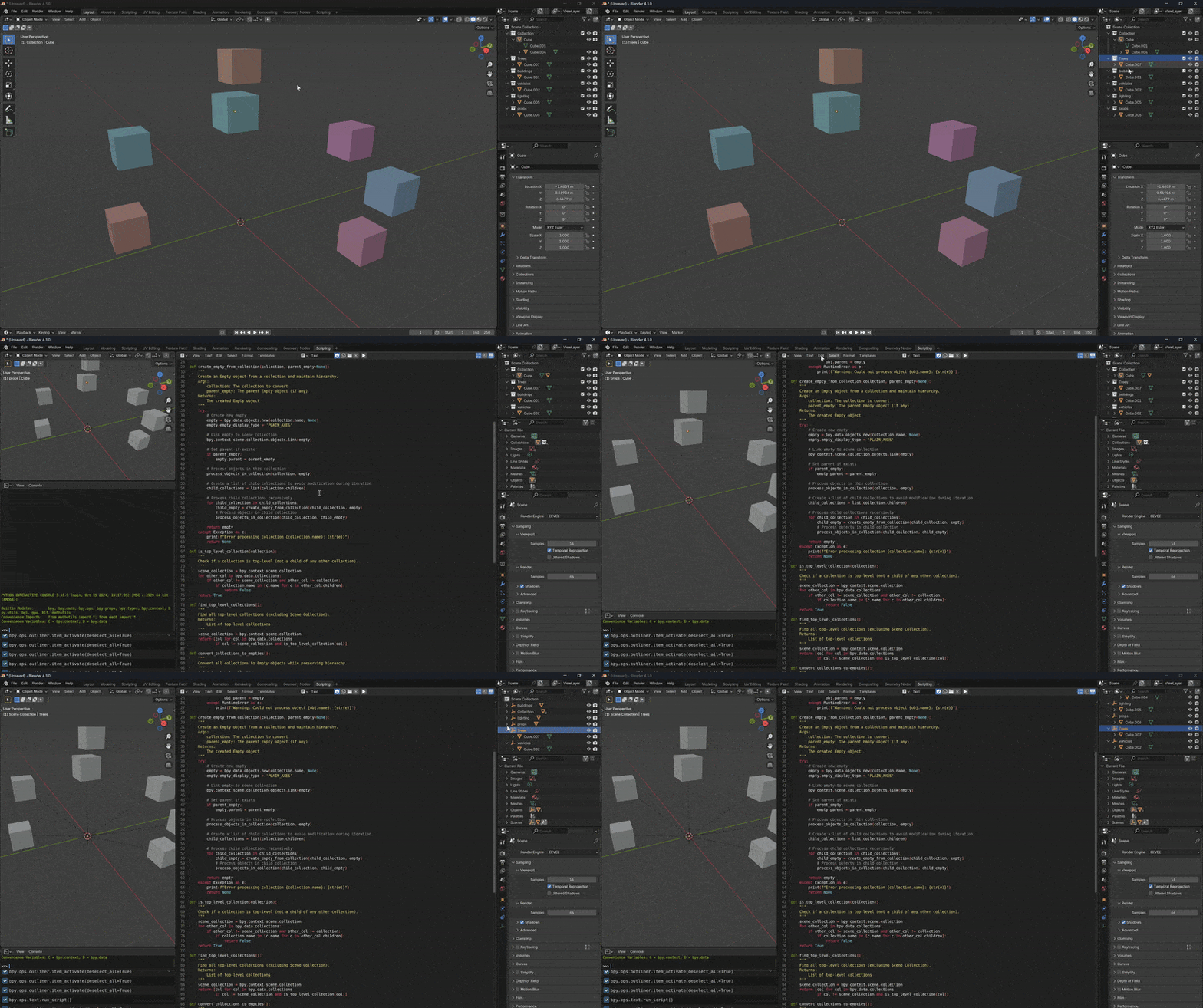
Automated Collection Conversion
Traditionally, converting Blender collections into empties required manual effort, akin to herding cats. BlenderCollection2Empty automates this process: it parents all objects within a Blender collection to a newly generated empty. This ensures that complete hierarchies, child objects, and naming conventions are preserved, turning a tedious task into a one-click solution.
Enhanced Usability
Recognizing that convenience is king, Rafferty has updated BlenderCollection2Empty by integrating it into Blender’s sidebar. This enhancement makes the conversion process even more accessible, allowing artists to execute conversions without navigating through multiple menus.
Availability and Further Information
BlenderCollection2Empty is available for download on GitHub. For those interested in exploring more of Scott Rafferty’s projects, including MaterialVault, additional information can be found through these links.
