



The latest release of Plasticity, affectionately dubbed “CAD for Artists” has arrived with version 25.1, bringing a host of features designed to make your modeling experience as smooth as a perfectly beveled edge.
New Commands: CV Sliding and Section Analysis
Plasticity 25.1 introduces two new commands to its toolkit. The CV Sliding on Curves and Solids command allows for precise adjustments during modeling, ensuring your creations are as accurate as your morning coffee’s pour. Meanwhile, the Section Analysis feature enables users to slice through their 3D models, revealing internal structures without the mess—think of it as a virtual autopsy for your designs.
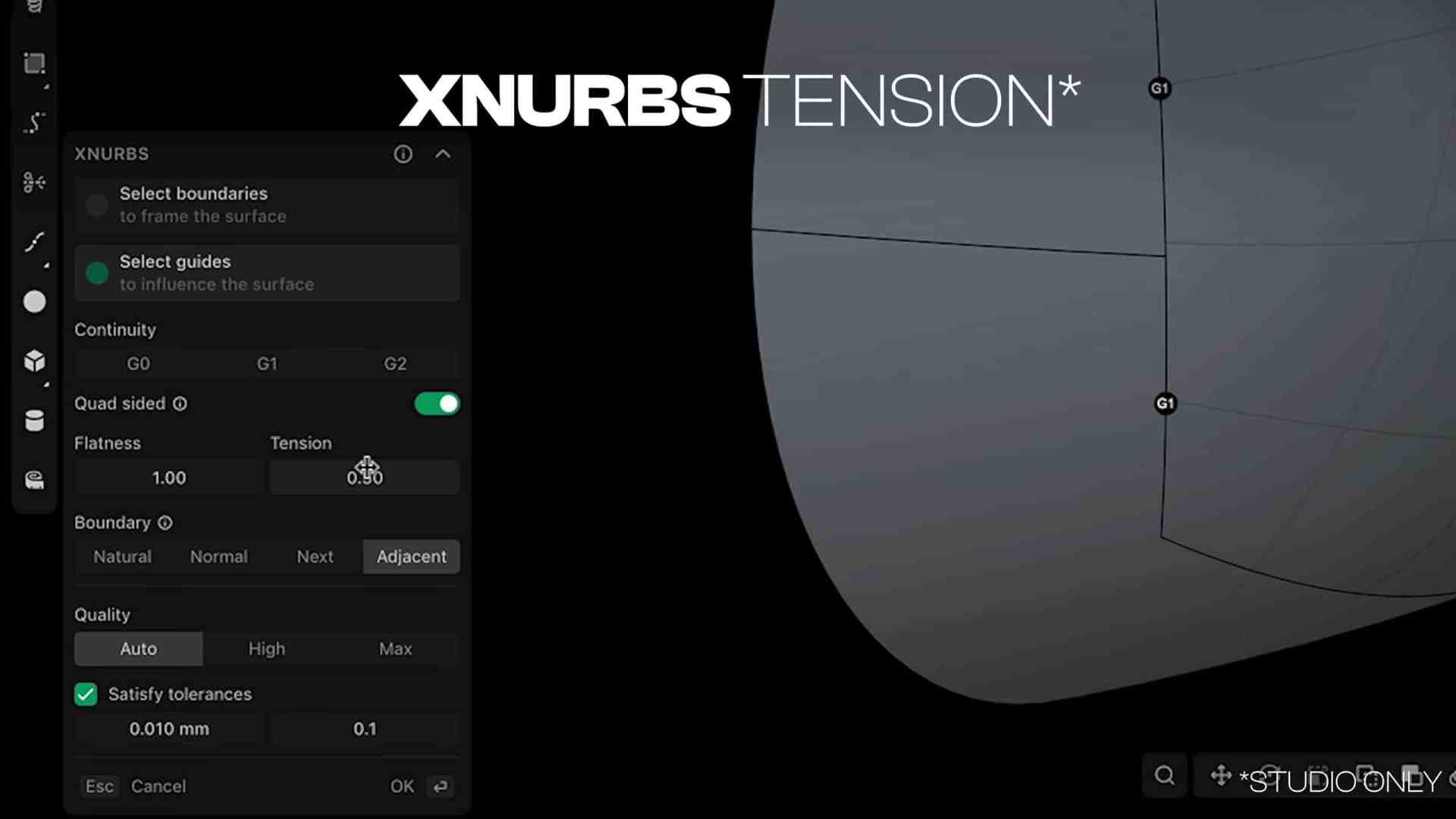
Modeling Enhancements: Square Command and xNURBS Additions
The update doesn’t stop there. Enhancements to the Square Command and other features have been implemented, along with two new xNURBS additions. These include the use of adjacent trimmed edges for smoother transitions and the ability to adjust surface curvature tension, akin to tools found in Lofting and Bridging workflows. It’s like giving your model a spa day, smoothing out all those rough edges.
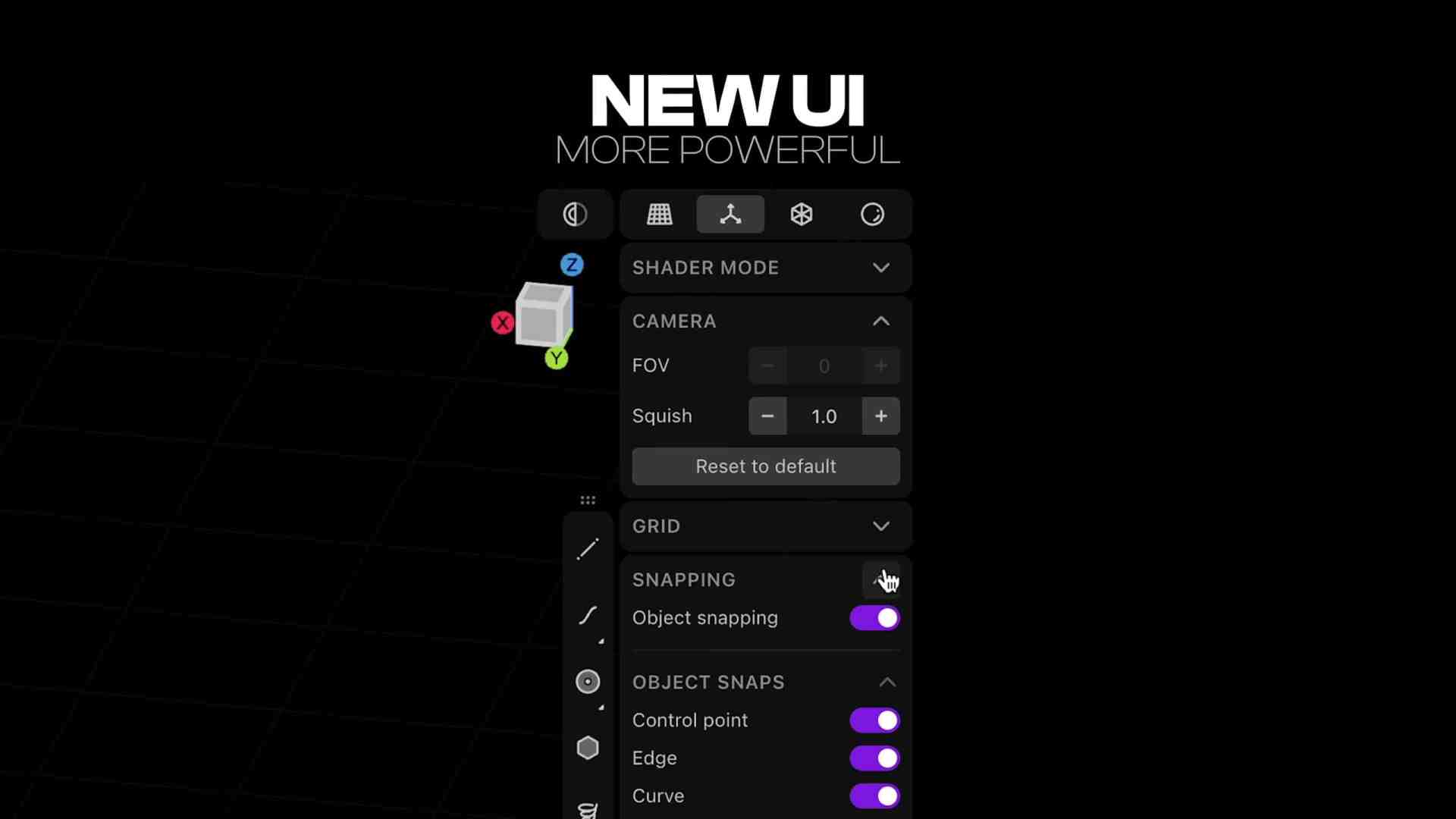
UI Overhaul: A Modern Makeover
In an effort to keep things fresh, Plasticity 25.1 boasts a modern, streamlined user interface. While preserving key functional elements from previous versions, features are now more intuitively organized and come with new icons to improve usability and workflow efficiency. It’s like rearranging your workspace—if your workspace also got a sleek new paint job.
For a detailed breakdown of all the changes, you can peruse the release notes here.
As with any new tool or feature, it’s advisable to thoroughly test these innovations before integrating them into your current projects. After all, even the most promising updates can have unexpected quirks.
For more information and to download the latest version, visit the official Plasticity website.
