



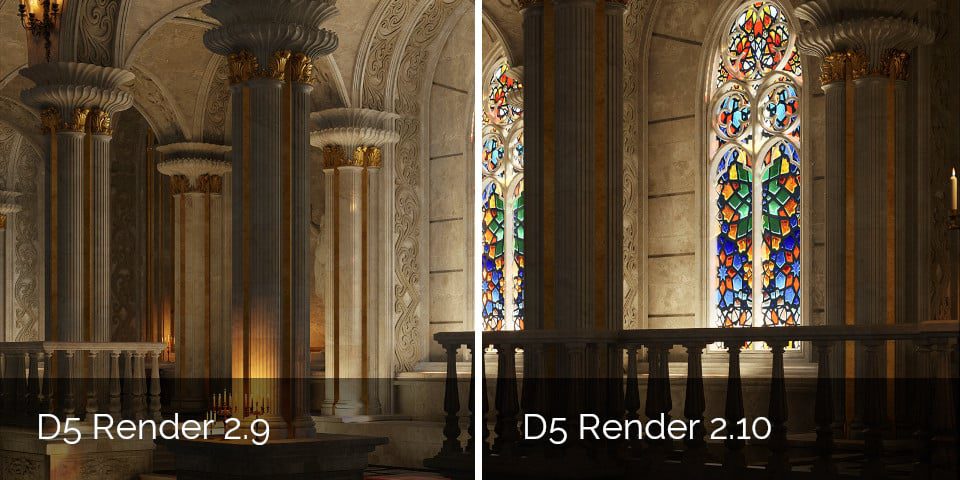
Hold onto your GPUs, folks! D5 Render 2.10 has rolled out experimental real-time path tracing, leveraging NVIDIA’s ReSTIR algorithm. This advancement brings renders tantalizingly close to “ground truth” realism, notably enhancing diffuse indirect lighting and reflections. While still in alpha, this feature shows promise for those craving photorealistic visuals.
City Generator: Urban Planning for the Impatient
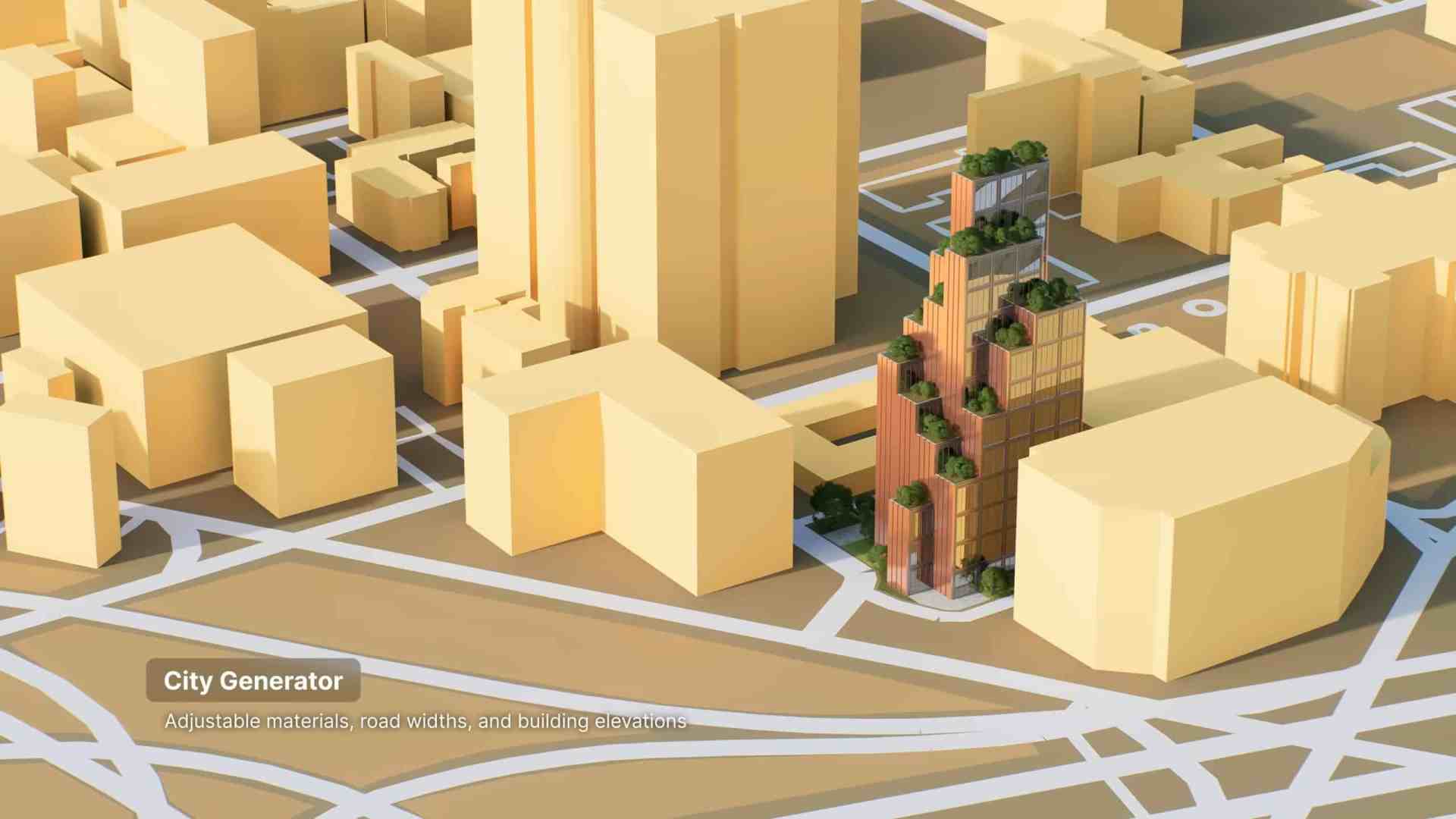
Ever dreamt of conjuring up entire cities without the bureaucratic red tape? The new City Generator in D5 Render 2.10 allows users to create low-detail urban landscapes using real-world OpenStreetMap data or GIS data in .shp format. Adjust building heights and materials to your heart’s content, making large-scale environmental design more accessible.
Night Skies and Weather: Because the Sky’s Not the Limit
The Geo&Sky system has received a celestial upgrade, now featuring the Milky Way and adjustable settings for star intensity, moon phases, and altitude. Weather effects haven’t been left out in the cold either; a new Water Mist effect adds atmosphere to rainy scenes, complemented by more detailed raindrop and snowflake particles.

AI Features: Inpainting and Motion Blur—Now You See It
Continuing its foray into AI, D5 Render 2.10 introduces AI inpainting, which automatically fills in missing elements like sky, water, or vegetation, reducing manual asset placement. Additionally, AI motion blur adds motion blur to moving objects as a post effect, eliminating the need to render it directly.
Workflow and Performance: Smoother Than Ever
The update also brings workflow enhancements, including better control over scale units, support for batch scene deletion, and new French and Japanese language localizations. Performance gets a boost with support for NVIDIA’s DLSS 4, the latest in AI-driven render upscaling and frame interpolation technology.
Pricing and Availability: What’s the Damage?
D5 Render 2.10 is available for Windows 10 and above. The Community edition is free, while the Pro edition—which includes AI features, frame sequence rendering, and access to the full asset library—costs $38/month or $360/year. For teams requiring simultaneous editing and support for 3D Gaussian Splatting, subscriptions are priced at $75/month or $708/year.
As with any new feature, it’s advisable to thoroughly test these innovations before integrating them into your production pipeline.
