



Autodesk has unveiled 3ds Max 2026, bringing a suite of enhancements designed to streamline workflows and boost performance. Let’s dive into the specifics that make this release noteworthy.

OpenPBR: A New Standard in Materials
The introduction of OpenPBR as the default material marks a significant shift. Developed in collaboration with Adobe, this open-source, physically-based shading model aims to unify material workflows across applications. OpenPBR supports interoperability with MaterialX and OpenUSD, providing an intuitive control set for creating a wide range of materials with physically realistic results.
Vertex Weld Modifier: Now Supporting Splines
Enhancements to the Vertex Weld Modifier now allow it to support both Mesh and Spline objects. When applied to splines, it enables the welding of open vertices—those without two connecting segments—facilitating efficient repair and unification of splines while maintaining their editability and procedural nature. This is particularly useful for cleaning up imported vector data or preparing text objects. Additionally, a cleanup function removes dead vertices created during previous topology changes in polygon meshes.
Modifier Stack: Preserve Stack Position Toggle
The new Preserve Stack Position toggle in the Modifier Stack Controls allows users to return to the previously selected modifier on an object after selecting a new one. This enhancement streamlines the process of switching between multiple objects, reducing the time spent navigating the modifier stack.
Object Search Widget: Streamlining Object Creation
An Object Search Widget has been added to the Create panel in the Command Panel. Located at the top of the panel, this search field allows users to quickly find and create objects without navigating through multiple tabs and drop-down menus. It utilizes the global search field’s backend to support suggestions and previously used items, enhancing user efficiency.

Performance Enhancements: Speeding Up Your Workflow
Significant performance improvements have been made to several key modifiers – take them with a grain of salt, because they come directly from Autodesk.
- Boolean Modifier: Up to 40% faster results when using the CARVE library.
- Array Modifier: Up to 15% speed improvements compared to the previous release.
- Conform Modifier: Processes data up to 40% faster, depending on scene complexity.
- Displace Modifier: Processes up to 2.28 times faster.
- Skin Modifier: Improved viewport performance, contributing to faster animation and timeline interactions.
- 3ds Max Fluids: Processing improved by up to 10%.
Animation Workflow: Enhanced Viewport and Rigging Tools
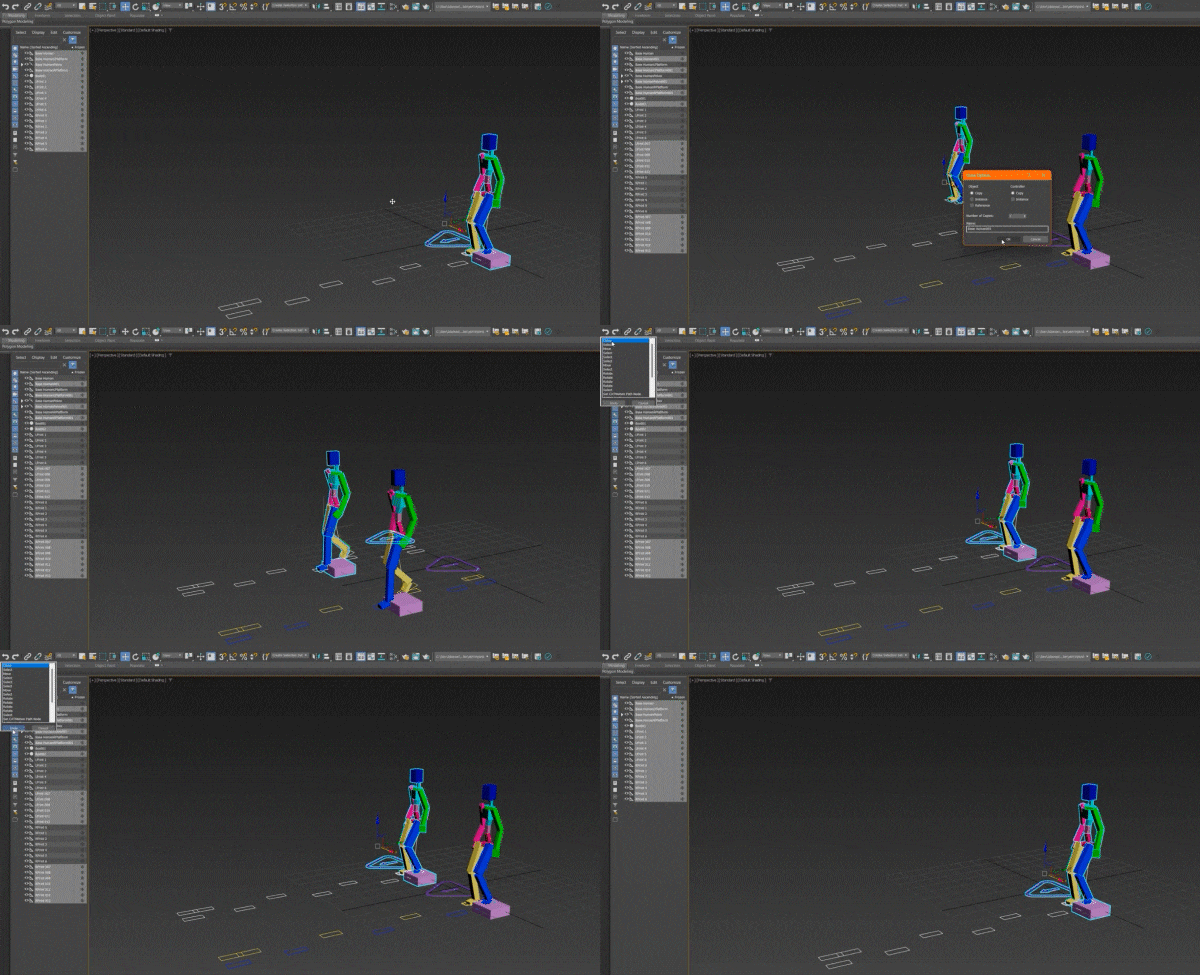
Updates to animation workflows include viewport performance enhancements, CAT updates, and fixes to the Biped system. Viewport interactions are more responsive due to improved multithreading and optimized hardware use. CAT now supports more stable motion layer cloning, corrected footprint node behavior, refined layer pasting, and Trackview controller selections without errant values. Several issues that previously caused crashes during Motion Editor operations and undo actions have been addressed. The Biped system now supports exact name matching when loading BIP files, preserving animation data when rigs are modified. It also supports reordering and reusing extra bones without affecting existing animations.
Open Shading Language: New Maps Added
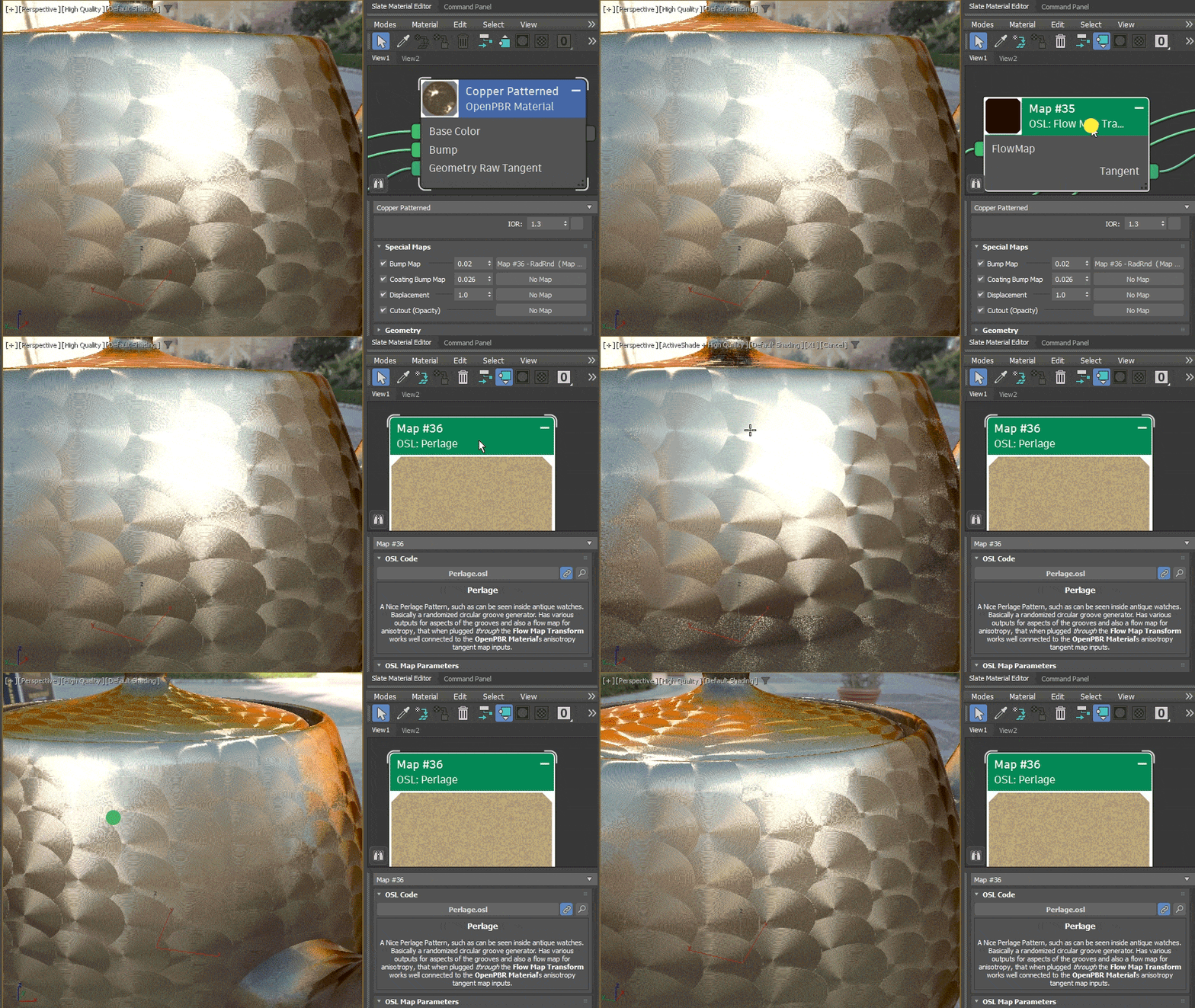
Three new Open Shading Language (OSL) maps have been introduced:
- Perlage Map: Generates randomized circular grooves resembling those found in watchmaking, including outputs for anisotropy and groove flow direction.
- Flow Map Transform: Assists in translating 2D flow maps into a format suitable for OpenPBR’s anisotropy tangent input.
- Numbered File Name v2: Provides improved control over image sequence playback, with frame range mapping and behavior settings for out-of-range frames.
Spline Rectangle Creation: Three-Point Method
A new spline rectangle creation mode allows users to define rectangles with three points, enabling creation at arbitrary angles rather than aligning only to the world axes. This method offers greater flexibility and control in spline modeling.
Retopology Tools v1.6: Optimized Performance
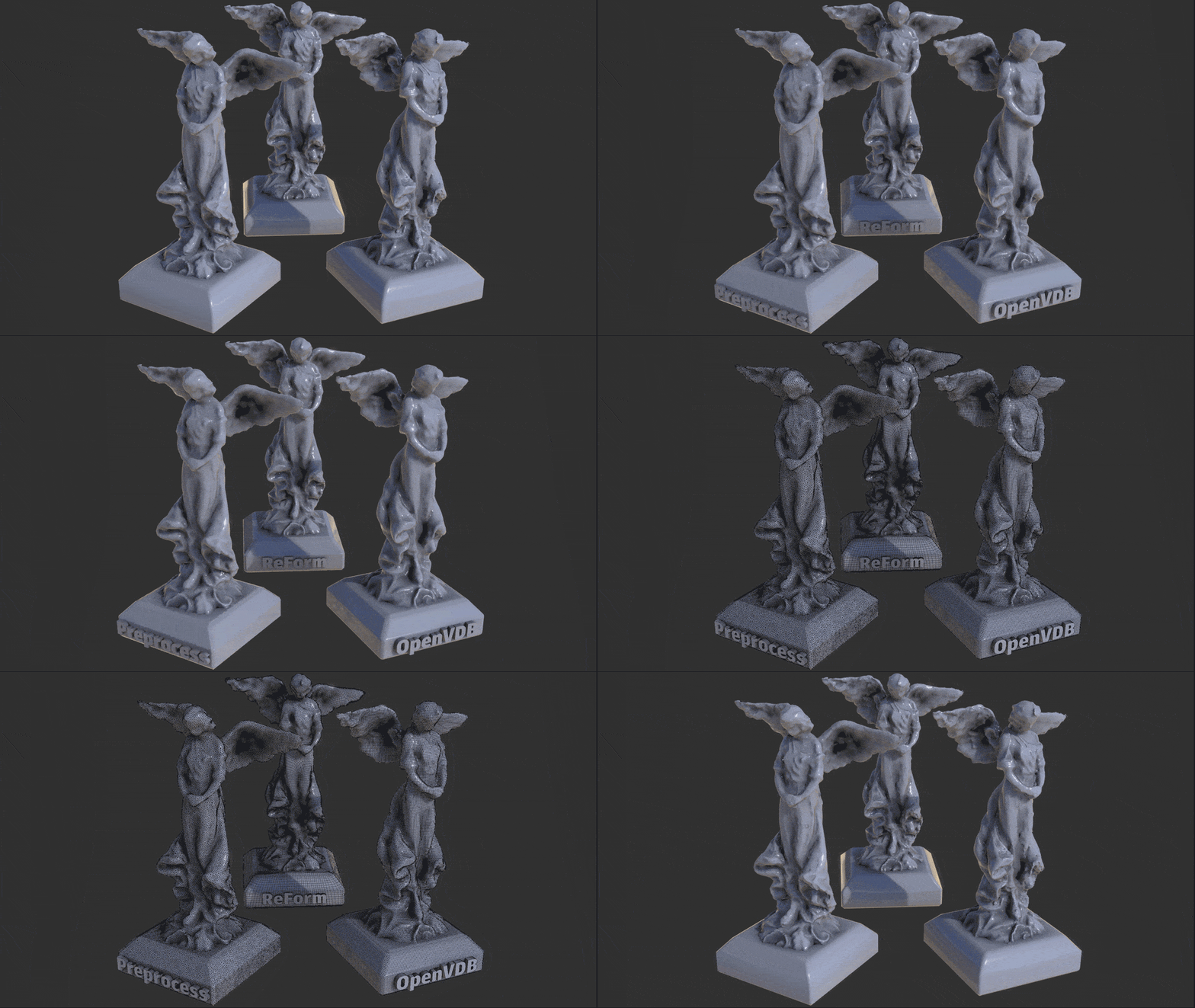
Retopology Tools v1.6 has been included with 3ds Max 2026. The ReForm base algorithm has been optimized for better performance. The Flow Retopology feature, which uses cloud processing to perform retopologizing operations remotely, is now available for up to 50 jobs per calendar month. Flow Retopology can run multiple operations simultaneously and continue to process in the background while work proceeds in the application. Mesh Cleaner Modifier improvements support additional mesh cleanup tasks.
Even though this might seem like a lighter update compared to Maya’s latest release, it’s worth noting that 3ds Max typically receives two or even three updates a year. This means new features and refinements are introduced more frequently rather than in a single major annual release.
For a comprehensive overview of all new features and enhancements, we refer to Autodesk’s official release notes. As always, it’s advisable to thoroughly evaluate these new tools in your specific production environment before integrating them into critical projects.
Pricing and Availability
3ds Max 2026 is available as part of Autodesk’s subscription model. The standalone subscription costs $235 per month, $1,875 per year, or $5,625 for three years. It is also included in the Autodesk Media & Entertainment Collection, which bundles 3ds Max with other Autodesk tools. For full details and regional pricing, visit Autodesk’s official page.

1 comment
Comments are closed.