



At Adobe MAX London, Adobe served a helping of updates across its Creative Cloud and Adobe Express platforms, but the centerpiece of the show was undoubtedly Firefly Model 4. The new generation of generative AI arrives embedded into a restructured, web-based Firefly app—Adobe’s “one-stop shop” for image, video, audio, and vector generation. Not satisfied with just a model update, Adobe brought along a cast of supporting features aimed squarely at production artists.
Firefly Image Model 4: Higher Resolution, More Control
Firefly Image Model 4, now the default image generator in the Firefly suite, is Adobe’s fastest model to date. It enables prompt-based generation of images in up to 2K resolution, with control over structure, style, camera angles, and zoom. Artists can iterate visual concepts, recompose frames, and even output larger formats without sacrificing quality.

Firefly Video Model: Text to Clip, and Back Again
Also now generally available is the Firefly Video Model, an IP-safe and production-ready system capable of creating 1080p video clips from text prompts or source images. Intuitive camera controls, atmospheric elements, and custom motion graphics make it more than just a novelty—it’s a full video ideation tool. Current brand adopters include dentsu, PepsiCo/Gatorade, and Stagwell, suggesting Firefly is not just demo material.
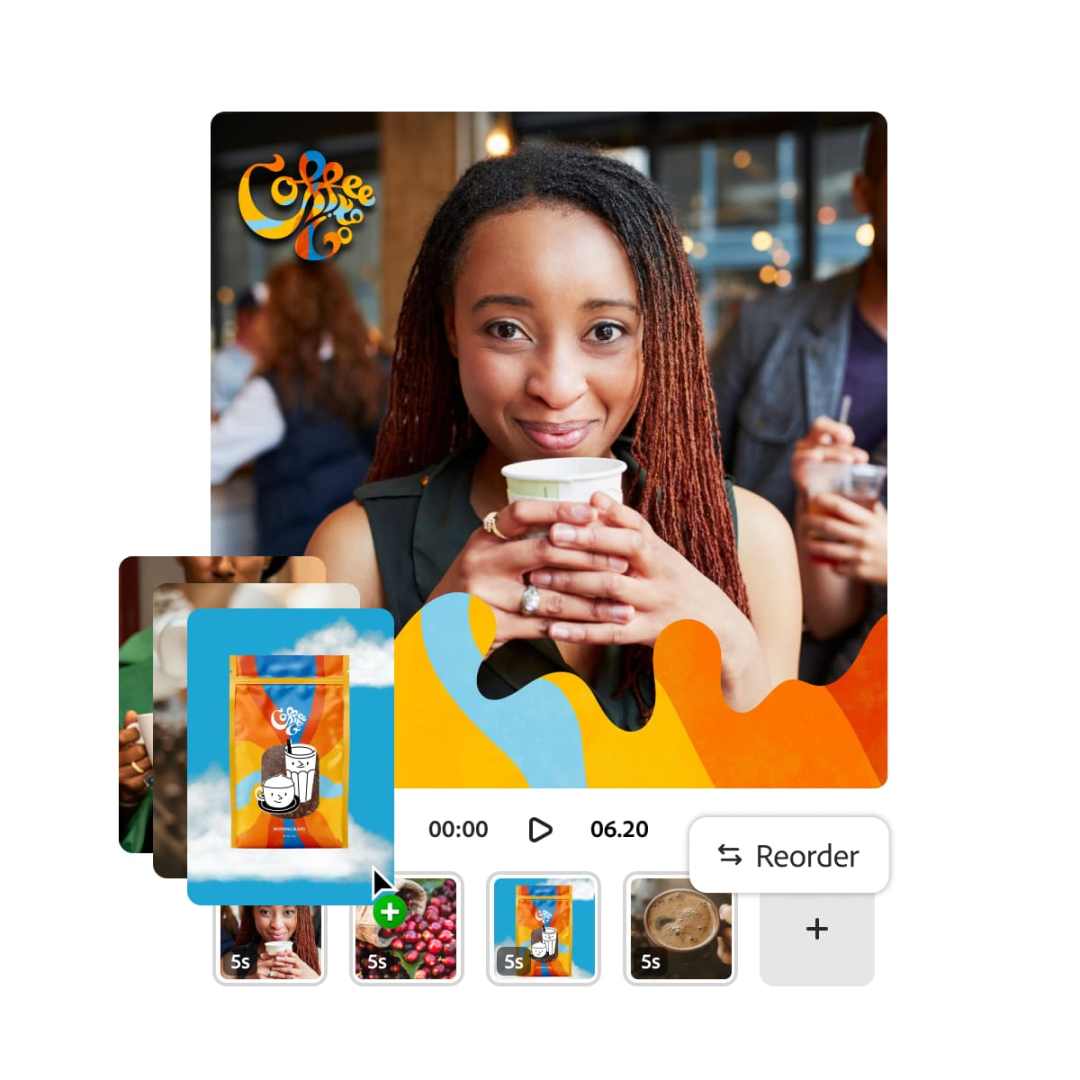
Vector Workflows, Text-First
The new Adobe Vector Model underpins a freshly released feature: converting natural language prompts into editable vector graphics. That includes logos, packaging concepts, icons, and patterns—all SVG-ready and adjustable post-generation. The feature is now available for all Firefly users and positions Adobe as a player in procedural vector generation.

Partner Models in the Firefly Ecosystem
Firefly now supports external models through its web app, with a rollout including OpenAI, Google’s Imagen 3 and Veo 2, and Flux 1.1 Pro. Users can seamlessly switch between these and Firefly-native models, with clear attribution via embedded content credentials. Adobe plans to expand model diversity with future integrations from fal.ai, Ideogram, Luma, Pika, and Runway. Enterprise users can toggle third-party models on or off, ensuring data policy compliance.
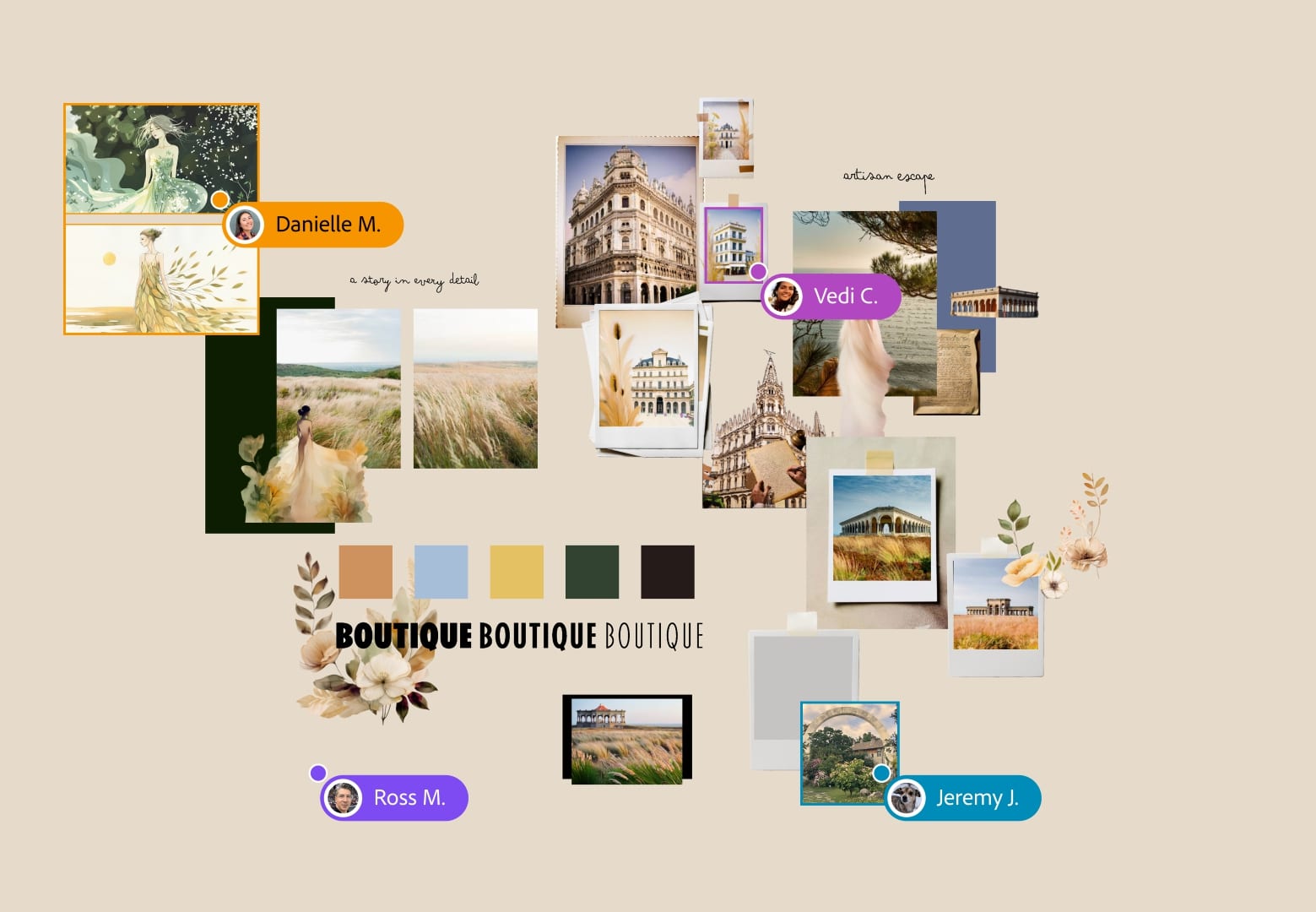
Firefly Boards: Moodboarding Meets Machine Learning
Now in public beta, Firefly Boards offer a collaborative interface for brainstorming, concepting, and feedback. Think: moodboards with auto-generative support. Teams can iterate on hundreds of variants simultaneously and funnel visual concepts directly into production environments. This feature was formerly known as Project Concept.
Firefly Services and APIs: Automating the Repetitive Stuff
Firefly Services are a collection of production-grade APIs that integrate Firefly’s generative models into enterprise workflows. Among them: a beta Photoshop API to automate high-volume editing tasks; a Text-to-Video API and Image-to-Video API for turning assets into animated clips; and soon, a Text-to-Image API powered by Firefly Model 4 and an Avatar API for generating product-centric video content. Brands like Accenture, The Estée Lauder Companies, and Gatorade are already using these tools to shrink production timelines.
Content Authenticity and Commercial Readiness
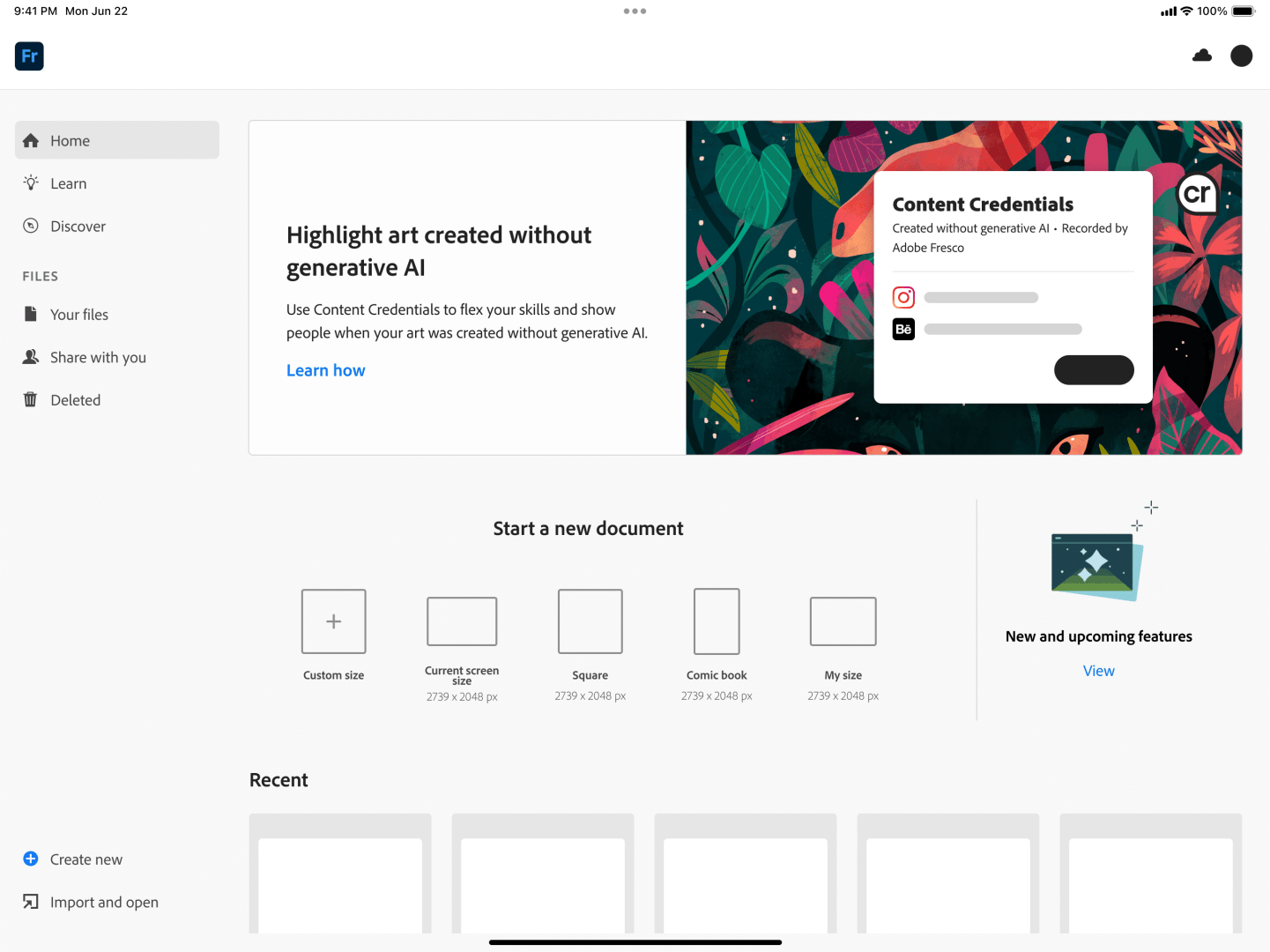
All AI-generated content receives embedded Content Credentials, which disclose the model source—be it Firefly or one of its partners. Adobe emphasizes that Firefly models are “commercially safe,” trained with respect for creators’ rights and designed to support, not replace, human creativity. See the full information HERE. So far, Adobe has been the only GenAI-Player without actual controversies – credit where it’s due!
Pricing and Availability
Firefly Image Model 4, Firefly Ultra, and the Firefly Video Model are available now via the Firefly Web App. Firefly Boards is in public beta.
Firefly continues Adobe’s all-in embrace of AI in creative workflows—but remember: AI-generated concept art is cheap, rendering it stable for production is the real trick.

