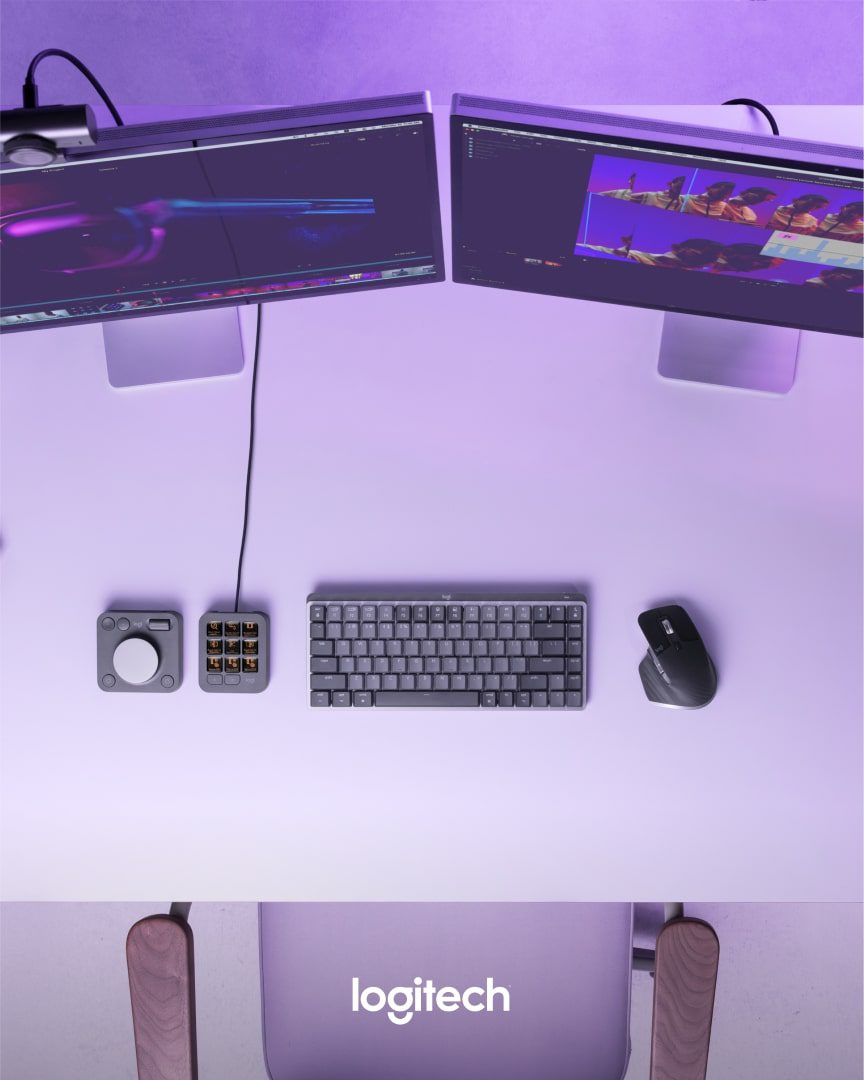
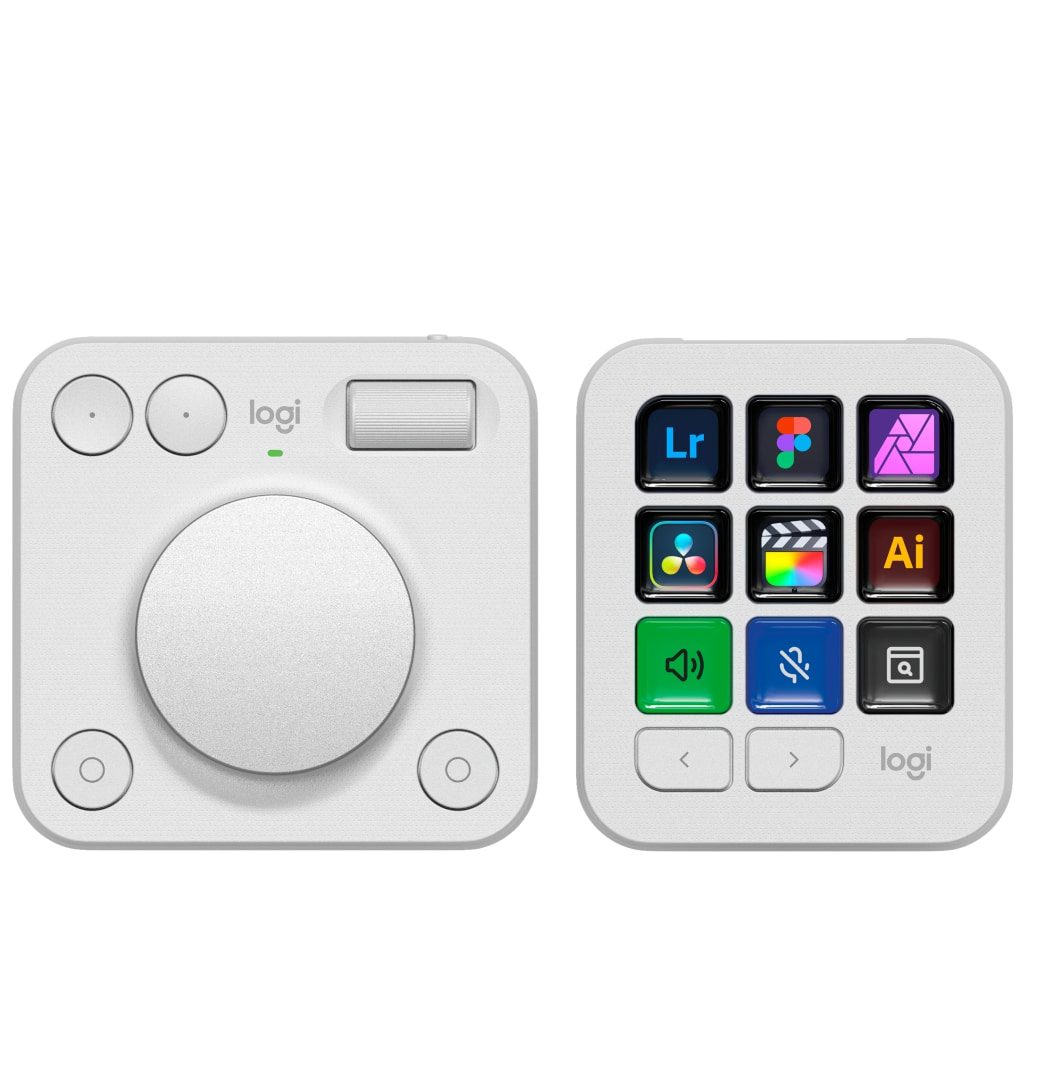
On April 16th, Logitech released a software update for the MX Creative Console, expanding its creative reach with native support for Final Cut Pro and Adobe Lightroom, and adding new plugins for DaVinci Resolve, Figma, and Affinity Photo. These additions drop into the Logi Marketplace and extend what was already a beefy toolset for digital artists.

Resolve, Final Cut & Affinity Join the Party
Each new plugin comes with pre-configured profiles, customizable tools, and a generous set of workflow-enhancing shortcuts. This means fewer repetitive tasks, faster access to core functions, and—if Logitech’s pitch is to be believed—more time to focus on the actual work instead of chasing menu commands.
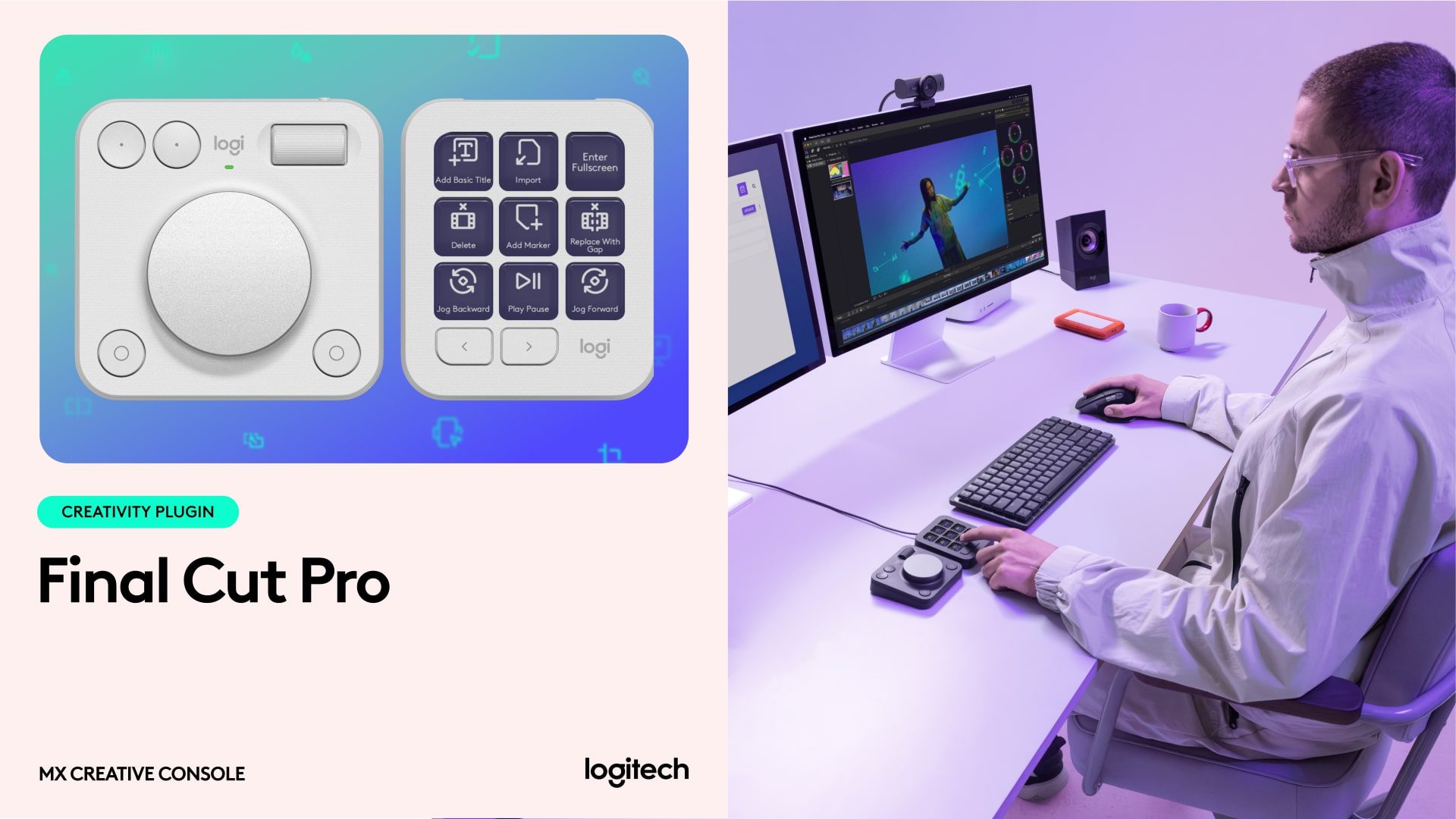
The update is designed for anyone working in image editing, video production, or graphic design. With Resolve and Affinity Photo, Logitech covers two additional heavyweight apps that had previously been left out in the cold. They now sit alongside the existing plugin suite, which already includes Photoshop, Lightroom Classic, Premiere Pro, After Effects, Illustrator, Audition, and Capture One—Mac users only, for now.
Profiles, Presets, Power Tools
If you’ve used the MX Creative Console before, you know what to expect: a tactile, modular hardware surface aimed at cutting down on keyboard gymnastics. Each plugin update drops in prebuilt toolsets tailored to the app, but everything remains adjustable, so you can remap buttons, dials, and sliders to fit your workflow. The plugins are built with the idea of workflow acceleration in mind—think macros, contextual shortcuts, and settings banks for creative tasks like grading, compositing, and layout.
Availability and Pricing
The plugins are available now via the Logi Marketplace. Pricing for the hardware remains unchanged—see the MX Creative Console product page for full specs and regional availability. Plugin updates are included as part of the ongoing console support.
So: buttons pressed, workflows saved, artists mildly less grumpy. Logitech’s creative ecosystem might not be revolutionary, but it’s certainly evolving.