



If rigging characters in Blender feels like wrestling a skeleton with commitment issues, CG DIve has just the free course to realign your spine—virtually. The Blender rigging isn’t Scary course is available now and completely free, offering a comprehensive dive into the basics of Blender rigging. What’s inside? 21 lessons of rigging fundamentals designed for beginners. Topics are focused on Blender’s rigging tools, including constraints, bones, parenting, and basic character rigging logic.
Constraints, Parenting & Bone Basics
The course wastes no time diving into Blender’s constraint system—think of it as teaching your bones some discipline. You’ll explore how to use constraints like Copy Rotation, Limit Location, and others to build functional, animator-friendly rigs. Parenting—Blender’s hierarchical relationship system—is explained not just technically, but in terms of rig usability and animation-readiness.
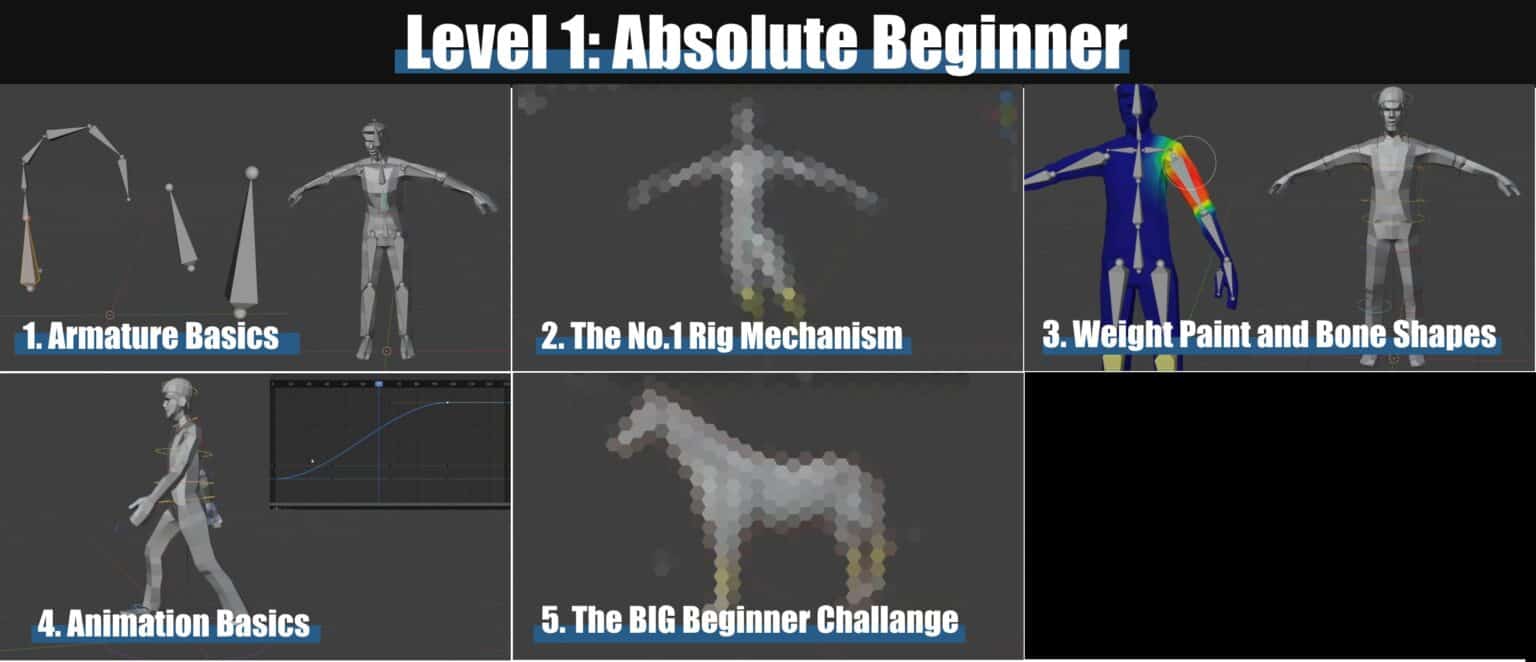
No pre-built rig templates or “magic auto-rig” tricks here. This is a bottom-up exploration of how and why Blender rigs are structured the way they are, with Todor breaking down each component and showing how it fits into an actual character workflow. That includes how to correctly place bones, what roles they serve, and why bone naming conventions aren’t just a pedantic ritual.

Character Rigging, Step by Step
Rather than abstract theory, the course anchors lessons in a practical setup: rigging a simple character from scratch. Each module adds functionality layer by layer, moving from a basic deformation skeleton to control systems that allow an animator to manipulate the rig without needing a degree in Blender UI archaeology. Expect coverage of Inverse Kinematics (IK), Forward Kinematics (FK), controllers, bone rolls, and rig organization.
Who Should Watch?
Targeted at newcomers and Blender users who need a solid rigging foundation, this course doesn’t require prior knowledge of rigging systems. However, a working familiarity with Blender’s interface and basic modeling tools is assumed. The course stays focused: no shading, no simulation, no detours into animation theory. It’s pure, undiluted rigging—one bone at a time. The course is free and can be accessed on YouTube.
