



What is HairFlow?
HairFlow is a Blender add-on for animating hair curves, developed by Tim Masin of VICUBE Animation. It harnesses Blender’s new simulation node system to simulate hair and fur movement on characters and animals. Unlike physics setups using bones or curve deformers, HairFlow offers a non-destructive, modifier-based workflow that’s fast and direct.
At the heart of HairFlow is Blender’s simulation node technology. The add-on works directly on Blender’s hair curves—those added through the curve system in Blender 3.3 and up—and simulates them in realtime. This is not an object-level workaround. It’s direct curve simulation.
Users can attach HairFlow as a modifier, edit physics parameters live, and see the results immediately. For viewport performance, HairFlow offers a proxy hair system that lets users preview simulations at reduced strand counts while maintaining full-resolution visuals using interpolation. All of it happens in real time—so yes, that mohawk can sway while you scrub the timeline.
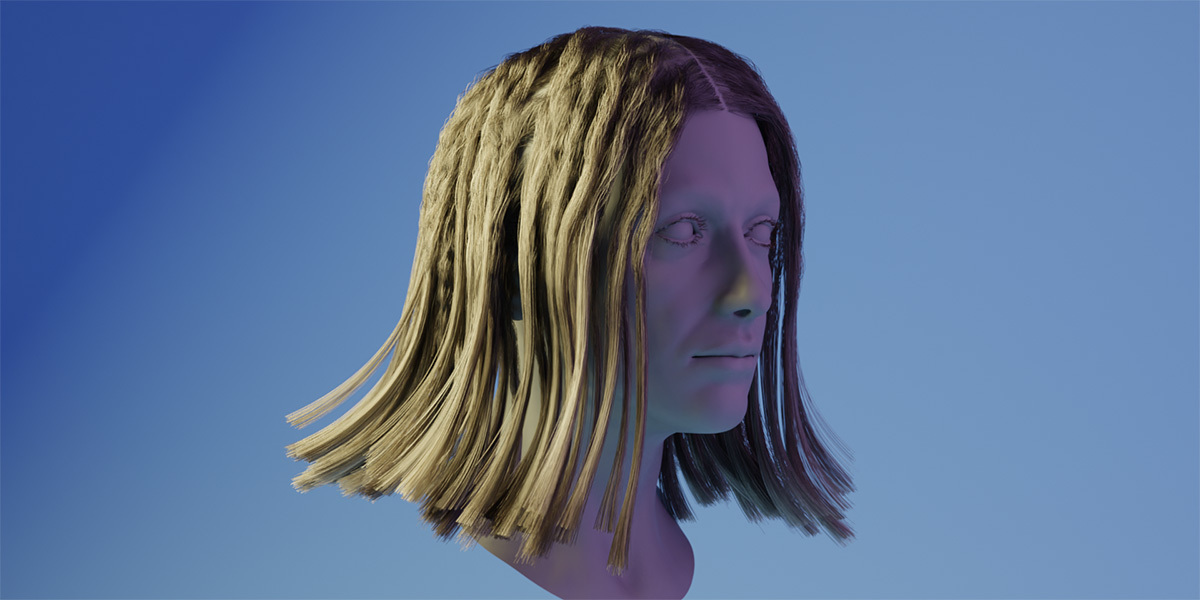
Physics, Please: Gravity, Wind & Goosebumps
HairFlow allows simulation of wind, gravity, and even more stylised physics effects—without touching Python. Gravity can be dialed up or down, making it possible to simulate underwater environments, space scenes, or normal terrestrial movement. Wind effects support both strength and turbulence, and work as procedural forces. Different hair sections (e.g., top layer vs. fringe) can be assigned separate settings, allowing finer control. Need frizz? There’s a frizz modifier. Need panic? Radial forces simulate shocks or goosebumps.
Two Objects, One Hair
You can attach up to two external objects to specific points on the hair curve. These follow the simulation—including rotation—making HairFlow suitable for more stylised or advanced setups, such as attaching accessories or using hair curves as rigged tentacles.
Collision That Actually Collides
HairFlow includes collision support with one main and one secondary object. These collision objects can be animated and are not restricted to static meshes. Collisions respond to the motion of these objects, helping to avoid unnatural hair clipping in animation or simulation-heavy scenes.
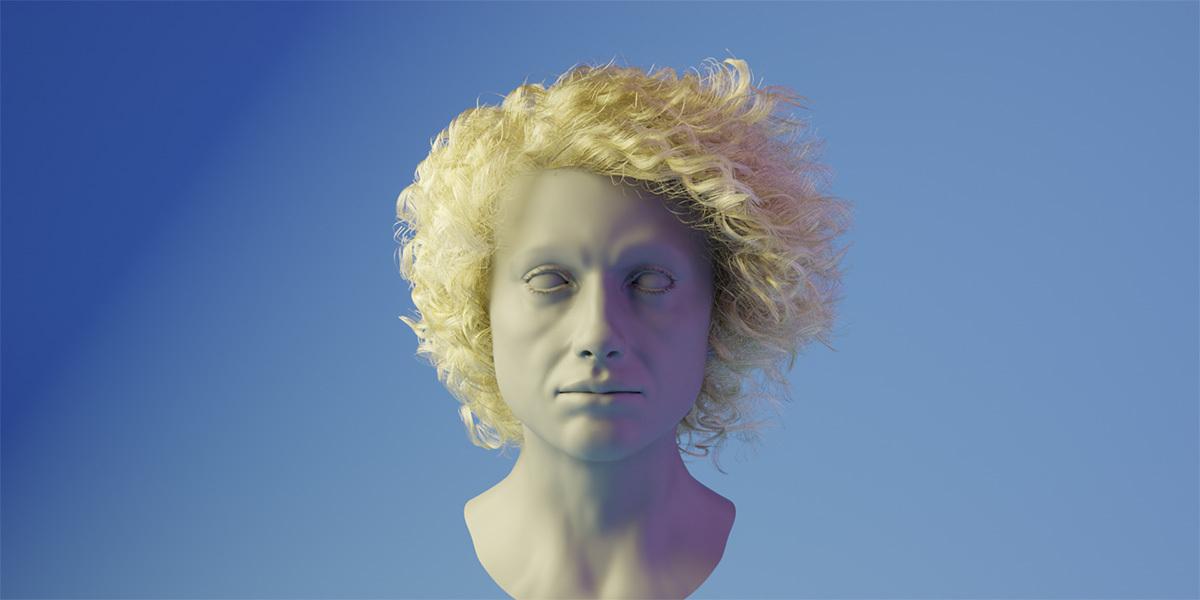
Interpolation and Proxy Strands
To handle performance-heavy scenes, HairFlow allows simulation of a limited number of strands—proxy hairs—and uses an interpolation algorithm to simulate the appearance of full head coverage. This allows for complex sims with acceptable realtime performance in the viewport, making it friendly to actual production timelines.
Modifier Priority: Placement Matters
HairFlow is compatible with Blender’s Surface Deformation Nodes and most third-party geometry-node-based deformation modifiers. However, modifier order matters: HairFlow should be placed at the end of the modifier stack to ensure correct simulation results, particularly when working with sculpted or animated meshes.
What It’s Not
HairFlow is not a general-purpose rigging tool for noodles, tails, or tentacles (even if it looks like it could be). It is designed specifically for animating hair and fur in Blender using the curves system. For other use cases, you’re on your own—and yes, it’s tempting.
Price and Availability
HairFlow is available for purchase on Blender Market (20$) and Gumroad (18$). Prices vary depending on platform and licensing, so have a look at the sites for your fitting match.
