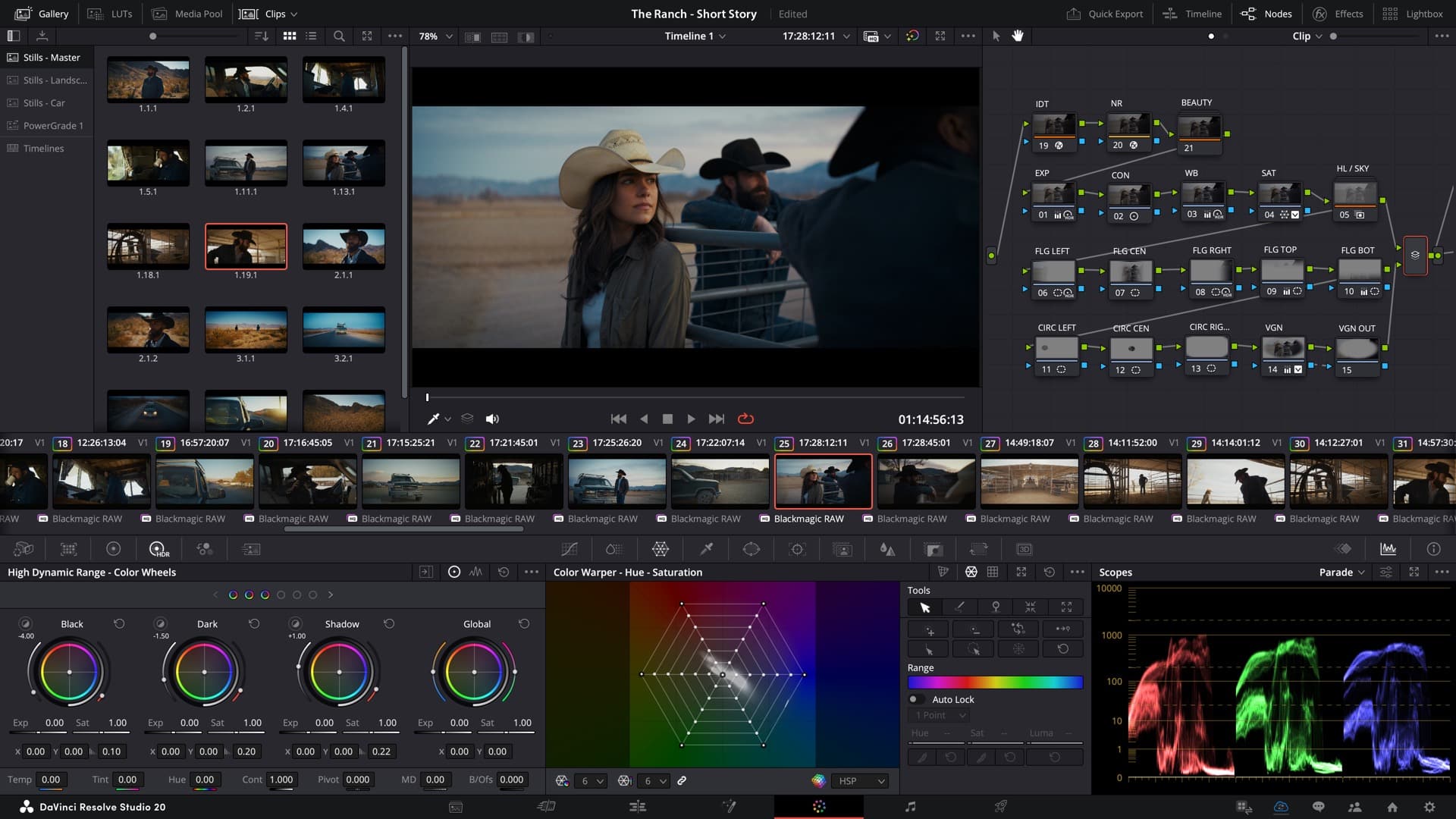
We already talked about DaVinci Resolve 20 when it was still in beta. We went into detail about Fusion. We also had a sit-down with a Fusion specialist from BMD – Simon! Now, eons later ( It sometimes feels like that I am wary of the Beta!), well, to be honest, months later, the only actual news left is: Resolve 20 is now officially released. The beta tag is gone. That’s it. No surprise features, no dramatic turnarounds, just a change of label from “beta” to “final.”
Blackmagic Design has released the final build of DaVinci Resolve 20. The software is available in two versions: a free version and a Studio version priced at $295. Some regions of the world get a different pricing, but… If you already have the beta, you’re not missing out on anything new—other than the satisfaction of not running beta code anymore.
No new features were added since the last beta release. All the 100+ features introduced throughout the beta cycle—including AI tools like IntelliCut, SmartSwitch, Audio Assist, and Chroma Warp—remain exactly where they were: in the beta that’s now final.
This is the moment where we usually summarize what’s new. But there’s genuinely nothing new to summarize. That doesn’t mean you shouldn’t care, though: for pipeline safety, show delivery, and anything client-facing, switching from beta to final means the software is now officially safe to blame when things go wrong.
As always, production environments should test updates thoroughly before full deployment—just because it’s final doesn’t mean it’s flawless. You can get the final release of DaVinci Resolve 20 now on Blackmagic Design’s official site.