



Plastic Software, led by developer Nick Kallen, has released Plasticity 2025.2, a substantial update to the lightweight NURBS modeller aimed at concept artists and industrial designers.
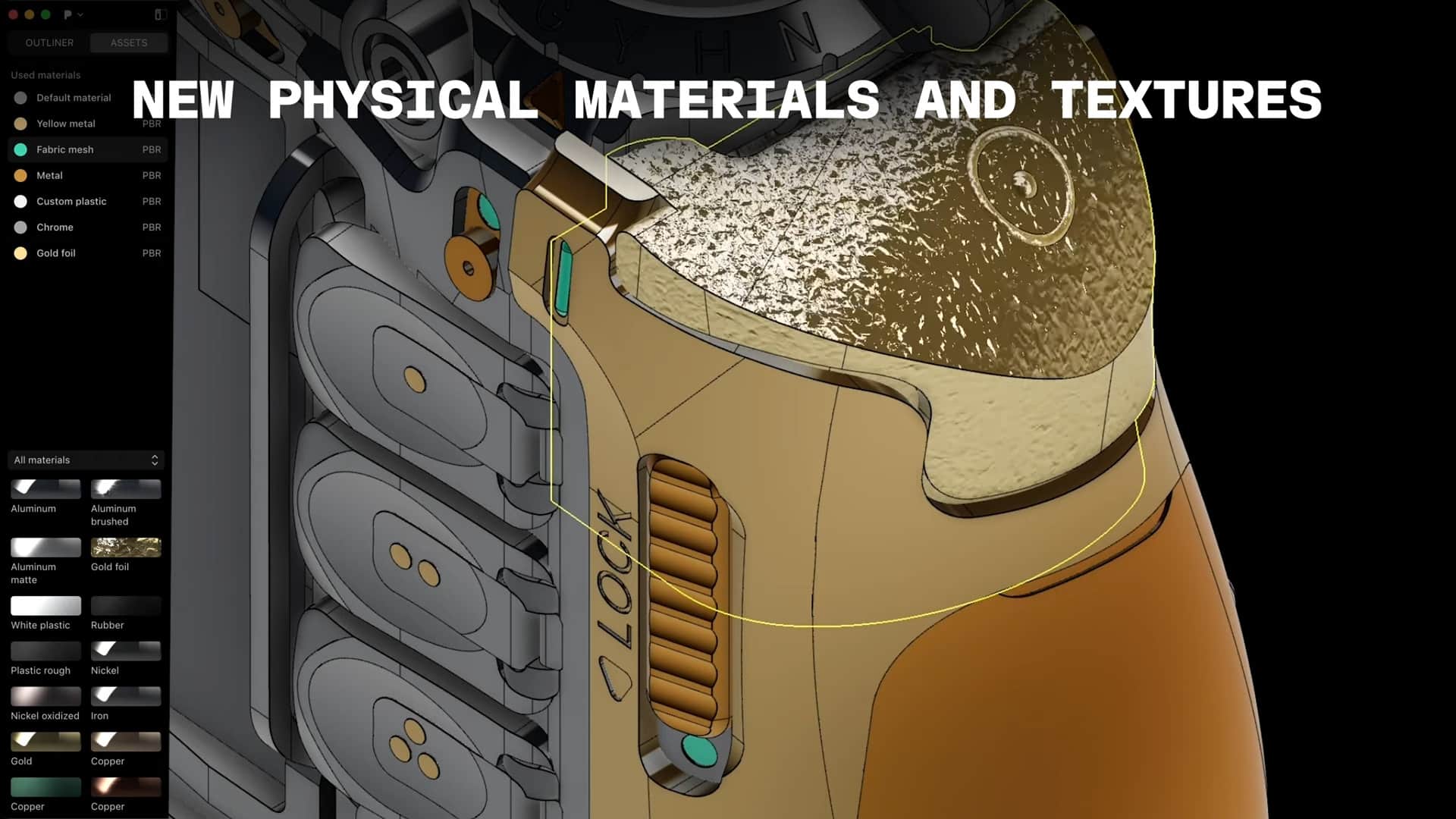
New lighting and material preview
The update introduces 34 readymade physical materials—metal, plastic, fabric, wood, stone—that appear in Render Mode. Users can now switch on HDRI‑based environment lighting, choosing from seven built‑in HDRIs or importing custom ones. Shadows drop onto the ground plane in Render Mode, giving models improved spatial context.
Surface‑analysis shaders
Two new shaders in Shader Mode assist in surfacing diagnostics. Normal Surface Checker colours inward‑facing normals in red, facilitating quick normal corrections. Topology Shader overlays a wireframe on curved models, aiding in evaluating imported organic forms.
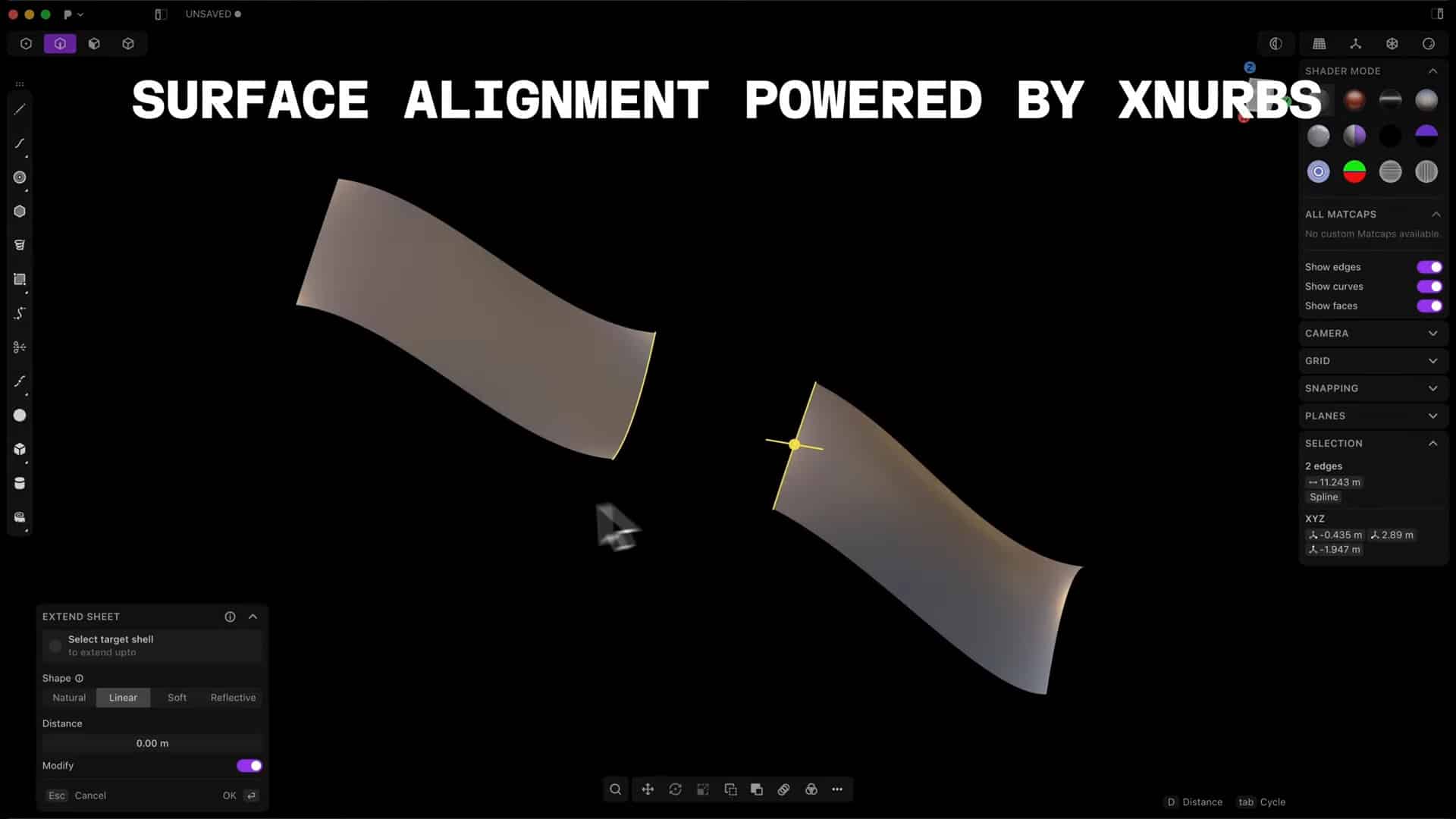
Precision surfacing tools
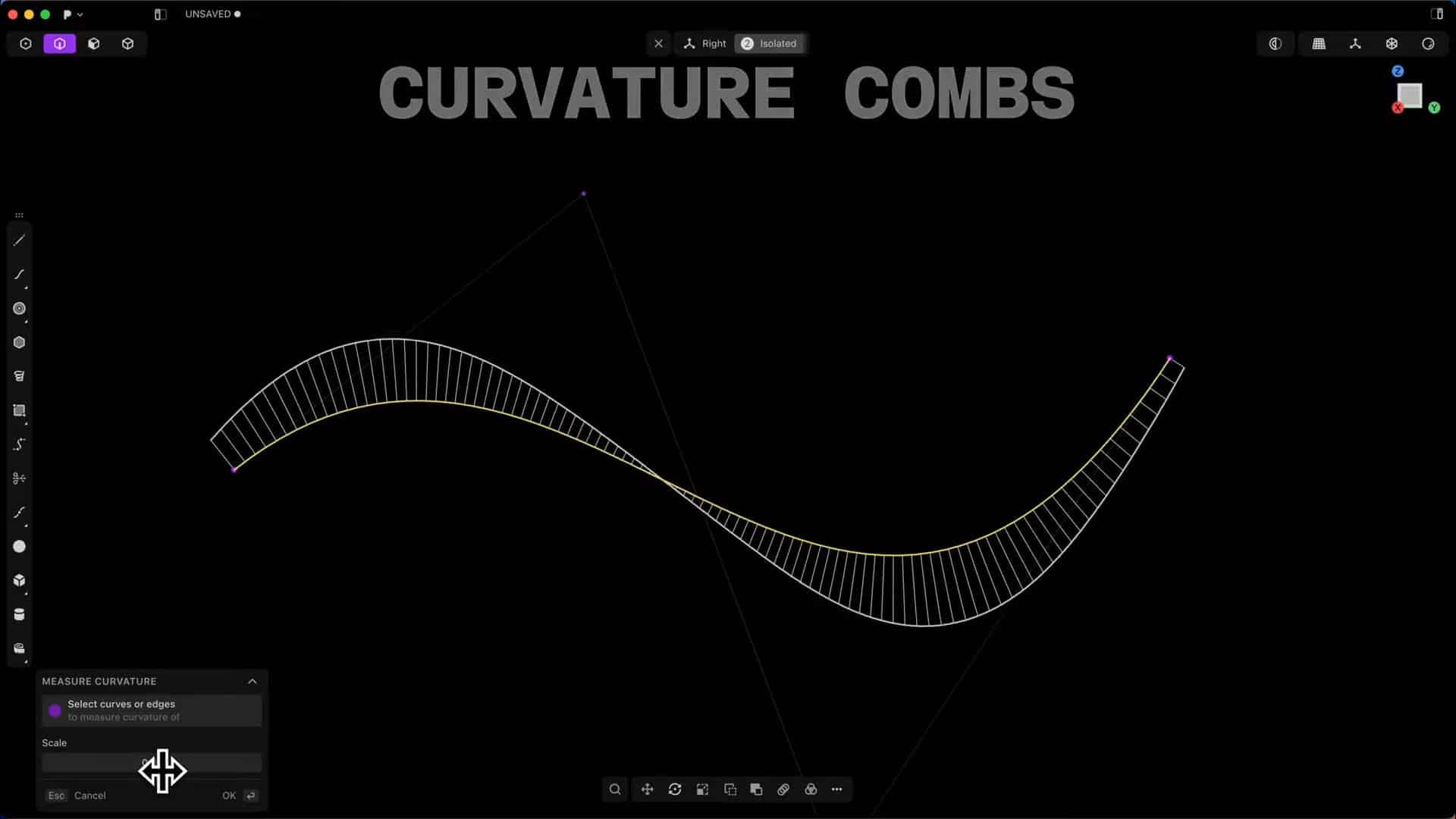
Three new commands bolster surfacing workflows. Measure Curvature introduces a ‘curvature comb’ overlay on surfaces, useful for assessing curvature variation. Measure Continuity assesses G0, G1 or G2 continuity across selected edge pairs. Users with Studio licences get Align Surface, powered by xNURBS, to auto‑align surfaces with G0/G1/G2 continuity matching.
Usability enhancements
The release also updates existing commands (Boolean, Bridge Curve) and adds new tools: Unlock All, batch unlocks objects in the Outliner; Select All options for visible measurements, solids, and sheets; support for π and unit‑conversion expressions in numeric dialogs.
Licensing, plans, and pricing
Plasticity now offers a range of plans: a free tier with a 30-day trial and no commercial use permitted, including essential 3D modeling tools and STEP import, with low-resolution OBJ/STL export only. The Indie 1.1 license, priced at $149 USD plus local taxes, targets individual users seeking access to all essential hard-surface modeling tools, STEP/OBJ/STL/Parasolid import and export, FBX import, and a Blender bridge. It allows commercial use, is node-locked for up to two machines, and includes all version updates for 12 months.
The Studio plan, at $299 USD plus local taxes, provides all Indie features plus advanced solid and surfacing tools, IGES, ACIS, Rhino, OBJ, STL, and Parasolid import/export, and DXF/DWG import (Windows only). Studio users receive beta program access for 12 months, xNURBS integration (Windows & Mac), a Blender bridge, and commercial use with node-locking for up to four machines. Companies with more than 10 employees must use this plan.
Plasticity 2025.2 runs on Windows 10+, Ubuntu 22.04+ and macOS 12.0+. As always, innovations should be tested before use in actual production pipelines.
Plasticity 25.2 Release Notes (July 10, 2025) (doc.plasticity.xyz)
