



SDF Modeler by Sascha Rode is a free, cross-platform SDF sculpting tool for concept, hard surface, and stylized blocking workflows. The 0.5.3 update introduces more blend operations, spline curvature, axis mirroring, Inspector UI improvements, and fixes for mesh export issues. Still, the most important technical detail for pipeline artists remains the export format—what actually gets out of the app, and in what condition?
Current Export Formats: Only PLY
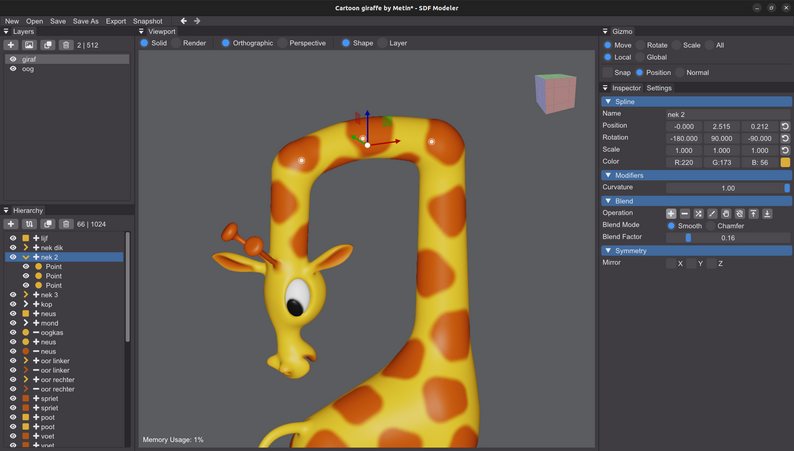
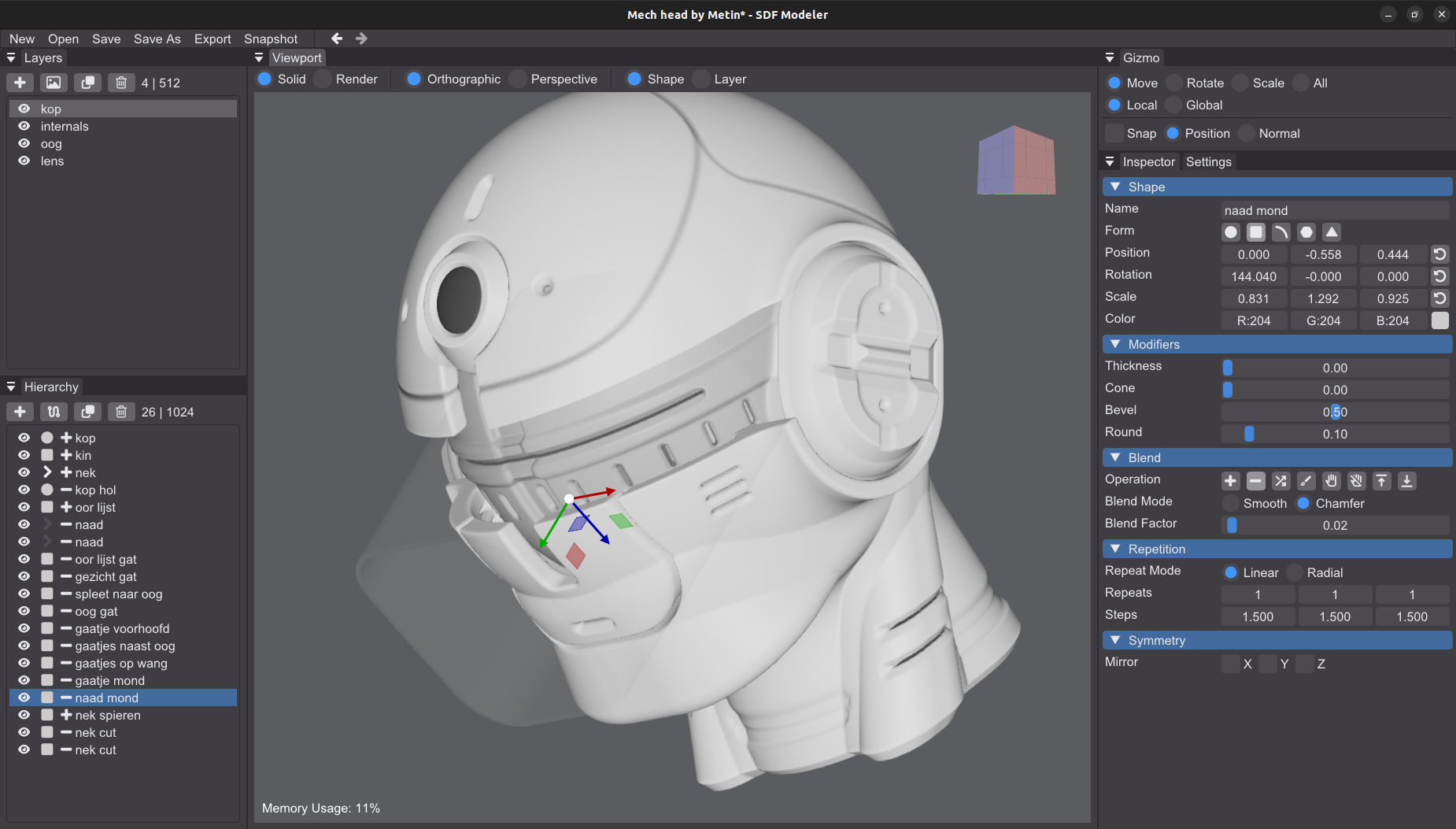
SDF Modeler currently exports meshes as PLY (Polygon File Format) files. The exported mesh is always high-density—this is a direct result of the SDF volume approach. Exported PLY files do include color data if you assign material colors to shapes in your scene. There’s no vertex color baking or UV layout; what you see in the path-traced preview is what you get on export.
PNG export is also available for saving rendered snapshots from the built-in path tracer. This can be used for design references, thumbnails, or as quick feedback, but is not a 3D format.
Roadmap: OBJ, STL, GLTF, FBX
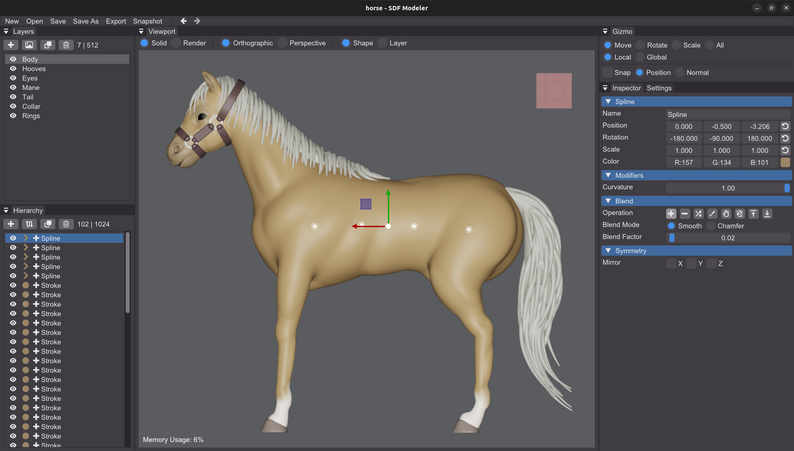
There’s high demand for more pipeline-friendly export options, and development logs confirm that OBJ, STL, and GLTF support are on the roadmap. These would allow for more standard transfer into DCC apps, 3D printing, and game engines. However, as of version 0.5.3, only PLY is implemented. FBX and direct mesh simplification/decimation are also planned, but not yet available.
Mesh Topology: Know What You’re Getting
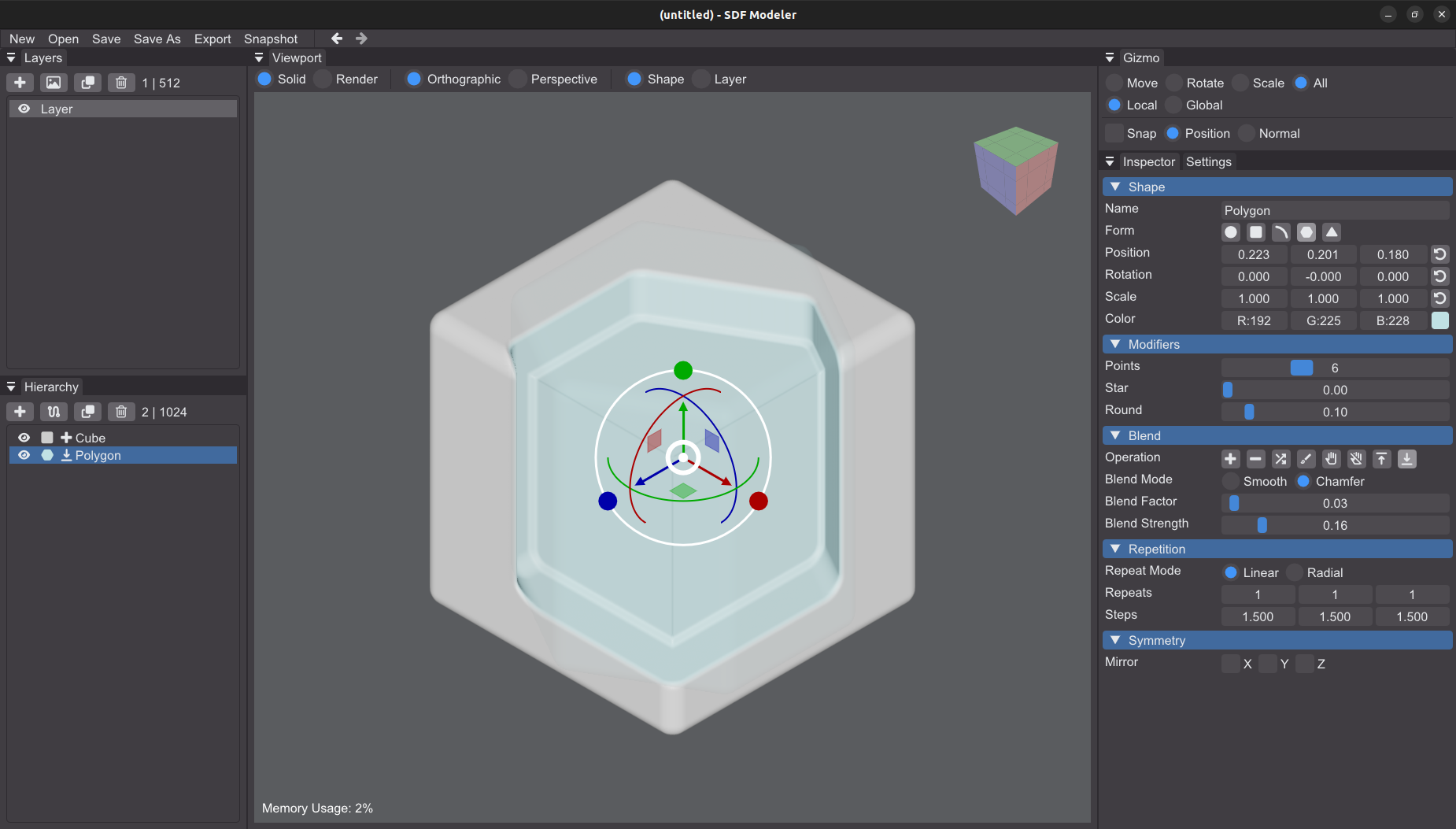
The PLY export outputs a dense, triangulated mesh, without user-tunable polygon count or remeshing. This means that after export, artists will likely need to use another tool (such as Blender, ZBrush, or similar) to decimate, retopologize, UV unwrap, and prepare assets for animation, rendering, or real-time use. SDF Modeler is explicitly for blocking out and shaping; it is not a production-ready retopology or mesh cleanup tool.
Pipeline Caveats
While the app is quick for concepting and shape iteration, it is not yet practical for direct-to-engine or direct-to-production workflows. It’s useful for rapid shape ideation, but final models must be processed externally for optimization. Artists should check mesh density and winding order (especially on macOS—recent bugs were fixed in 0.5.3) before import into other tools.
Technical Details and Platform Support
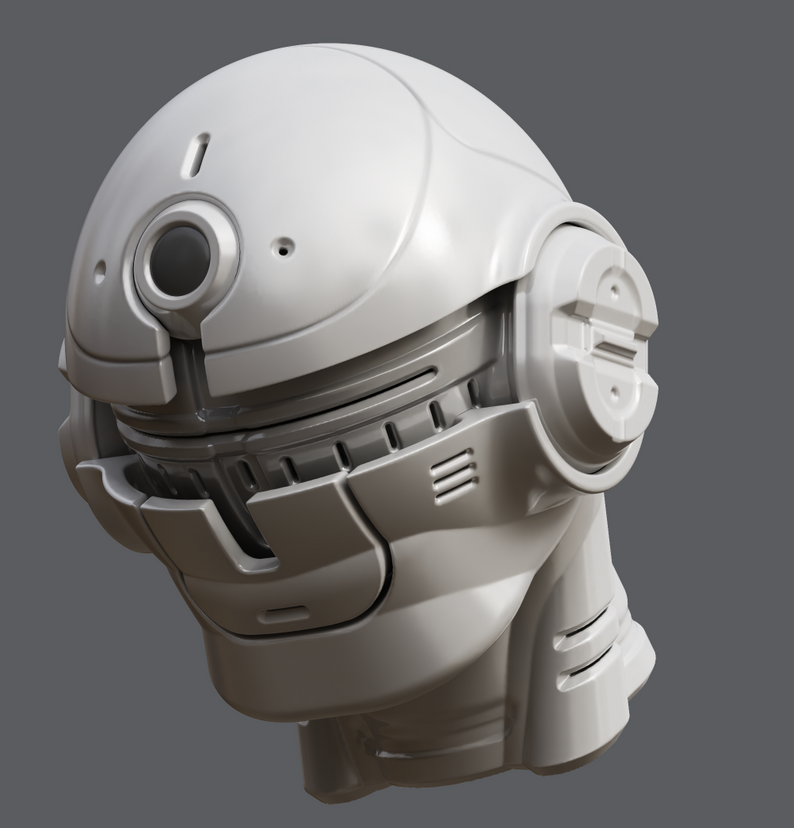
Export works identically on Windows, Linux, and macOS (Apple Silicon native). All platforms require only modest GPUs (OpenGL 4.5/Metal, 2 GB VRAM). PLY is supported widely, but anyone needing OBJ, STL, or GLTF will have to wait for a future release.
Summary
SDF Modeler 0.5.3 is a capable and enjoyable SDF concept tool, but be aware: you’re getting a single high-density PLY mesh on export, with color only. All production, retopology, and optimization happens outside the tool. As with any early-stage software, test the outputs and check for updates before relying on it for pipeline-critical work.
Always test SDF Modeler’s exports in your own pipeline before deploying in production.
