



Imagen, best known for bulk‑AI photo editing, now offers Imagen for Video in public beta: a desktop app promising “AI‑powered color perfection” for anyone tired of adjusting color frame by frame (imagen-ai.com). The pitch: load your ungraded footage, select a style profile, and let Imagen’s AI tackle exposure, contrast, tone, and saturation on every frame—catching all the little shifts and annoyances that accumulate during a shoot.
Automate the Tedium—If You Can Spare the Export Time
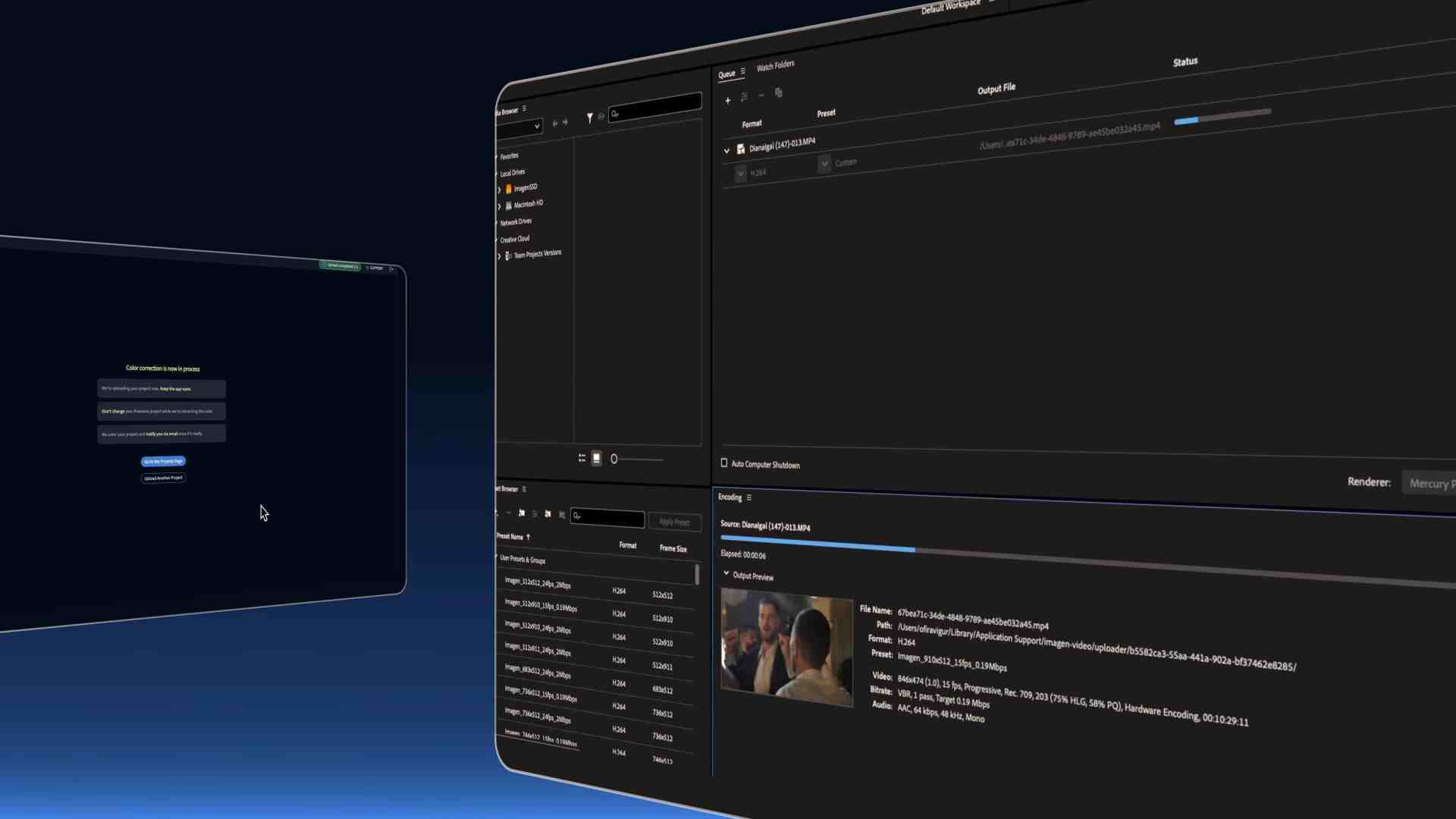
While the AI colourist excels at erasing small, annoying mistakes (the sort editors love to hate), the practical workflow is less revolutionary. The process requires exporting Projects out of Premiere, uploading it to the Imagen app, waiting for grading, then reimporting everything back into your edit. That “Shoot. Drop it in. Done.” workflow might remove the drudgery of manual frame corrections, but it replaces it with a sizable roundtrip of file management and waiting.
The App in Action: Free (for Now), Easy to Try
The public beta is entirely free. Grading profiles adapt to different camera sources and apply a consistent look, whether the input is from DSLR, drone, or smartphone. Imagen claims users can “correct colour again” at any point, reapplying a style profile with a single click and no need to re-upload footage. All grading happens before you return the clips to Premiere, so experimentation is encouraged, at least for non-critical work. Within Premiere, you still have full controll over the Lumetri-Sliders, since this is what is actually exported in the project.
The Professional Verdict: Not Pipeline-Ready
This isn’t a replacement for actual colonists or high-end grading systems. For professional pipelines—where lossless workflows, real-time collaboration, and nuanced grading are expected. Imagen for Video is an interesting curiosity. Even the official sources focus on “time saving technology” for busy solo shooters, not on delivering production-ready feature film colour. Professional users should expect to test thoroughly before even considering integration. No tool, AI or otherwise, eliminates the need for human review.
Future Hints
Imagen teases future features like sequence-building automation, but for now, the only AI in the beta-box is for colour correction, and only through the company’s proprietary roundtrip workflow. So, no matter how slick the promo videos, every innovation needs a trial by fire. Production artists are advised to test with non-critical material and budget for the inevitable back-and-forth time before considering Imagen for Video for any professional project.
