



Kyno has returned with version 1.9, the first significant update in years. Now under the ownership of Signiant, the software shows that one of the most practical video workflow tools is still maintained.

Apple Silicon done properly
The most obvious change is support for Apple Silicon processors. Kyno now runs natively on M1 and M2 hardware, avoiding the translation overhead of Rosetta. However, users must download the dedicated installer from the vendor’s site, since the auto-updater still delivers only the Intel build.
A darker, sharper interface
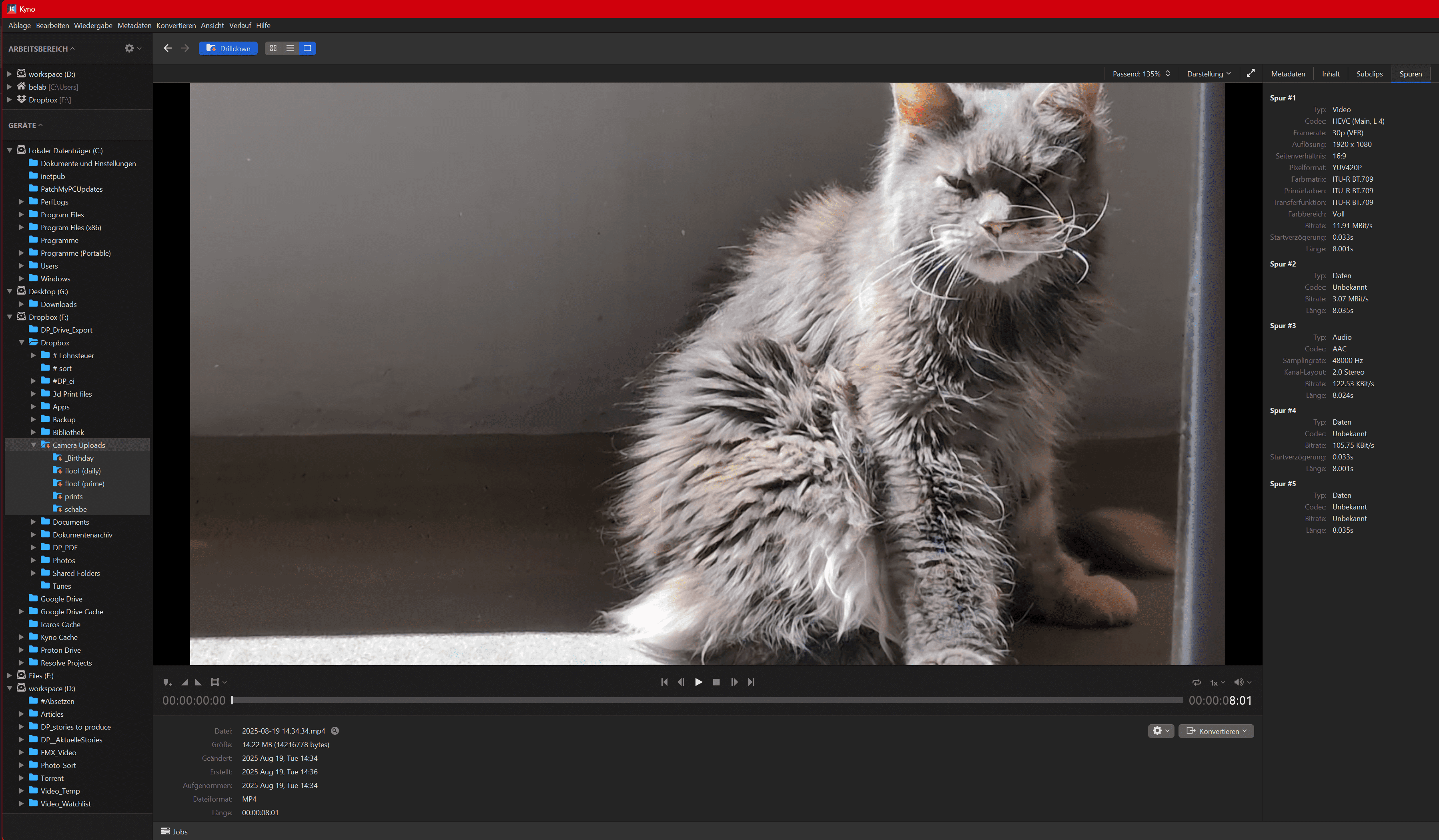
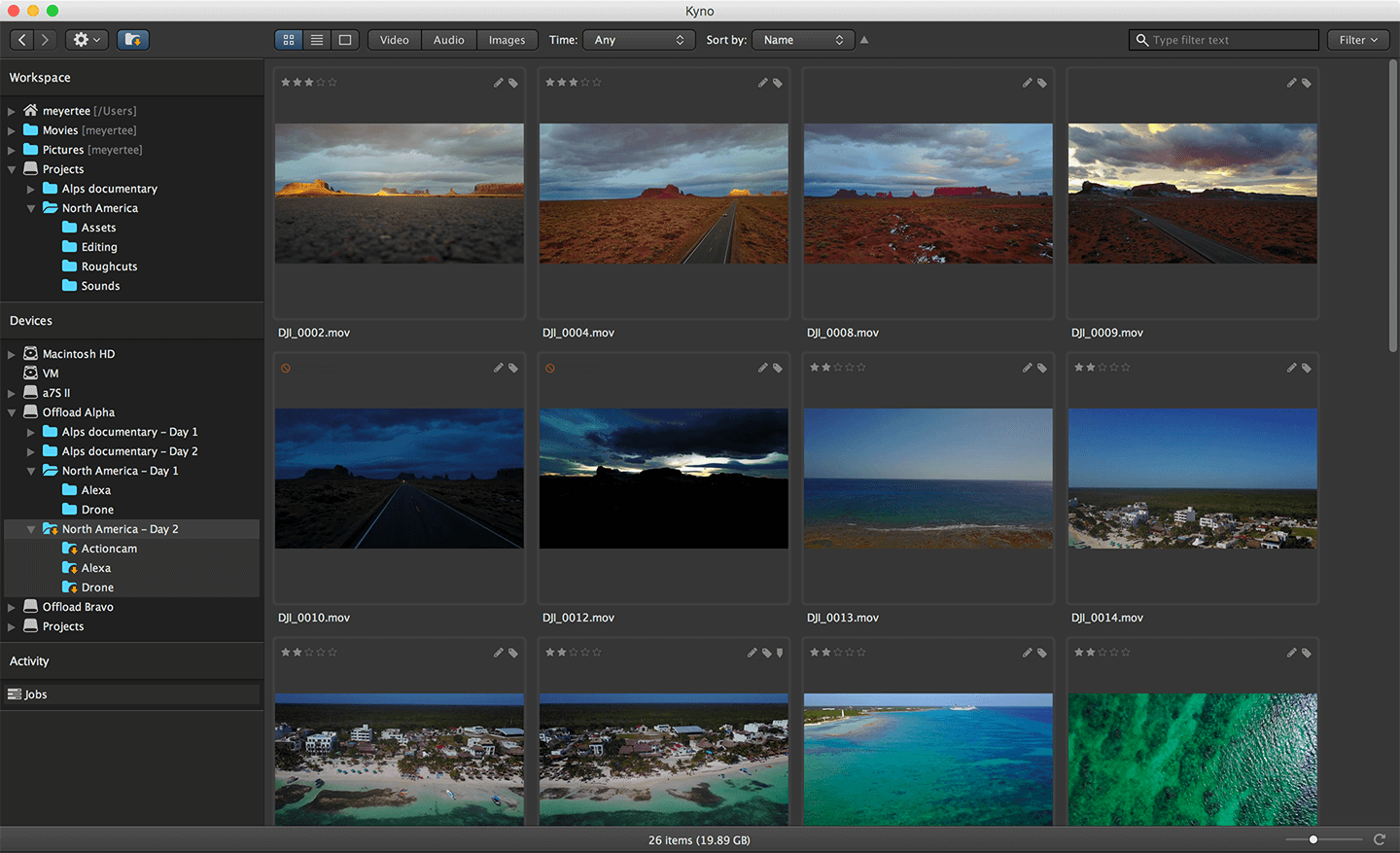
The update also refreshes the interface. Kyno now uses a darker look with higher contrast in selection colours, a larger system font for better readability, and smoother scrolling on macOS. Buttons have moved: the drilldown function is now placed in the general toolbar, while activity progress is linked directly from the status bar. These are minor shifts, but they help when navigating large collections of footage under time pressure.
Staying current with RAW
For camera workflows, the Blackmagic RAW and RED RAW SDKs have been updated to match the latest camera models and firmware. For editors and DITs handling recent cameras, this alone makes the update worth considering.
Metadata and shared storage
The new release introduces volume settings that allow users to store technical metadata and thumbnails directly within a shared file system. Indexing behaviour can now be optimised for shared storage environments, which should reduce inconsistencies when multiple workstations access the same material.
Background analysis and smarter proxies
Pre-analysis of media now runs in the background without blocking the interface. Proxy workflows gain smarter presets that automatically create batches of proxies with scaling. For teams managing large projects, these refinements mean fewer interruptions and more predictable file handling.
Small details that matter
Some changes are less visible but still useful. A new context action, “Show in Enclosing Folder,” helps locate media quickly when working in drilldown mode. The refresh button has been improved; holding Shift while clicking forces a hard refresh, useful if the interface shows inconsistent file states. These small adjustments address long-standing workflow irritations. Not all features survived the update. Integration with Frame.io and Archiware P5 has been removed.
Fixes and maintenance
Security updates and a series of bug fixes round off the release. Copy-paste shortcuts work again, macOS users can now send to Adobe Premiere Pro 2025 without issue, and Windows users benefit from a more reliable update installer. Stability fixes cover problems ranging from broken keyboard shortcuts to folders being incorrectly marked as offline after macOS upgrades.
Still a favourite, cautiously
Kyno remains a favourite among professionals for previewing, transcoding and metadata management. Version 1.9 is no revolution, but it proves the tool is alive and slowly evolving. For users who have invested in Kyno as part of their daily workflow, that alone is significant.
We will be speaking with the developers at IBC and will report back on their plans for the software. Until then, consider this release a maintenance update with a few useful surprises. As always, test before deploying in production.
