



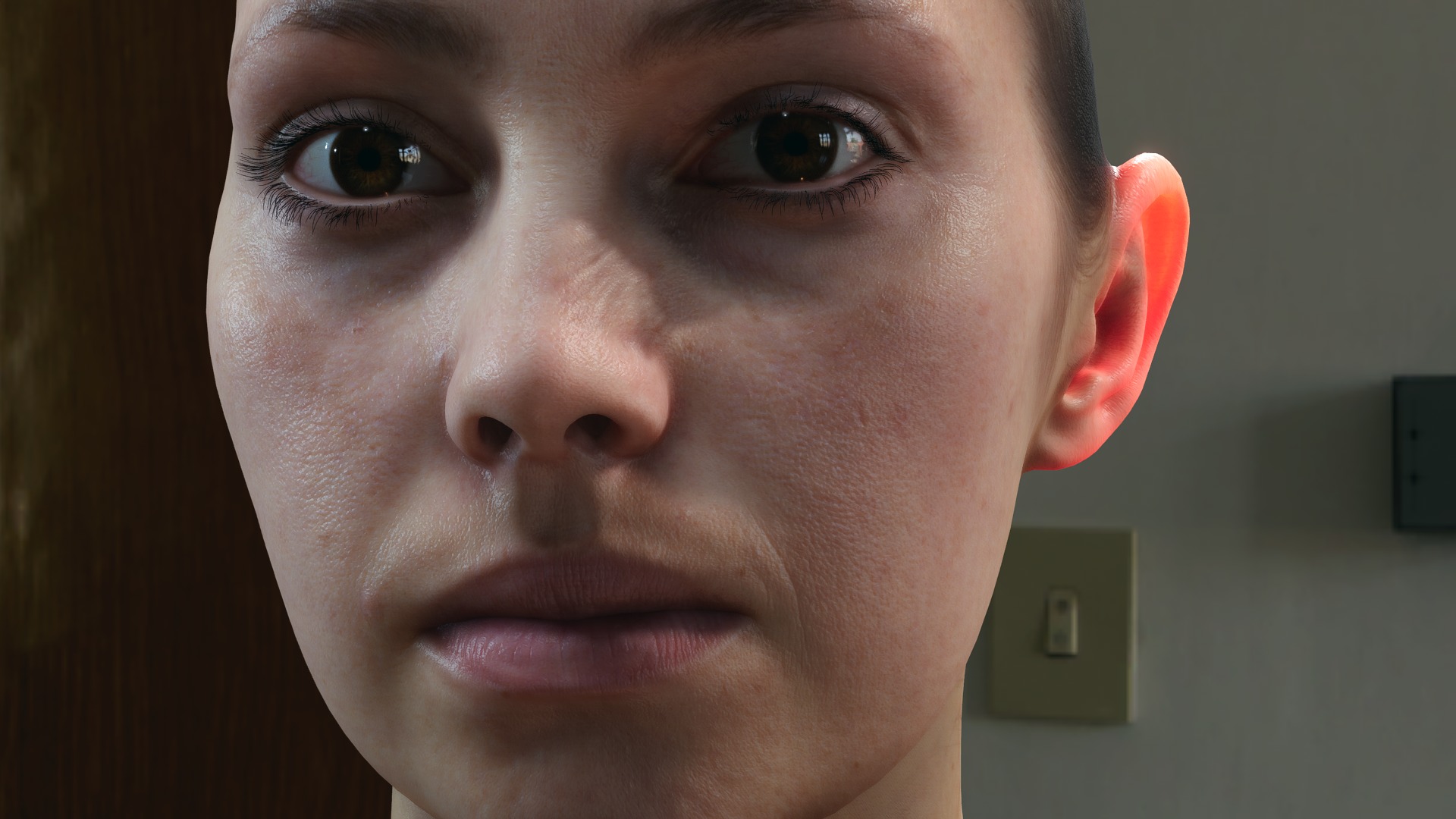
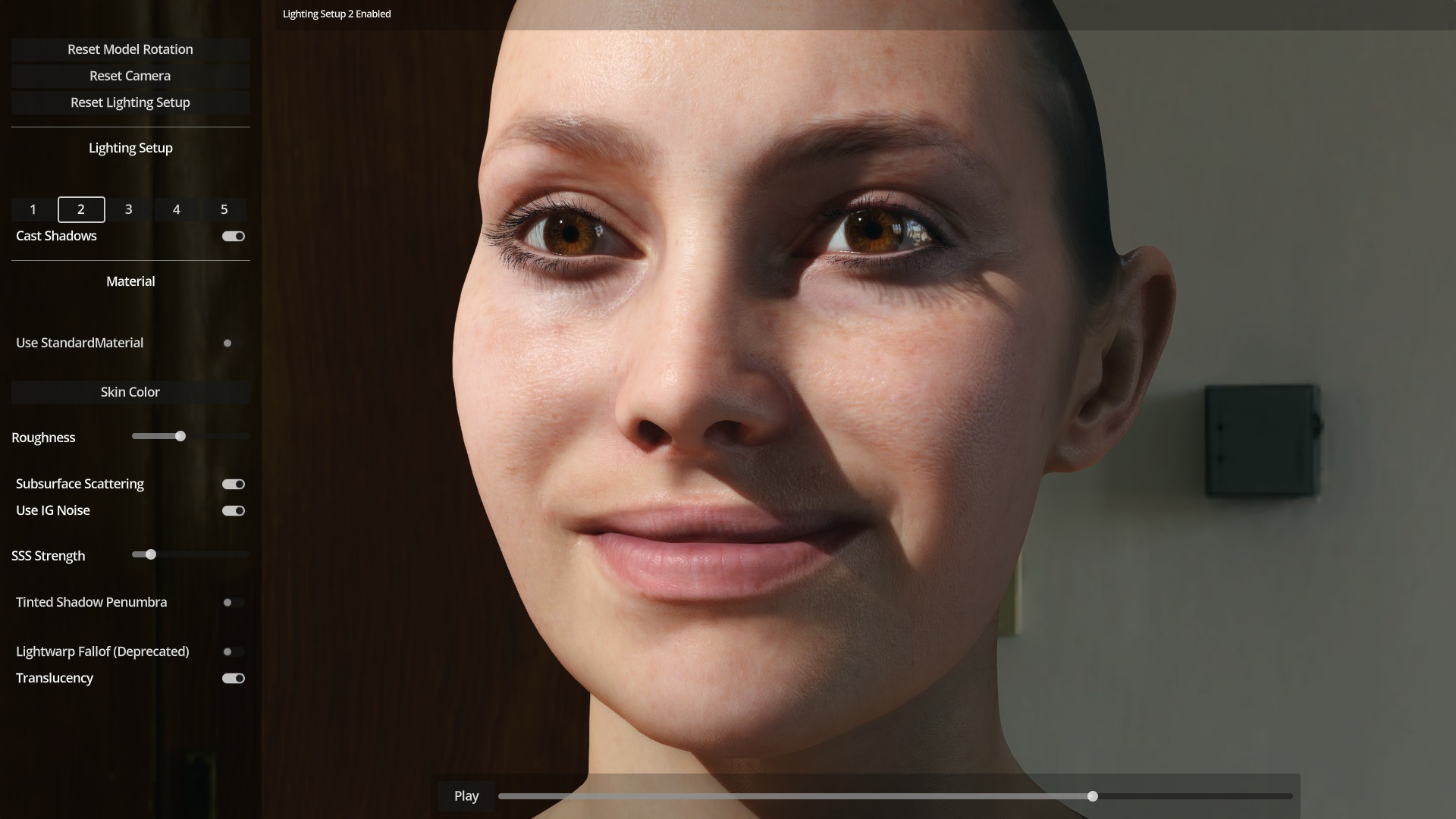
If you are used to grabbing shader freebies for Unreal, here is something refreshingly different: MatMADNESS, a 3D artist, has released a shader pack for Godot Engine aimed squarely at realistic human rendering. It runs in Godot 4.5 and is expected to work in 4.4 as well. The package contains a skin shader, an eye shader, and a separate shader for eye wetness. To make life easier, it comes bundled with sample models and a simple viewer. Everything is released under MIT and CC BY 4.0 licences. That means you can experiment, adapt, or build on it without licensing headaches. Get more info on itch.io and download everythign from Github.
The developer does note that the project is a work in progress and not actively maintained. Updates may or may not happen, so treat this more as a starting point than a polished, long-term solution.
Why Human Shaders Are Rare in Free Packs
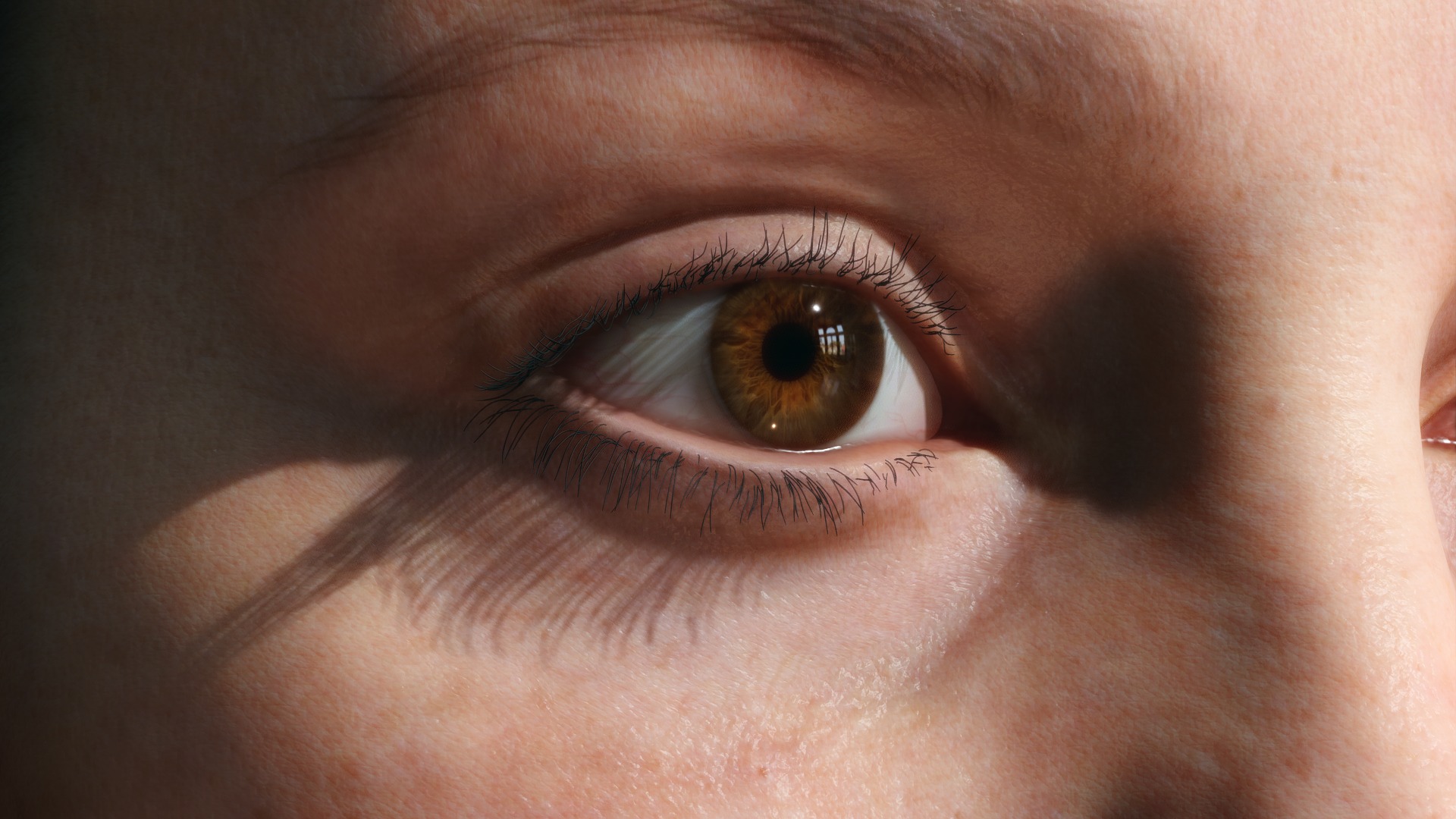
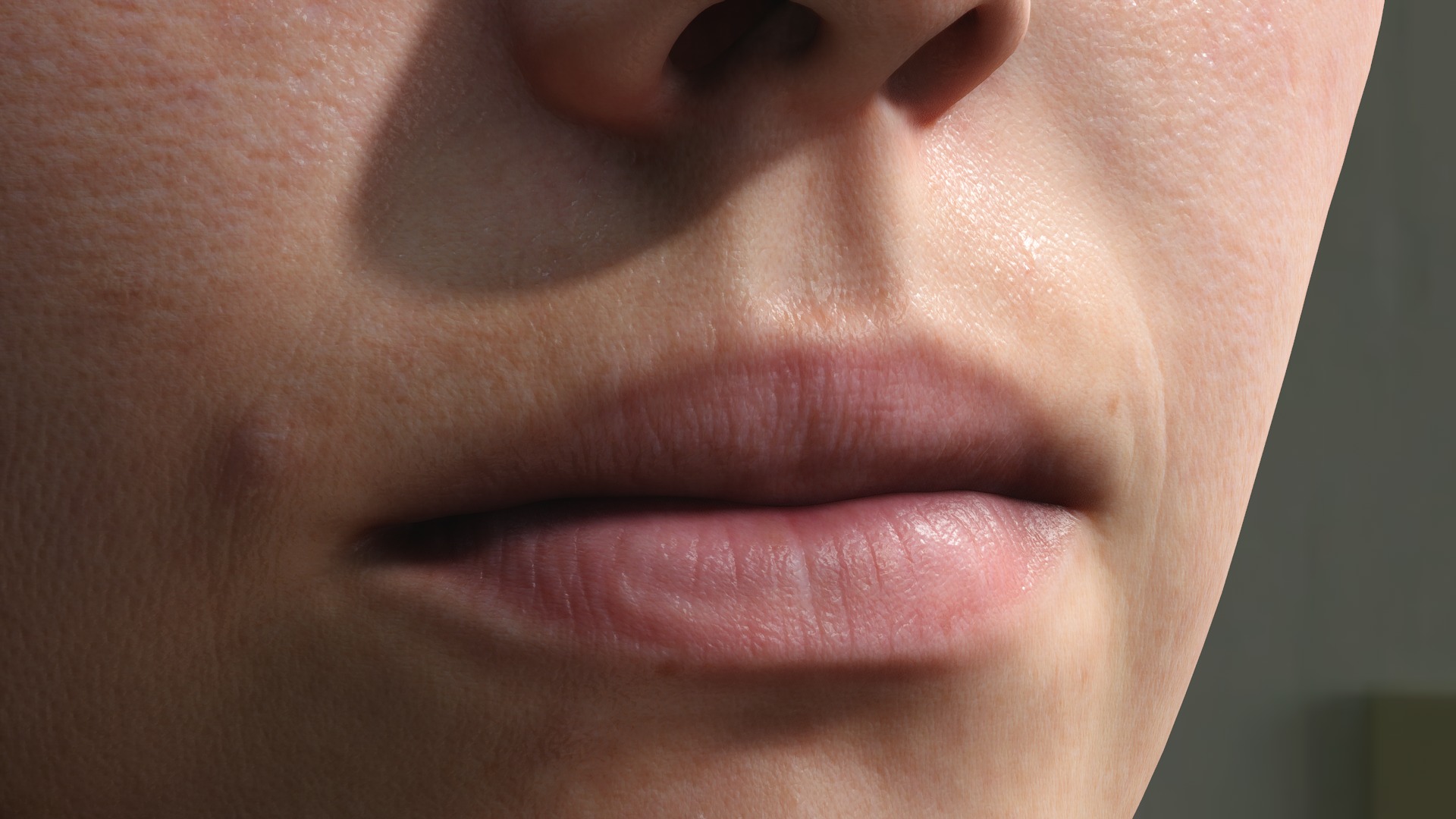
Human shaders are not the kind of thing you find in every community repository. Stylised outlines, terrain shaders, toon materials, or procedural noise are much more common. Realistic human rendering requires a mix of subsurface scattering, multiple specular layers, and detail maps for pores and imperfections. Eyes introduce another level of complexity, since you need convincing refraction in the cornea, depth in the iris, accurate shading of the sclera, and at least a hint of wetness.
Performance is another issue. These features are costly, and free assets are often designed to run on modest hardware. Realistic skin shaders can demand a lot from the GPU, which makes them less attractive for free-to-use packs. On top of that, human shaders are rarely “one size fits all.” A good skin shader often needs tuning per character, with different maps for colour, normal, roughness, or subdermal scattering. Add the burden of keeping complex shader code maintained across engine updates, and it becomes clear why few artists release them publicly. That makes this pack from MatMADNESS unusual and valuable.
When to Use It
These shaders can serve multiple practical purposes. In previsualisation or prototyping, they let you set up a believable human quickly, just to test how lighting and mood work. In indie or student projects, they offer a way to achieve realism without writing custom shader code from scratch. For training and education, they provide a reference on how to implement skin shading, subsurface effects, and layered transparency in Godot. Research and VR projects can also benefit, since avatars and human-computer interaction studies often demand realistic digital humans. Even if your final product does not aim for realism, shaders like this are useful in internal tools or look-development scenes where you want assets to look more convincing.
Loading and Handling Shaders in Godot
Integrating the shaders into Godot follows a straightforward workflow. After downloading the pack, place the files into your project folder. Each shader file can be loaded as a Shader resource. You then create a ShaderMaterial and assign the shader to it, before applying the material to a mesh. Godot will expose uniforms defined in the shader, which means you can set textures, colour controls, or numerical parameters directly in the editor. This is where you would plug in detail maps for the skin or adjust the strength of the wetness effect on the eyes.
Lighting plays a significant role. Godot’s renderer can be set to forward+ or clustered, and results may differ depending on the choice. High-dynamic-range lighting, shadow settings, and environment probes all influence how convincing the shader looks. On top of this, the shaders should be performance-tested on the platforms you intend to ship on, as complex effects can hit framerate hard. The pack’s included model viewer is useful for testing, but before integrating into a production character pipeline, it is strongly recommended to iterate under the same lighting and hardware constraints you plan to target.
The State of Play
The shader pack is confirmed to run in Godot 4.5, and the licence makes it safe to experiment with in both personal and commercial projects. The fact that it comes with sample models and a simple viewer makes first tests easy, without needing to drag in your own rigged assets immediately. Given the “work in progress” status, developers should expect to tweak and maintain the shaders themselves if they want to rely on them for long-term projects.
Final Thoughts: Long Live Godot’s Human-Face Ambitions
It is refreshing to see a shader release like this in the Godot community. The engine is often associated with stylised indie games, so a public set of shaders that lean toward realism is a welcome surprise. For those wanting to go deeper into the engine, Digital Production author Helge Moos is running a comprehensive training programme at Pixeltrain where he develops a full game in Godot from scratch. These shaders can be dropped into such a project as test assets or even as a starting point for production work.
