



Silhouette has always been marketed as the tool for people who can’t escape roto. With Silhouette 2025.5, Boris FX has put machine learning helpers front and centre: object detection, face segmentation, and prompt-based masking join the node tree. The goal is simple: fewer clicks, more consistent mattes, and less time spent duplicating hand masks across 400 shots of the same jawline.
Silhouette 2025.5: Prompt it, mask it, propagate it
The Mask ML node now accepts natural language prompts. Type “car” or “tree” and Silhouette produces a mask. Type a longer description, and the AI will attempt a semantic search to find matching pixels.
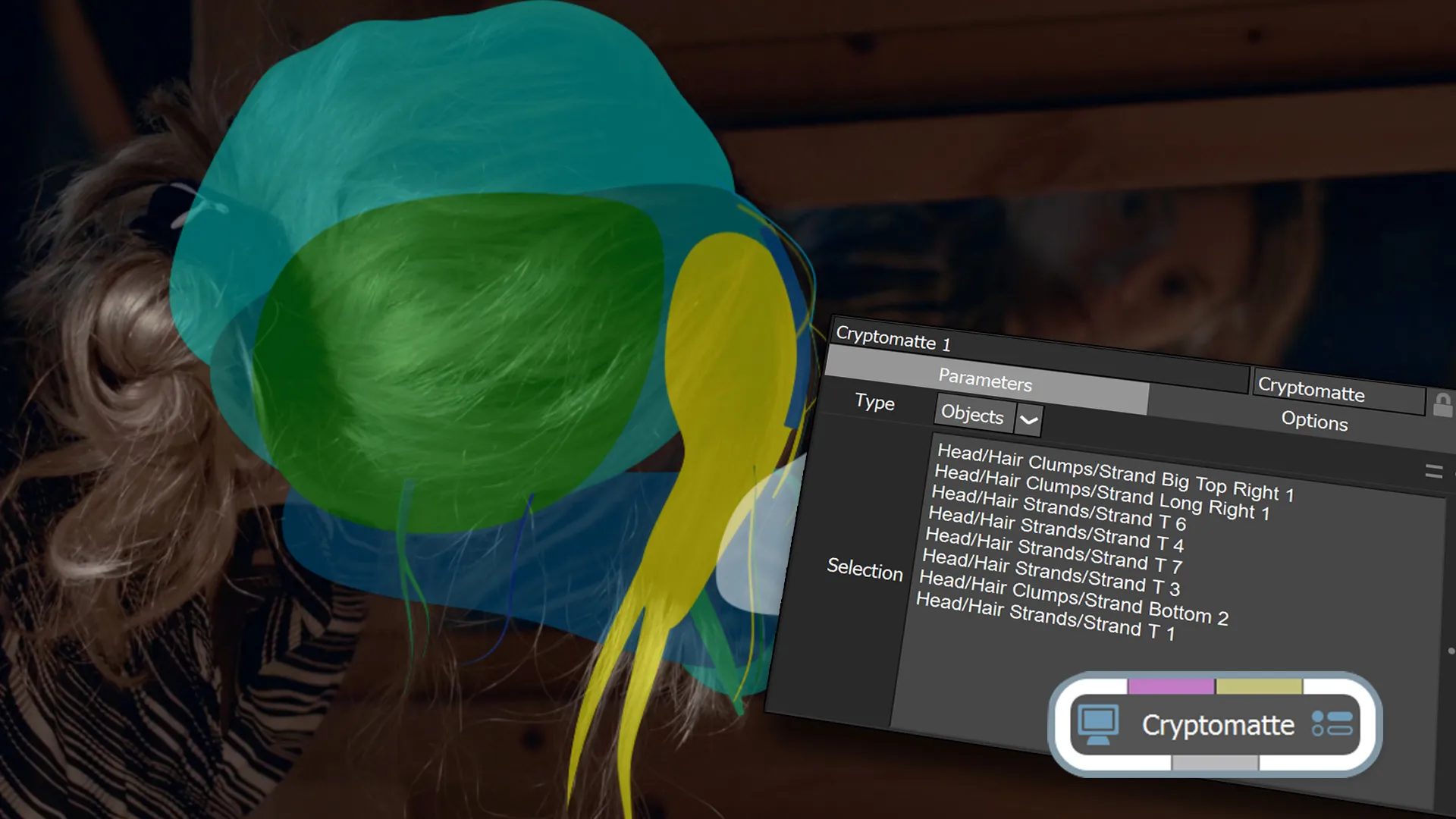
Selected elements are added to an object list, which then feeds into Matte Assist ML. Instead of baking a single alpha, objects can be output as Cryptomatte data, letting artists toggle them on and off directly in Silhouette or export them for compositing in any other app with Cryptomatte support. This system is not just UI-driven: prompt-based masking is also scriptable, making it viable for automated pipelines. In theory, you could send hundreds of shots through a command-line batch, prompt them for “car,” and get consistent object mattes without opening the GUI. In practice, test before you trust it.
Faces in pieces
The new Face ML node detects and segments eyes, lips, mouth, and surrounding skin into separate mattes. Like Mask ML, it can output standard alpha channels or Cryptomatte data. This is meant for invisible beauty work: subtle retouches, clean-ups, and feature-by-feature adjustments without manual roto. The node delivers tracked mattes, meaning the eyelid follows the eye across frames without an assistant spending the weekend keyframing bezier handles.
SynthEyes inside Silhouette 2025.5
Perhaps the most significant addition: 3D camera solving powered by SynthEyes, now built directly into the 3D Scene node. Until now, Silhouette users imported camera solves from external trackers. With 2025.5, clicking “solve” runs a SynthEyes-based tracker on the footage, returning camera data, point clouds, and per-frame point tracks.
Once solved, users can create 3D cards from selected points, assign colours or labels, and then use unprojection/reprojection to paint or composite directly into stabilised views. The solved camera allows for matchmove paint strokes: work on the unprojected plate, then reapply strokes in the moving scene.
The system reports solve accuracy as average error in horizontal pixels. As a rule, anything under one pixel is usable. For example, an average error of 0.7165 px across 400+ frames is considered solid. The node also includes solver presets: nodal pans, locked shots, or full free-move.
To avoid bad data, Silhouette introduces an occlusion matte input. Feeding a mask into the node tells the tracker which areas to ignore (sea, sky, or other irrelevant regions). This can dramatically lower error values and concentrate tracking points on useful geometry. In short: no more hopping between Silhouette and external trackers for simple 3D cards and matchmove paint.
Nodes refreshed
Several existing nodes have been upgraded:
- Cryptomatte: Supports overlays on input images and selective matte activation directly in the viewer.
- Tracker: Gains an occlusion matte input and direct 3D integration, allowing the Point Tracker to generate a tracked layer from selected 3D points.
- Mask ML: Now outputs multiple objects via Cryptomatte, plus text-prompt detection.
- Matte Assist ML: Introduces compute caching for smooth playback without recomputation, and separate Cryptomatte outputs when multiple objects are present.
Machine learning gets faster
Three major AI nodes received new models and performance updates:
- Matte Assist ML: Object count raised from 16 to 48.
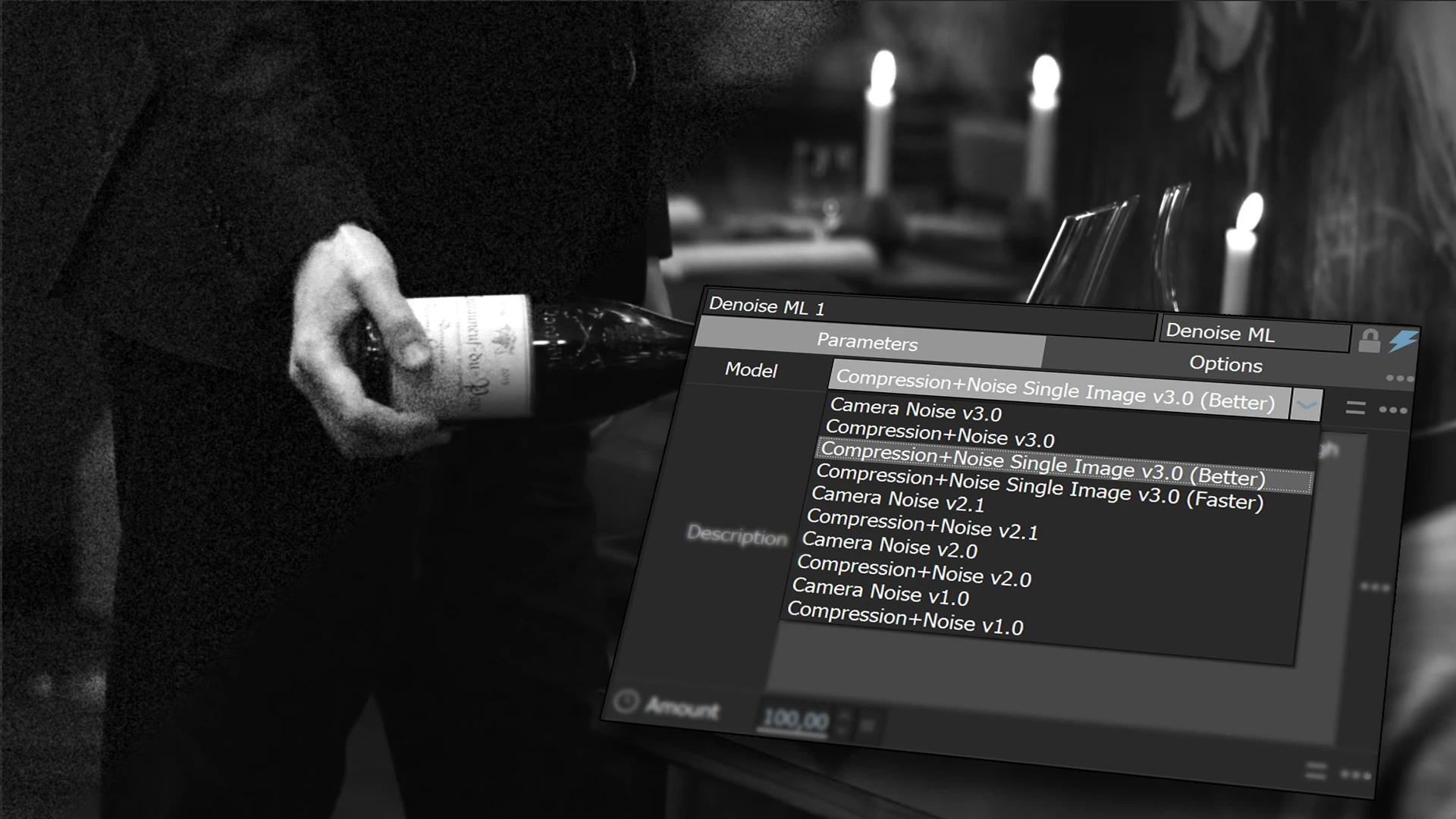
- Denoise ML: Adds “Better” and “Faster” v3.0 models optimised for compression+noise single images.
- UpRes ML: Gains NVIDIA RTX Video Super Resolution support on Windows. Updated v2.0 models ship in “Better” and “Faster” variants. All options process frame by frame for consistent results.
Combined with a new ML node caching system, playback of AI-driven mattes is significantly smoother in both standalone Silhouette and its plug-in form.
Workflows and scripting
Silhouette 2025.5 quietly upgrades scripting support. Prompt-based masking and AI mattes can be triggered via command line, enabling automated pipelines for large projects. For production facilities with centralised render farms, this makes AI masking a candidate for batch pre-processing before shots reach compositors.
Silhouette’s place in the toolbox
Silhouette remains Boris FX’s specialised roto, paint, and compositing package, the software you call when planar trackers and bezier masks stop being funny. Boris FX itself has been busy. Alongside Silhouette, the company maintains Mocha, Continuum, and Sapphire, a trinity of plug-ins already considered staples in post. With recent moves into audio tools as well, Boris FX is positioning itself as an unavoidable extension layer for almost every VFX and finishing pipeline.
