



Hello from my virtual IBC studio at Musikpark Mannheim—complete with coffee, cables, and a bit of latency. For this Digital Production feature, I sat down with Victoria Nece from Adobe at their booth in Amsterdam to talk about what’s new in After Effects.
Victoria is one of those product managers who actually uses the software she’s talking about. Her demos are fast, her shortcuts surgical, and her experience in Broadcast and Motion Graphics shines through. This time she came armed with three deceptively simple tools: Quick Offset, Paste Reversed Keyframes, and Smooth Zoom. Plus a look at new 3D lighting and compositing features that make After Effects feel distinctly modern again.
Quick Offset: My Favourite New Shortcut
We started with Quick Offset, and honestly, it’s the kind of thing that makes you wonder how you ever worked without it. By holding Option + Command (Mac), the cursor switches to a new “staggered layers” icon. From there, you can click and drag directly in the timeline to spread layers or keyframes over time. No expressions. No maths. No “did I offset the null or the child?”.
Victoria demoed this with a map of the U.S. states and locators sliding in at once. Within seconds, she dragged out the timing into a clean cascade. The motion instantly looked more designed, and no spreadsheet-level calculations were involved. It’s tactile, it’s quick, and it’s one of those updates that feels designed by someone who actually animates for a living.
Paste Reversed Keyframes: Exit Stage Left
Once everything is animated on, the next challenge is getting it off the screen again. Enter Paste Reversed Keyframes. Victoria showed how you can now copy keyframes, then paste them in reverse from the Edit menu. The animation plays backwards, perfectly timed to the original entrance. She used it to make states appear, wiggle, then fade back out—all without touching expressions or timelines manually. For those of us who still remember the “calculate offset” method, this feels like closure.
Smooth Zoom: Scroll, Don’t Jump
Then came Smooth Zoom, another small fix that quietly transforms daily work. Previously, zooming in the composition viewer jumped in awkward increments. Now, scrolling in and out is continuous! Victoria scrolled through a complex comp like she was skating. You can zoom, pan, and adjust keyframes without losing context. It’s one of those features that doesn’t sell subscriptions, but saves hours over time.
A 3D Scooter, an Environment Light, and a Shadow Catcher
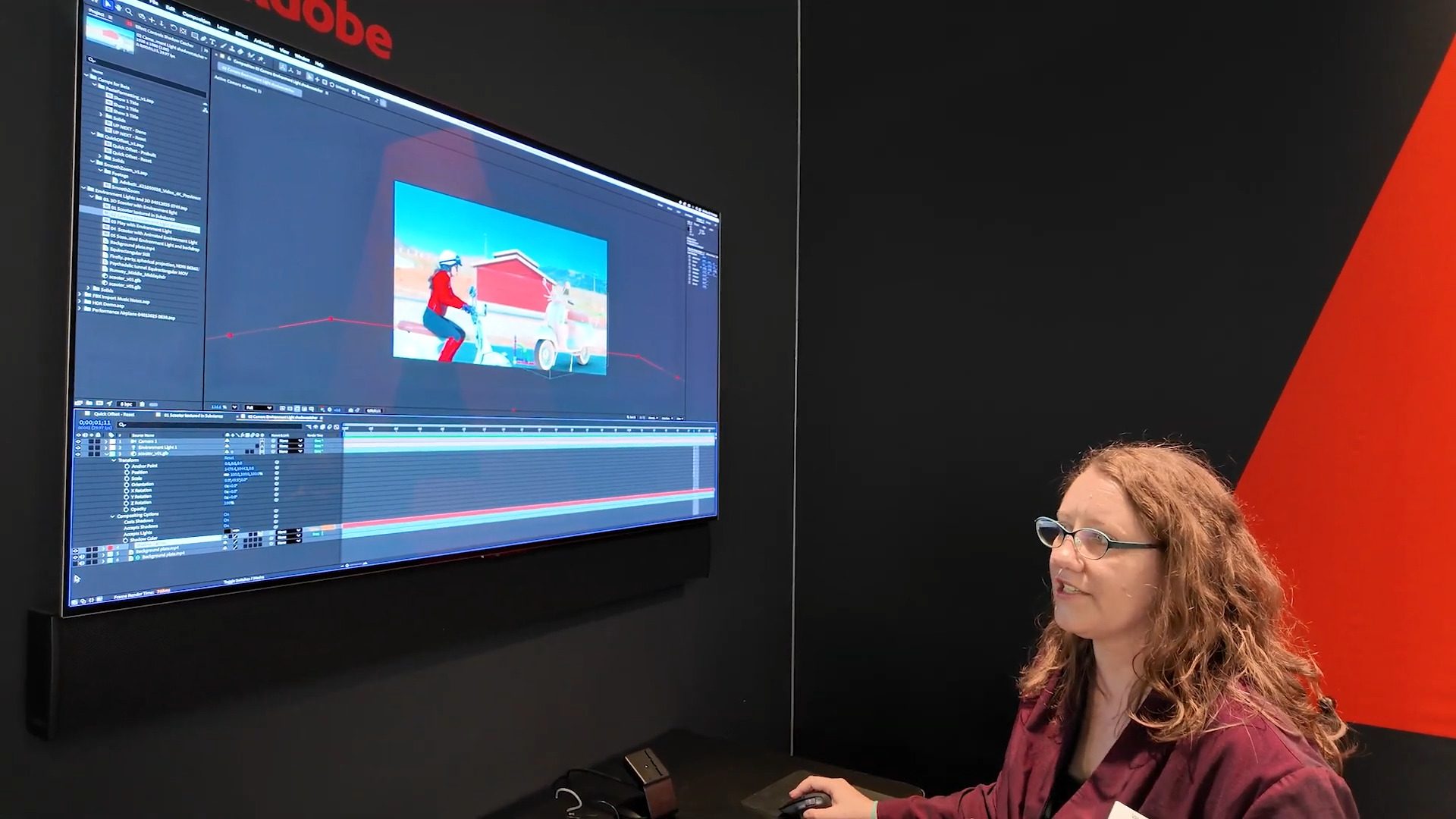
After the 2D fun, Victoria opened a 3D scene: a scooter textured in Substance 3D. After Effects now imports GLB, glTF, FBX, and OBJ models directly. She added an Environment Light, which uses an image, video, or animation as a lighting sphere around the scene. Her demo used a live-action plate as the light source—turning the background into illumination and reflection. When the actor walked into frame, you could literally see her reflection in the scooter’s headlight. Next came the Shadow Catcher, a transparent solid that receives shadows but hides everything else. It’s a quick way to ground a 3D object in live footage without third-party plugins. And yes, you can pick the shadow colour from the footage itself. No more neon-black shadows that ruin composites.
Beta Lighting: Spotlights, Parallel Lights, and Speed
In the public beta, Adobe is testing spot and parallel light shadows that render faster and allow more precise art direction. Performance has improved as well—playback and caching both feel snappier, although Adobe has not published formal benchmarks. As Victoria said, “After Effects is updated almost every day.” Given how often animators have begged for smaller, quality-of-life fixes, that’s welcome news.
Tested in the Booth, Try It in Production
All these features—Quick Offset, Paste Reversed Keyframes, Smooth Zoom, and the new 3D environment tools—are available now. The expanded lighting system is in public beta. I’ve seen many After Effects demos at IBC, but this one stood out because it’s not about buzzwords or “revolutionary pipelines”. It’s about fixing small irritations that slow artists down.
Before rolling these tools into client work, test them on your own setups—especially the 3D lighting features, which still vary by GPU and renderer. But if you spend your life inside the AE timeline, Quick Offset alone might make your week.
