



DocHardGames has released UE Organizer, a desktop utility built for Unreal Engine 5 users who are drowning in Epic Games Vault assets. The tool’s free version lets artists and developers browse, tag, and preview their locally stored Vault items. A Pro subscription, priced at $5 per month, unlocks direct engine integration, dependency resolution, one-click import into Unreal, and a plugin that links the tool live to the Unreal Editor.
The program addresses a long-standing workflow gap: Epic’s launcher downloads content efficiently but provides little control over what’s inside your Vault or where those assets go next. UE Organizer shifts that process to a local database under your control. All data stays on your own system—no cloud storage, telemetry, or external sync.
What you get for free
The free edition provides everything needed to browse and organise Unreal Vault assets outside the engine. You can view asset thumbnails, search by name or type, and create your own metadata tags to categorise models, materials, and environments. The software allows you to filter assets by tag or type, apply bulk tags, and preview items before import. It supports Unreal Engine versions 5.0 to 5.4, runs on Windows, and stores all metadata locally.
For artists maintaining large personal libraries, this alone can turn the Vault from a blind folder hierarchy into a searchable library. You still have to import assets manually into your Unreal projects, but finding the right item becomes far less painful.
When you pay the $5
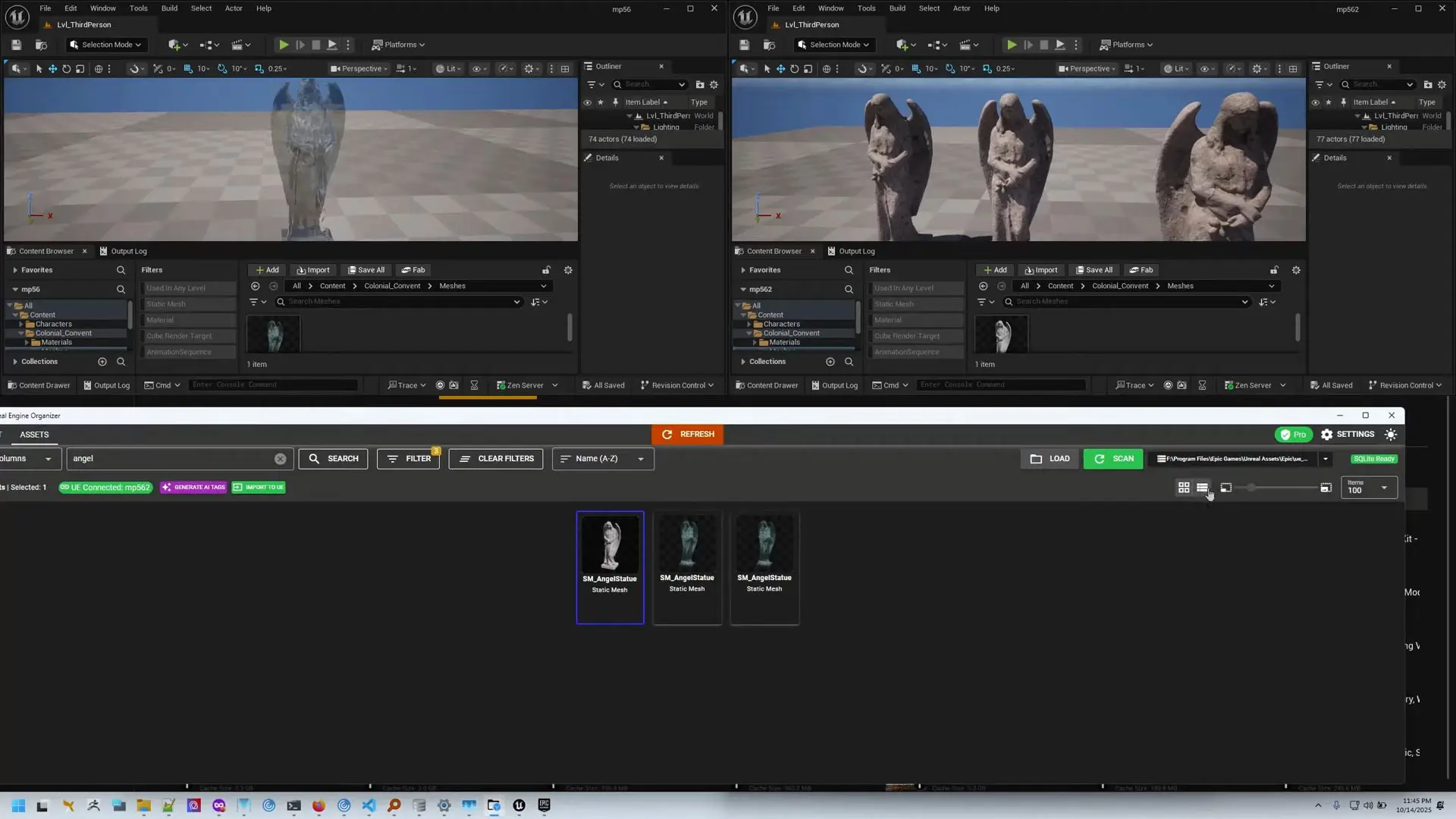
Subscribing to UE Organizer Pro adds the features that make it feel truly connected to Unreal. The Pro plugin hooks directly into the Unreal Editor, allowing one-click import of any Vault asset. During import, the tool automatically resolves dependencies, ensuring linked materials and textures come along for the ride.
The Pro version also adds real-time synchronisation between UE Organizer and open Unreal projects. Any changes made in one environment reflect in the other. Bulk tagging becomes faster, and the tool supports metadata propagation between the Vault and project folders.
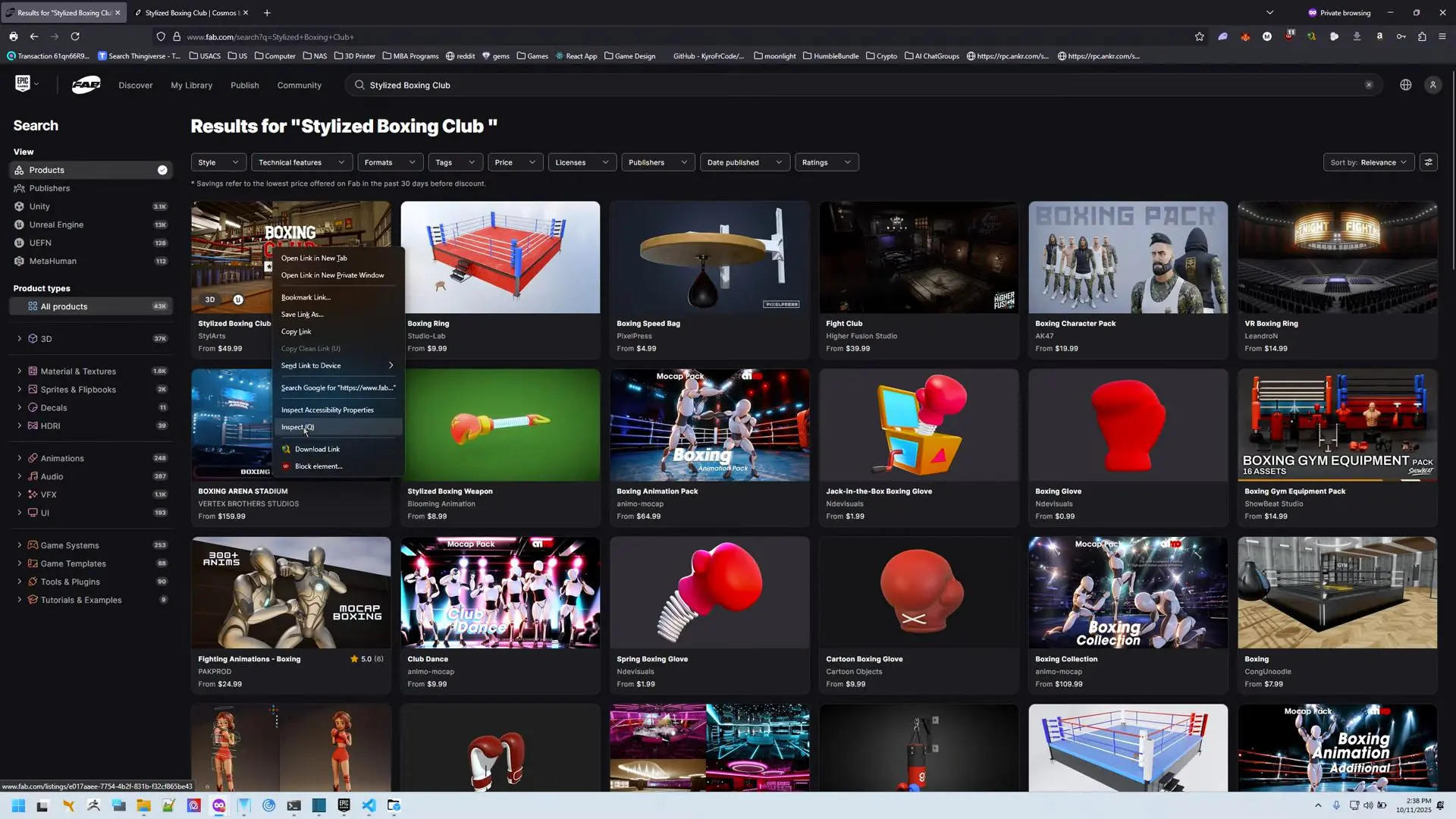
Perhaps the most intriguing addition for us lazy people is AI-based part tagging, powered by OpenAI’s vision model. The software analyses asset previews and suggests descriptive tags automatically. It can also scrape tags from the Unreal Marketplace, importing existing metadata into your local library. These AI features are currently listed as part of the Pro subscription, with no data leaving the local environment beyond API calls necessary for tag generation.
Practical limits and production caution
Even with the Pro version, UE Organizer does not manage versioning or project-wide dependency audits. If you import the same asset into multiple projects, each copy remains distinct. The developer does not promise conflict detection, nor does it handle team-wide asset databases.
Also, while AI tagging is clever, it depends on both image clarity and consistent naming. Metadata imported from Marketplace listings might include vendor-supplied keywords that don’t always match your studio taxonomy. As with any automatic classification system, manual review is recommended before final archiving. In short: it’s a powerful librarian, not a pipeline engineer. Teams should test the plugin in controlled conditions before adopting it in production, especially when dependencies or engine versions diverge.

Small tool, big relief
The elegance of UE Organizer lies in its narrow focus. It doesn’t try to be Perforce, nor does it need a server backend. For solo developers, content creators, or small studios balancing multiple Unreal projects, a five-dollar subscription may be a reasonable price for sanity. The free version already adds serious usability to Epic’s Vault ecosystem; the Pro edition finishes the bridge into Unreal itself.
Watch the introduction videos here
And for those who have spent evenings scrolling through hundreds of downloaded assets from the Fab.com marketplace, take comfort: after years of collecting “free for a limited time” materials, you can finally sort them. Because if your workstation is anything like ours, that Vault folder stopped being organised somewhere around Unreal 5.1.
Reminder: Always test new workflow tools on non-critical projects before integrating them into production.
