



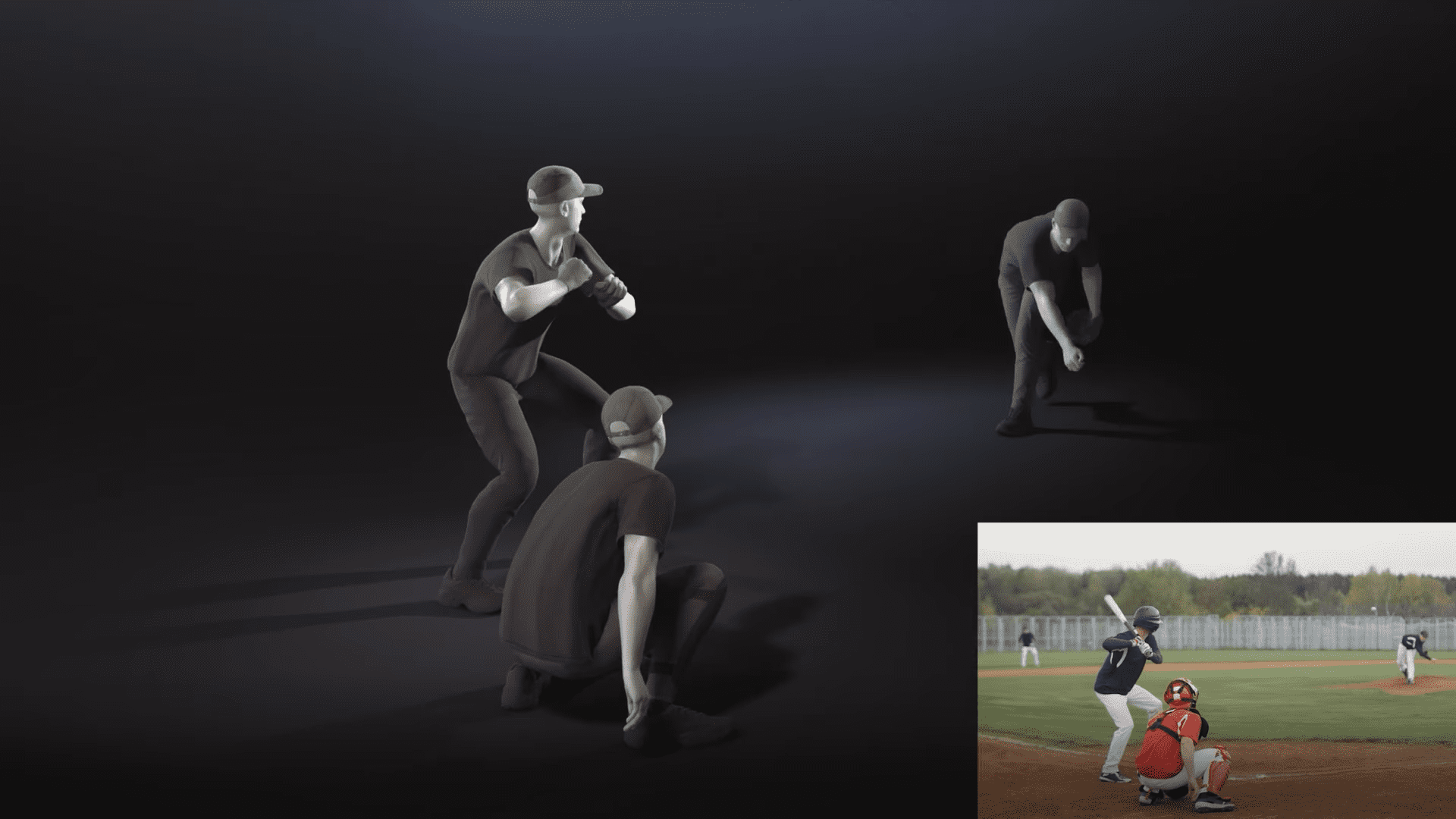
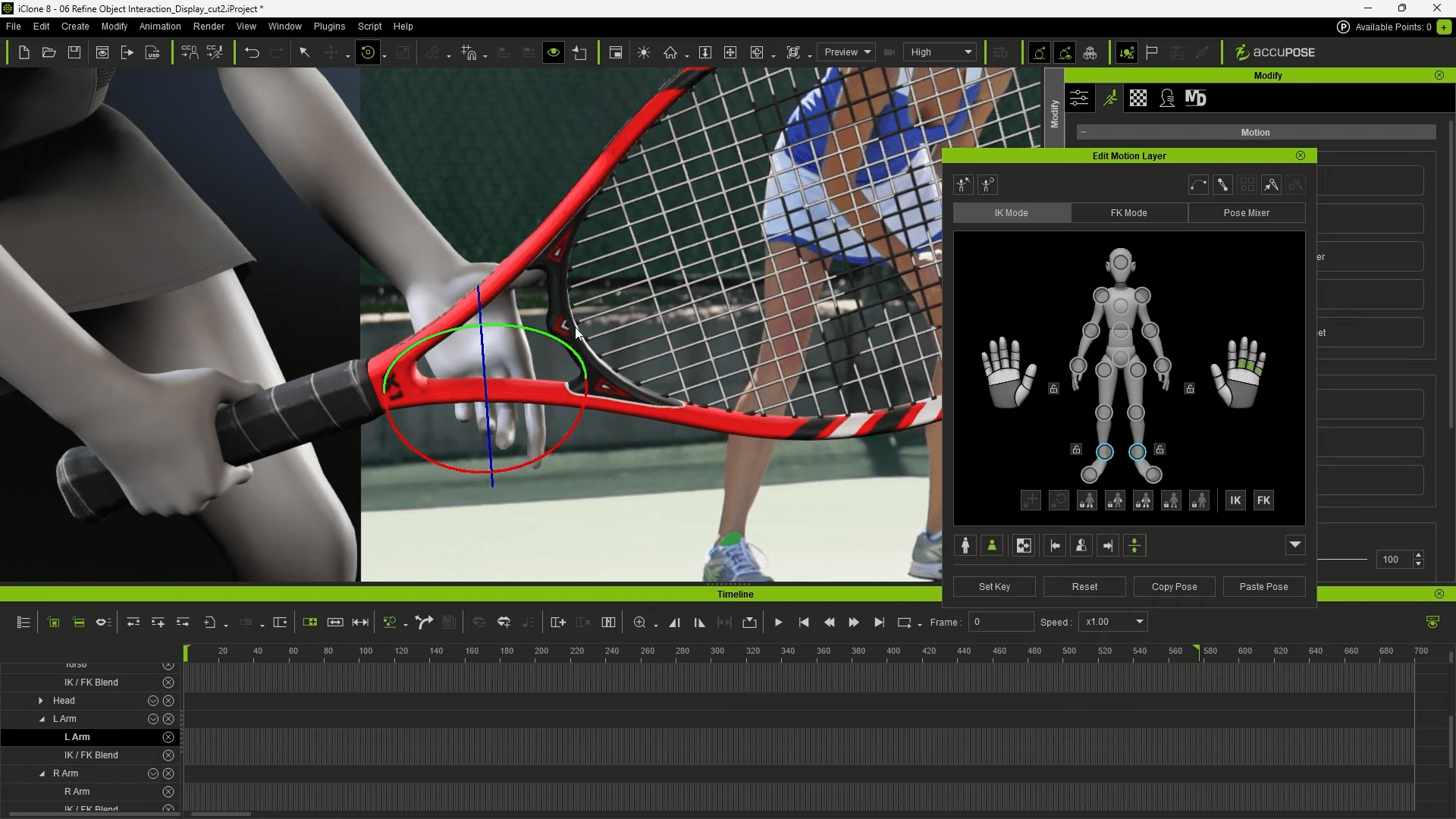
Reallusion has released Video Mocap, an online AI motion-capture service integrated into iClone. The feature was developed with AI mocap firm QuickMagic and arrives alongside iClone 8.63, a minor update focusing on plugin support and FBX export fixes. Video Mocap extracts actor movement from uploaded footage and generates editable animation directly inside iClone. Unlike standalone online services that export FBX data, the new plugin connects the AI pipeline to iClone’s animation system, allowing users to clean up artefacts such as foot slippage using iClone’s native tools.
Capture options and limitations
The service offers full-body or upper-body capture, including finger tracking. Facial motion capture is not supported and remains a separate paid add-on in the iClone ecosystem. Each motion-generation task processes up to 60 seconds of video for a single character and costs 250 DA Points, equivalent to $2.50. DA Points are Reallusion’s digital currency, sold with a minimum purchase of $10. Video processing takes place entirely online, and users can submit multiple clips in a batch. Up to ten motion files can be generated per batch if a video contains several performers.
Compatibility and pricing
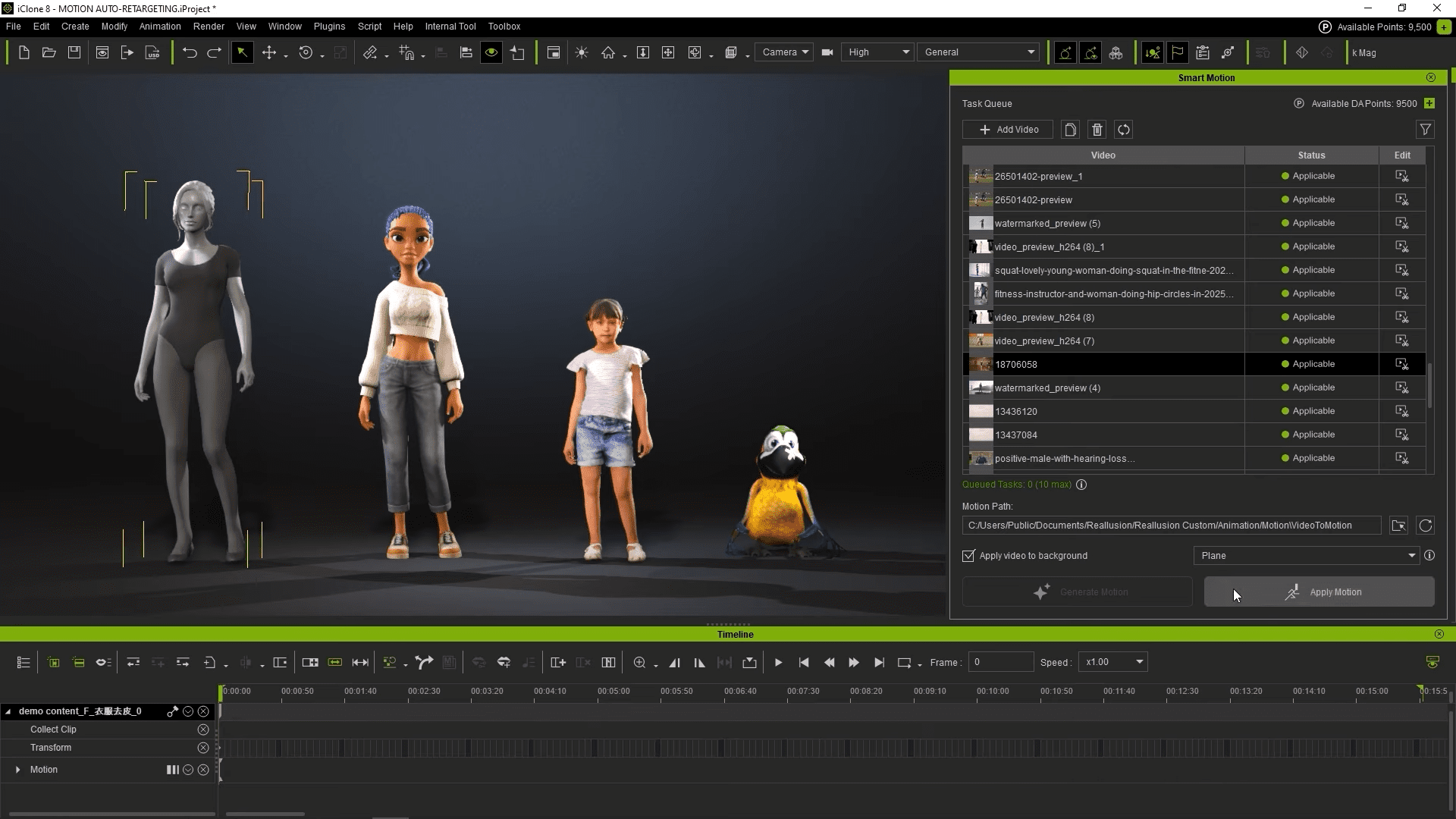
The Video Mocap plugin is available as a free download for iClone 8.63 and Windows 10+. iClone itself remains a paid application with a $599 perpetual licence. Video Mocap operates on a pay-per-use model. Each clip must be trimmed to a maximum of 60 seconds, though source videos up to 15 minutes can be uploaded. Supported formats include .mp4, .mov, .avi, .mkv, and ten others. Reallusion recommends a minimum resolution of 720p, while 4K and 8K files may reduce performance.
Recording recommendations
Reallusion advises recording footage with a static, eye-level camera, ensuring the performer’s full body or upper body remains visible, depending on the capture type. AI tracking may fail if the subject leaves the frame, wears clothing similar to the background, or performs rapid or occluded motions such as flips or combat. The firm also recommends removing empty video sections before upload to improve motion-tracking accuracy. These and other technical notes are detailed in the iClone Video Mocap Online Manual.
Context: AI mocap enters production tools
Video Mocap joins a growing field of AI-based motion capture systems that interpret human movement from standard video footage. Reallusion’s implementation distinguishes itself by integrating this functionality directly into a production-ready 3D animation platform, avoiding intermediate export steps.
As with any AI-driven system, actual performance and accuracy will depend on recording conditions, motion complexity, and camera quality. Artists should test the service with their own material before integrating it into production pipelines.
