



For those who don’t know the tool: Substance 3D Designer by Adobe is the procedural backbone of the Substance ecosystem, used to author textures, materials, filters, and 3D scan data for applications such as Unreal Engine, Unity, Maya, and Blender. Unlike Substance 3D Painter, Designer is node-based, non-destructive, and procedural. It feeds entire material pipelines in VFX, games, and lookdev.
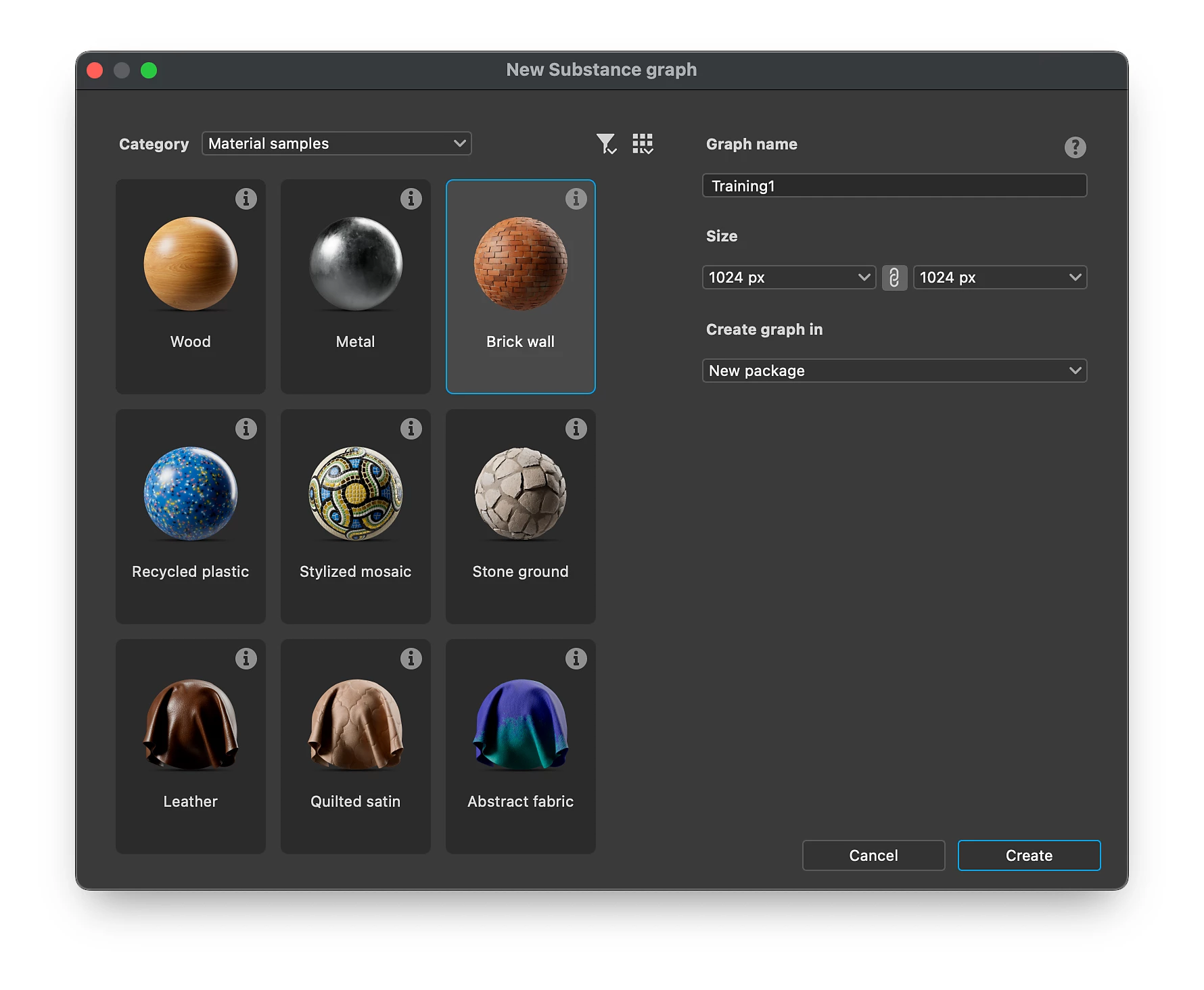
Graph creation, now less of a click-fest
Version 15.1 introduces a reworked graph creation window. Instead of plain text templates, users now see visual thumbnails of material and filter templates. Each preview displays the graph type and intended use, such as base materials, scan processing, or filters. Tooltips now provide short technical descriptions, making it easier to select the correct graph type. The window also features a new categorisation system, grouping templates by purpose. Users can still switch to legacy list or package views if they prefer.
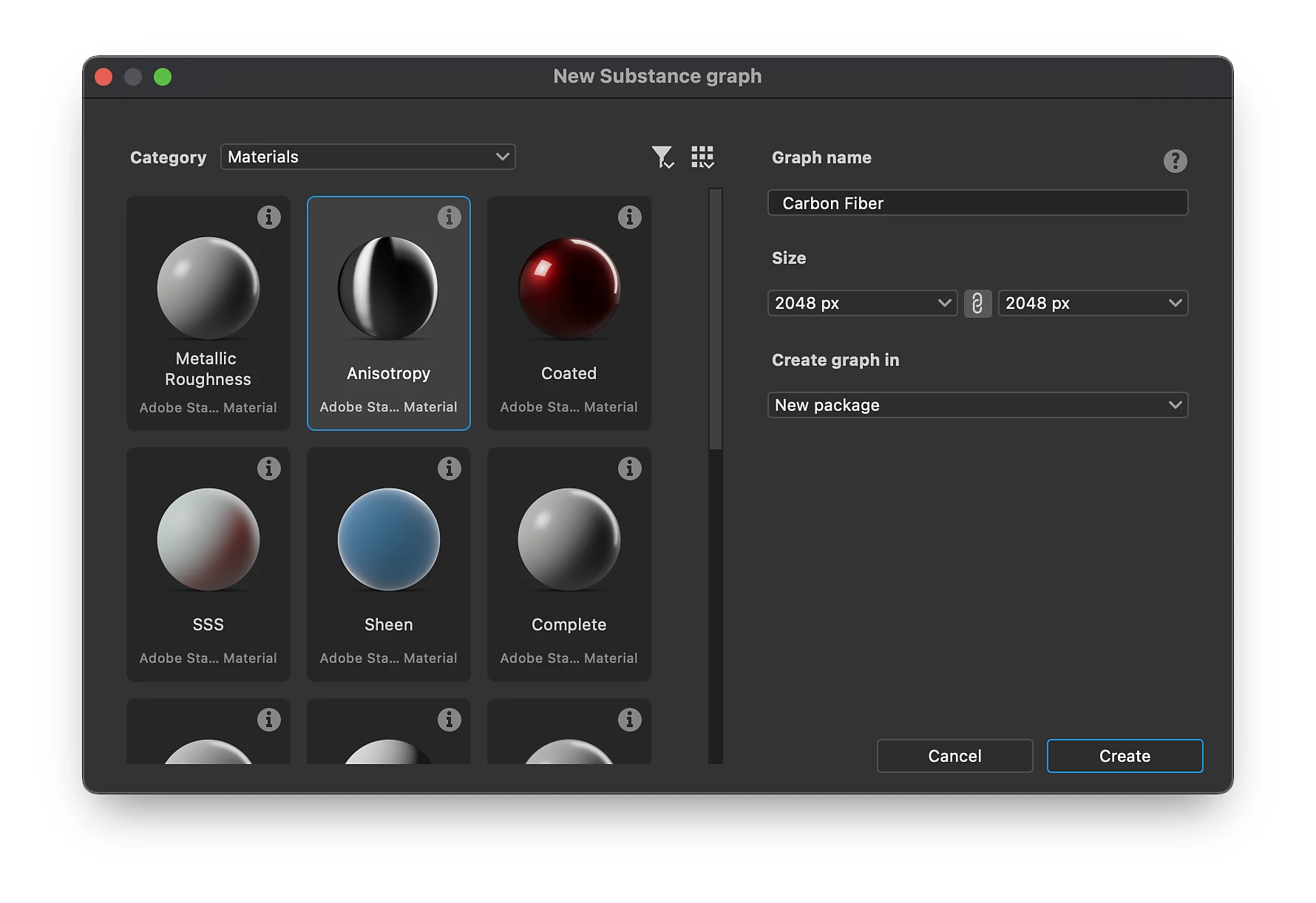
Sample materials: less blank-page syndrome
To ease onboarding, Adobe has added ready-made example graphs for common material families: fabric, wood, metal, plastic, and ceramic. These graphs use clean node layouts and minimal complexity, illustrating practical network structures without clutter. The samples are embedded in the installation and open directly in the main window.
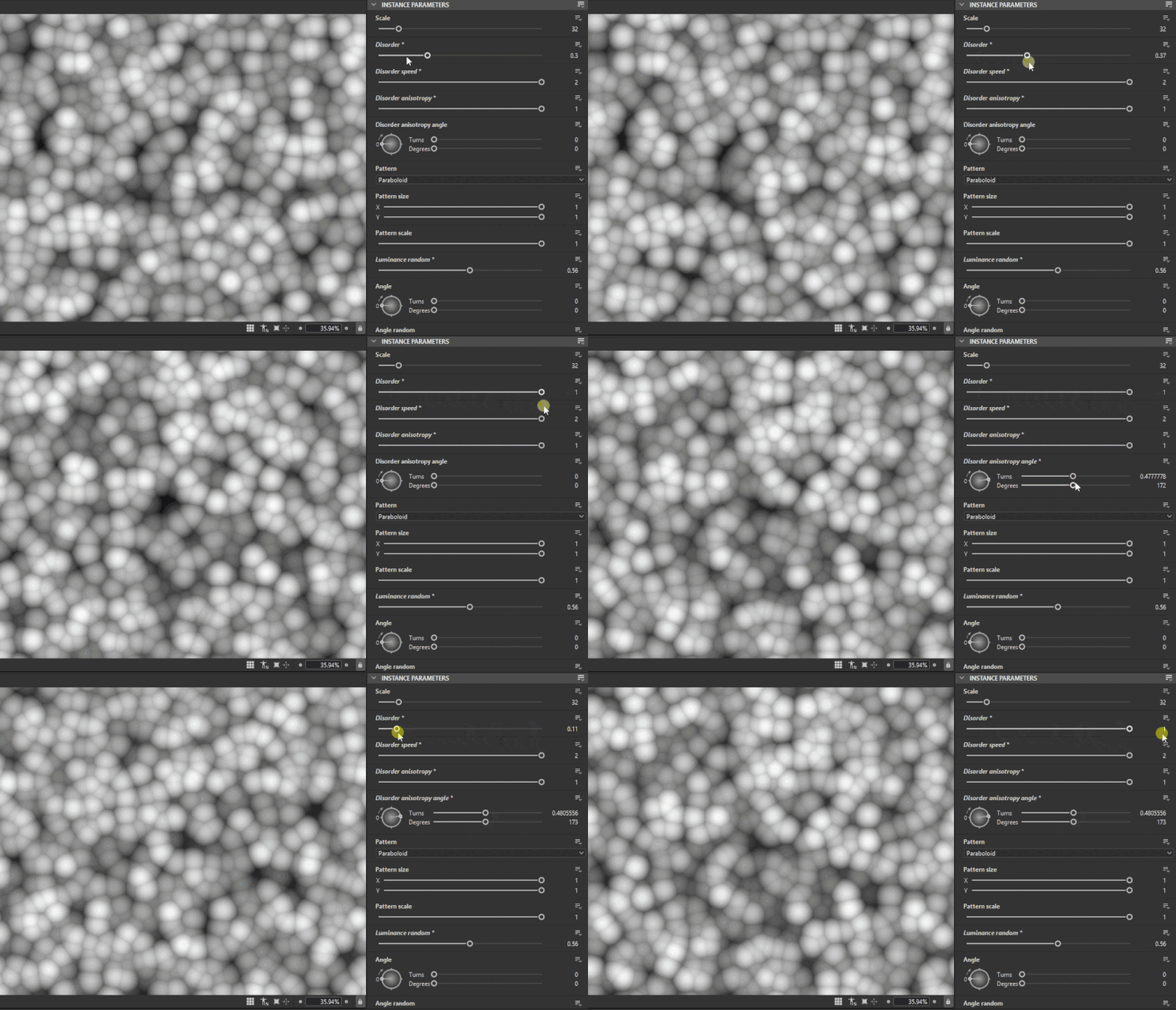
Noise nodes behave themselves
One long-standing annoyance in Designer was inconsistent noise behaviour. Version 15.1 brings better predictability to noise nodes like Cells, Cloud, Dirt, and Directional. Several noises no longer force tiling when used on non-repeating surfaces. Bit depth is no longer locked at 16-bit for most procedural patterns, giving artists finer control of data precision. Adobe has also unlocked additional parameters for certain noise types, allowing subtler tuning of randomisation and distribution. These changes should make procedural pattern generation more stable and flexible when working on high-frequency materials or custom filters.
Node search and grouping: smaller wins for large graphs
To make navigating large graphs faster, Designer 15.1 adds a Group attribute for nodes. When defined, this attribute helps organise search results by logical groups within a graph. It’s a small improvement that can make a large difference when managing hundreds of nodes.
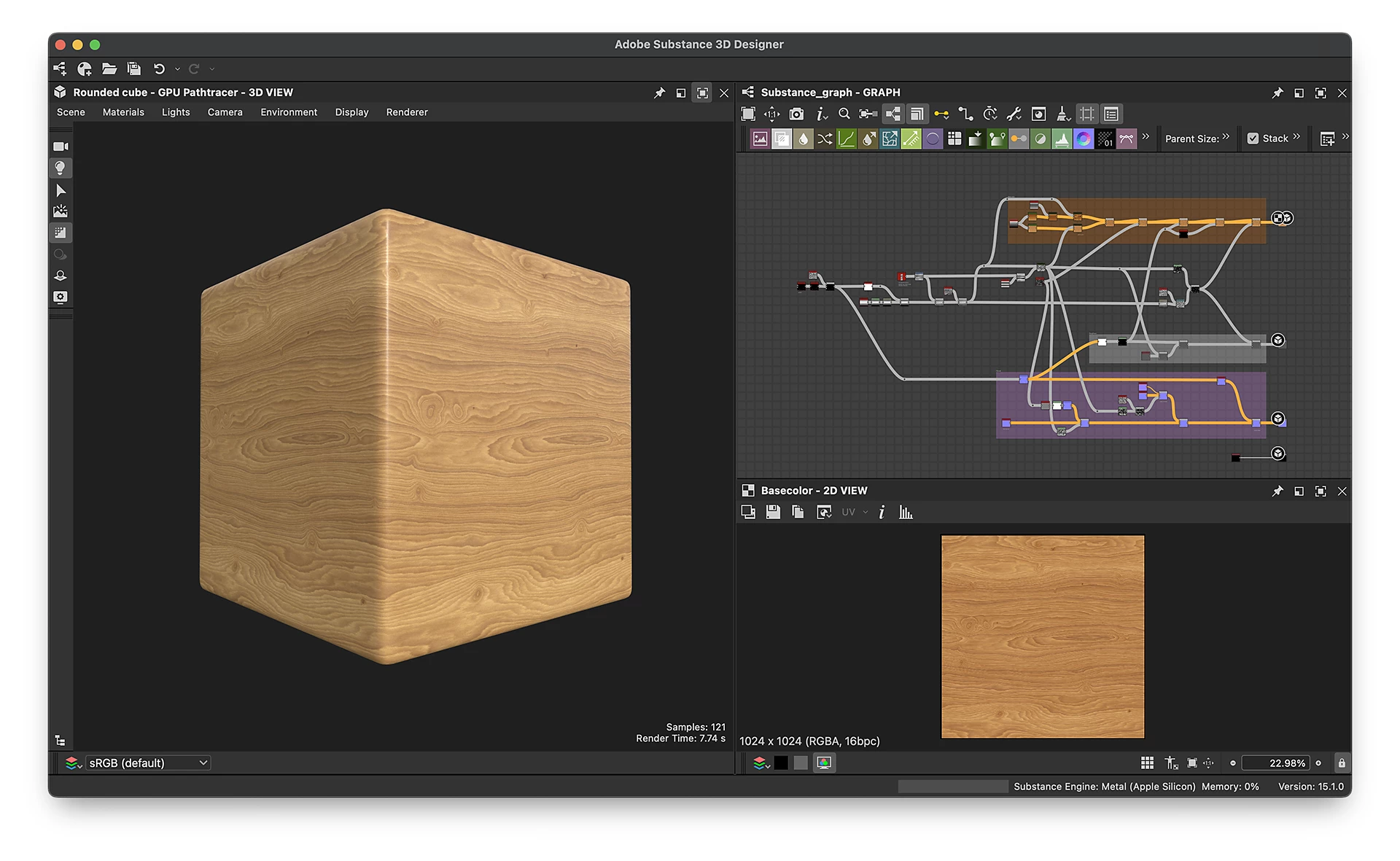
Platform and pricing
Substance 3D Designer 15.1 is available now for Windows 11, macOS 12.0 or newer, and RHEL-compatible Linux. It ships via Adobe’s Substance 3D subscription plans or as a standalone perpetual licence for approximately $199.99 on Steam. The update installs directly through the Creative Cloud Desktop app for current subscribers.
What’s missing (and what’s not broken)
This release does not include any changes to the viewport renderer, path tracer, or USD import/export features introduced in 15.0. Those remain in place and function identically. There are no new node types or export formats. In other words, 15.1 is an incremental workflow update, not a rendering overhaul. As always, test the new version on non-critical projects before rolling it out in production, especially if your pipeline relies on custom graphs or legacy noise nodes.
