



Table of Contents Show
TL;DR: The Keychron K5 Max is an ultraslim, full-sized mechanical keyboard with an aluminium frame and low-profile Gateron 2.0 brown switches. It offers a crisp, tactile typing feel without excess noise and connects via Bluetooth 5.1, 2.4 GHz, or USB-C. Configuration runs directly in the browser through VIA, saving settings on the keyboard for true cross-platform reliability. No drivers, no software, just professional performance and reliability after a rocky start
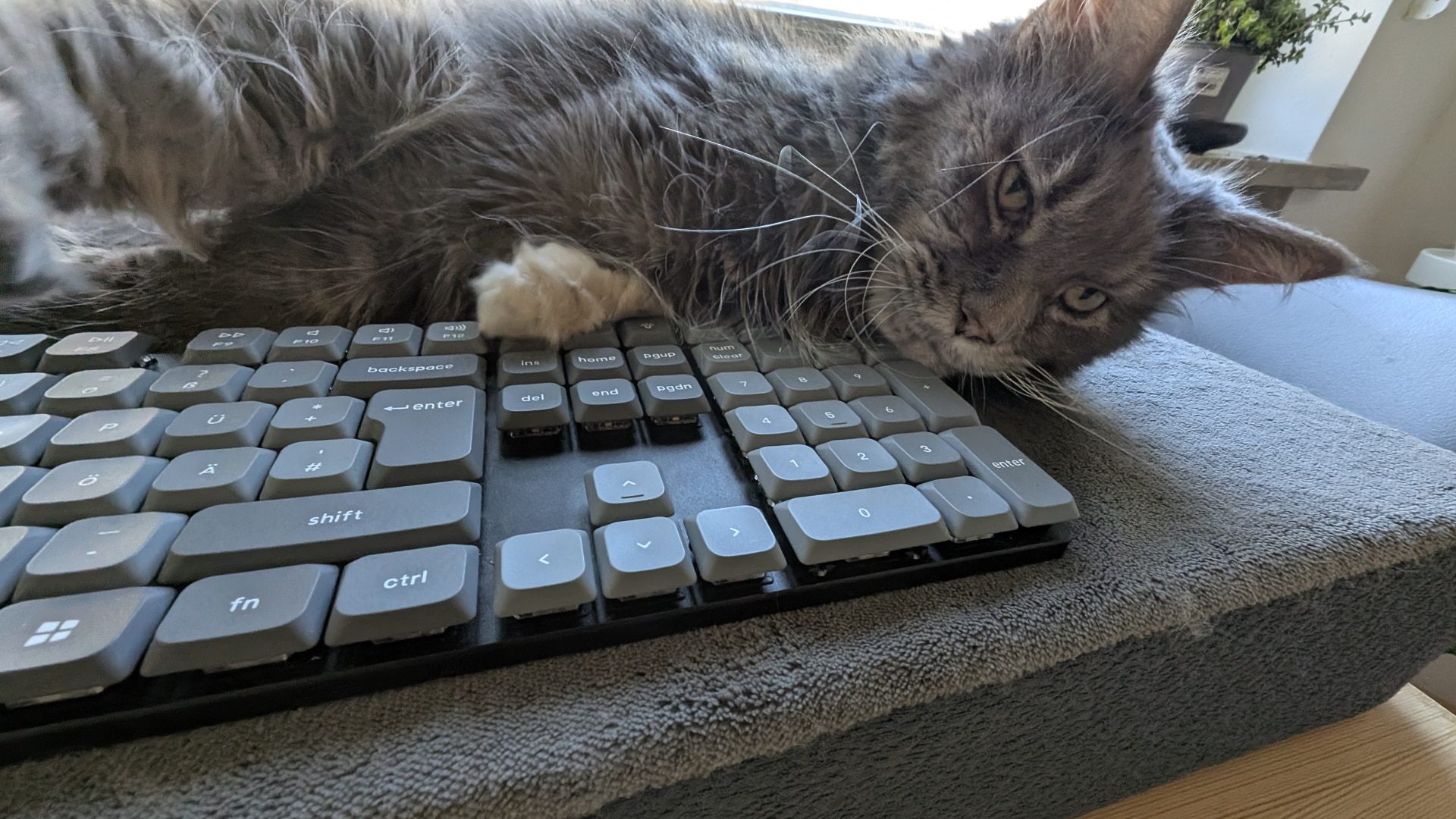
The Typing
Key presses feel crisp and precise, with a satisfying level of resistance that avoids the “tinny” sensation found in some low-profile switches (and yes, we tested multiples). Also: The K5 has a layer of “acoustic foam”, which dampens the sound, but doesn’t interfere with the tactical sensation of the keys. The travel distance is reduced compared to standard mechanical keyboards, but the overall typing experience remains solid, striking a balance between comfort and responsiveness. But before I am waxing and mumbling about opinions, let’s look at some specs first!
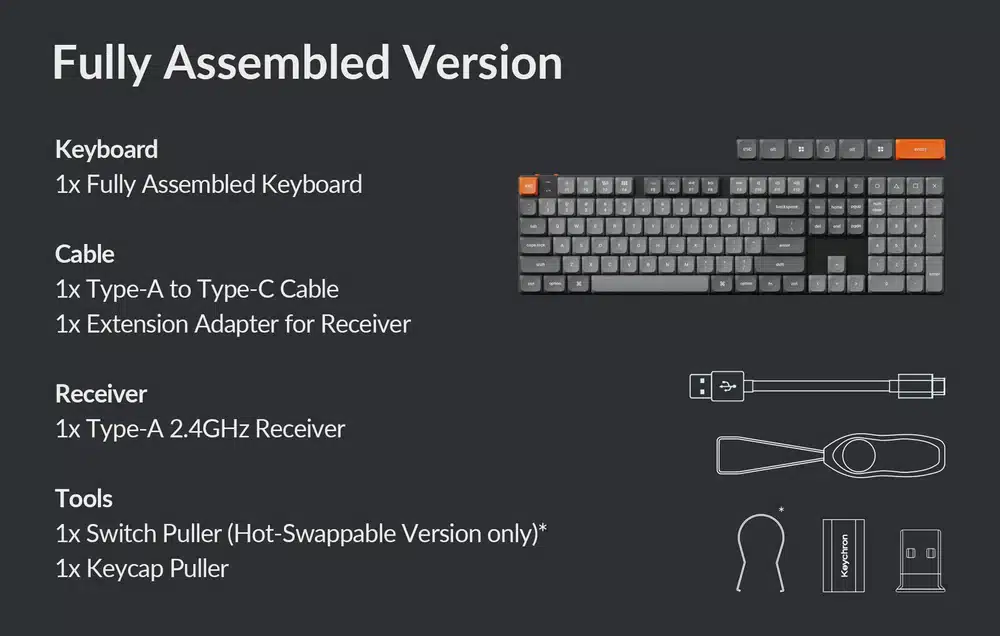
Battery performance: the K5 Max holds up well. While 100 hours per charge is the manufacturer’s estimate, real-world usage depends on factors like RGB brightness and Bluetooth connectivity. In testing, it consistently lasted multiple weeks without needing a recharge, making it a reliable option for professionals. But, we had the RGB off mostly.
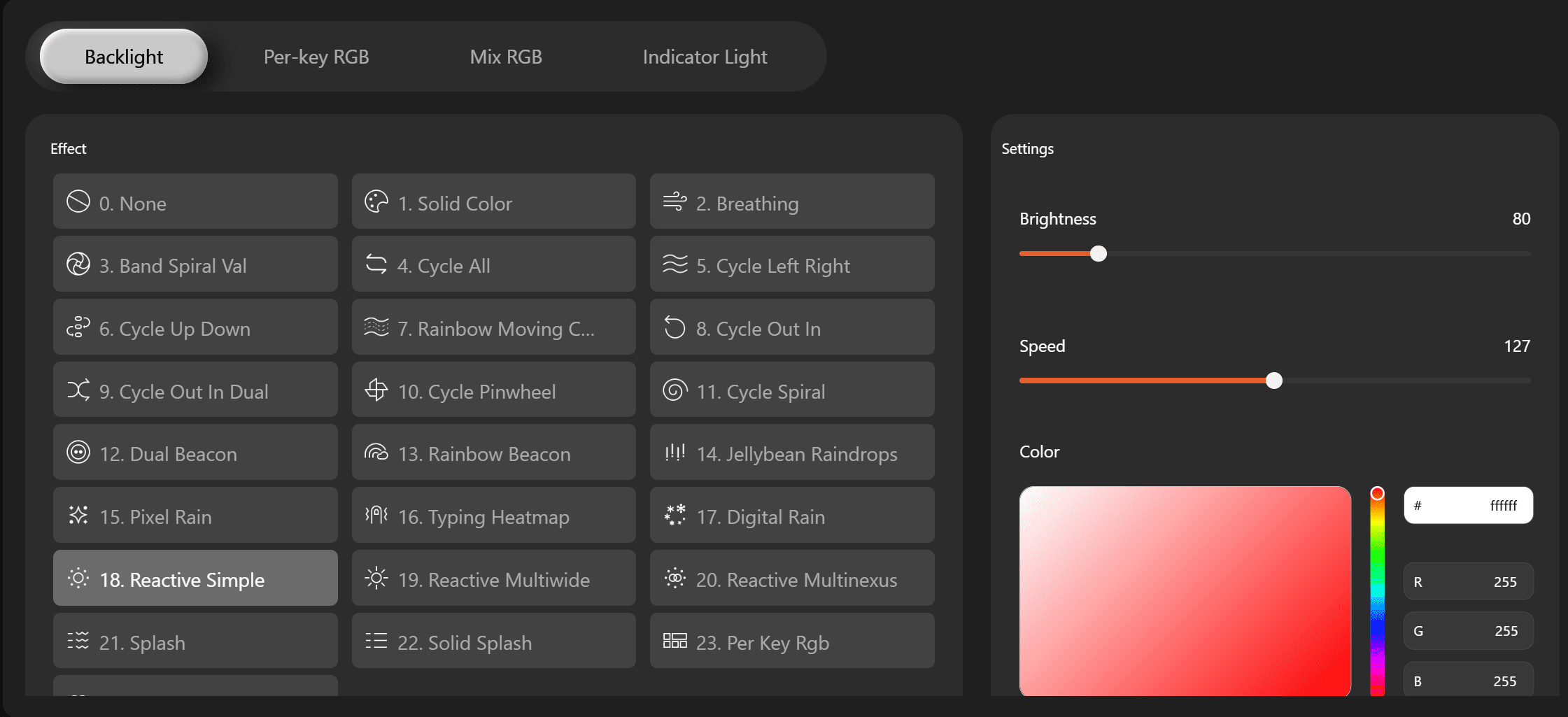
RGB comes with multiple modes, everything from “Off” to “Reasonable” to “A constant test for epileptic fits”. These can be programmed / configured to your heart’s desire. In practise: We had it off most of the time, and Imported a “shortcut helper” for a game, öhm, DCC software package. You can also go per Key, which is usefull if you have shortcuts programmed, and since the start of the test, you can change the lights on the indicator keys (Numpad), if you want or need that. Why point this out? Because we complained about it, and Keychron listend, and it came in the next update for the hardware. Perfect! It is a evolving product!
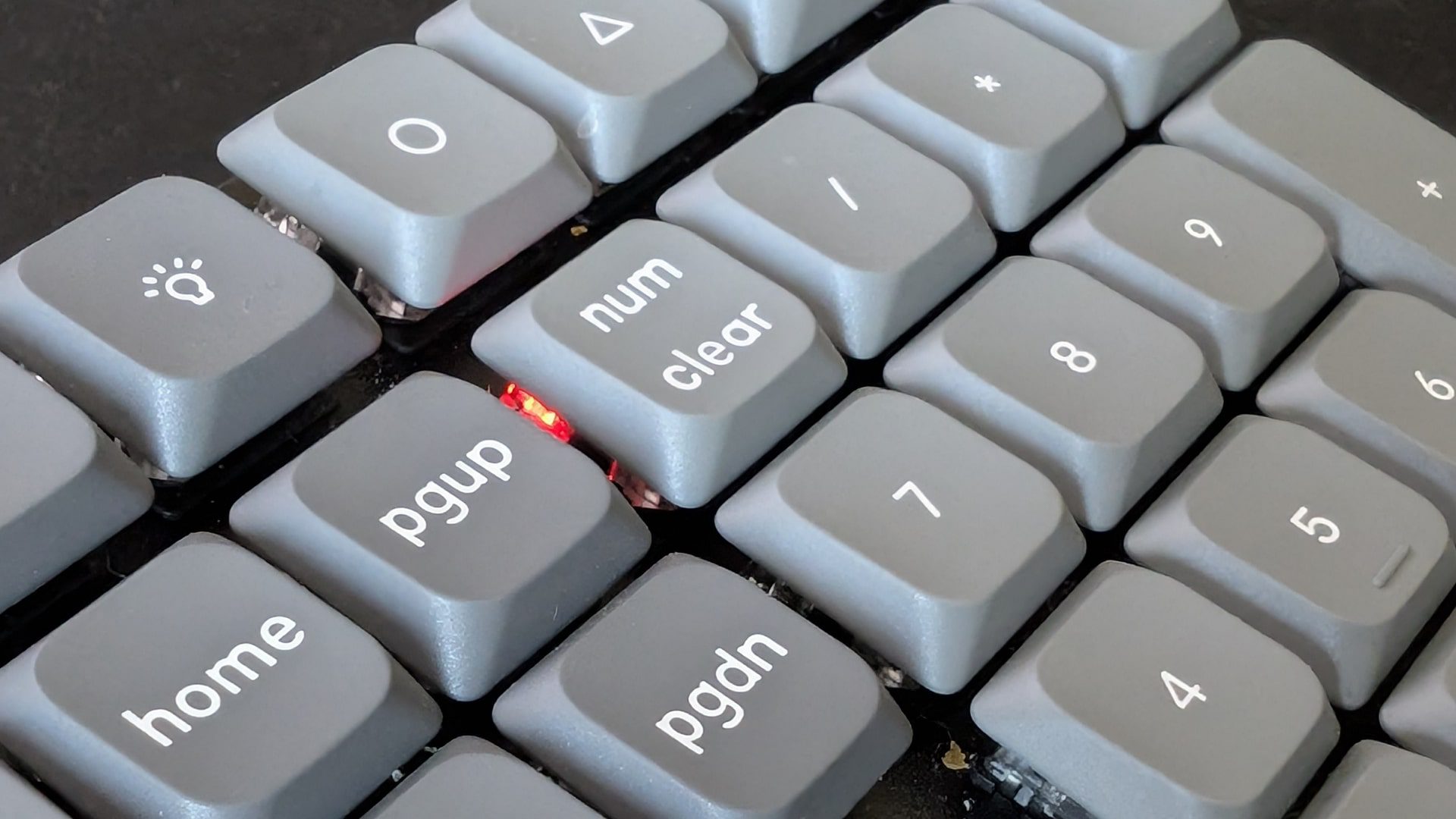
Connections
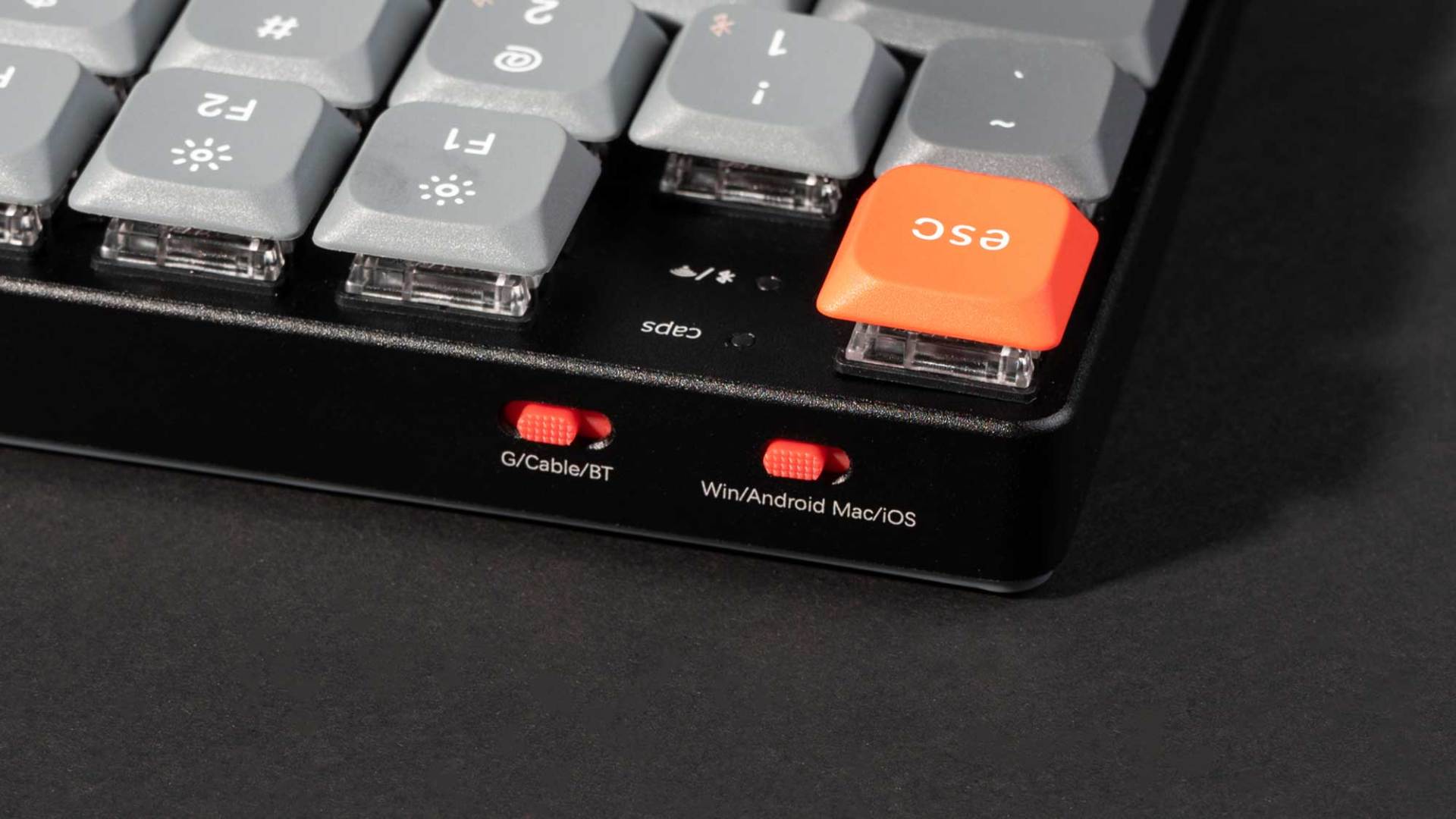
The connection: We used it with a 2,4Ghz included dongle in wireless mode most of the time, and that works… well, plug it in, set the switch to “Wireless signal”, and you are basically done. If you forget the switch, then you want to consider the nice and friendly setup guide which is included in the pack. Never had a drop in the connection. Bluetooth 5.1 allows for wireless operation with up to three devices, switchable via hotkeys. Wired mode is also available via USB-C. The K5 Max supports QMK/VIA firmware, a major advantage for power users. The keyboard supports both Windows and macOS with a dedicated switch to toggle between layouts.
The special stuff
But it has something that we rarely see in ordinary Keyboards, which is its software, or better: The lack of it. Let’s talk about the magic of the VIA web interface. Say goodbye to clunky software installations hogging your RAM. With VIA, you can customize your lighting, macros, and more directly through your browser. (Launcher) Any Chrome based browser works (and now you can guess that I’m on Firefox), and you just open the Launcher, connect, and can do all the lighting, the settings, the macros, the special keys and more.

It’s like having a magic wand for your keyboard settings, abracadabra, no background bloat! And then, there are the function keys, even F13 to F24 (on Windows). These are “legitimate” keys that are recognized by any software, and with VIA, you can plonk them down wherever you like, including the modifiers, and have a full extra row of addressable short-cut / key settings destinations. We did those with a Strg+Shift+F-key, and had literally a dozen functions without touching any menu. No settings software required!
By default, there are four layers (1&2 for Mac, 3&4 for Windows ) but you can add some, and have a special keyboard for however many software packages you want to use. How? With QMK/Via!

QMK and VIA: Custom Firmware for Mechanical Keyboards
QMK (Quantum Mechanical Keyboard) and VIA are two powerful firmware solutions that enable extensive customization of mechanical keyboards. They provide advanced remapping, macros, and per-key RGB control while ensuring flexible cross-platform functionality.
QMK (Quantum Mechanical Keyboard) is an open-source firmware that allows deep customization of keyboard functions, including remapping keys, setting up macros, and even programming advanced features like tap layers and custom lighting effects.
VIA is a GUI-based interface that simplifies QMK configuration, allowing users to make real-time changes without reflashing firmware. VIA interacts with QMK’s dynamic keymap storage So, the “easy”, browser based version, where everything is done by clicking, and you don’t need to type code. And also, where you can “manage” and look up the features you have available, or the ones you set and forgot. VIA is therefor a companion software that runs on top of QMK firmware, allowing real-time keyboard remapping without needing to flash new firmware. This is useful for users who want plug-and-play customization. Unlike QMK, which requires recompiling and flashing, VIA reads and writes keymap changes directly via USB,2,4 GHz or Bluetooth.







Advantages of QMK/VIA:
- Full key remapping for personalized layouts. As you see in the screenshots, Caps Lock has been remapped to an additional Shift, in under two seconds. No Registry-Editing necessary.
- JSON Im- and Export of those configurations, making it easy to share among the team for special tools (For example, pipeline-specific Macros)
- Macro support for repetitive tasks. This includes settings for Key-Pressing times, Pauses and so on.
- Open-source flexibility with community support. No more “Four versions of the software, running simultaneous, hogging Ram, and being black boxes that need online accounts and regular logins.
- Compatibility with multiple operating systems
Disadvantages of QMK/VIA
- Learning curve for advanced functions. And you can REALLY do some stupid things with the keyboard this way. But there is a way to flash the “original Firmware and settings”.
- Some features require manual firmware compilation
- Not all users will need or utilize advanced programmability
Variations
One of the standout aspects of the K5 Max is its balance between portability and functionality. Many full-sized mechanical keyboards are bulky, but the low-profile design makes it easy to use on any desk – if your’s is fuller with “stuff”, there are TKL, Alice and 60% version available. Also, besides the “standard” US Keys, there are German, UK, Nordic, and Swiss layouts. Each keyboard comes with a few replacement keycaps for Mac or Widows. Nice!


So, is this thing already old?
You might think so. The K5 Max has been on the market for over a year now, and at first glance you might think “Isn’t Digital Production a news magazine?” That is correct, and it is also exactly why we took our time with this test. Early firmware versions had a serious issue where, in some cases, a single key press could register 20 or even 30 times. This did not happen constantly, but often enough to be very noticeable.
At one point, we managed to get the Delete key effectively stuck, which resulted in an impressively and involuntary empty email inbox. If you are still waiting for a reply, apologies, those messages are gone and not coming back. Because of this, we paused the test and waited for a revised firmware version (Which arrive a few weeks ago, and the problem hasn’t shown up since then. Hence: Here is the article. ) That version is now out, and we have been using the keyboard again for almost a full year, with long-term, daily use. This is precisely why we feel confident calling it the new default.
Conclusion
Yes: From here on, this is the keyboard others will have to measure themselves against. The firmware and VIA-related tooling have been updated multiple times since then, and at this point the system runs reliably and predictably. After roughly a year of literal everyday use, charging every two to three weeks has become the norm, which is entirely unproblematic in practice.
For professionals, the Keychron K5 Max offers a combination of build quality, wireless functionality, configurability and mechanical precision at a very reasonable price usually well below the 100$-mark. While there are certainly other “more premium” and “higher tech” options on the market, the K5 Max positions itself as the default choice for those looking for a professional, reliable, modern mechanical keyboard. Anything less is just not good enough.
Specs
Switches: Gateron low-profile mechanical switches, compatible with Gateron/Keychron low-profile mechanical switches only (QMK does not support low-profile optical switches).
Switch Orientation: North-facing.
Polling Rate: 1000Hz in wired and 2.4GHz modes; 90Hz in Bluetooth mode.
N-Key Rollover (NKRO): Supported in both wired and wireless modes.
RGB Backlighting: The keyboard features over 22 types of RGB backlight settings, including a static white backlight option. Users can fine-tune the RGB hue, saturation, brightness, and effect speed.
Hot-Swappable Switches: Allows users to customize their typing experience by easily swapping out Gateron low-profile mechanical switches without soldering.
Connectivity and Power:
- Battery: 2000 mAh rechargeable li-polymer battery.
- Wireless Usage Time: Up to 110 hours with backlighting off; up to 70 hours with RGB lighting at the lowest brightness.
- Connection Options: 2.4 GHz wireless, Bluetooth 5.1, and Type-C wired.
- Bluetooth Device Name: Keychron K5 Max.
- Compatibility: Compatible with macOS, Windows, and Linux systems.
Physical Dimensions:
- Dimensions: 424 mm x 119 mm (16.69 x 4.69 inches).
- Weight: 720g (1.59 lbs).
- Height without Keycaps: Front – 7.8 mm (0.3 inches); Rear – 14.7 mm (0.58 inches).
- Height with Keycaps: Front – 18.2 mm (0.72 inches); Rear – 23.5 mm (0.92 inches).
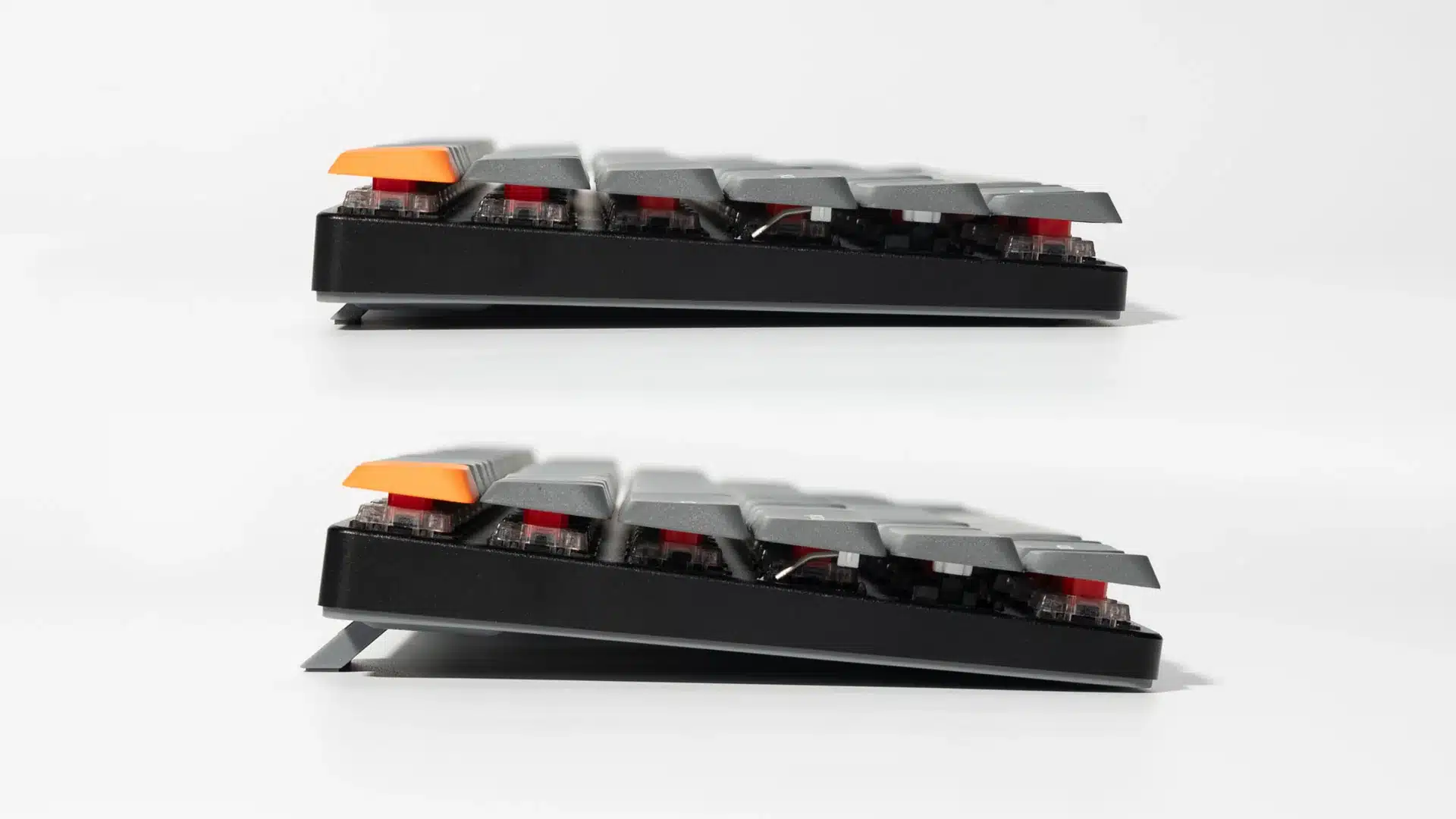
- Typing Angles: Adjustable at 3.37º, 4.36º, and 6.56º.
- Microcontroller Unit (MCU): ARM Cortex-M4 32-bit STM32F402 with 256KB Flash.
- Operating Environment: -10 to 50℃.
