


![A group of people in various poses, with a focus on a woman in white attire, overlayed with the text 'SWITCHX' and the tagline 'SWITCH [ANYTHING]. KEEP WHAT MATTERS.' The scene is set against a beach background at dusk.](https://i0.wp.com/digitalproduction.com/wp-content/uploads/2026/02/beeble-switchx-hero.png?resize=110%2C110&quality=72&ssl=1)


For those who don’t know the tool: Frame Ref from Polygonflow is a standalone reference board that sits alongside DCC tools rather than replacing them, serving as an always-visible visual scratchpad for artists working in other applications.
What Frame Ref actually is
Frame Ref 1.0 has officially launched as a dedicated reference-gathering and organisation tool for creative professionals. According to the developer, the goal is to consolidate common reference formats into a single, distraction-free workspace rather than spreading them across folders, browsers and multiple apps.
The application centres on an infinite, zoomable canvas called a board. This board has no fixed boundaries and is designed for continuous use rather than a one-off moodboard. The software does not claim to replace existing creative tools; instead, it positions itself as a supporting application that remains visible while you work elsewhere.
Infinite canvas, no file type silos
Frame Ref supports images, videos, PDFs and GIFs on the same board. The developer states that references are not separated or treated differently based on file type. Files can be added by drag and drop from the operating system, from a browser, or directly from the clipboard.
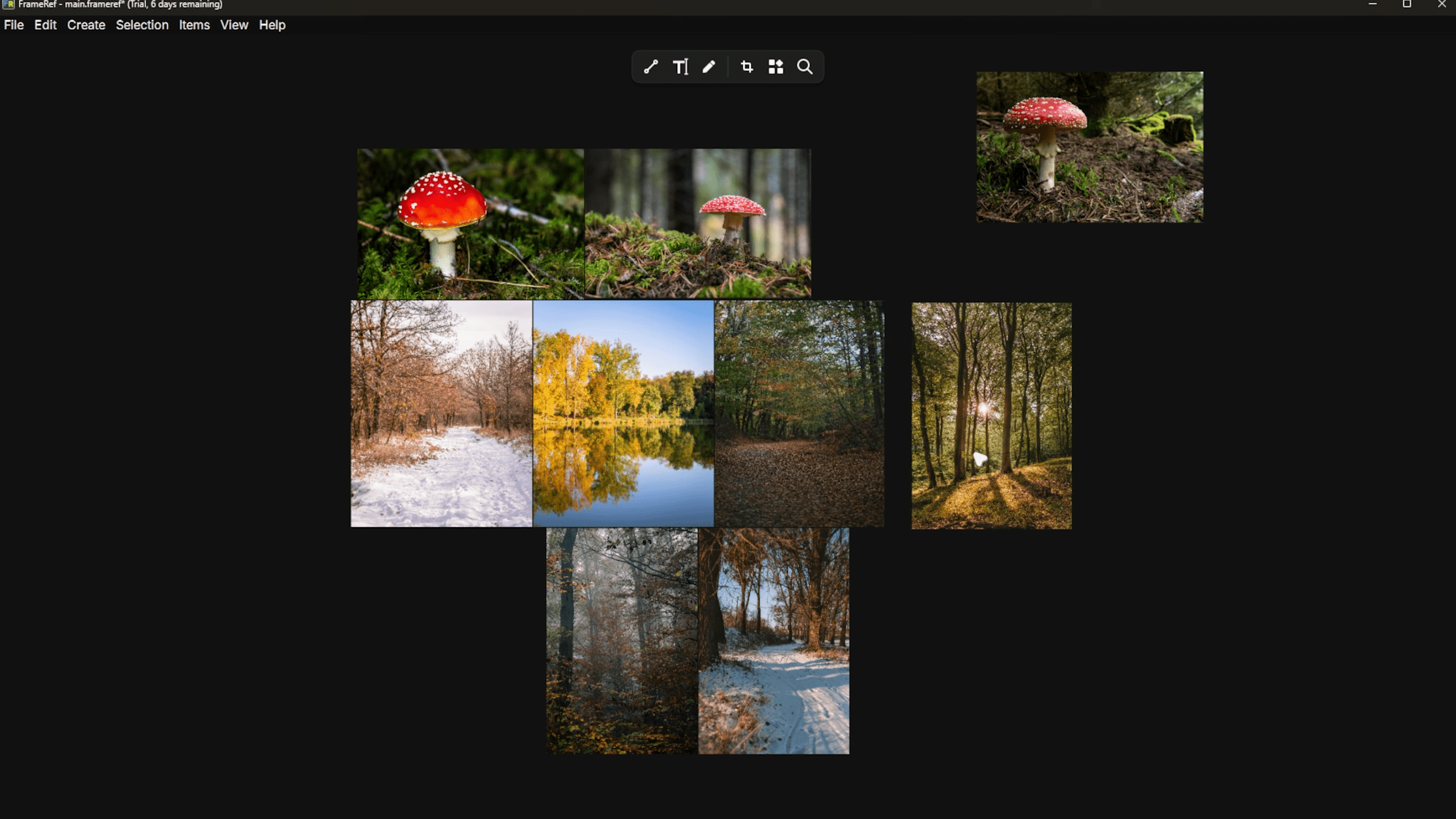
Video handling includes local files and downloaded web video. Users can paste URLs from supported social platforms; the video is then downloaded and placed directly on the canvas. In some cases, pasting the link directly onto the board is sufficient. Supported platforms are not fully listed in the public documentation at press time.
Always on top means always in the way, or not
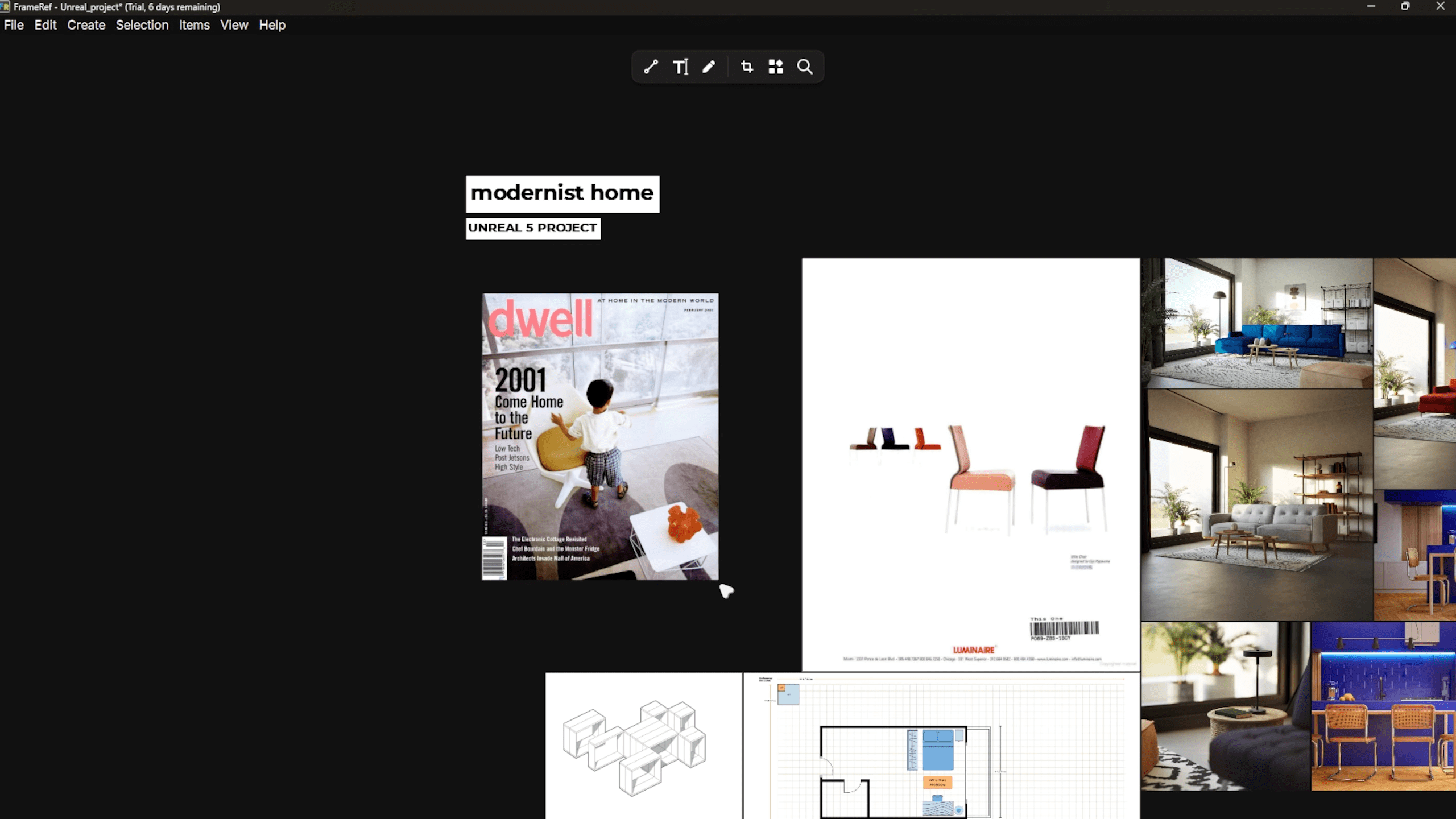
One of the more practical features is an always on top mode. When enabled, the Frame Ref window remains visible above other applications. This is intended for artists working in DCC tools who want persistent visual reference without alt-tabbing or managing secondary monitors. This behaviour is controlled at the application level and does not modify or integrate directly with host software. There is no plugin architecture described in the documentation.
Non-destructive transformations
All references placed on the canvas can be scaled, rotated, cropped or flipped. These operations are described as non-destructive, meaning the original file data is preserved and adjustments can be changed or removed at any time. This applies equally to images and video references. There is no mention of baked transforms or export pipelines in the current release. Frame Ref is not presented as an asset preparation tool.
Arrangement without forced order
As boards become denser, Frame Ref provides snapping, grouping and grid-based alignment controls. These are optional and can be ignored in favour of loose, exploratory layouts. The software does not enforce layout rules and does not require users to commit to a rigid structure.
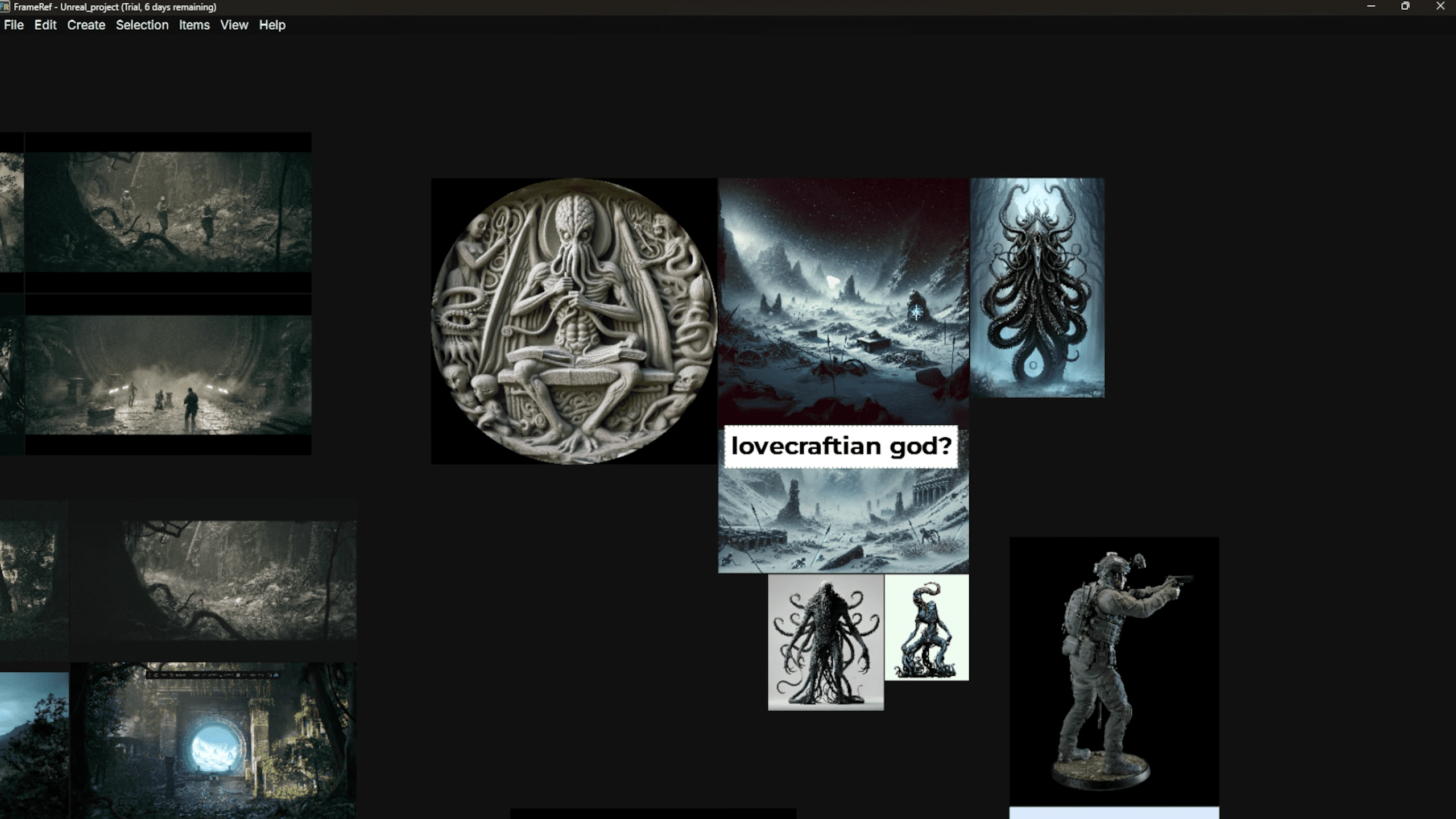
Grouping is presented as a visual organisation aid rather than a hierarchical system. Groups can be used to cluster references by theme, idea or iteration without implying versioning or dependency. This may appeal to concept artists and designers who iterate visually rather than procedurally, though that is a use case implied by the feature set rather than explicitly stated.
Notes, marks and annotations
Frame Ref includes tools for adding text notes, colours and drawn annotations directly onto the board. These annotations appear alongside the references they reference, rather than in a separate comment or metadata panel.
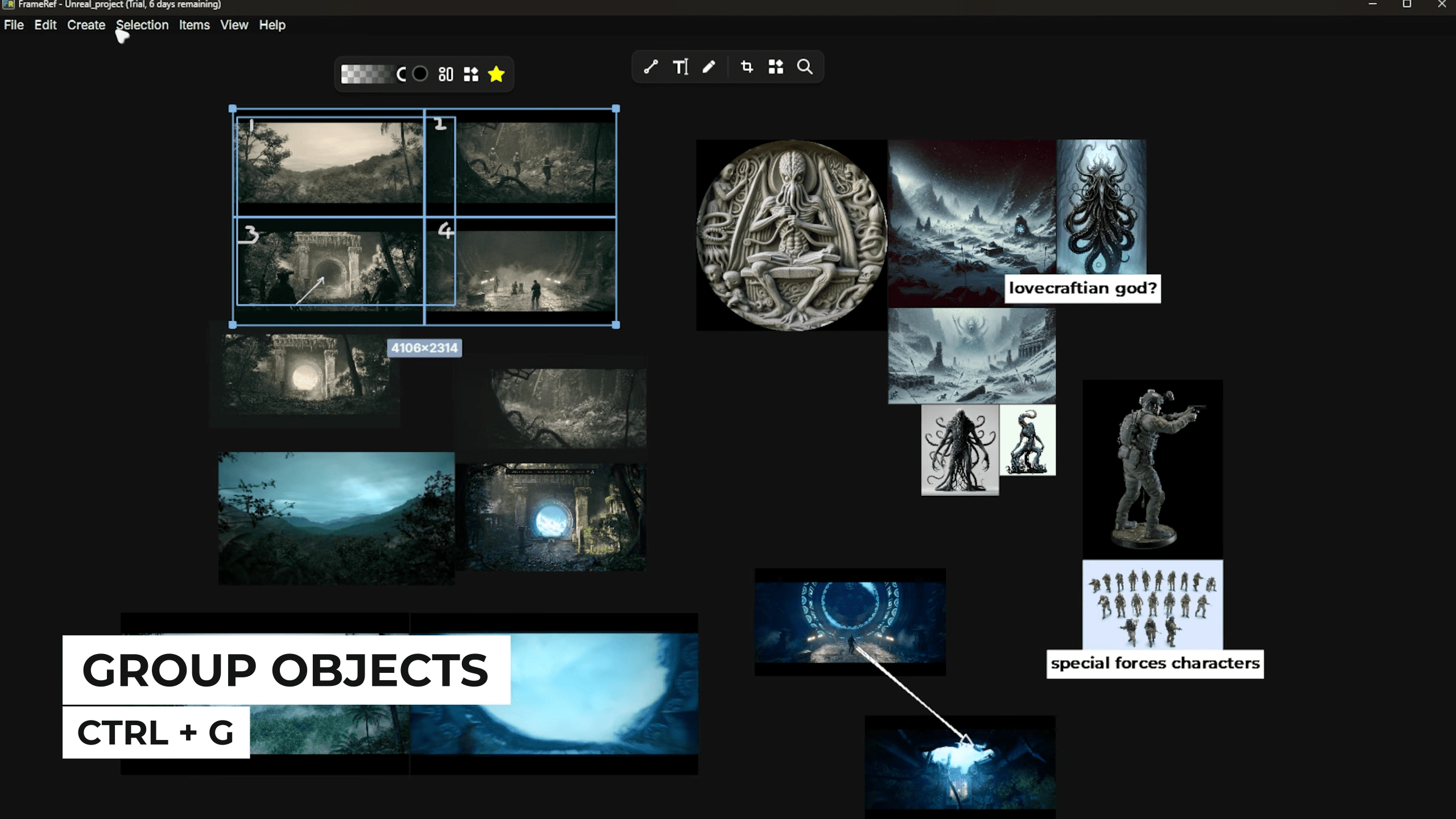
The stated intent is to capture ideas, observations, and relationships as they occur. There is no mention of collaboration, shared boards or multi-user editing in the current documentation, so this appears to be a single-user workflow for now.
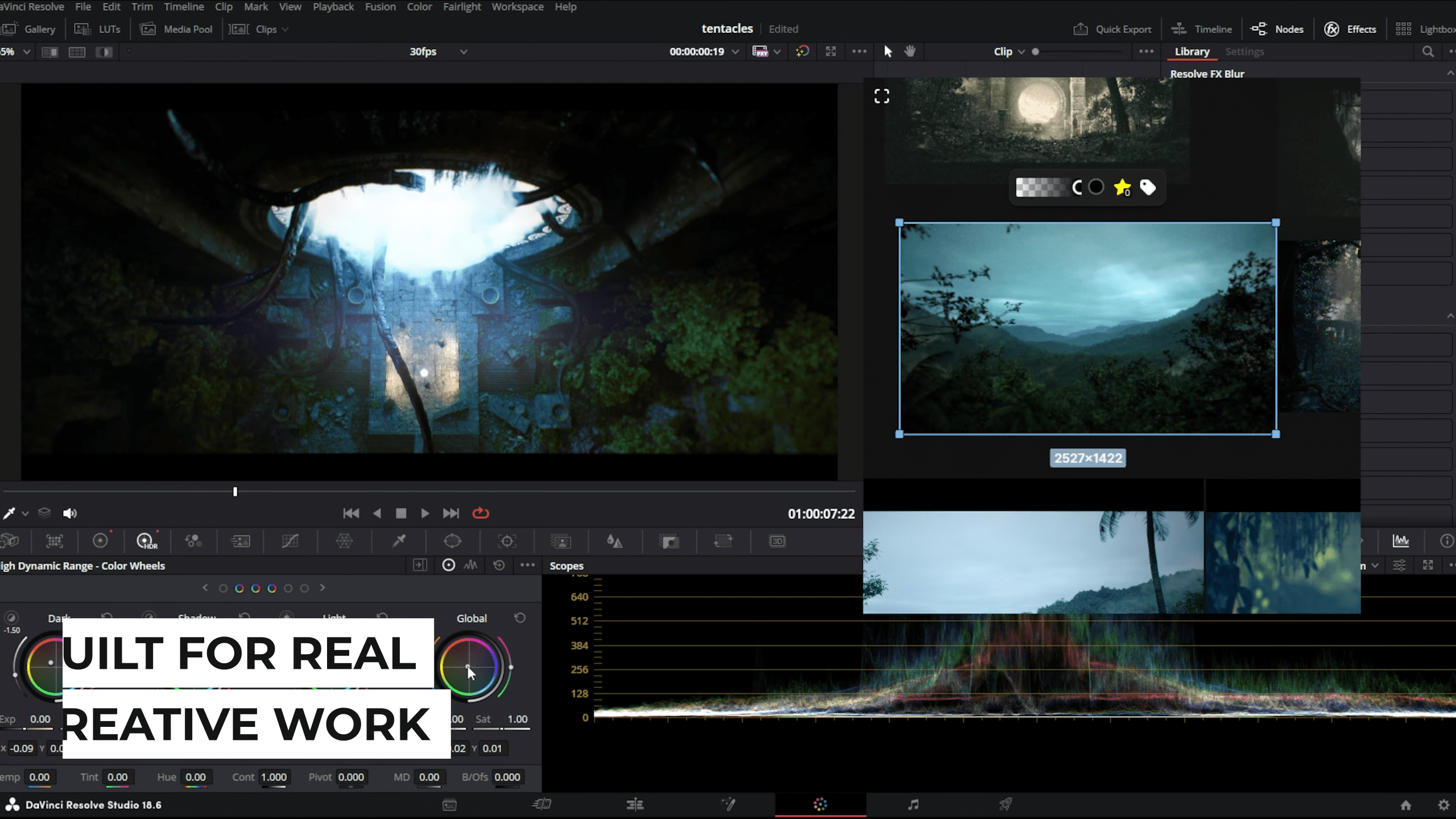
Built for daily use, claims the developer
The developer positions Frame Ref as a daily companion tool rather than a temporary inspiration collector. It is described as being suitable for illustration, design, concept art and 3D work. No specific DCC integrations are claimed, and none are listed in the documentation. This positioning is largely a product philosophy statement. It is a marketing claim and should be evaluated in practice.
Availability and pricing
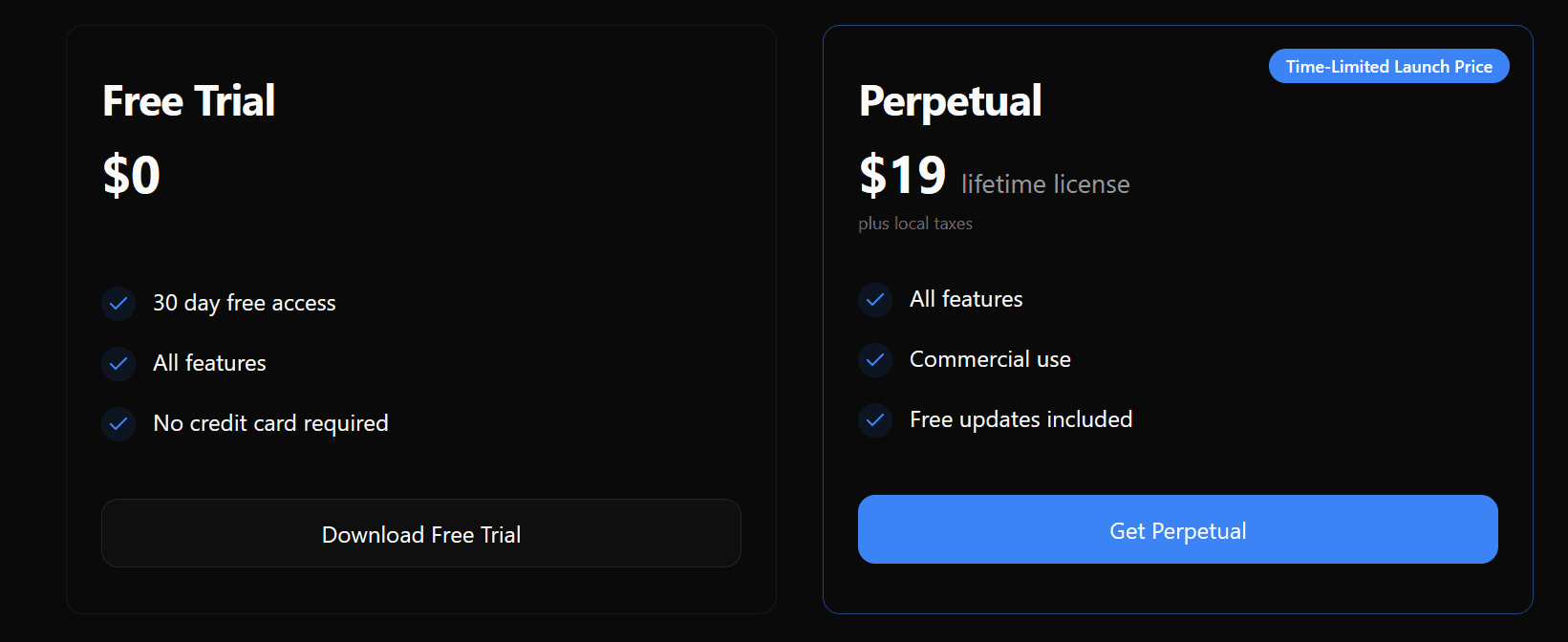
Frame Ref 1.0 is available now with a 30-day free trial. Pricing details beyond the trial period are at 19 USD for a lifetime License, as the “Launch Price”
What is not claimed
Frame Ref does not claim to manage assets, sync libraries across teams, or integrate directly with production pipelines. There is no mention of colour management, metadata standards, version control or review workflows. It is explicitly positioned as a reference board, not a production management tool.As always, new tools should be tested in non-critical scenarios before being introduced into production workflows.
// Frame Ref official website
// https://frameref.app/
// Frame Ref documentation
// https://polygonflow.notion.site/frameref-documentation
