



For those who don’t know the tool: Crocotile 3D is a tile-based 3D modelling tool by Alex Hanson-White that builds low-poly models and environments from 2D tilesets for games and realtime graphics. It runs on Windows, Mac and Linux via the developer site and itch.io.
Crocotile 3D has been updated to version 2.6.5, adding a Projection UVs feature and a collection of workflow changes. The update is documented in the official changelog and developer notes and was confirmed publicly at press time.
Projection without promises
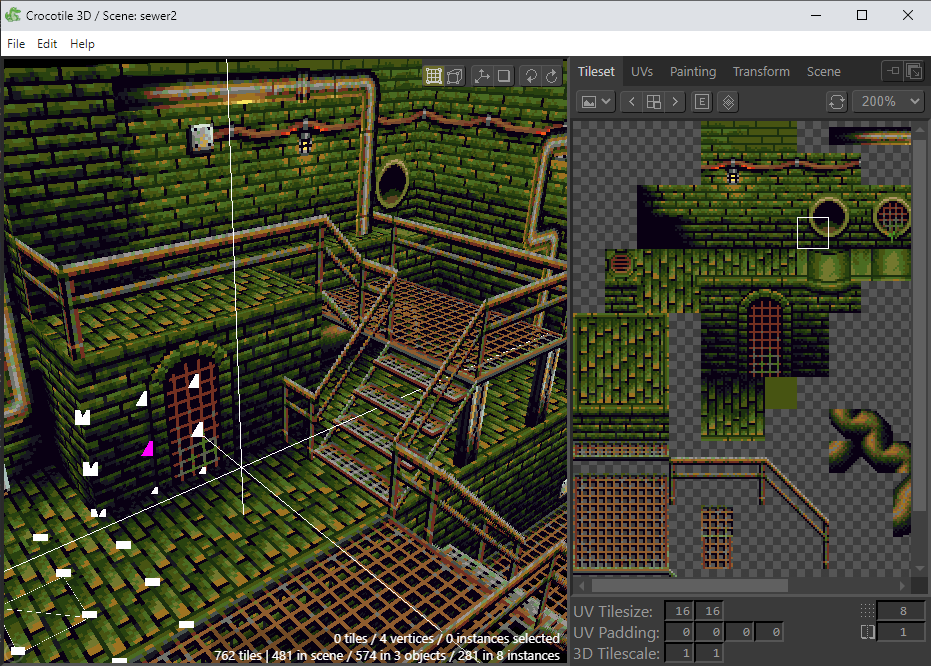
The central addition in version 2.6.5 is Projection UVs. This new action appears in the UVs panel and allows users to project UV coordinates directly from the current 3D view into screen space. According to the developer, the tool works in both Perspective and Orthographic camera modes. The function projects visible geometry from the active camera view, generating UV layouts without manual unwrapping. No performance claims or quality guarantees are stated. The feature is described purely as a projection utility, not an automated unwrapping system.
UV grids behave slightly better now
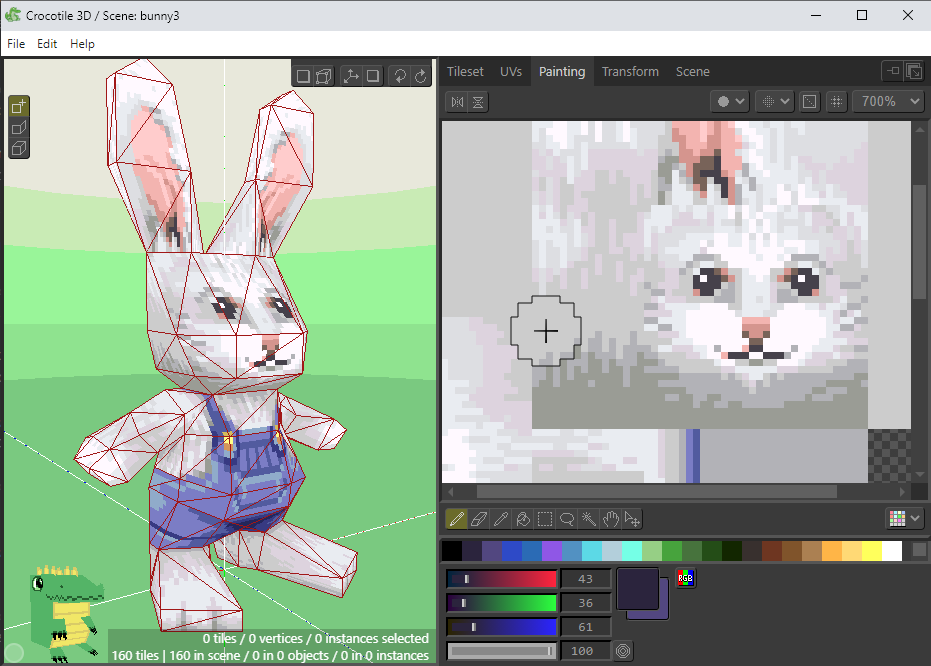
The update also adds snapping controls for UVs. Users can now snap UV edges and individual UV coordinates to the tileset grid using modifier keys. This improves alignment when working with tile based textures and avoids fractional offsets, which have historically been easy to introduce by accident. This behaviour is optional and does not replace existing UV editing tools.
Export controls grow a checkbox
A new Exclude Mesh from Export option has been added to object properties. When enabled, the object is exported without its mesh but retains custom properties when exporting to glTF, GLB, or DAE formats. The developer states this is intended for workflows where empty nodes or meadata carriers are required in downstream tools. Behaviour outside the stated formats is not described.
Animation scope gets a switch
Version 2.6.5 introduces an Apply Globally toggle in the Animation panel. This determines whether animation actions apply only to listed entities or to all entities in the project. This is a behavioural switch, not a new animation system. No changes to animation interpolation, playback, or export behaviour are mentioned.
Interface and quality of life adjustments
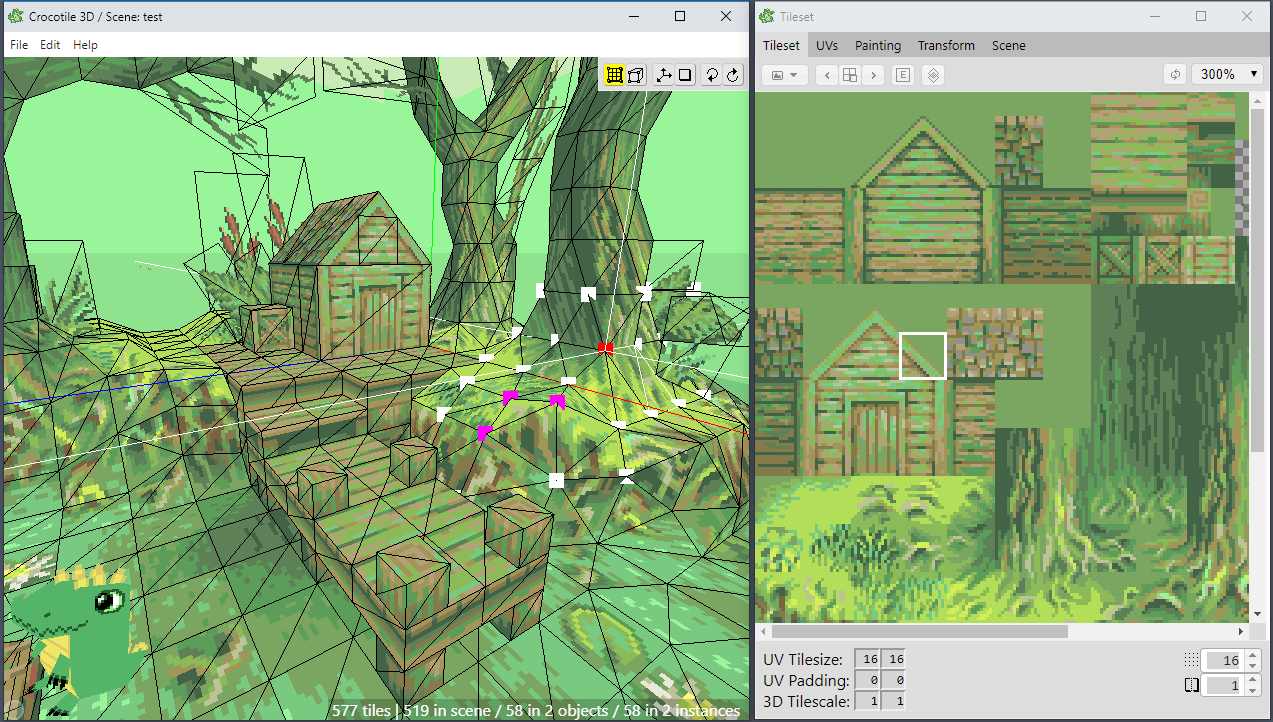
Several smaller changes are included. Object custom properties now support multi-line text fields. A Skip if Exists Already option has been added when duplicating actions. Users can save and load Draw and Edit mode states via project settings. Hidden lights can now be optionally included in the Bake Lighting panel. A keybinding was added to toggle visibility of 3D UI elements. Chinese language support has also been added to the interface. None of these changes alter Crocotile 3D’s core modelling approach, but they reduce friction in day-to-day use. Some users will notice them immediately, others only when they stop missing them.
Availability and pricing
Crocotile 3D is available directly from the developer via crocotile3d.com and associated storefronts. Pricing is easy: at least 30 USD, via itch.io. As with all new tools and features, production artists should test updates in representative projects before deploying them in active pipelines.
Sources
// Crocotile 3D 2.6.5 release notes and changelog
// https://crocotile3d.com/
