



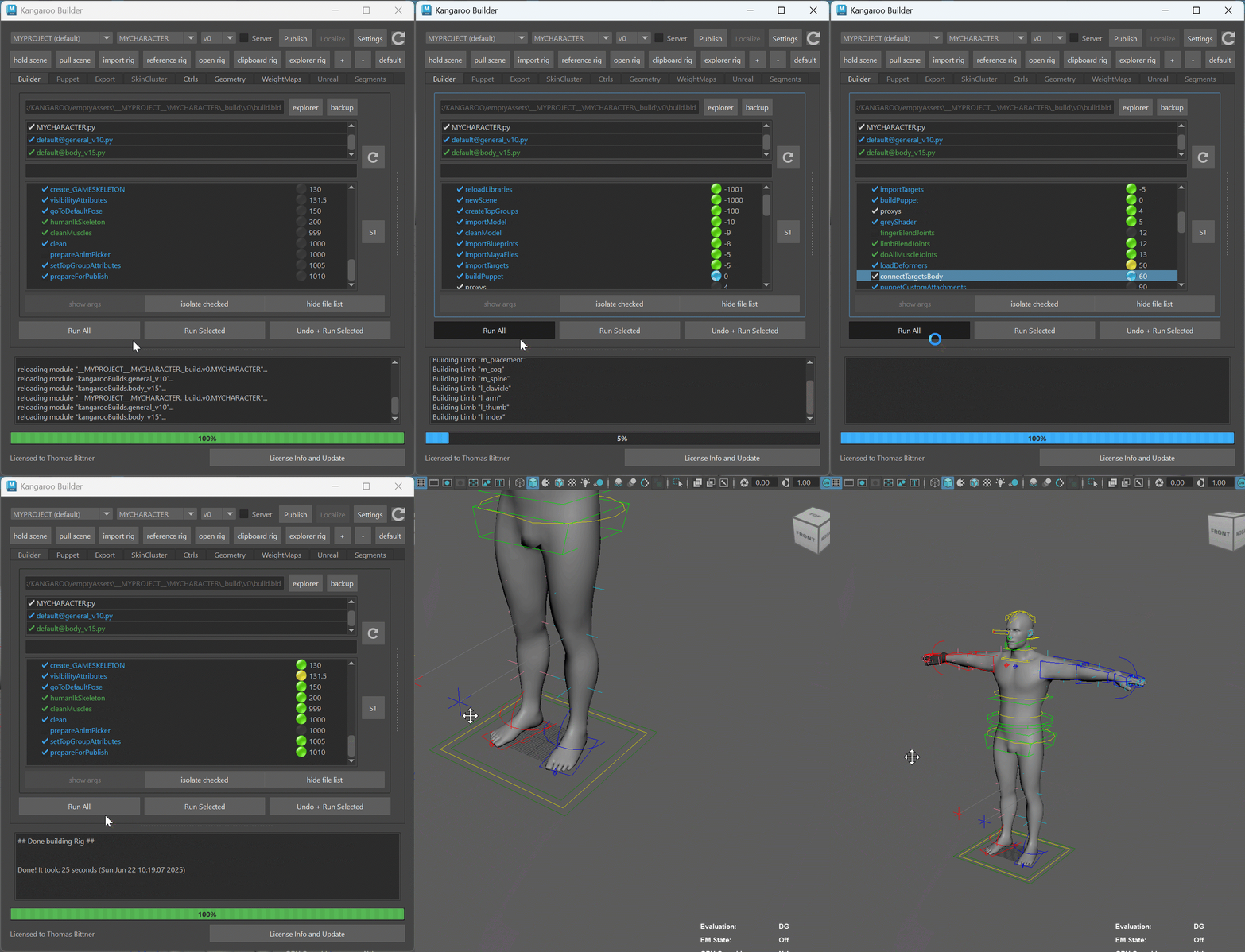
For those who don’t know the tool: Kangaroo Builder is a character rigging toolkit for Autodesk Maya used to build body and facial rigs, manage skinning and author blendshapes. It sits squarely in character TD land and complements Maya’s rigging tools without pretending to replace them. It is developed by Thomas Bittner and integrates directly into Maya-based pipelines.
A familiar problem, now inside the rig
Transferring facial blendshapes between meshes with different topologies remains one of the more time-consuming and error-prone tasks in character production. It usually appears late in the process, just when schedules are already tight. Artists either rebuild shapes by hand, rely on wrap-based deformation tools, or accept compromises in deformation quality. Kangaroo Builder’s latest update introduces a feature explicitly designed to address this gap from inside the rigging toolset itself.
Kangaroo Builder now includes a new topology transfer workflow called “Landmark Warp”. The tool is included in version 5.19 and later and is designed to warp one mesh onto another using user-defined landmarks, even when the two meshes have different vertex counts and edge flow. This is not a general retopology solution, nor is it presented as one.
What Landmark Warp actually does
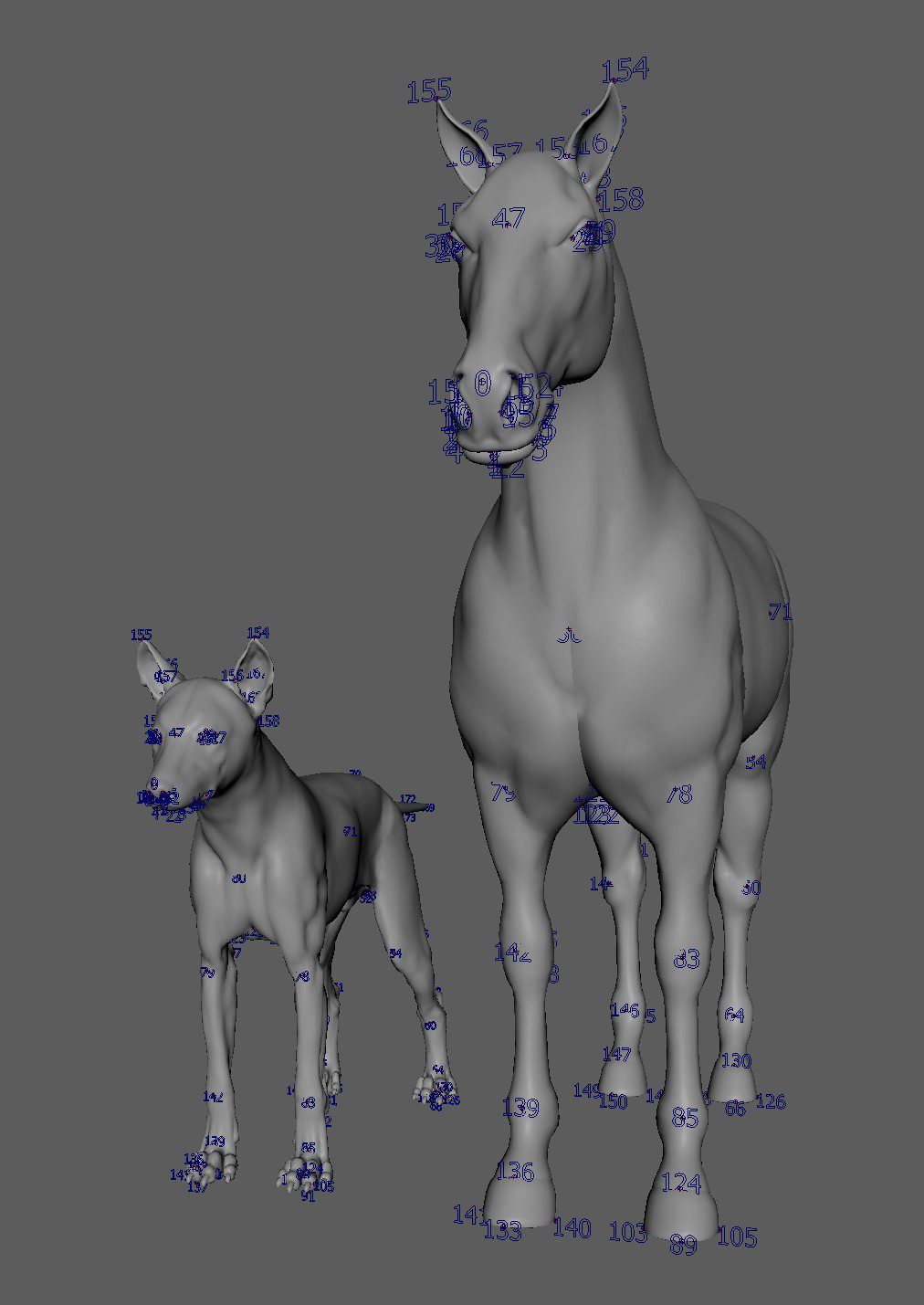
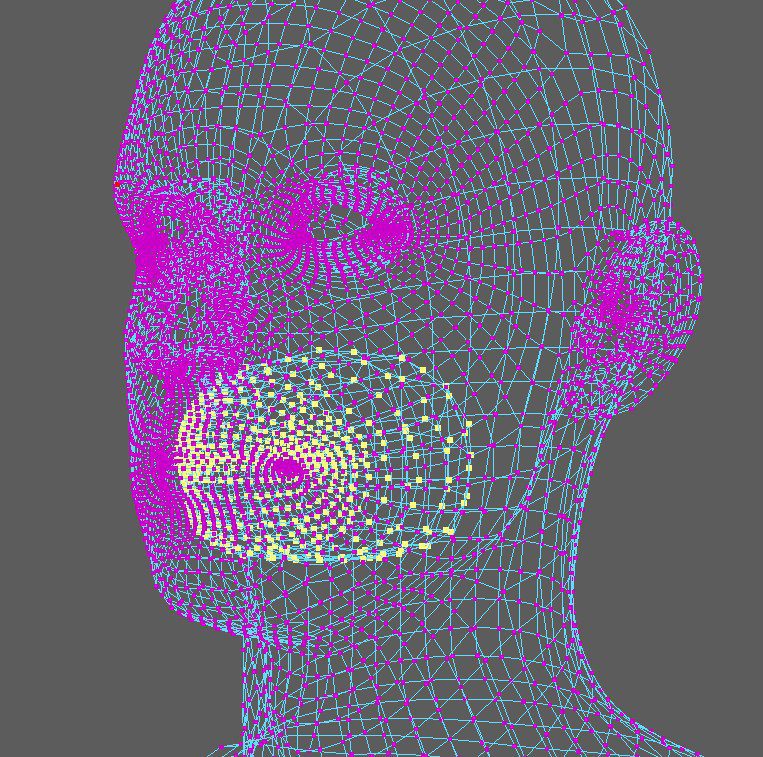
Landmark Warp works by letting users place corresponding markers on a source mesh and a target mesh. These markers define spatial relationships rather than relying on shared topology. Once enough landmarks are placed, the system computes a deformation that warps the source mesh to match the target mesh’s overall shape. The warped result can then be used to transfer existing facial blendshapes via Kangaroo Builder’s Shape Editor.
The key point is that this process operates on shape deformation rather than topology matching. The meshes do not need identical structure, only a reasonably comparable form. This makes the tool applicable to character variants, cleaned-up scan data, or iterative design changes where topology has drifted but proportions remain recognisable.
The developer notes that Landmark Warp relies on SciPy, a Python scientific computing library, which must be installed and accessible in Maya’s Python environment. This dependency is documented but may be overlooked in locked-down studio setups, which is worth flagging early in any evaluation.
Intended use, and what it is not
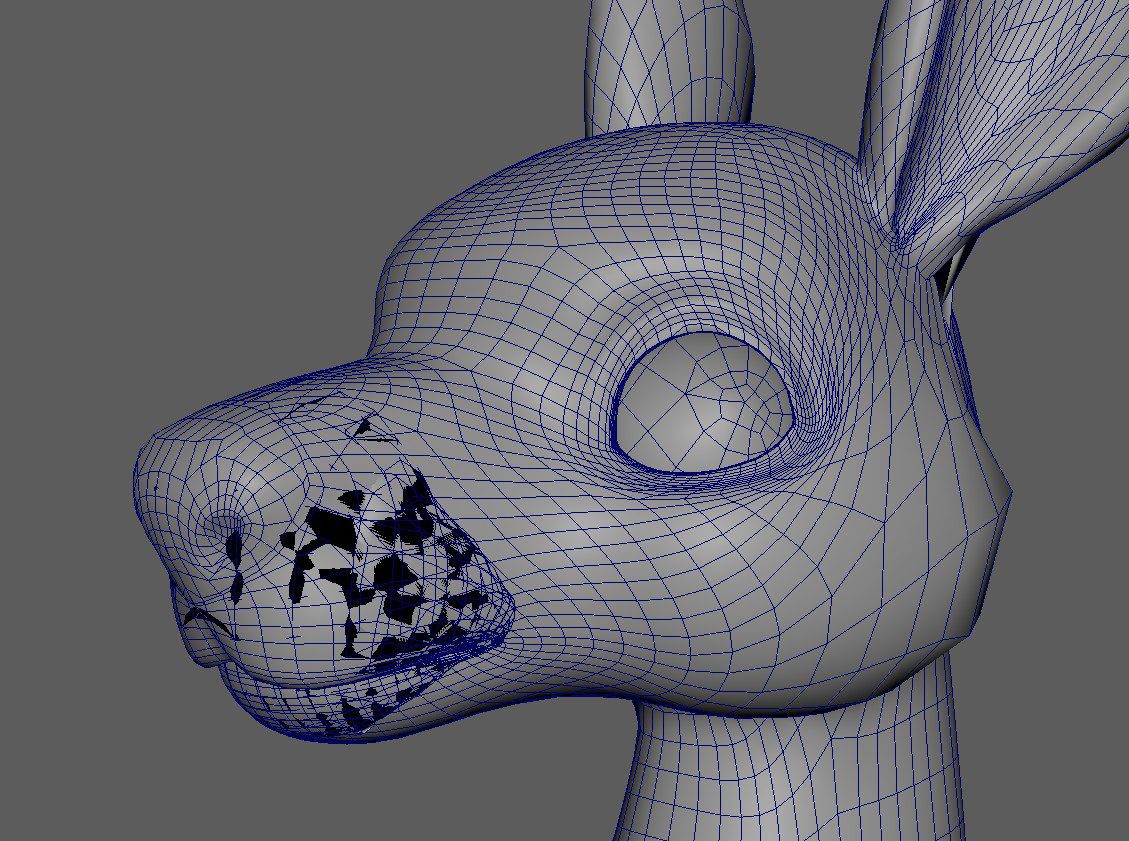
Nobody would describe Landmark Warp as a fully automatic solution. The quality of the result depends heavily on landmark placement and mesh preparation. Internal geometry such as teeth, tongues, or inner mouth surfaces can interfere with the warp unless managed carefully. This is stated explicitly in the documentation.
It is also not intended to replace dedicated wrap deformers or offline retargeting tools. Instead, the value proposition is convenience and context. Landmark Warp lives inside the same environment used to build and edit the rig. For many teams, that maybe matters more than absolute automation.
Why this matters in production
Topology drift is a fact of life in character production. Directors ask for changes. Scans get cleaned. Game and film assets diverge. Facial rigs, however, tend to be built once and guarded carefully. Any tool that reduces the cost of reusing that work deserves attention.
By embedding topology transfer directly into a rigging toolkit, Kangaroo is addressing a real and persistent problem. The approach is conservative rather than flashy. It assumes skilled users, manual setup, and informed judgement. That will suit experienced character TDs more than newcomers, which aligns with the tool’s existing audience.
It also reflects a broader trend of rigging tools absorbing tasks that used to live in separate utilities. Whether this is desirable depends on pipeline philosophy, but it does reduce context switching, which is often where errors creep in.
Compatibility and licensing
Kangaroo Builder runs on Autodesk Maya. At the time of writing, version 5.19 supports Maya 2023 and later on Windows and macOS, and Maya 2024 and later on Linux. Landmark Warp is included in the standard distribution and does not require a separate licence.
Licensing remains unchanged. Kangaroo Builder is free for non-commercial use, including students and personal projects. Commercial licences are available for indie users and studios. Pricing is published on the official website and may change, so readers should check the current terms directl.
At the time of writing, these are the prices: (Copied from the site)
Indy Perpetual – 220 USD
For freelancers making less than 85k USD per year in revenue
Single Perpetual – 400 USD
Recommended for or small studios with only one rigger
3 Seats Perpetual – 1000 USD
Recommended for small studios
6 Seats Perpetual – 1800 USD
Unlimited Seats Perpetual – 4000 USD
What is still unclear
No public information is available on how Landmark Warp behaves on extreme topology differences or highly stylised characters. There is also no data on performance with dense meshes or very large blendshape libraries. These gaps do not invalidate the feature, but they do mean that due diligence is required before deployment.
As with any rigging or deformation tool, results will depend on mesh quality, landmark placement, and user expertise. Early adopters should expect iteration, not miracles. Anyone hoping for a one-click solution will be dissapointed. s always, new tools and workflow changes should be tested thoroughly on representative assets before being introduced into active production.
