



Just in time for NAB 2019, Blackmagic Design is releasing a major round of updates: DaVinci Resolve 16 includes a new cut page, new time line settings, adjustment clips, more power for Fusion and interesting deep learning features. There is also a new battery handle for the pocket camera, a new BM keyboard and updates for the Fusion (16) compositing tool. What’s behind Blackmagic Design’s (or their marketing department’s) bold naming convention?
The DaVinci Resolve 16 innovations
With a total of over 150 new features and functions, the new update for DaVinci is indeed quite big – so here is a brief overview of the most important highlights:
- New Cut Page for quick cuts & projects to speed up workflows
- Deep learning to support various aspects of the software (e.g. smart bins based on faces, automatic object removal, auto balance, shot match, retiming effects and more)
- New scope engine with real-time performance, new CIE 1931 xy scope, display of current colour changes and more
- Customised timeline settings within a project
- Frame IO is now natively integrated into DaVinci Resolve 16
- Fusion performance improvements with more GPU acceleration
- 3D audio mixing with Dolby Atmos or Auro-3D, among others
A new cut page
One of the biggest innovations in the DaVinci 16 workflow is the new “Cut” page. The tidy interface now has a total of seven pages: Media – Cut – Edit – Fusion – Colour – Fairlight – Deliver. The new Cut page has a compact summary of the most important features – with the Media Pool, Transitions, Titles and Effects in the top left-hand corner. The viewer on the right-hand side is also equipped with the most frequently used functions.

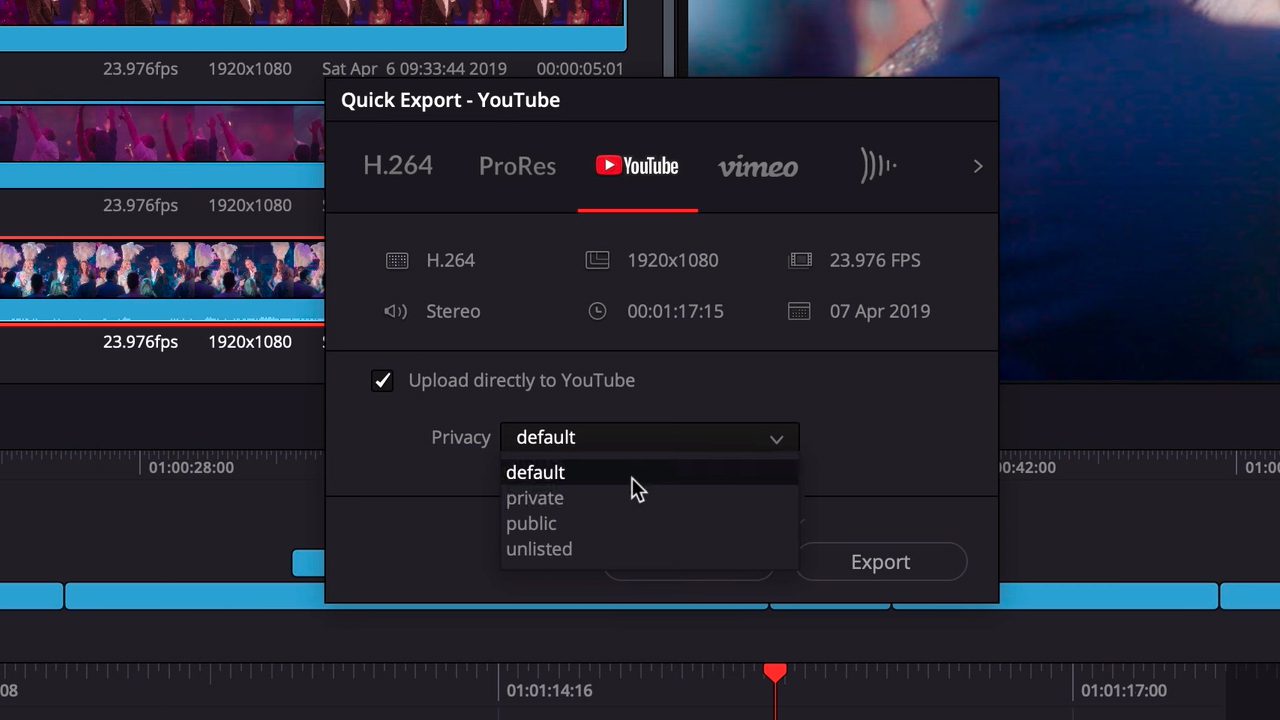
In addition, the Cut Page interface also offers a new dual timeline, which means that users don’t have to keep zooming in and out of the edits. The upper bar displays the entire time range for users, while the lower bar displays the actual working area. Both timelines are fully functional and can be combined with each other in the workflow. As soon as the project is finished, you can use a correspondingly fast export feature “Quick Export” to export your video with selected settings, for example, or to upload it directly to YouTube and Vimeo.
The new edit functions
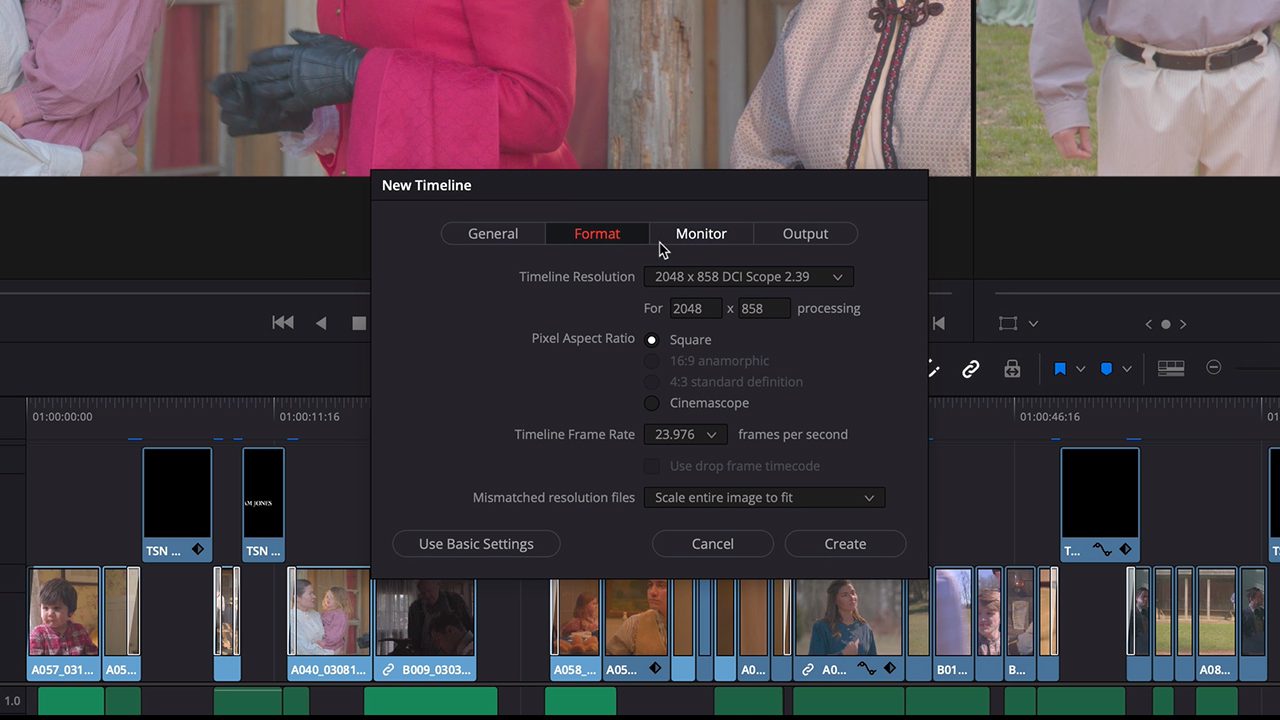
The Edit Page can still be used for more complex projects and editing features and also receives new features with the Resolve 16 update. User-defined timeline settings for format, monitor and output settings can now finally be made. The Adjustment Clip for applying effects, familiar from other software tools, has also been added. You can apply the selected effects to all layers below the Adjustment Clip layer. Video clips can now also be stabilised directly via the Inspector.
The newly integrated deep learning engine“DaVinci Neural Engine” enables various workflow and significant quality improvements in the editing tab, including
- Face recognition, listing and assignment of people in smart bins
- Speed Warp Motion Estimation for improved retiming effects
- Super Scale for AI-based scaling of footage
Fusion in DaVinci 16
In the new release, Blackmagic has focussed in particular on performance improvements and feature adaptation with the standalone version, which is also officially to express this adaptation with the new name “Fusion 16”. All improvements made to Fusion have been integrated into DaVinci Resolve accordingly.
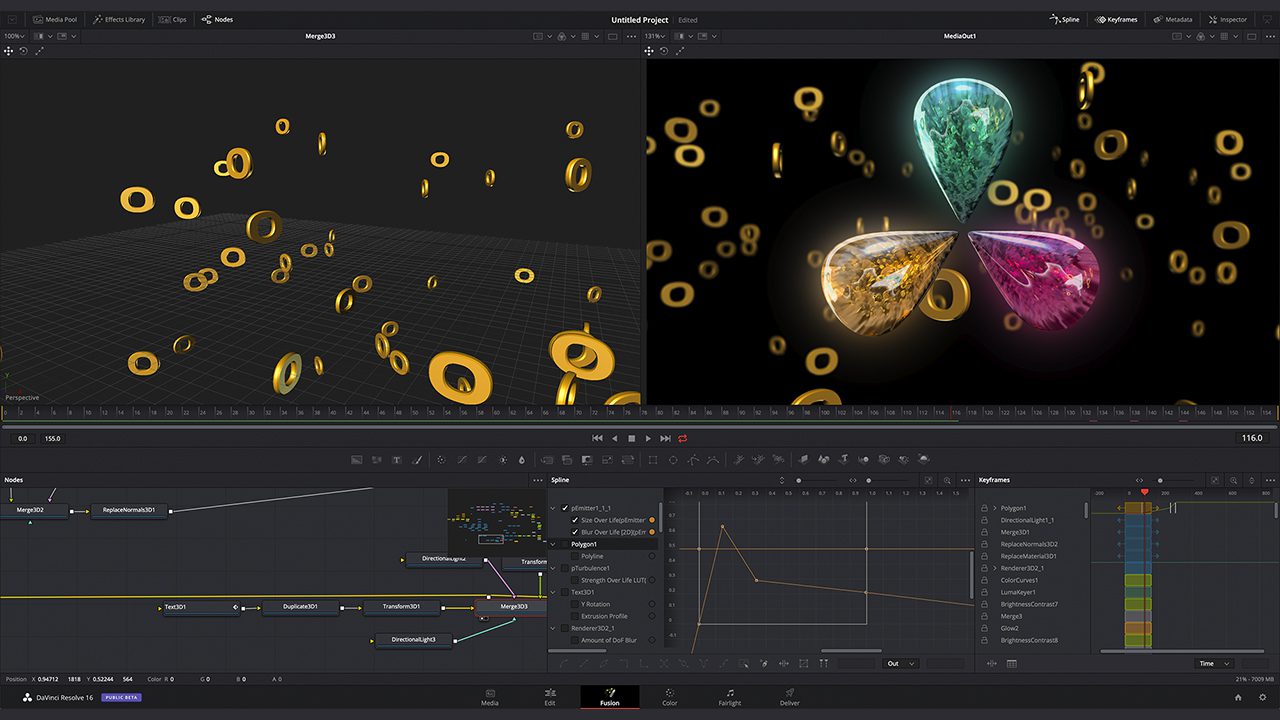 Users therefore receive an updated user interface and significant GPU acceleration: In addition to 3D operations, this applies to many other tools, such as the B-spline and bitmap masks, as well as the planar and camera tracker:
- Time effects such as TimeSpeed and TimeStretch
- Vector Motion Blur and Motion Blur in other tools
- CornerPin and Perspective Pin
- All nodes for colour operations
Improved memory management should make large compositions with a high number of nodes and clips more reliable.
New colour page features
New tools, workflow and performance improvements are also coming to the “Colour” page. A completely new scope engine with real-time performance (GPU) offers new possibilities here, such as a new CIE scope, low pass filter and more. When creating user-defined curves, the input and output histograms of the operations can now be displayed in the background, making changes more visible.
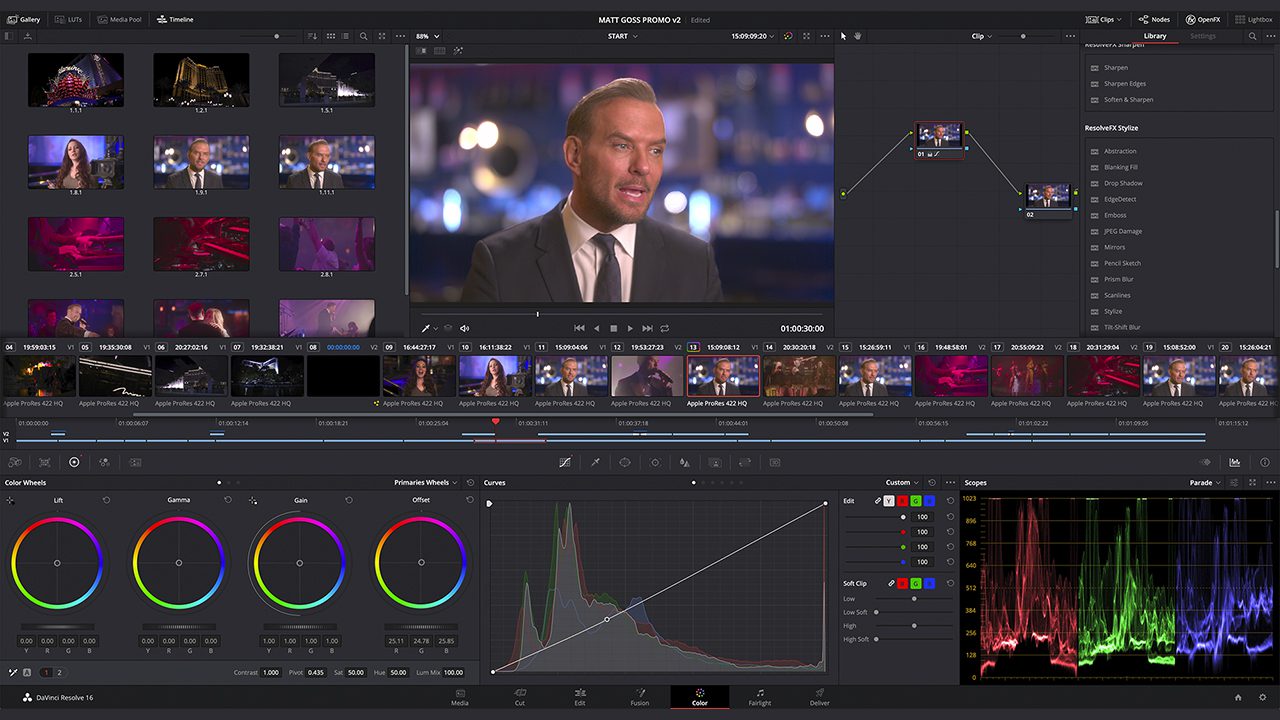
The DaVinci Neural Engine is also used in the colour page features:
- Object Removal for automatic removal of marked areas
- Auto Colour function with the new Neural Engine. You can still access the old methods by selecting “Legacy Auto Colour”.
- Shot Match function with the new engine, the old function can also be activated via “Legacy Shot Match”.

In addition, there are other new ResolveFX plugins – for adding vignettes, shadowing, analogue noise, chromatic aberration, stylising video and more. There are also improvements for Beauty, Face Refinement, Warper, Dead Pixel Fixer and Colour Space Transform plugins. In addition, users can now view ResolveFX keyframes from the timeline curve editing area.
Fairlight Features
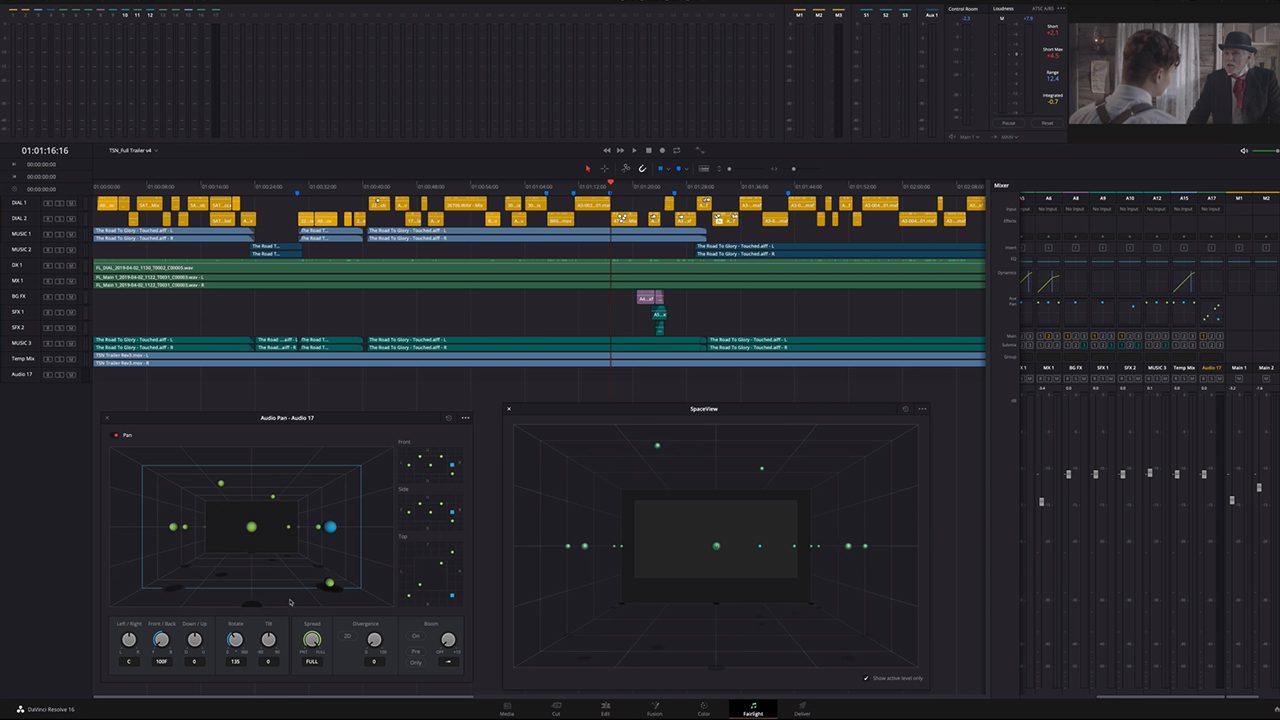
The updated Fairlight page adds “elastic waveforms” to give more leeway when lip-syncing dialogues. With the new update, it is also possible to use new 3D audio functions: Mixing and mastering can be realised in a virtual 3D environment (selection: Dolby Atmos, Auro-3D, MPEG-H., SMPTE ST 2098).
Update & availability
The new versions of DaVinci & Fusion 16 are now available as public beta here. Important: As always, DaVinci Resolve 16.0 requires a database upgrade from DaVinci Resolve 15.3.1 and earlier versions. It is therefore strongly recommended that you make a backup of your existing database (both DiskDB and PostgreSQL) before upgrading.
Further information: You can find it on the Blackmagic website
