



Table of Contents Show
In addition, Houdini, which is of course still mainly procedural, is becoming more and more interactive. The topic of interactivity will be a recurring theme throughout this article. In addition to interactivity, more and more high-level tools are being added. What I mean by this is best explained at this point, as it will feature frequently in the article. One of the Labs tools will serve as an example: The new Tree Generator or Tree Toolset, which was released in mid-December, well after the 18.5 update. A high-level tool is a special tool for a very limited purpose, such as creating trees, albeit somewhat less flexible, but without a great deal of learning effort and ready for immediate use. Previously, the willing Houdini user could also create trees, but they first had to build their own tool or get started with the existing low-level tools. So the philosophy of only providing a construction kit with low-level functions from which users first have to create tools is gradually changing. But don’t get me wrong, this is of course still possible, and the new high-level tools are generally open source and can therefore be customised.

Another term that requires explanation are the so-called shelf tools in Houdini. Shelf tools are, for example, the pyro setups, the modelling tools and the top margin bar. Next term: Python Viewer State Handles. These were introduced in Houdini a while ago, but 18.5 is the first release in which they are increasingly used. The technical development seems to have been completed so far. What is still missing, however, are high-level tools to make it easier for users to create user interfaces in the viewport with the Python handles, because that is what they are there for.
Vellum
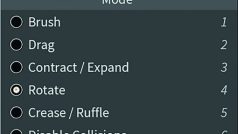
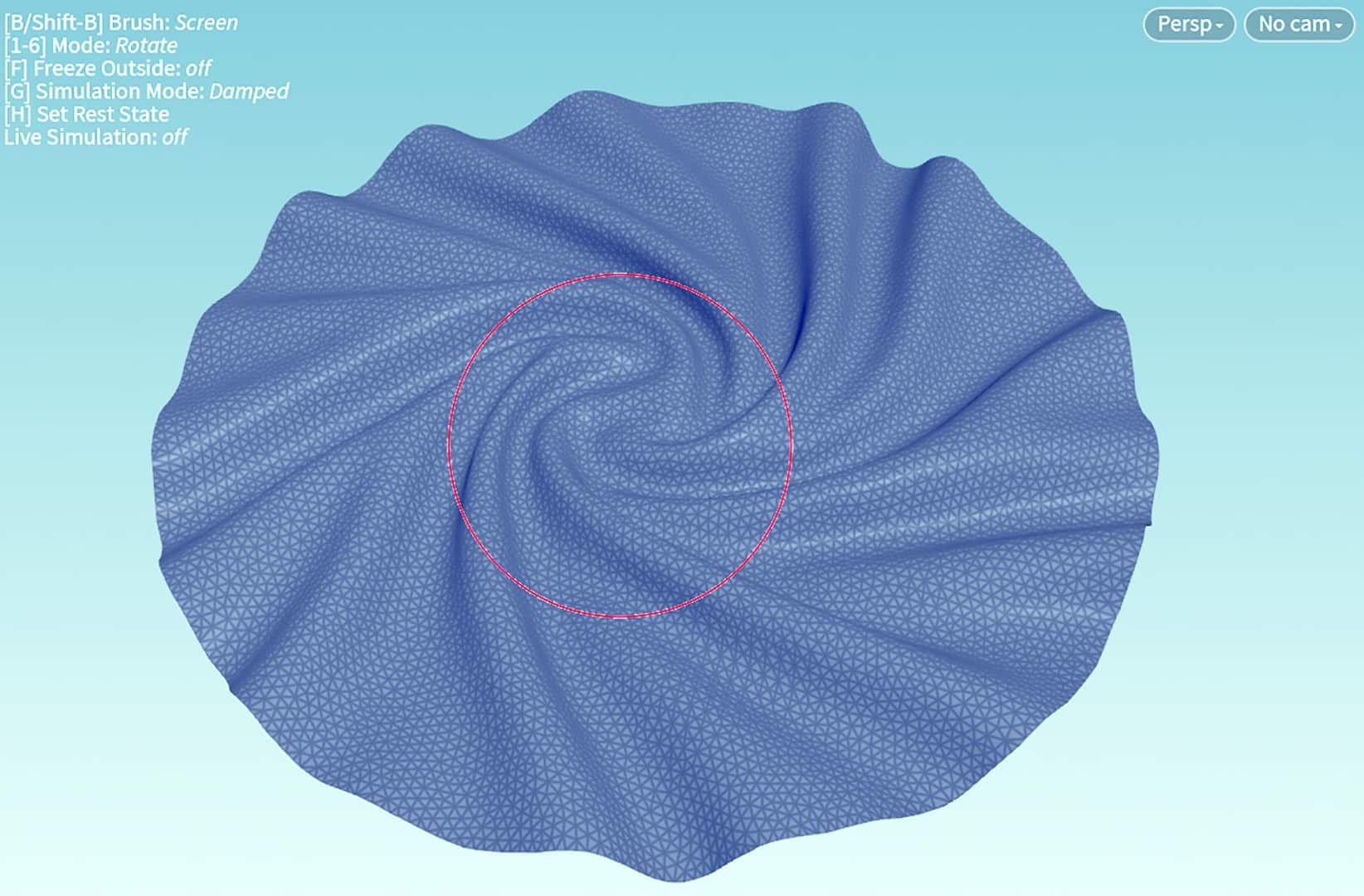
But let’s get straight to my highlight: Vellum becomes interactive and gets presets for the fabrics: leather, silk, etc. Vellum is a fabric simulation, but it can also be used for ropes, balloons, soft bodies and grains. All types of vellum can now be worked on interactively with brushes, except for grains. As far as fabric is concerned, I only knew this from Marvelous Designer. Pillows, blankets, balloons, jelly babies, ropes and spaghetti etc. can be plucked, thrown, crumpled, compressed and stretched both with and without gravity – really great fun! The whole thing goes in layers and is very art direction-friendly. SideFX announced during the launch event that such interactive tools will find their way into Houdini more and more in the future. The Python viewport handles are used here, for example.
Solaris
Solaris was introduced with Houdini 18.0, initially more or less just the technical implementation. With Houdini 18.5, the Solaris tools are now more user-friendly. Solaris is a procedural network implementation of Pixar’s USD (Universal Scene Description). The 3D scene is built up as nodes of a network, as is typical for Houdini. There are also additional tools for placing 3D objects in the scene, for example, or for setting the scene lighting. There is another cool interactive tool for placing objects, which uses a live physics rigid body simulation. For example, you can knock over a pile of books or throw things over, which then plausibly remain in place. The creation of lights is now also more intuitive; they are automatically inserted in the right place in the Solaris network. Lights can also be set interactively in Solaris thanks to the Python states.
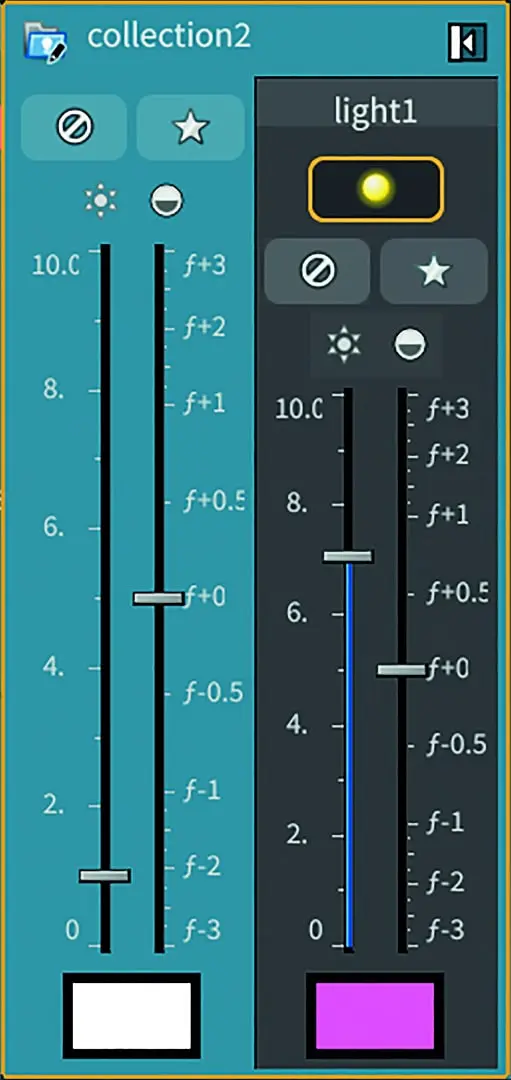
The Solaris network is also able to display shots. This means that different versions of the scene can be created depending on the frame number. What I find really impressive is the Solaris Frame Buffer: when saving previews, not only is an image saved, but also the settings of light setups, so that you can restore different versions of a light setup. The Solaris Edit SOP has also been completely redesigned and has a history of the individual edit steps. The edits are displayed as a list and can be undone individually. So much for Solaris, or perhaps this: Solaris is very complex, requires some familiarisation and is still anything but intuitive despite the new tools.
Solaris works with the new Karma Renderer (still in beta) and other USD-compatible renderers, such as Pixar’s Renderman. Mantra, the old Houdini renderer, does not work like this. Karma is still in beta status, as there is still some work to be done before Mantra can be fully replaced. In 18.5-Karma, hair is supported for the first time, but probably not yet satisfactorily. A Curved Edges Shader and Physical Lens have also been added. In addition, a tech preview of Karma on the GPU, a double beta so to speak.
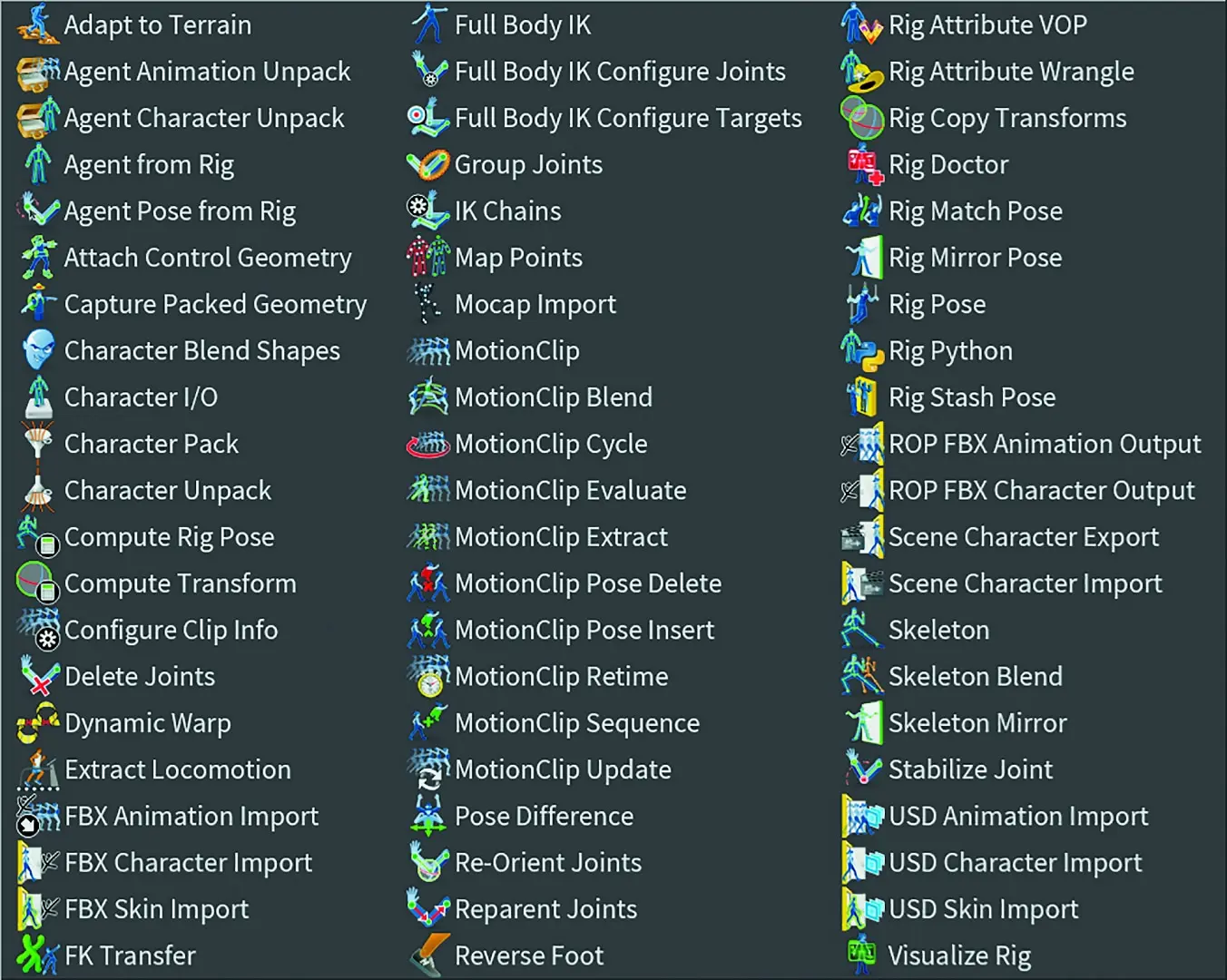
KineFX in SOPS
KineFX is a completely new procedural rigging and retargeting toolset. Character rigging was an outdated feature of Houdini and not exactly intuitive. An update, or rather a complete overhaul, was long overdue.


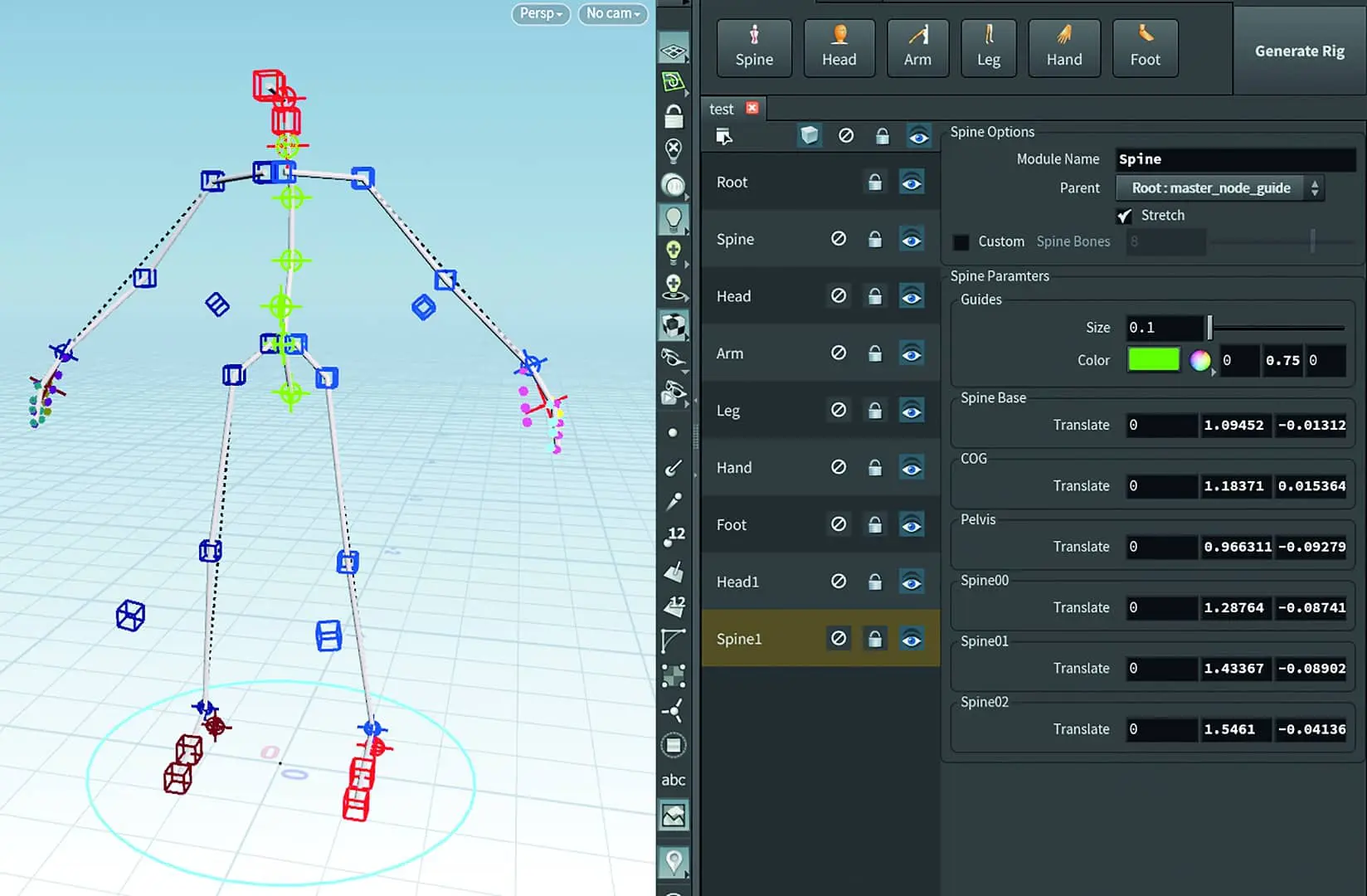
The tool and workflow includes over 60 new nodes. The bones and joints are now normal Houdini Geometry. This has the great advantage that all other tools can now modify the skeleton, and conversely the KineFX tools can also be used for other modelling or animation tasks. It’s not just about characters here, machines or other things like plants can also be edited with the tools. The whole thing is already very extensive, but is only the beginning of a full character animation pipeline that SideFX has announced.
Here are a few keywords about KineFX: motion clips, FBX import, foot placement, less Python, new Auto Rig tool, editing of motion capture data (also in real time), agents for crowd animations ..
Geometry
There are also some new features in the modelling area. Topo Transfer makes it possible to adapt a template mesh to a scan mesh. To do this, some source and target points are connected. The rest is done by the Topo Transfer Node. The cool thing is that the meshes do not have to have the same pose if they are characters, for example, and even additional features in the scan are warped. Poly Bevel is the next tool to receive a major update. The fact that something so basic is still being updated (not only in Houdini) shows how much innovation is still possible and necessary in the field of 3D software. Poly Bevel is now, as expected, much more interactive and intuitive. Adding and removing faces now requires far fewer clicks and no more constantly closing the selection to see updates.
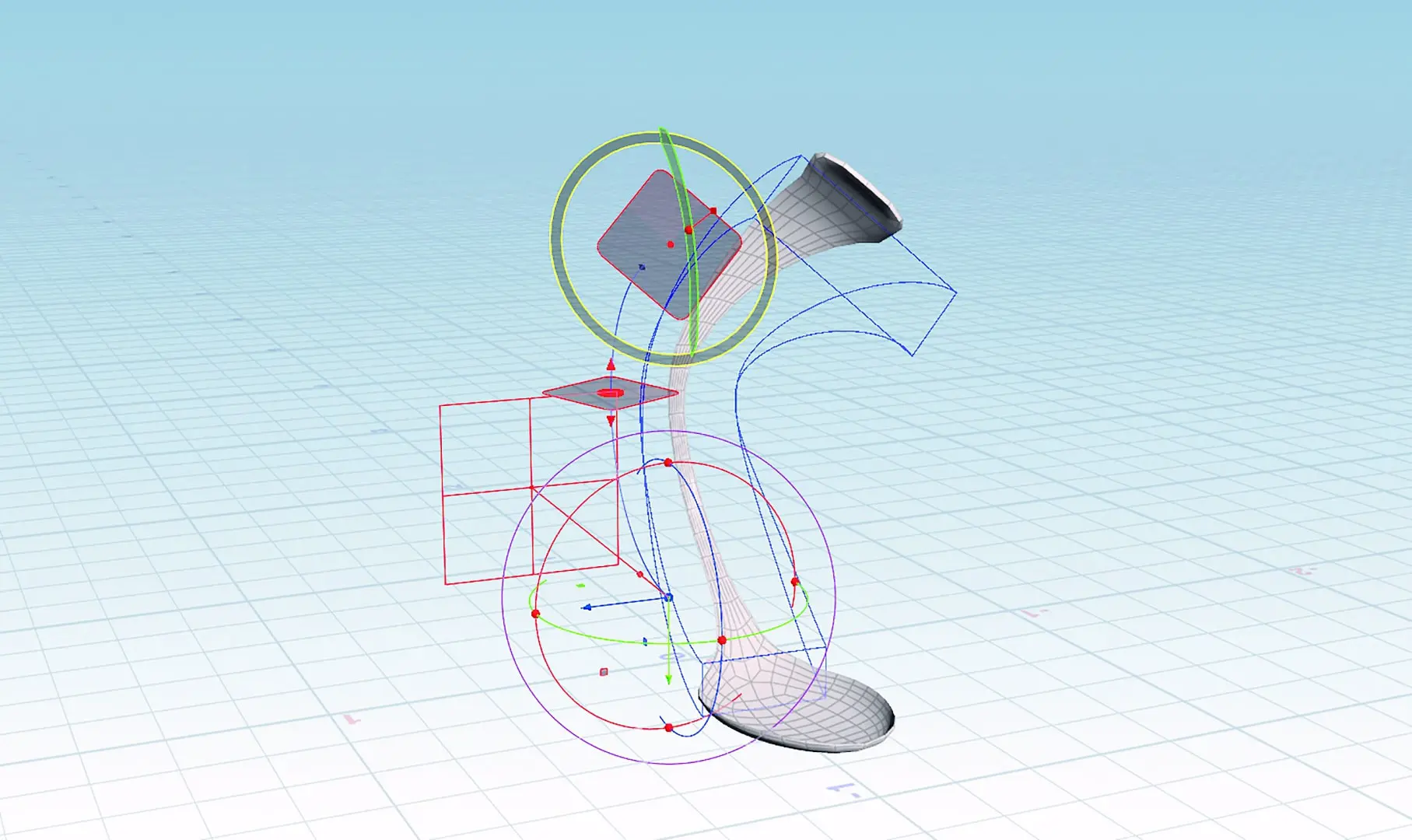
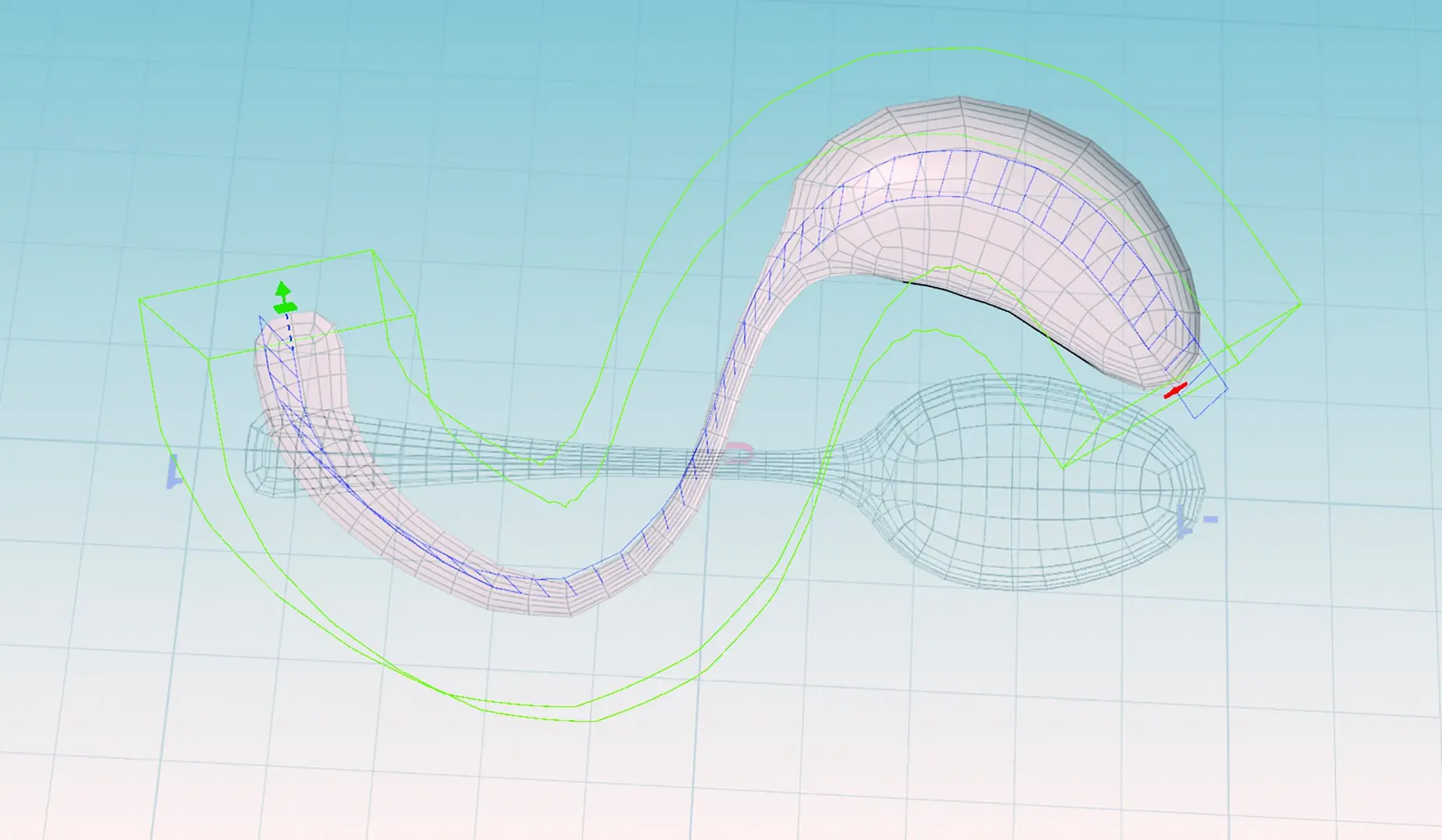
The third tool is a high-level tool, and SideFX has named it Chain Operator. Here you should not only think of chains, but more of sequences of geometries, e.g. different stones. As an example, SideFX has taken chairs in a cinema, one with the seat folded down, the next slightly damaged, and so on. In this way, the entire cinema can be plausibly seated in no time at all, because rules such as the first and last chair backs can also be mapped with the Chain SOP. Path Deform and Bend are further examples of Houdini’s interactive use of Python Handles. See the magically bent spoons in the screenshot ..
Environment Building

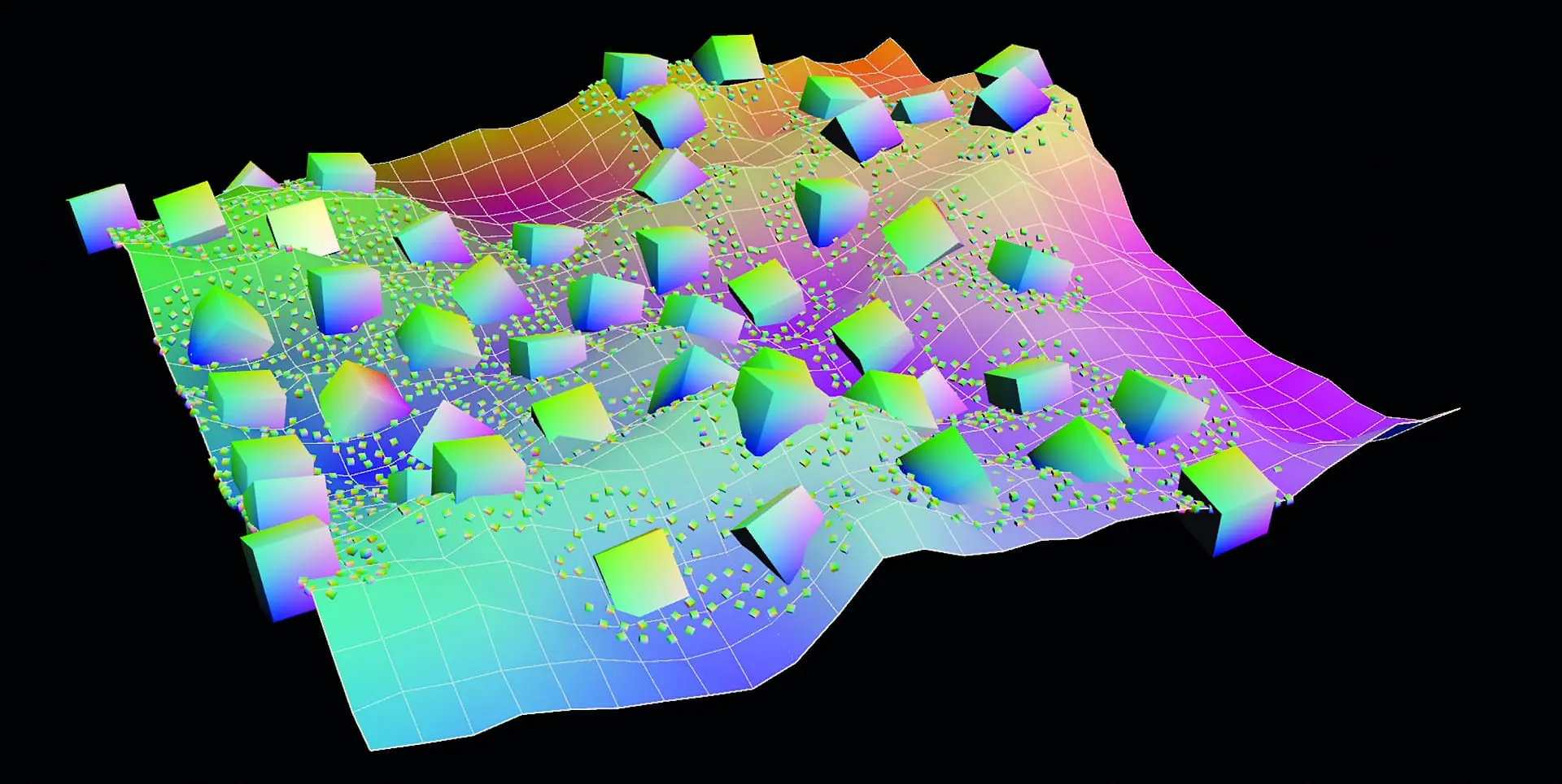
“Scatter and Align” is my highlight in terms of the design of the new icons. It’s actually a new high-level tool for distributing objects to others. This is particularly useful when planting landscapes. The new mask tools, which use shadows or ambient occlusion to create masks, also help here.
The high-level node “Attributes from pieces” completes this workflow by simplifying and standardising the creation of rules for distributing objects.
Houdini Conduits & Services

Import and export operations are usually the connections between game engines or other 3D software. Houdini is also different in this respect. Although the FBX import has also been improved in 18.5, the Unreal Houdini engine plug-in has also been improved.
The UE4 plug-in can now handle Unreal Blueprints and is significantly faster. Large terrains can now be shared better with UE4 using Houdini PDGs – world building has been significantly improved. A two-way live link is now also possible. It is even possible to send live MoCap data to Unreal via Houdini. As far as Houdini’s connections to the outside world (conduits) are concerned, the new Houdini Engine Python API and the Houdini web server should also be mentioned, which enable “Houdini as a Service”. I’m curious to see what will be done with it.
Dynamics
In the Dynamics area, the new Attach and Sliding Constrains for FEM are worth mentioning. There is also a new and 25% faster viscosity solver for honey, for example. This is mentioned in one of my favourite channels: Two Minute Papers, in the video “Simulating Honey and Hot Showers For Bunnies!” bit.ly/2_minute_papers_honey_bunny – in the video you can see visually what is possible.
Pyro
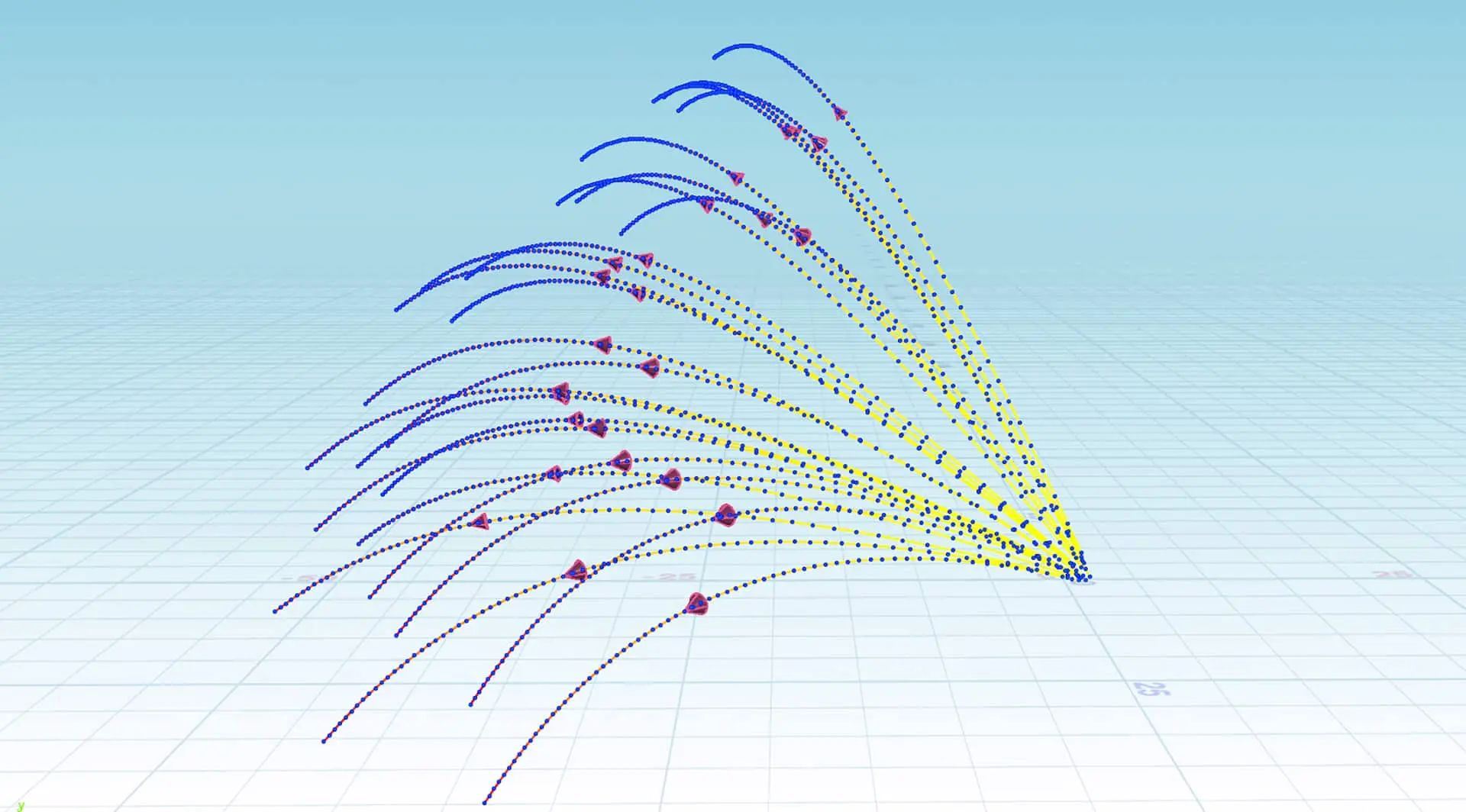
Pyro and explosions have been expanded to include a new high-level workflow. Pyro Burst and Pyro Trails generate basic geometry, which is then converted into volumes for the pyro simulation. I was previously only familiar with this as a particle simulation. Here, however, a geometry is generated on an SOP basis, which can then be customised interactively. Pyro Trails generates trajectories of parts ejected by explosions. These trajectories are even deflected by collision geometry. Pyro Burst generates a point cloud with the attributes required for Pyro. Both tools are HDAs and can be extended or customised. They are tools to be taken seriously, and the so-called shelf tools (Fireball, Aerial Explosion, Ground Explosion, Bonfire, Spreadingfire etc.) are fully developed and in many cases sufficient for a production.
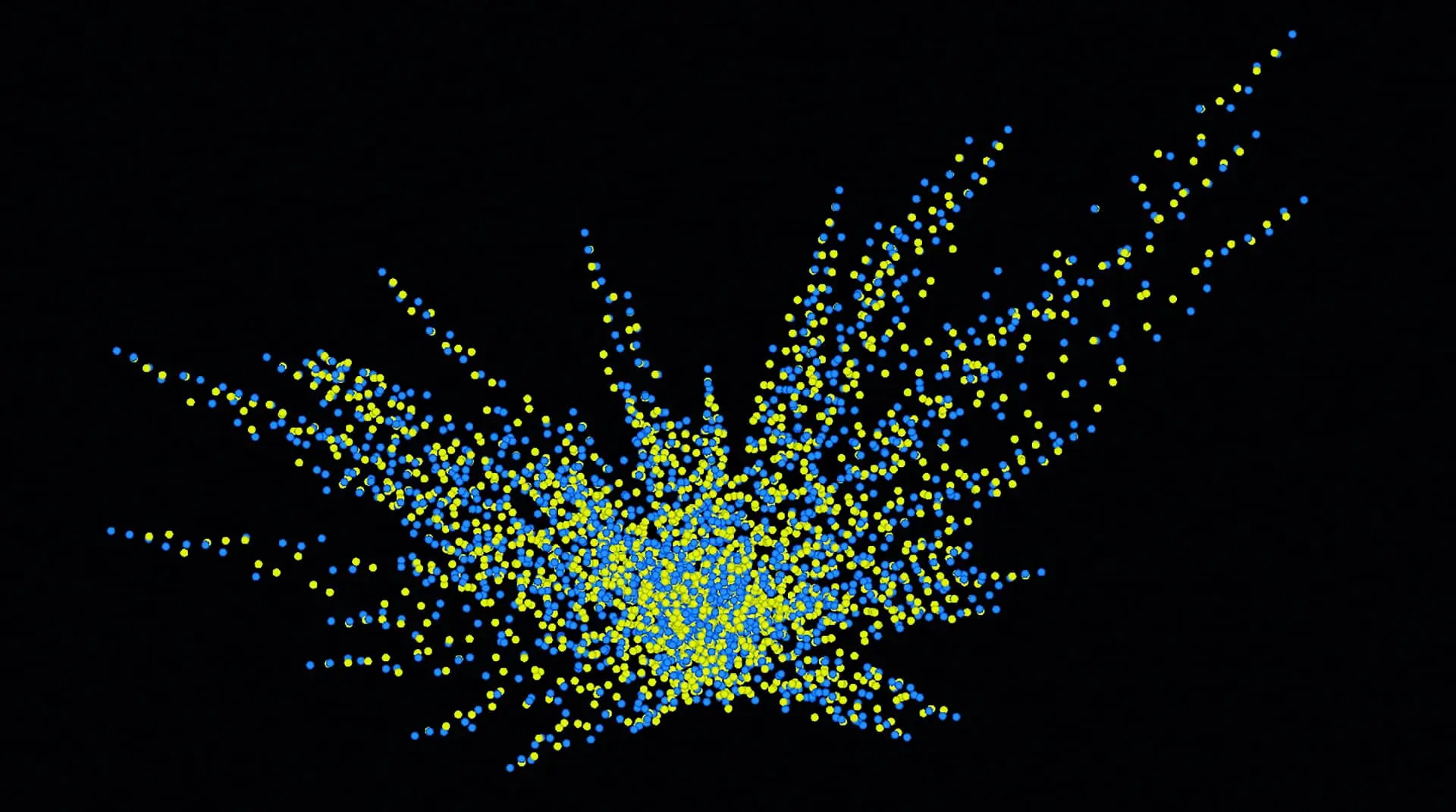
The whole thing is garnished by the GPU solver, which enables real-time explosion previews at a rate of 1 to 2 frames per second. Here, too, the focus is on interactive work. Depending on the intended use, these already look very cool and can be completely sufficient under certain circumstances. The included shader for Viewport and Mantra completes the new Pyro workflow.
Labs
Labs tools are developed by SideFX Tech Artists in Houdini and are therefore often very practical. I’ve made extensive use of the now simplified ability to version HDAs or change their namespace to tidy up my HDA mess. The new FBX importer is also very helpful and simplifies everyday FBX imports. For “crazy-pipeline-special” FBX imports, you can always create a customised Python script. Other Labs innovations are: a Road Generator, Mesh Sharpener, Triplanar Displacement, Box Cutter for fast Boolean Modelling, Pick and Place Tool, Compositing: Blackbody, Grid Texture, Demosaic and a MoCap Importer for Axis Neuron and Rokoko (which we will test in detail in a future issue).
Conclusion
And now I still haven’t mentioned everything important! So here it is in a nutshell: Many SOPs are now compilable and can therefore be used in parallel. Hair grooming is significantly faster. Python 3.7 support has been enabled and VEX has a new data type: Dictionaries. 2020 was also a special and strange year for SideFX and Houdini. SideFX employees were unable to attend trade fairs or travel and had to come up with something else. They took advantage of these special circumstances and created a lot of educational material and sample scenes. So much that I will never manage to watch it all, let alone try it out.
