



You can apply for access at firefly.adobe.com. However, you need an Adobe Cloud account to do this. Once you’ve got access, log in to the Firefly site and you’re ready to go. At the end of March, when I wrote the article, there were two tools that had been activated: Text to Image and Text Effects.
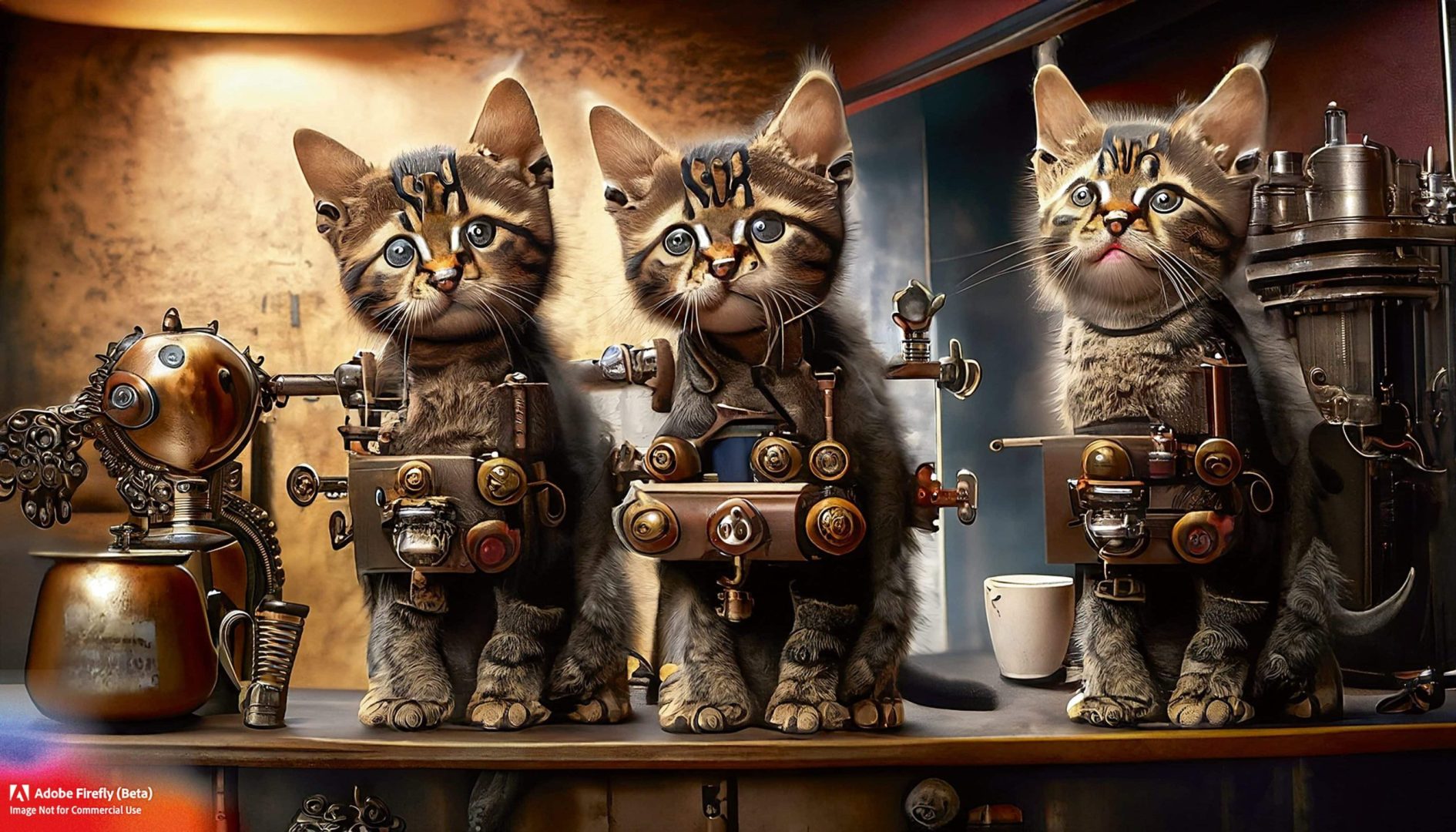
What is immediately noticeable is the clear user interface. If you click on an image on the start page, you immediately get an explanation of what Firefly does differently. According to Adobe, the basis for generating the images is mainly formed from its own extensive stock collection and partly from copyright-free footage. Adobe attaches great importance to ensuring that there are no copyright problems with the generated images. This also explains why it is not possible to generate clones of well-known artists, superheroes or comic characters such as Mickey Mouse.
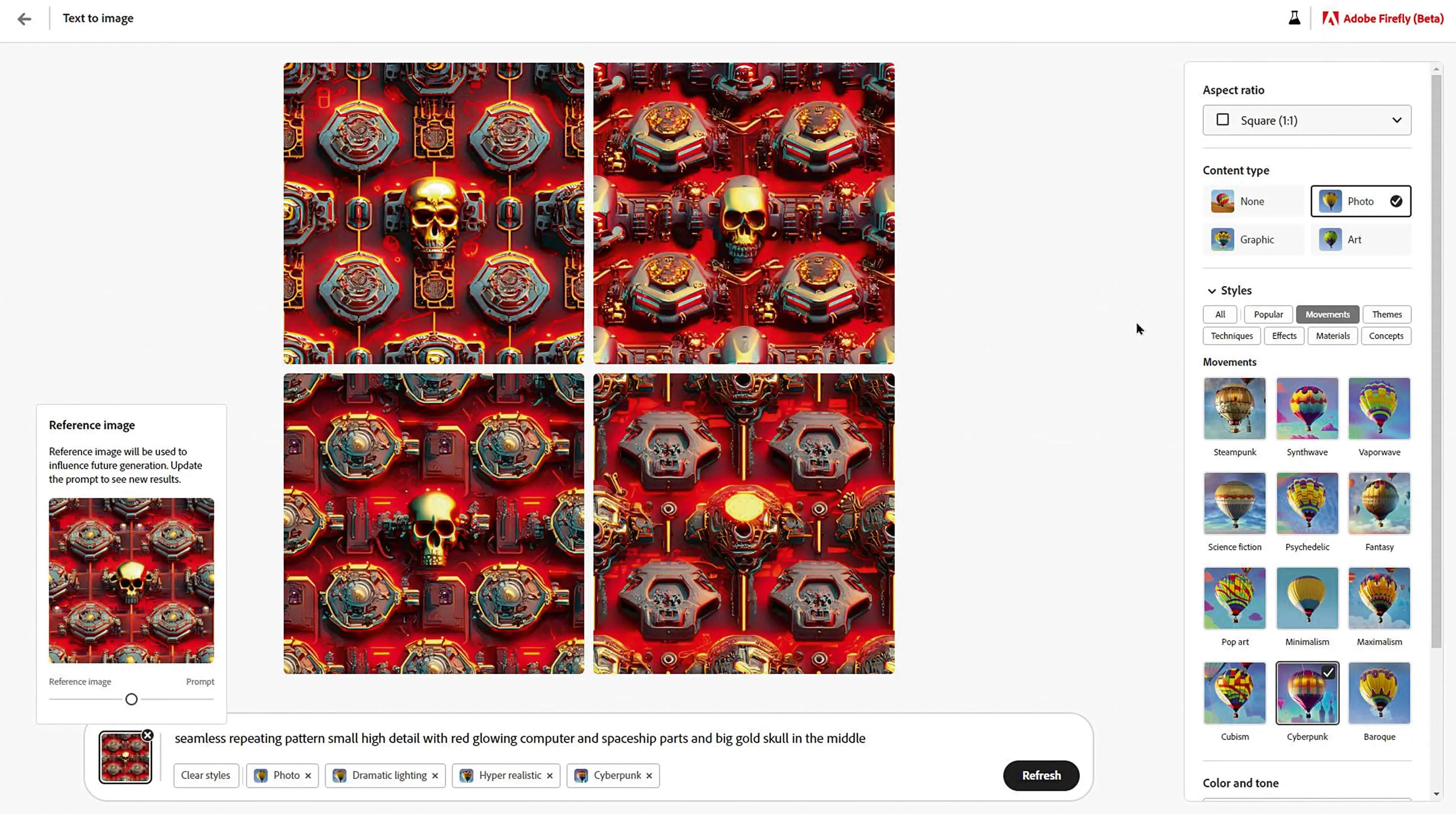
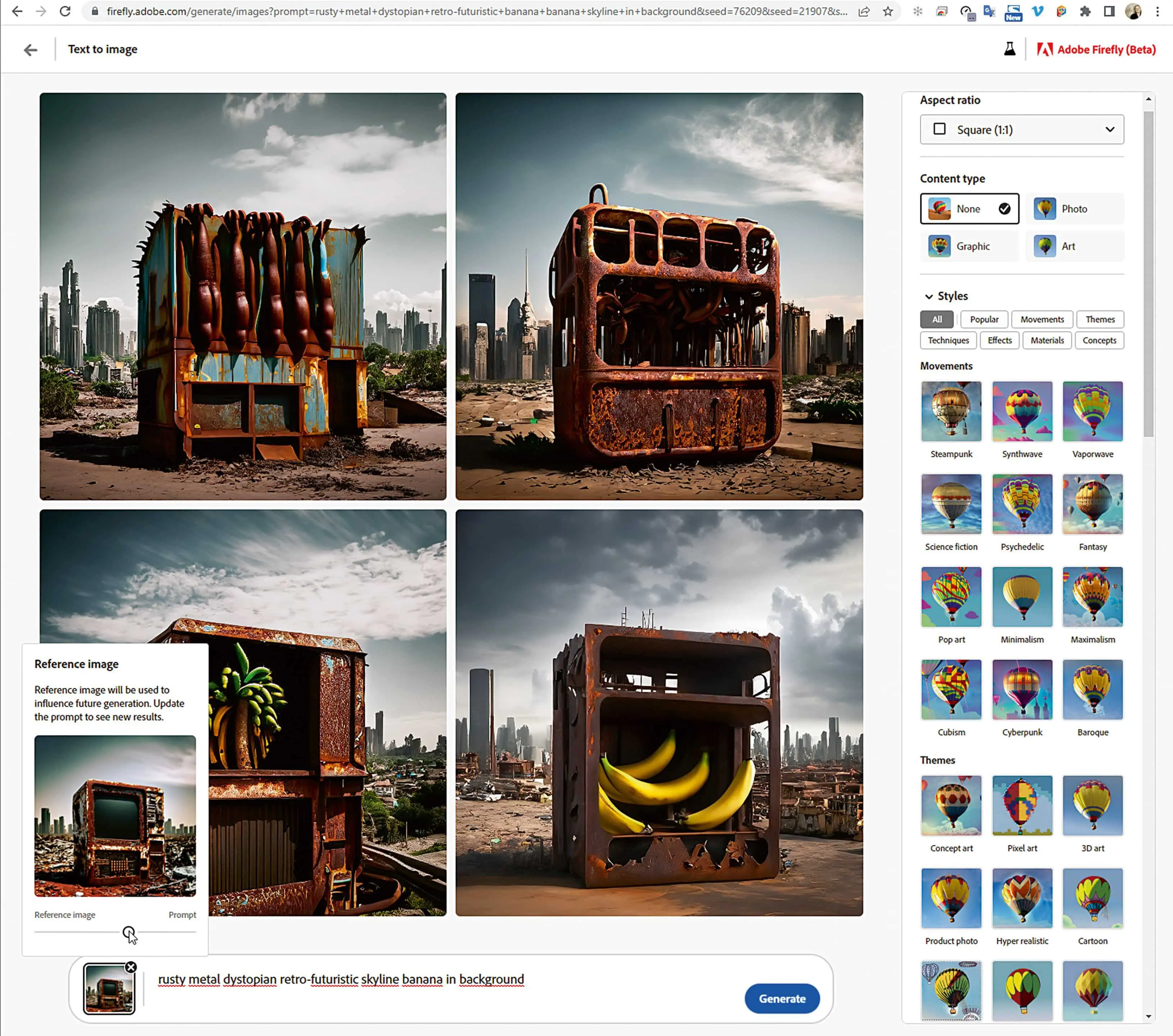
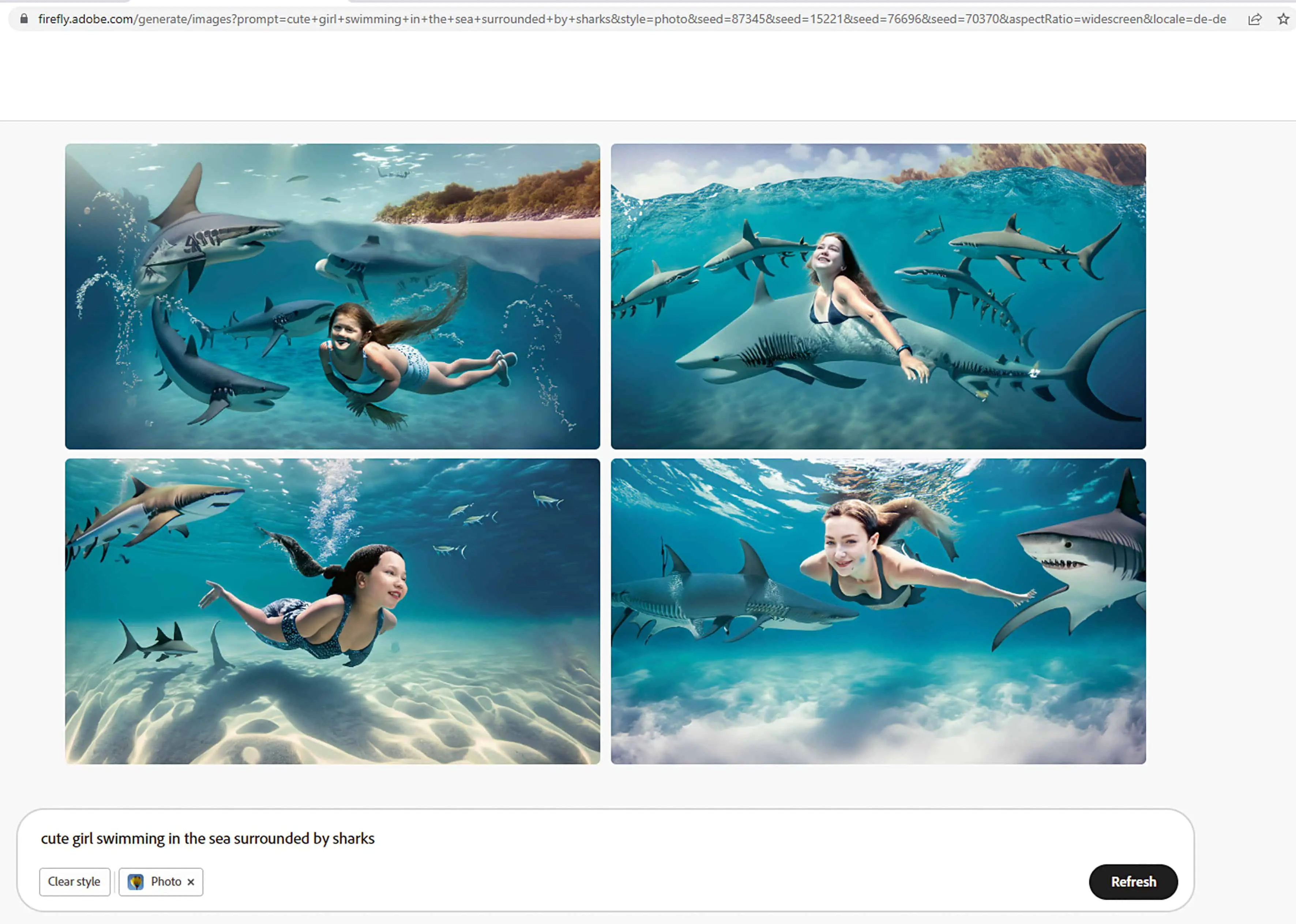
On the start page, but also on the text-to-image page, you can see lots of sample images with the corresponding prompts, which you can try out with just one click after agreeing to the guidelines. Only English is available as a prompt language.
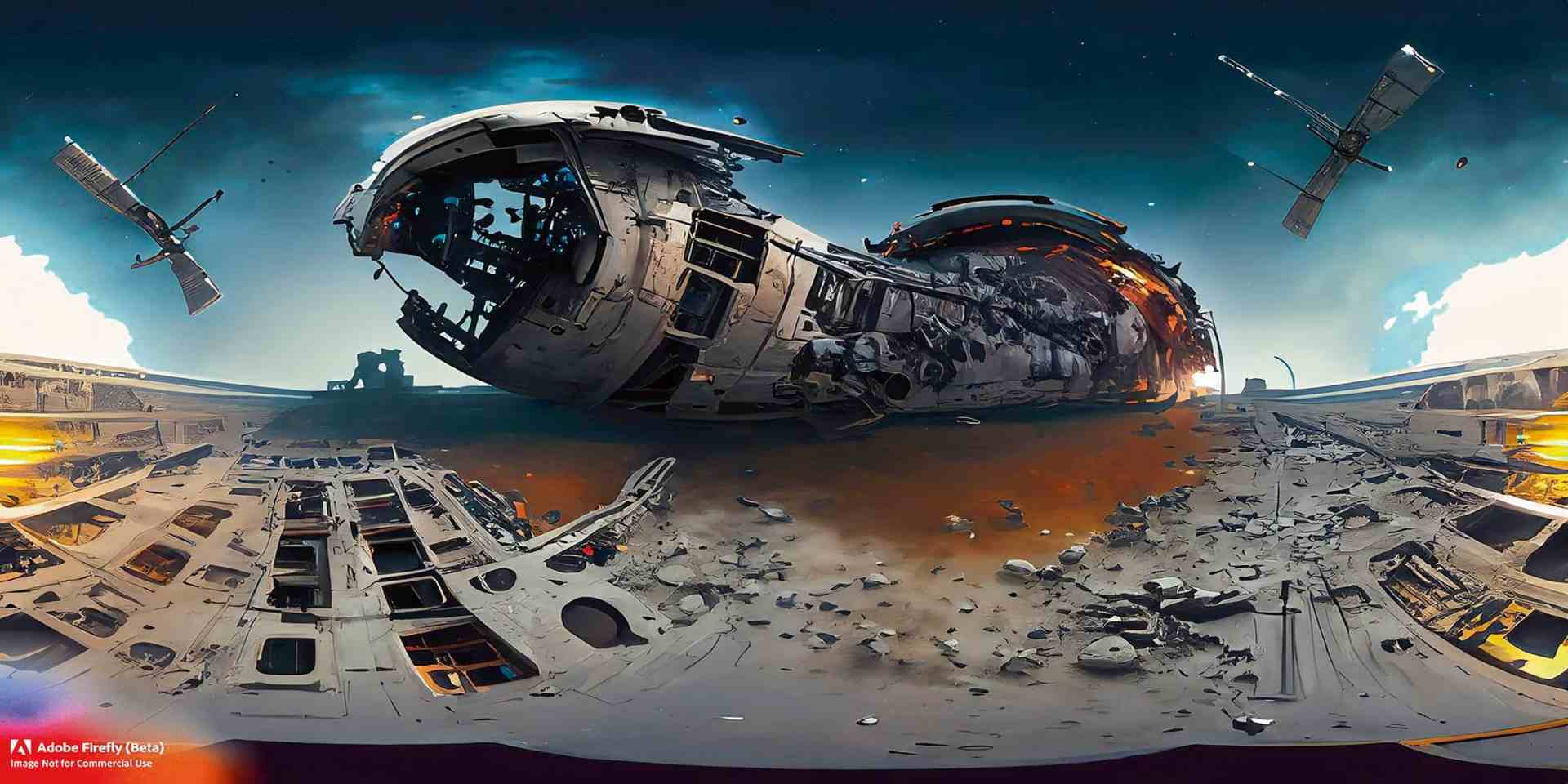
Four images are always generated, which takes 10 to 20 seconds on average. You can choose between Square (1:1), Landscape (4:3), Portrait (3:4) and Widescreen (16:9). On mouseover on one of the images, you then have the options of generating similar images, loading the image into the Firefly Gallery, loading it as a reference image, copying it to the clipboard or reporting an infringement of the specifications.
For the content type, you can choose between None, Photo, Graphic and Art. Below these, there are lots of styles and a selection of colours, lighting and perspectives. This makes it easy to click together your own look, although this has not always worked as expected so far.
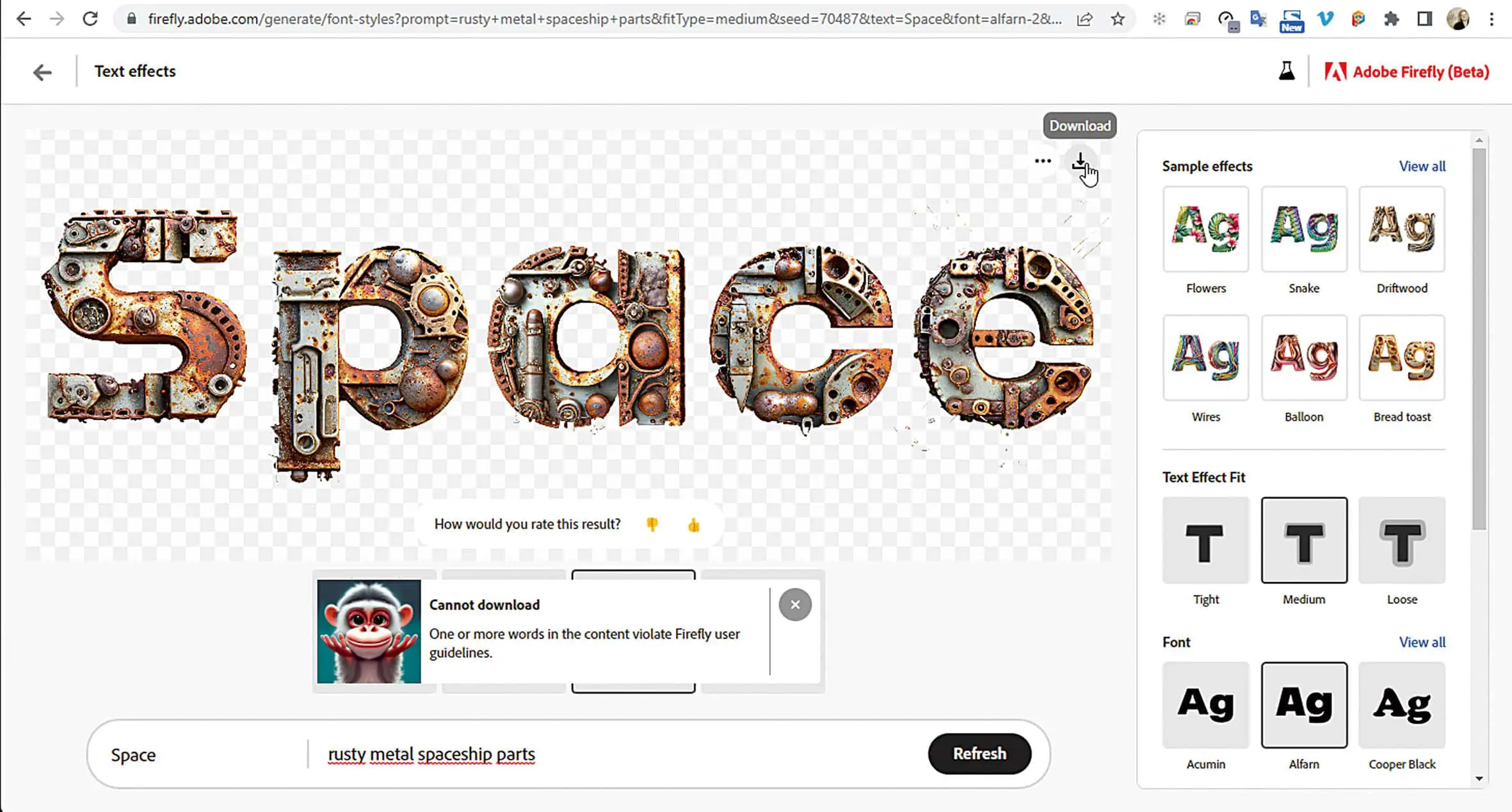
Text!
The second module that already works is Text Effects. Here, texts can be created from any conceivable material. Whether wild cats, gold, wool, fur, chocolate, pizza or rusty spaceship parts.



















There are currently 12 different fonts available for the texts. Four variants are displayed below the text, from which you can choose. If nothing is available, simply click on the refresh button to get four new ones. There are also three options for how exactly the textures are filled into the letters. With Loose, a few chunks can fall out.
The text can be highlighted with a colour or downloaded as a PNG with a transparent background. There is also a watermark here. Unfortunately, the styles cannot be saved, so you will never get exactly the same look again when you leave the page. You can save the URL with the HTML prompt in a text file, but the look always varies in some details.

Adobe has also announced some other interesting modules on its website. A short video shows what will be possible in the future. 3D to Image will probably make use of the extensive Substance Library. And Text to Template will probably soon find its way into Adobe Express. Of course, we hope that Firefly will soon simply be included in the Adobe Cloud licence and that the tools will be integrated directly into Photoshop, Illustrator and Premiere.
Photoshop in particular has already made some progress with the neural filters. Take a look at firefly.adobe.com to see what else Adobe has in the pipeline and sign up for the beta list. But be careful, Firefly is highly addictive and once you’ve started, it’s hard to stop using it again.
