



Table of Contents Show
by Jens Dessilla, Jhonie Aelbrecht, Jürgen Firsching
There are many reasons why catalogues, brochures and flyers no longer always go to the photographer – it is faster, better, cheaper and more flexible to create products and assets digitally. Need a quick change of perspective? No problem. But a different product? Simply swap the asset in the rendering. Colours, textures and versions? No problem – and because the VFX studios of this world have been doing exactly that for film productions for many years, tools have been developed that make exactly that possible. And here we see what something like this can look like – a discounter has ventured into the VFX pipeline – but how?

Who does that?
Pixel Nexus (pixel-nexus.com) from Ghent in Belgium is responsible for the realisation. Together with dve advanced systems (dveas.de), Jhonie Albrecht’s team offers “custom pipelines” – for CG, the integration of software and apps, the corresponding hardware and server structures as well as training, consulting, maintenance and everything else that goes with it. Jens Dessilla, project manager in the international marketing department of a discounter and responsible for the CGI asset creation, was the third member of the team for this special project.
Jhonie tells us that in recent years, catalogues, flyers and other advertising materials have made the shift to computer-generated images – and today the majority of products are already available in this form. So the content is ready – and you can learn from the experience of so-called “asset management” in film productions, which regularly juggle thousands and thousands of elements, putting them together across continents – and all in such a way that the result looks good. So why not utilise these ideas and tools?

Digital asset management
In the CG industry, this is called “digital asset management” – huge databases that manage all the aliens, orcs, spaceships and whatever else is used in the blockbusters and make them available to everyone who needs them in production. According to Jhonie, the amount of data is not a hurdle – a few thousand assets, each with a 3D model, texture and colour variants, do not cause a VFX database to break a sweat.
Familiar processes in a new guise
Jens Dessilla on the decision in favour of Shotgrid: “We quickly realised that we needed a central solution that would support us in various disciplines. One of these is monitoring & controlling. Shotgrid (SG) helps us to monitor and control the ongoing CGI productions in real time. It tracks the status of assets from start to finish, giving us the ability to track them at any time. Centralisation and the exchange of information via interfaces allows us to work more efficiently. This helps us to further scale our production volume.

This production volume can vary depending on the month and area, but in the past a higher three- to four-digit number of assets per month has proven to be realistic. This takes into account various playouts for our most important communication channels, i.e. moving image & still image assets.”
Components and extensions
You might think that since the problems and challenges of everyday life are well known, there is a solution or an extension for everything? This is not the case, and Jhonie explains why: “We start with the standard version of Shotgrid and program all extensions and every piece of additional code ourselves – because with software from the net you never know what licences are behind it. Even if it is supposedly open source and free of charge, dependencies, code snippets and individual parts may be subject to different licences.
The second reason for “doing it yourself” is also simple: if you do it yourself, you have good documentation and can customise all the components yourself, whereas external software is always difficult to maintain – and some features may work in the test, but you don’t know what’s going on in the background. And since we attach great importance to data security and the privacy of our customers, we don’t even take this risk. What’s more, we know from experience that third-party customisations for new features tend to crash, break or simply not be developed further – after a few years, you can practically do everything from scratch again.
Jens Dessilla comments: Additional software had to be written to enable the most automated exchange of information possible between our systems and SG. In the first part, we have a module that filters, records, transfers and updates the data. The second part is an extension of SG Publishing. Finally, we made various customisations within the SG environment that, for example, perform repetitive tasks or react to certain dependencies.
What language do the files speak?
But the idea goes beyond the next quarter, as Jürgen Firsching explains: “The findings from cinema, TV and advertising production go even further, for example when it comes to file formats.” While 20 years ago many things only worked on a computer and 10 years ago “only in software”, the technology behind 3D formats and asset management is now so mature that
all relevant components – from databases to individual 3D assets – can be stored in open standards.
For our customers, this means that all components will remain usable not only today, but also in ten years’ time – without having to buy licences for the models they have created themselves. With USD, GLTF and Alembic in particular, everything is now just a click away in a variety of software packages. And as the VFX industry accepts these standards and actively develops them further in productions of all sizes, these files – which are always backwards compatible – will also be available in the foreseeable future. All of these formats are also completely open and documented, meaning that project-specific extensions are not only possible but also easy to implement.

Up to the first image
Enough of the basics – how did this project come about? Jens Dessilla reports: ‘We had to go through several phases: After viewing and testing various tools on the market, we decided in favour of Shotgrid (then still called Shotgun). We carried out an internal, isolated test in our specialist department for just under a month. The aim was to test the possibilities and the functionalities included as standard. We were supported by the Autodesk Shotgun team. After successful testing, we converted the isolated test into a proof of concept (POC). In this phase, various internal processes were initiated and various sales and implementation partners were viewed and tested. Furthermore, our various pipeline processes were recorded, consolidated and then transferred step by step to Shotgrid and validated by us. In total, more than a year passed from the decision to the “first frame”.
We taught ourselves a lot during the initial tests, but we also had direct support from Autodesk. We now know how to use Shotgrid well, but we are still learning something new every day. The tool is very versatile and can quickly become complex and overwhelming in certain areas. That’s why we handle certain things ourselves to a certain extent, but leave everything beyond that to the experts.
This is also one of the bigger tasks when the pipeline is automated, as Jhonie points out: “You can say goodbye to various “classic” tasks, for example understanding what is in the final colour space and what is not is a bit of a stumbling block. The preview images generated are optimised for
optimised for the screen and fast transmission, and the colour proof only arrives once it has been predicted in the pipeline. Of course, this is just one example – and such stumbling blocks need to be recognised early on and worked around together with the employees. Just as, in this example, hopefully nobody is trying to judge print colours on uncalibrated screens of mobile devices.

“Telling the user story”
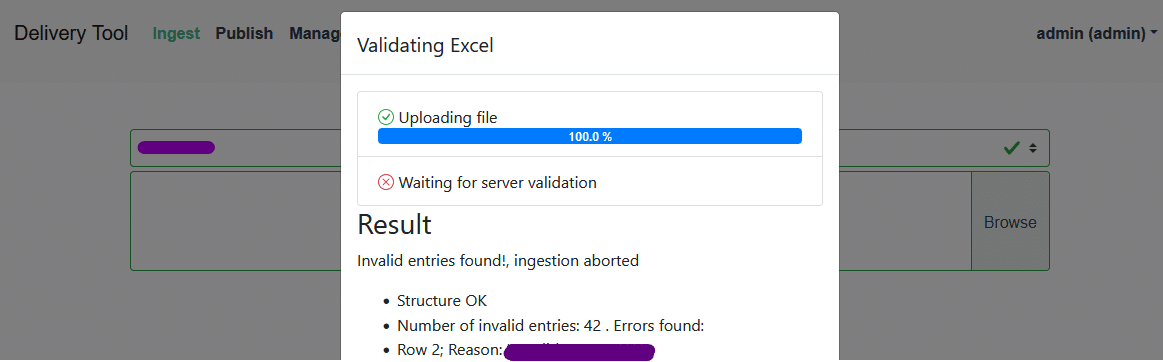
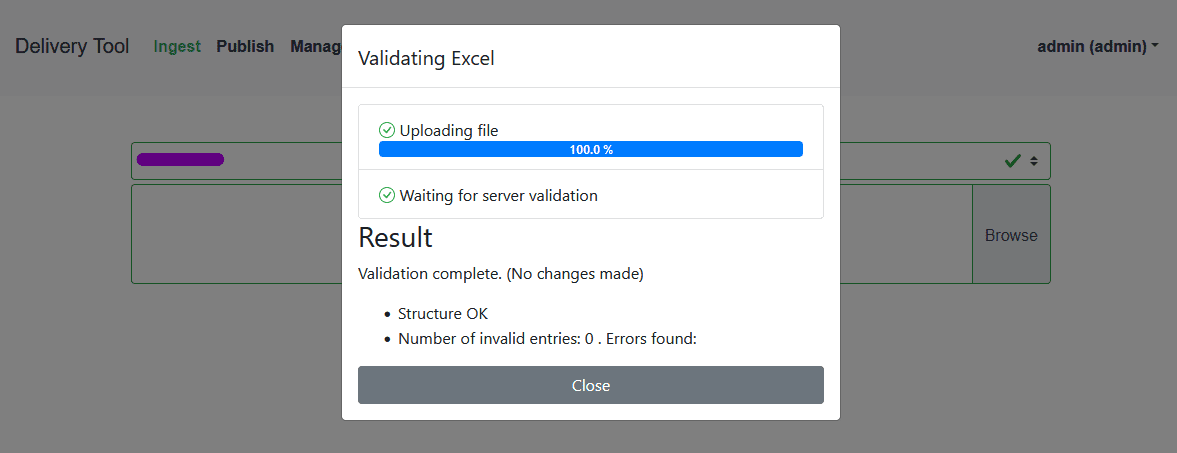
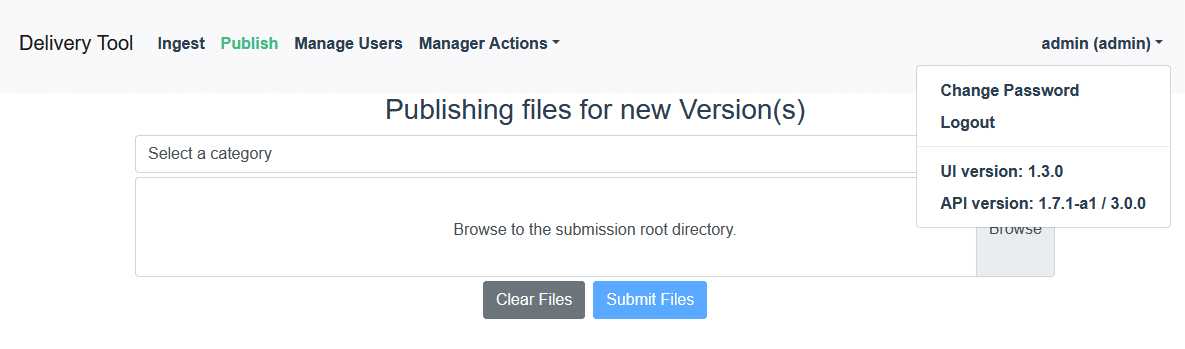
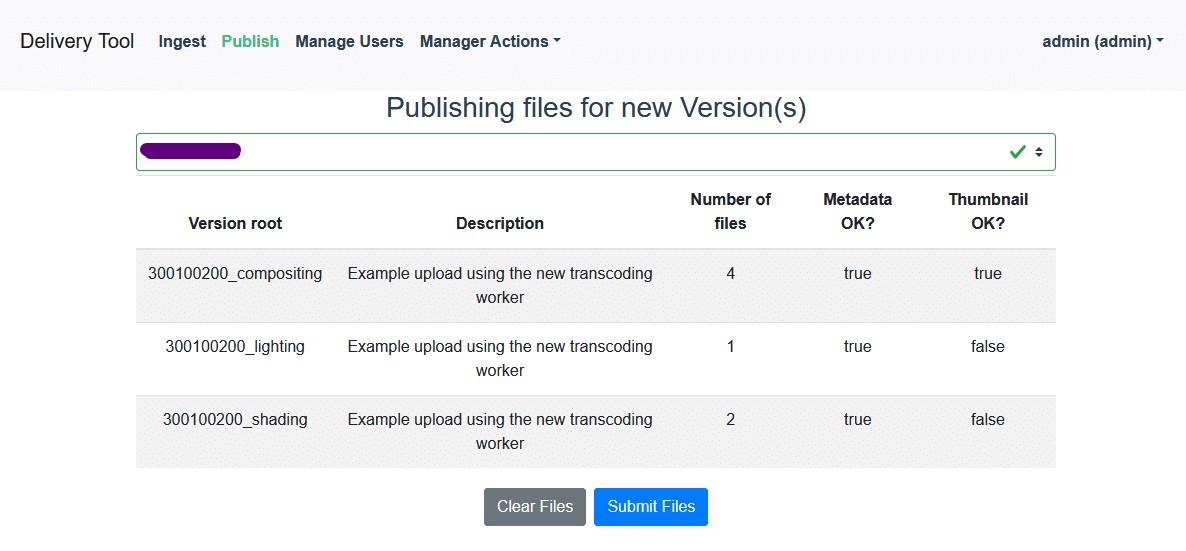
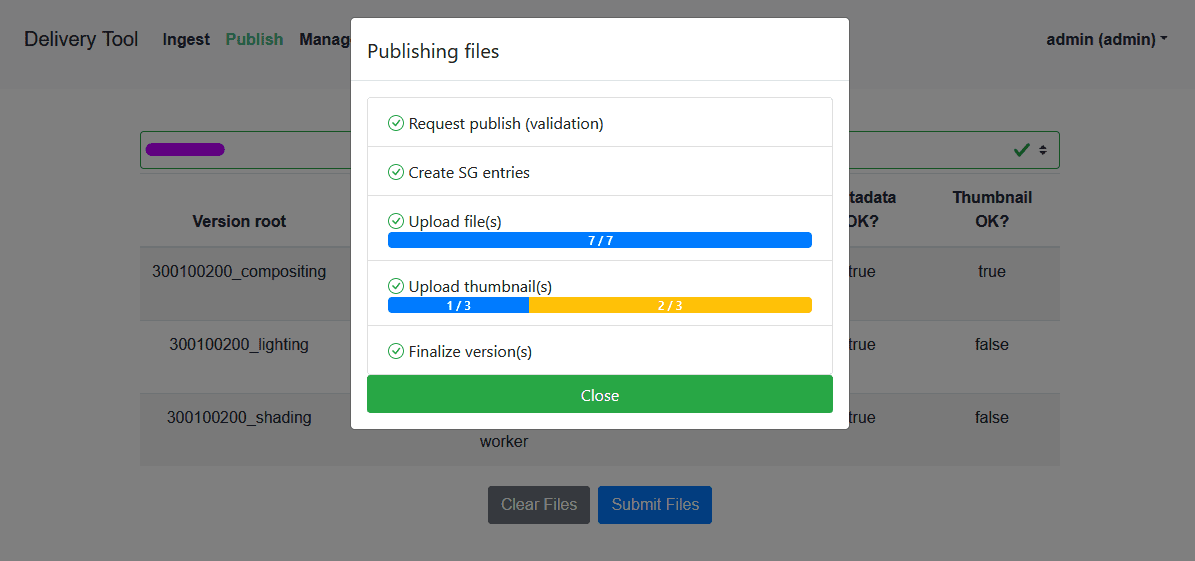
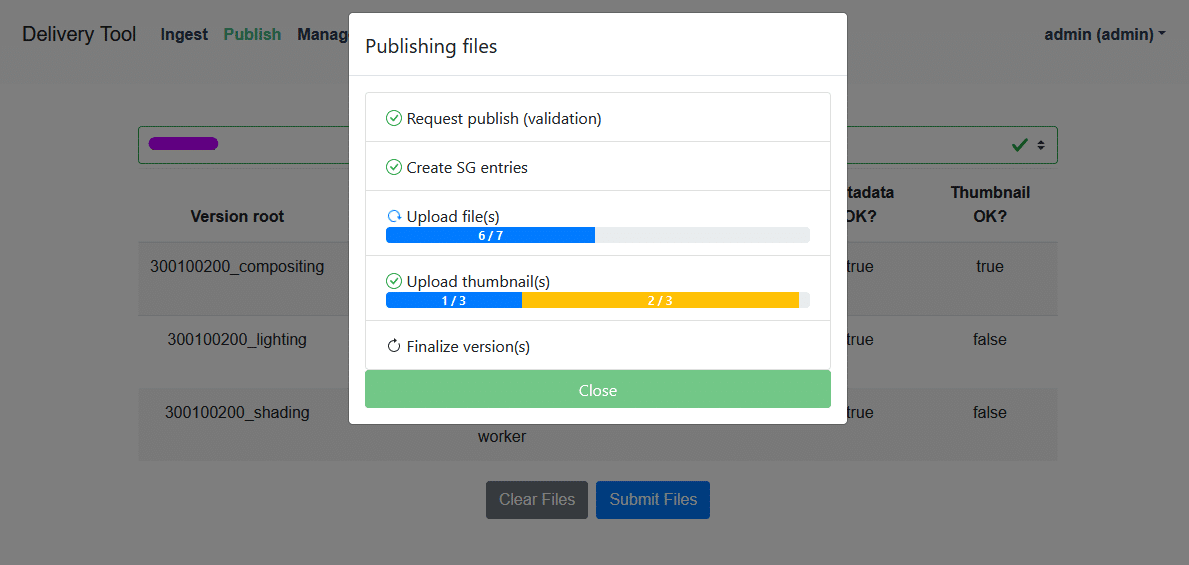
According to Jhonie, it always starts with a “user story” – a precisely defined process of what the customer wants. The employee has a file, drags and drops it somewhere, sees that a file has been uploaded and four people are notified in a certain way. Previews and notifications for reviews are then created and an item is generated in the accounting system. And then Pixel Nexus sets about mapping exactly that.
The first question, of course, is the underlying architecture. One aim of the changeover was to gain a better overview. However, these checks are necessary for efficiency – who does what, for how long and is the quality sufficient for the standard that the company specifies?
So Jhonie and his team break everything down into the smallest possible components – right down to the individual button – and once you have the exact overview, the required function becomes clear – and you can pack it into an attractive guise – nobody wants to work all day in an ugly interface.
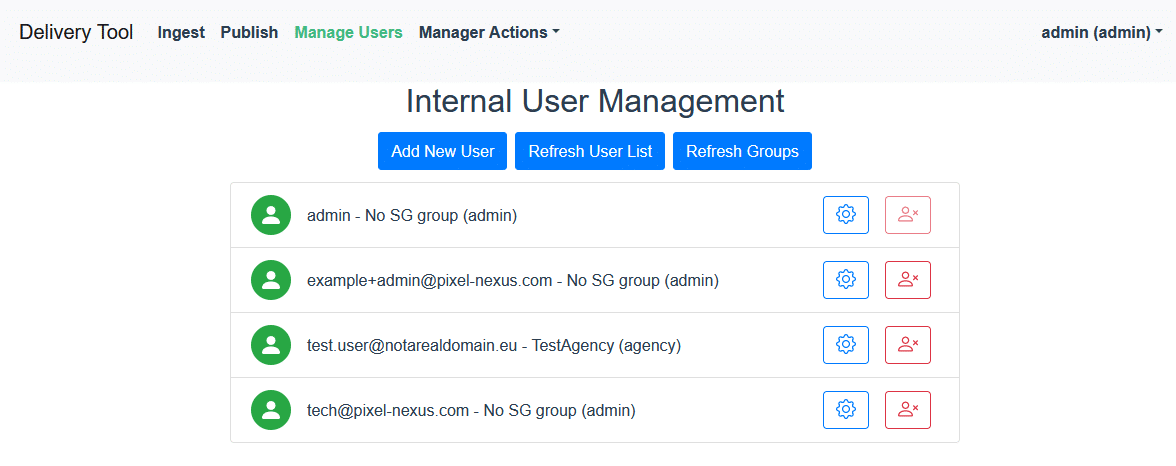
So the question is what exactly is needed – how many files, who has access where and how often? Which notifications are optional, which are necessary and where are approvals available? To this end, Jhonie and his team are developing “user stories” – a precise sequence of all tasks, actions and interactions that a user has – from uploads, files and their versions to naming and exports. The more precisely you analyse each step here, the quicker you can see which functions are needed.
Jens Dessilla explains: “We use Shotgrid to distribute the required articles and information to our partners via the interface. We have various coordination points with our interfaces within the pipelines. If everything has been approved, the assets finally end up back with us via Review & Approval. After the final review & approval, the assets go to our Media Asset Management (MAM). From there, the content is then distributed to the channels. We manage all final assets in our MAM system. These are stored correctly using a combination of naming conventions and metadata. This makes managing thousands of assets much easier.
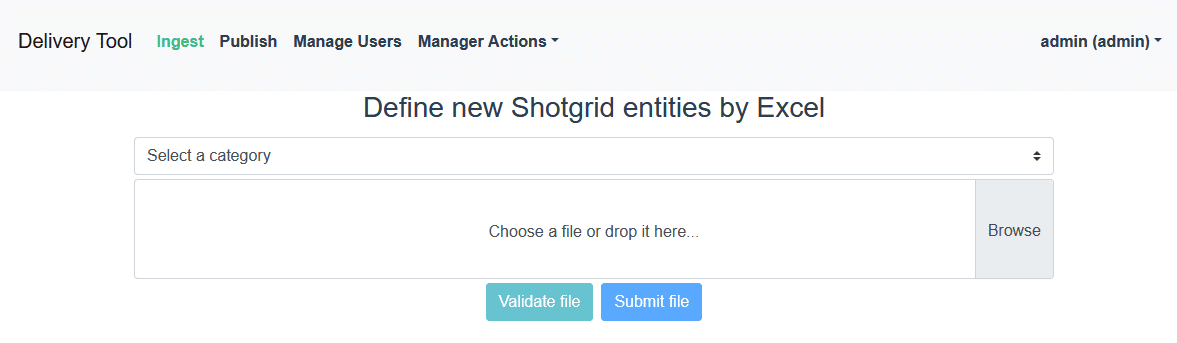
A familiar interface is also an advantage for the suppliers, as Jürgen emphasises: “The CG agencies are familiar with Shotgrid and know how to use it – this makes data delivery much easier. Uploaders for files go directly into the approval loops. This allows the agency to synchronise the information relevant to them via a familiar API without having to send anything back and forth. For the individual users, it is easy to use thanks to so-called webhooks: The 3D partner uploads the finished file, the system generates the images and stores everything correctly. And this can be done from anywhere in the world. This saves time, eliminates sources of error and facilitates the centralised further development of the line in the background – regardless of how many agencies, suppliers or employees are involved in the process, as nothing changes for the user. The interface can look the way employees from all departments want it to – no technical interfaces, just a modern, appealing environment. Of course, this also makes onboarding new employees trivially easy!
Conclusion
And now that everything is up and running, what are the lessons learnt from the switch to Shotgrid? What would the team do differently? Jens Dessilla: “It was a very exciting and instructive project for me personally. I can only recommend to everyone not to underestimate the process phase and to clearly define, structure, implement and validate processes in advance. All of this can be a very time-consuming and complex process with several interfaces. However, it should not be seen as “finished”: A pipeline is a living project and needs to be constantly developed. Of course, we are constantly endeavouring to improve our pipeline. I can only make one recommendation here: Increase the level of automation.

Jens Dessilla works as a project manager in the international marketing department of a
Discounter and is responsible for CGI asset creation. He started his career as a 3D artist and mainly visualised vehicles for various automotive customers. He complemented his more than ten years of operational expertise with a part-time business degree.

Jhonie Aelbrecht is a pipeline developer from Ghent (Belgium), and had a decade of experience as a CG artist in all areas of animated film production, mainly for grid VFX. Four years ago, he founded Pixel Nexus, a highly specialised pipeline company – and has been advising and supporting leading VFX and animation studios on pipelines, tools and the implementation of new ideas ever since.

With well over twenty years of experience as a reseller of hardware and software for media productions, Jürgen has an overview of the market like no other – be it the VFX studios with dozens of Oscars and Emmys, broadcasters, film studios and vertical multimedia houses such as Red Bull Media or industries that send digital images around the world for state-of-the-art VR/AR/XR workflows.
