



Pixar has released RenderMan 26.2, introducing technical updates designed to enable artists to work more efficiently and realistically. The most important new features include the improved material preview in real time, which makes changes immediately visible and thus speeds up the creative process. In addition, the “MaterialX Lama” framework has been optimised to support advanced shading effects such as subsurface scattering and realistic reflections.
Improved hardware utilisation with XPU and Karma integration
The XPU rendering system has been improved so that the CPU and GPU can work together even more efficiently, reducing render times. The revised Karma integration simplifies the workflow with SideFX Houdini, which expands the application possibilities for artists and studios.
New features for Light Path Expressions
New Light Path Expressions (LPEs) in RenderMan 26.2 provide more control over light and shadow effects, making the creation of complex scenes more realistic. This feature is particularly useful for precise lighting control and realistic rendering of reflections and highlights.
Pipeline integration and asset management
RenderMan 26.2 offers improved API options and support for Python 3, making it easier to integrate into existing production pipelines. These enhancements allow for increased control over the rendering process and automation of tasks. Further details and full documentation can be found on the official RenderMan page.
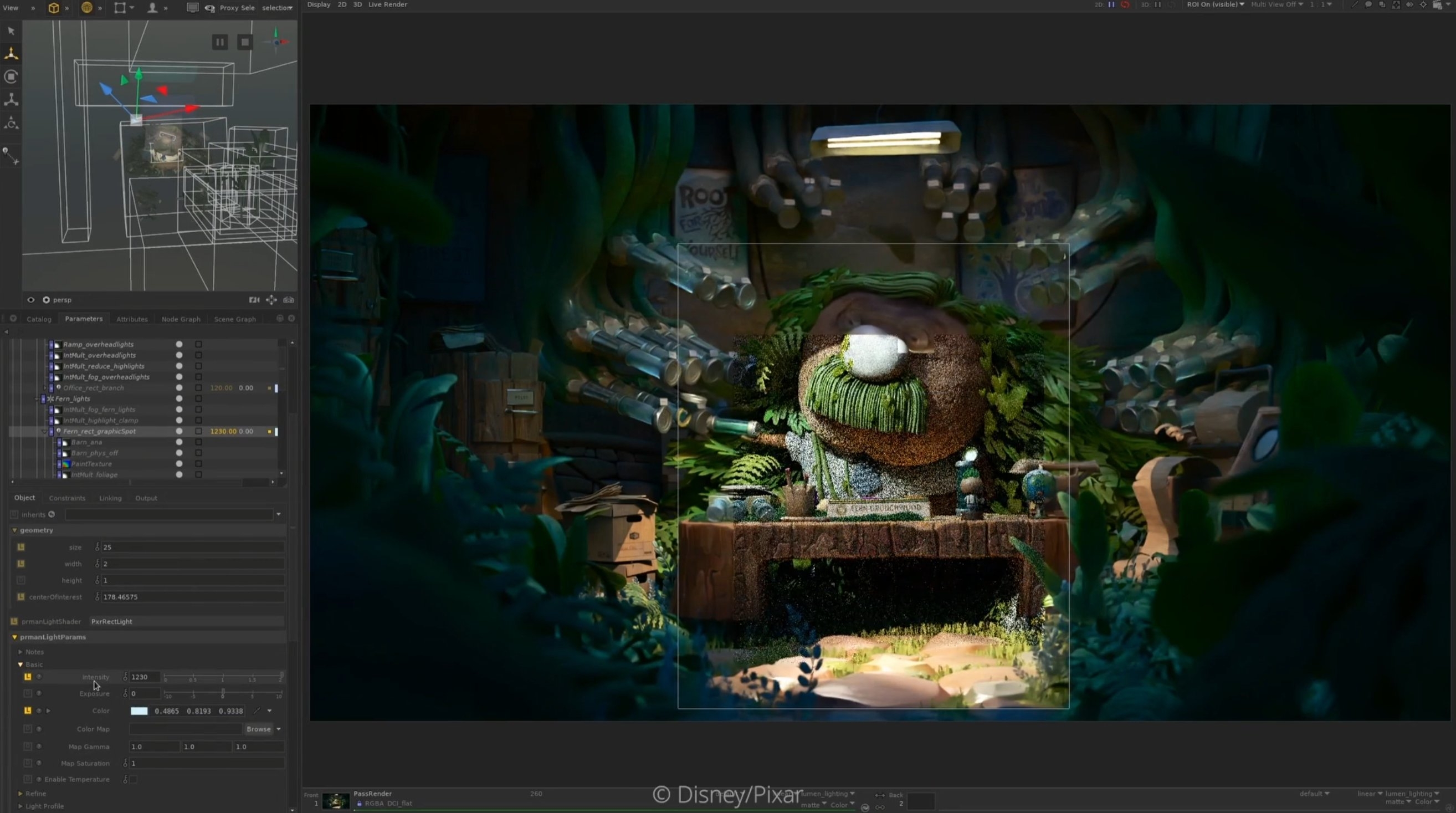
Enhancements to denoising and rendering techniques
With RenderMan 26.2, Pixar introduces a number of technical improvements designed to optimise workflow and render quality. The denoiser now automatically supports OpenEXR input files with data windows and single channels. A new, advanced denoiser configuration in JSON format allows multiple files to be read and written, custom passes to be set up and tiling to be used to reduce the memory requirements of large images. The previous JSON format from version 26.1 remains compatible.
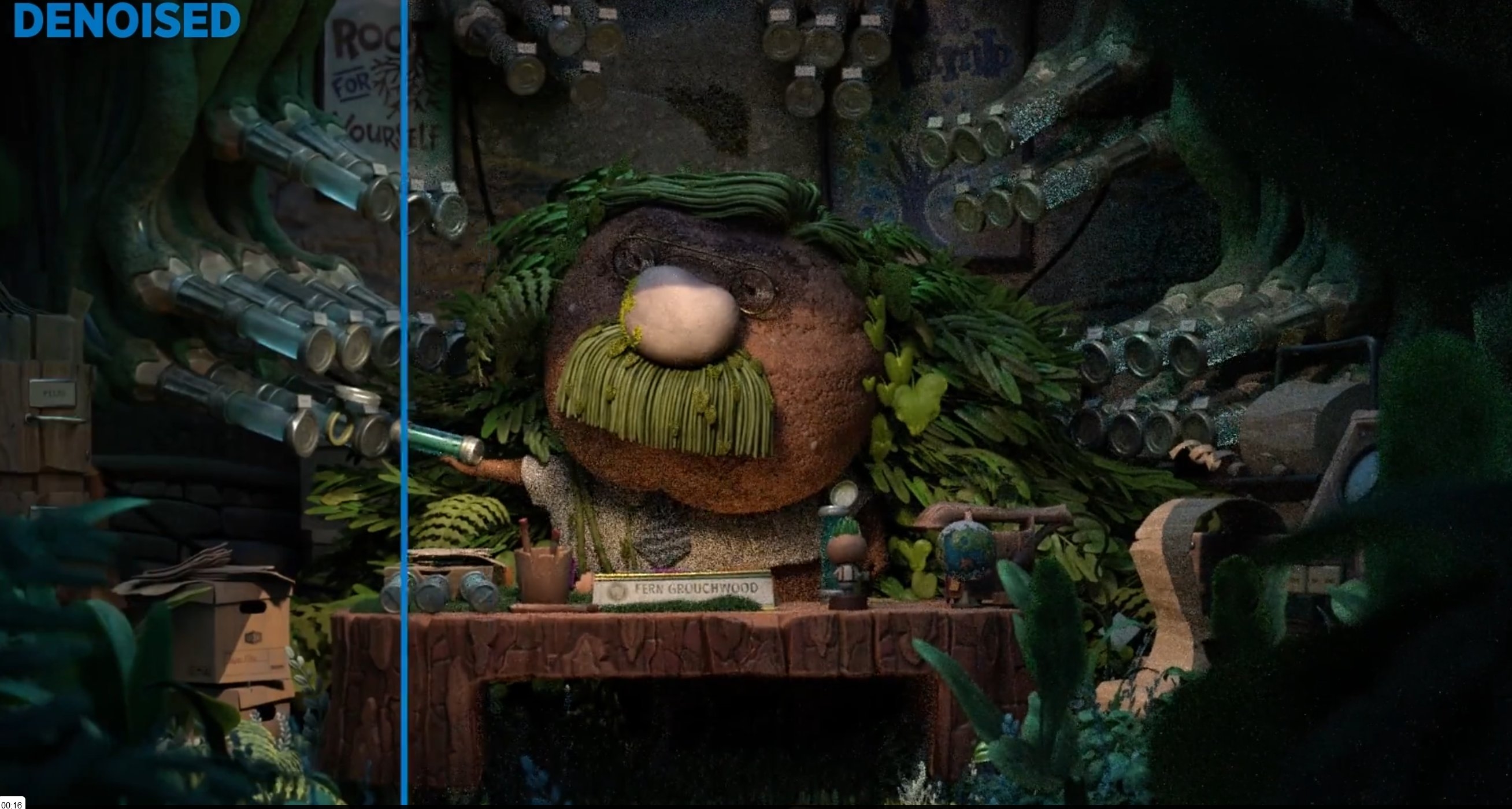
Bug fixes and new options in denoising
A bug in cross-frame mode, where black frames could contain details from previous frames, has been fixed. The denoise_batch command no longer requires the asrgba flag to be activated for EXR renderings. Additionally, there is a new –progress option that outputs progress values compatible with Tractor and LocalQueue. Auxiliary channels (AOVs) are now saved while retaining the original file name.
New pixel filters and OpenEXR metadata
RenderMan version 26.2 offers new pixel filters such as Blackman-Harris, Mitchell, Catmull-Rom and Separable-Catmull-Rom. In addition, the OpenEXR driver now includes renderer metadata, including correct data and display window attributes that reflect the renderer’s cropping and screen window.
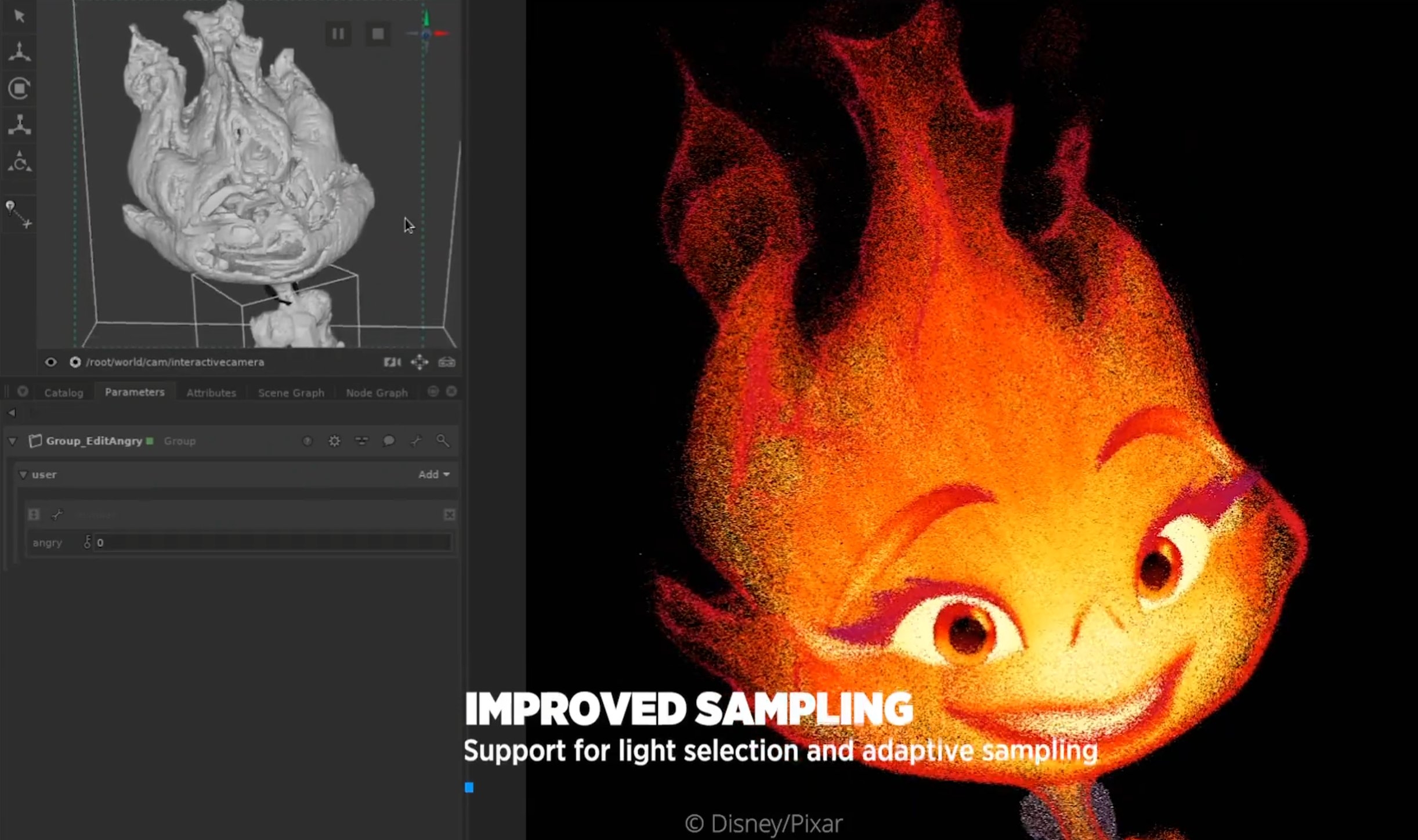
Updates for integrations in Maya, Houdini and Blender
In RenderMan for Maya, the interactive denoiser is now available for IPR renderings in the Maya viewport. A new parameter for minimum samples has been added in the RfM settings. For Houdini – Solaris, RenderMan now also offers the interactive denoiser. Bugs in the editing of VDB volumes and the PxrMeshLight have been fixed. New features such as the PxrVolumeLight LOP node and extended support for USD Primvar reader types complete the package.
In the classic Houdini integration, problems with the PxrProjectionLayer and the material settings have been solved. Blender 4.2 is now supported for RenderMan for Blender, and material and preset integration bugs have been addressed. In addition, artists can now disable denoiser starts for batch renderings, allowing manual controls.
Prices and licence models
RenderMan 26.2 is available as a commercial licence and as a free non-commercial version. The commercial licence is available as a floating licence from a price of USD 595 per year. The non-commercial version, which offers identical features, is aimed at students and independent artists who want to use the software for private projects. And if you want to know how to get it in Germany, check out our mates at DVE.
Further information and the complete documentation can be found on the official RenderMan page. Manufacturer information and further details are available directly from Pixar.
