



Working in 2024 has changed significantly for many in the last 5 years. Today, almost 25 per cent (40 per cent of the self-employed – see is.gd/homeoffice_statis and is.gd/hybrid_office) work fully or partially from home. The pandemic in 2020 has therefore doubled the number of people working from home and significantly changed the way we will work in the future: With a headset and webcam in the kitchen. It is therefore essential to be clearly understood and seen in the digital world.
When I bought a powerful Dell XPS 15 in 2023, I noticed one thing: Although the integrated webcam was invisibly built into the monitor, it was also completely useless, either professionally or privately. A surprise for a relatively new and high-quality model and since Dell actually manufactures its own webcams. I bought a Logitech FullHD webcam as a replacement. A significant improvement in comparison, but still not up to scratch. As I look after customers and take part in events and workshops that are also recorded for posterity, the FullHD quality is no longer good enough for me after a while. This led me into the world of 4K webcams and this is where Obsbot Tiny 2 with the gimbal came into play.
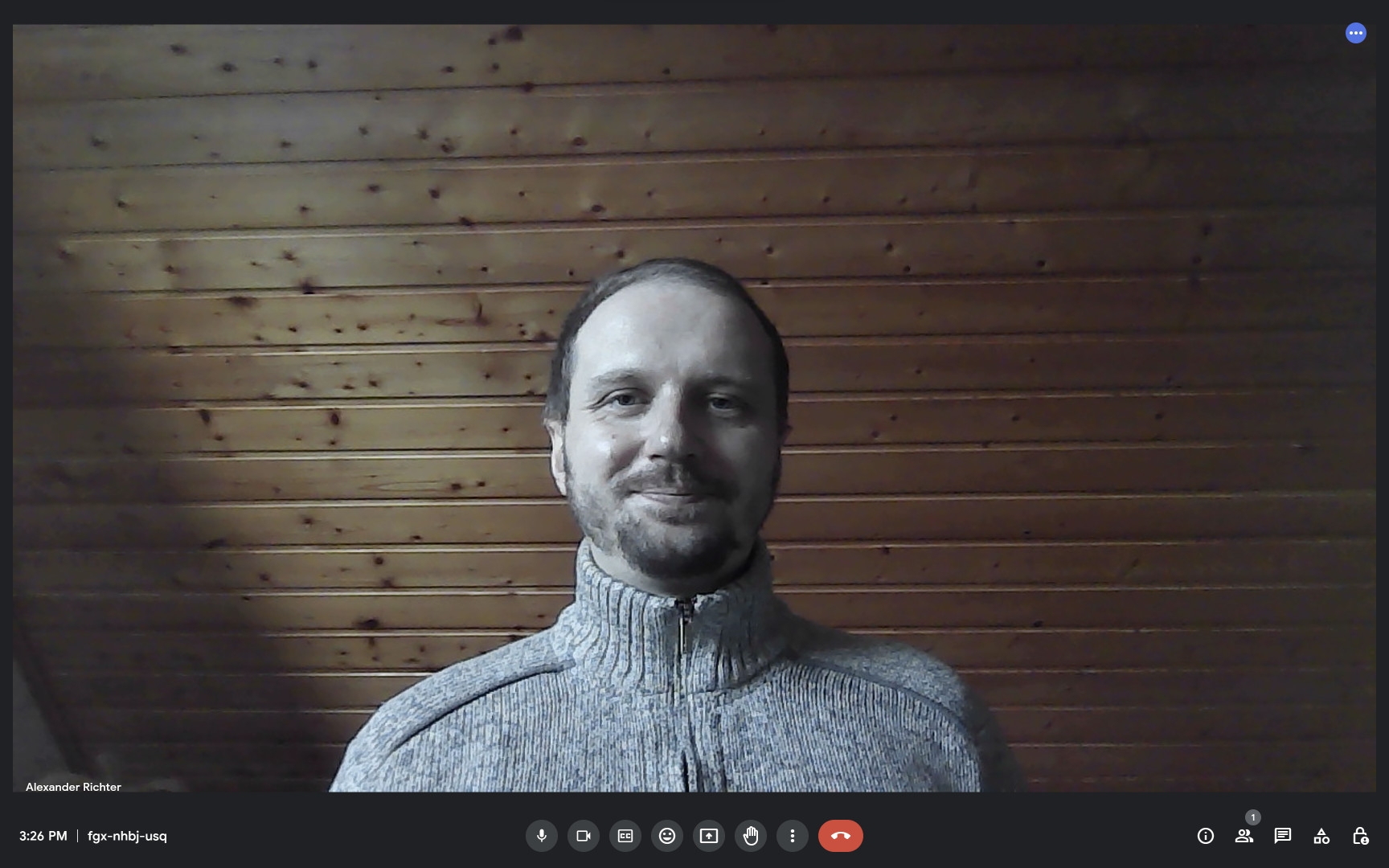
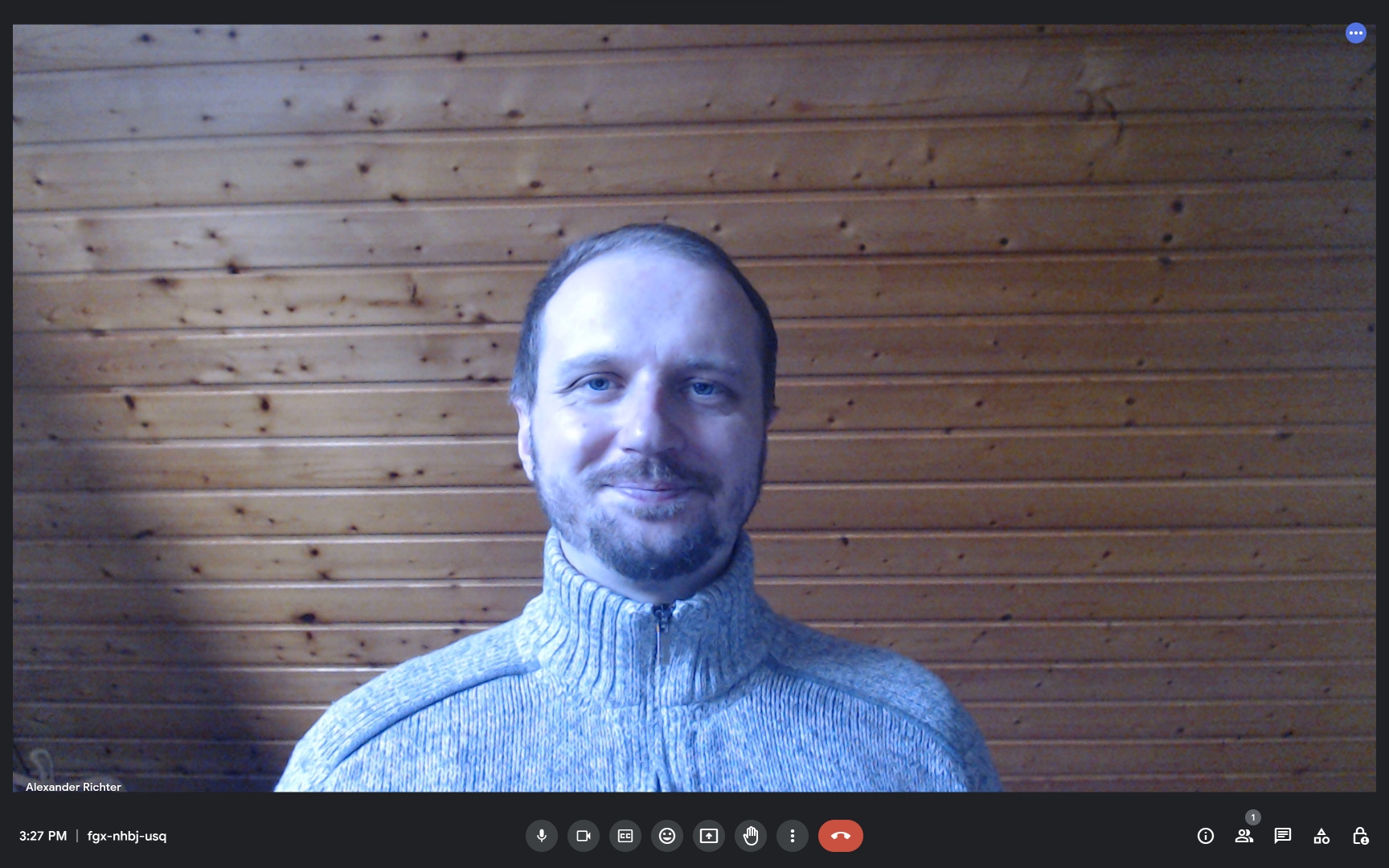
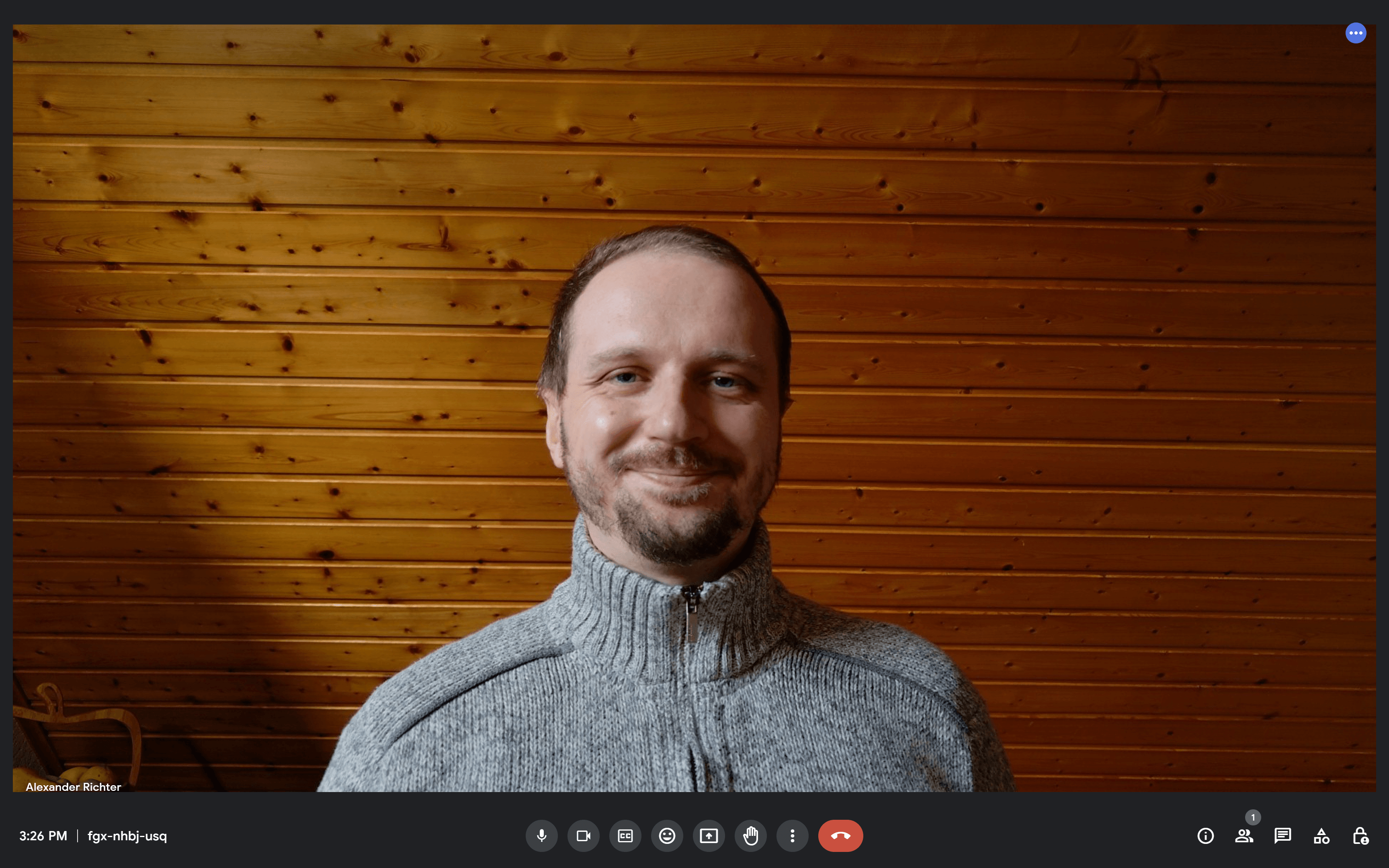
How does the Obsbot Tiny 2 work?
The Obsbot Tiny 2 webcam works just like any other webcam on the market: simply plug it in and off you go. First, we connect the station to the webcam itself using a magnet, then we attach the station to our laptop, place it on the table, screw it to a lens using a ¼-inch thread (upside down if you prefer) or attach it to any metal surface. Finally, we connect the webcam to the laptop using the USB-C cable and we’re ready to go.
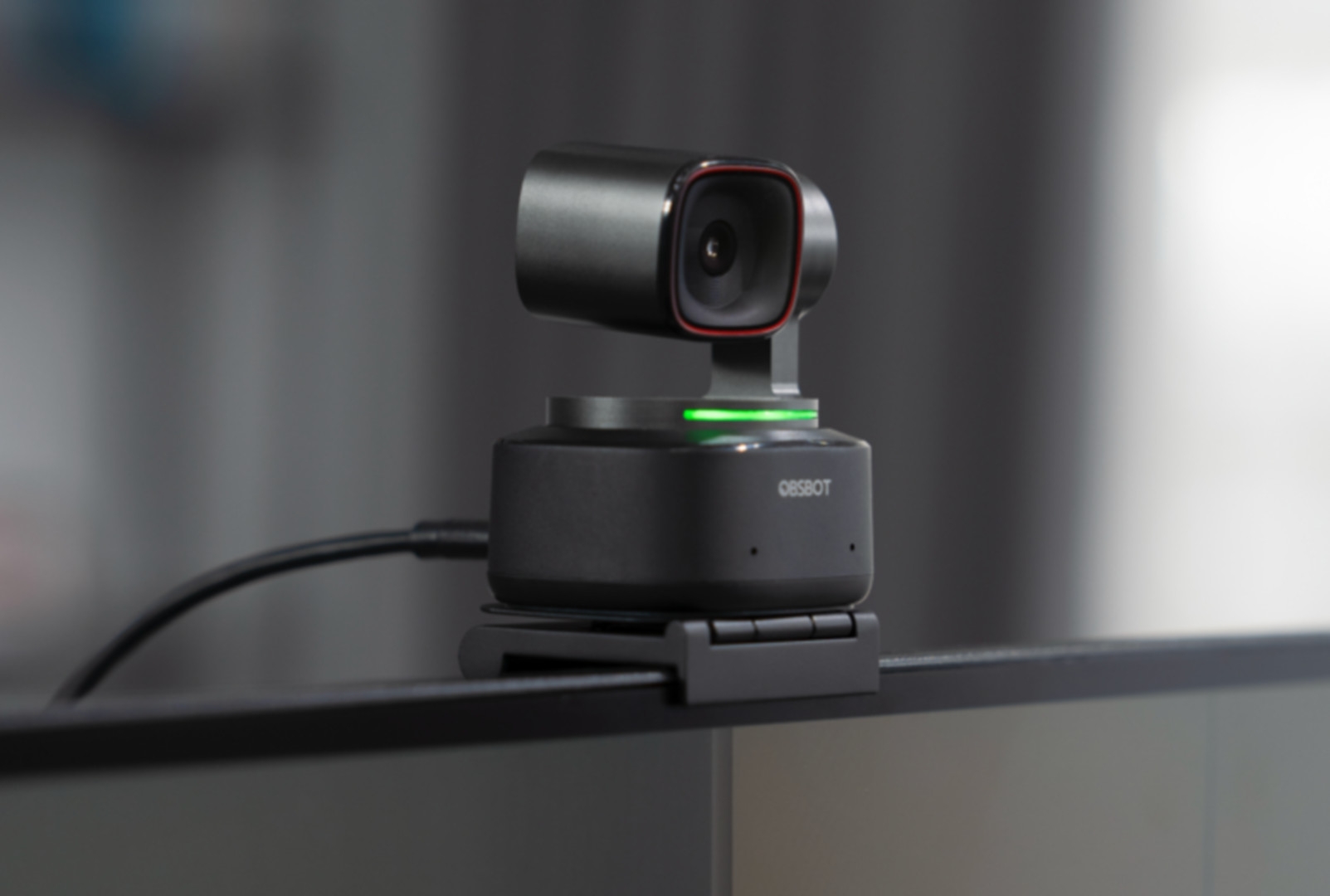
The moment you take part in an online conference, the Obsbot switches on automatically, which is indicated by a green light and a forward rotation. In idle mode, the light switches off again and the camera turns its lens down towards the station, which we can also do manually – thus switching off the webcam. The great thing about this is that there is no misunderstanding when the webcam is active, so no unwanted video recordings can be made.
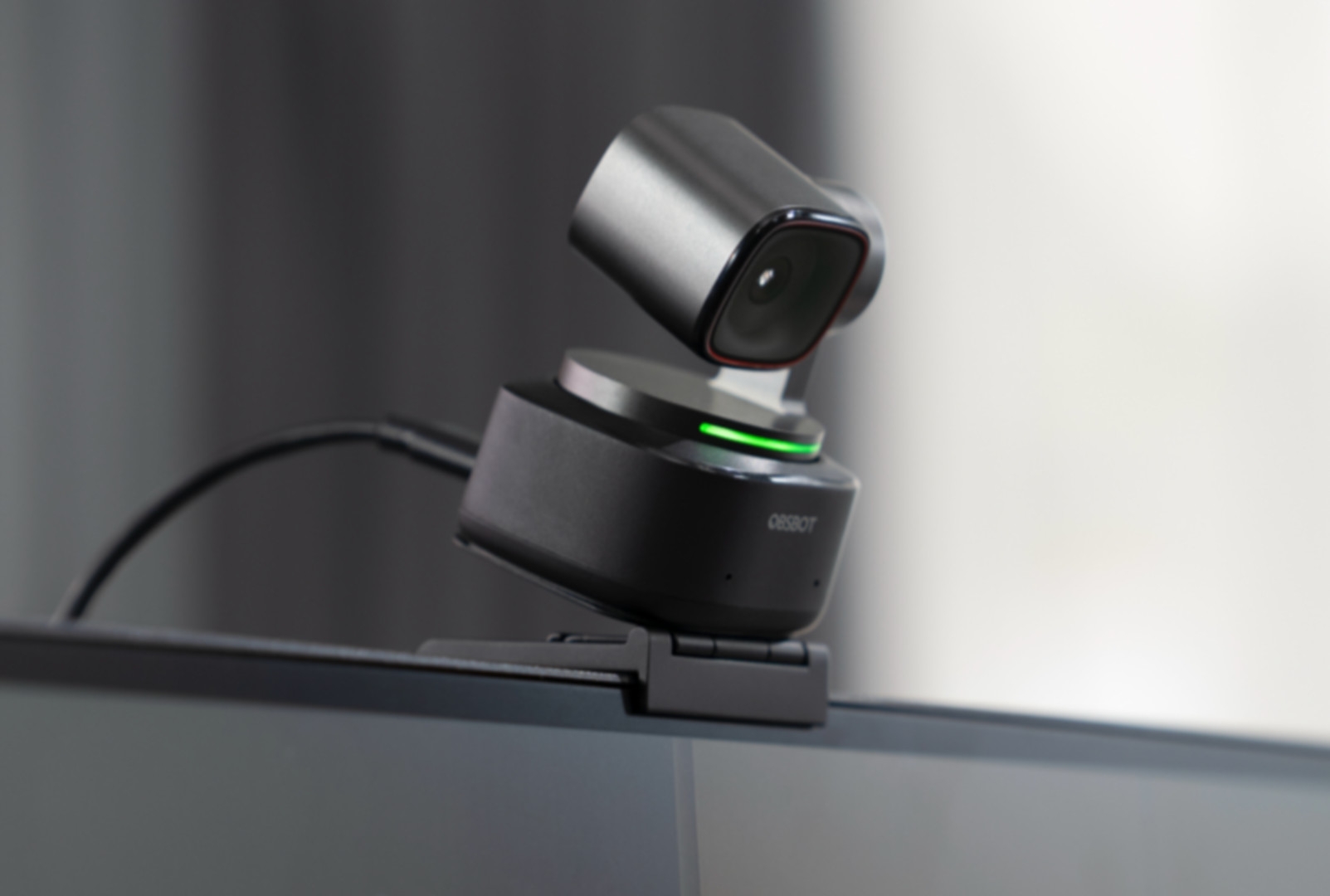
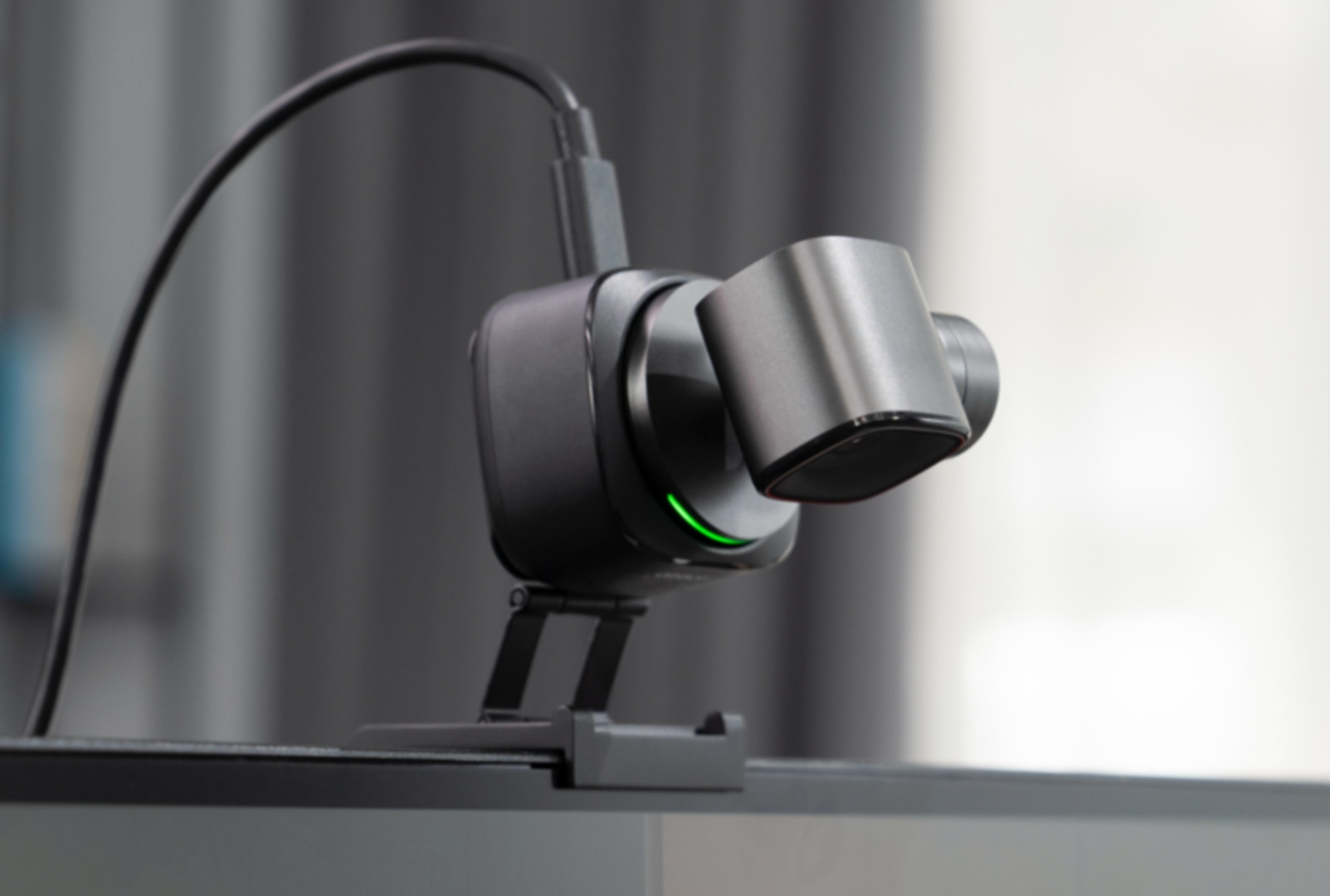
Gesture control and gimbal
When the webcam is switched on, we can show it our open palm, which activates automatic tracking; we can switch tracking off again with the same movement. From now on, the Obsbot webcam will automatically follow our face and frame it in the centre, even if we move around the room, as it can rotate through the gimbal. In addition, we can use either gesture or voice control (“Zoom in Closer”) to zoom in and out. The Obsbot app also offers a wide range of setting options for adjusting the zoom, image, HDR on/off and sound.
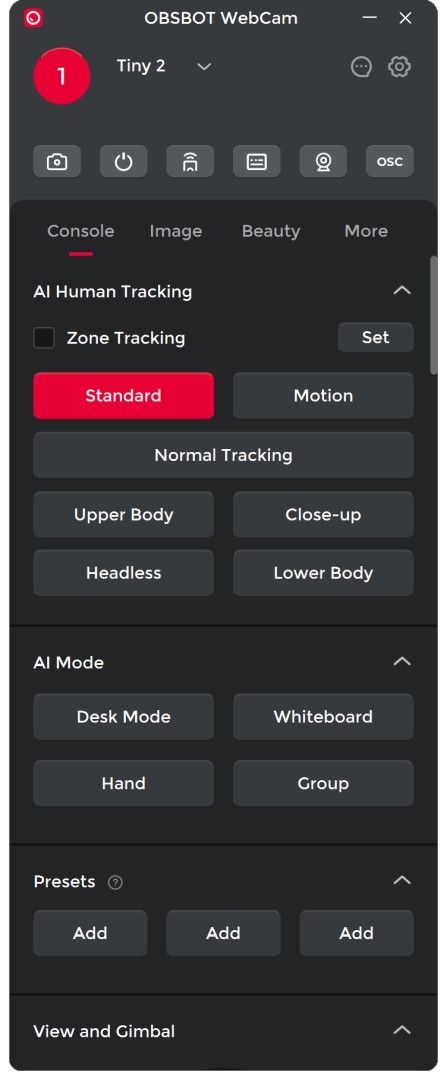
If you want a few beauty filters, a blurred background or to play with a few colour modes, you need to activate the “Virtual Cam”. This means that you have to install the software and activate this “camera” – so it’s no longer plug and play. However, if you’re working in a fixed location and want to remove the Christmas pounds, you can just slap it on!
Accessories
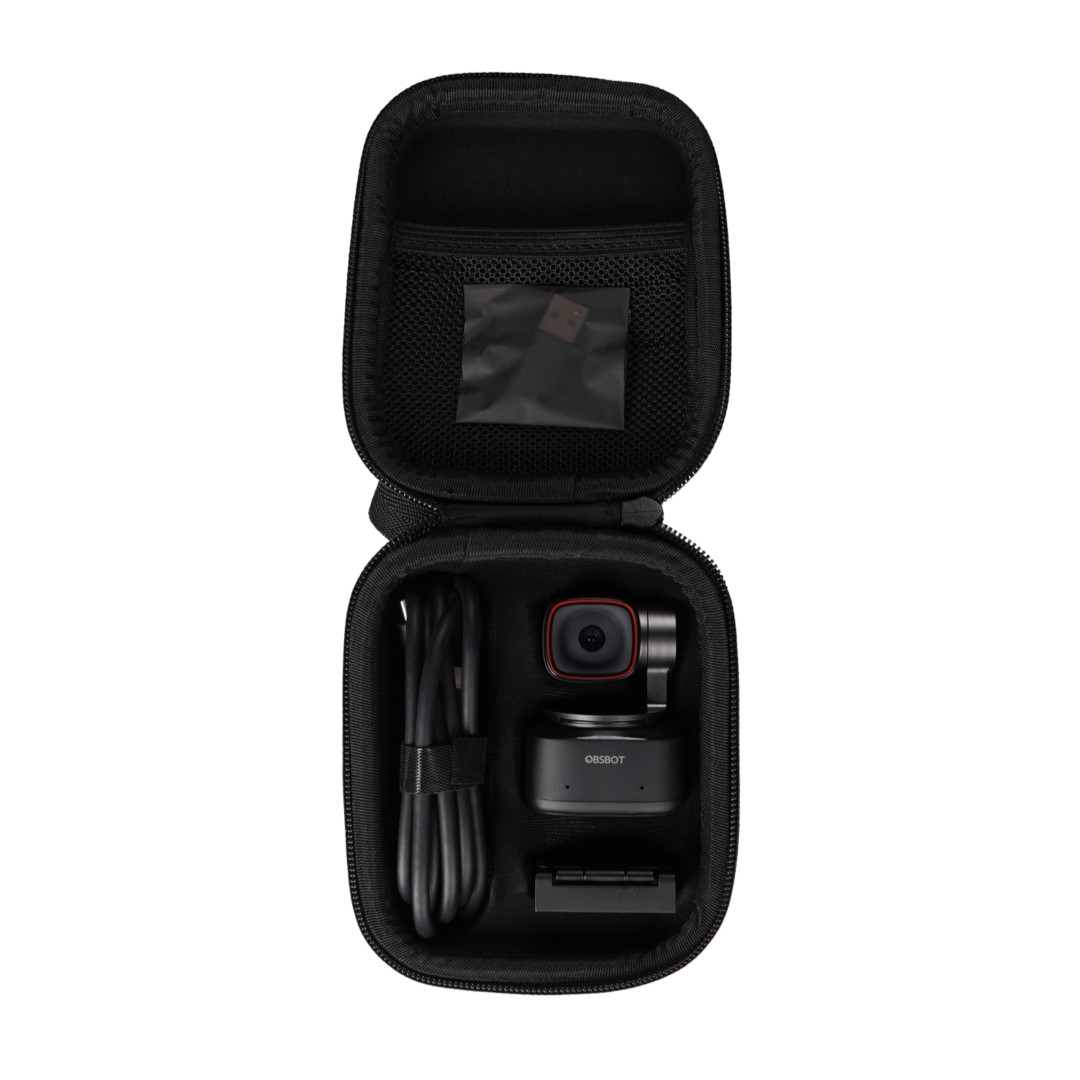
When purchasing the Obsbot Tiny 2, we receive the webcam with a magnetic station to attach it to the table or monitor. A USB-C to USB-C cable is included to power the device. The valuable camera and accessories can be safely stowed away in the robust carrying case – ideal for travelling. We can download the Obsbot software free of charge from the website, which provides us with additional functions and settings, but is not necessary for operating the webcam. We can also order a remote control separately, which we can use to control the webcam remotely, which can be particularly useful for presentations. Please note that the remote control is supplied without batteries.
Remote control
The remote control is a little more old-fashioned and is probably best suited for standing presentations and for controlling certain aspects. One advantage is that – for example, presentations in a “teaching room” – you can save a few fixed angles and zoom factors – for example: teacher at the lectern at position 1, the blackboard at position 2, and the entire room at position 3. The advantage of a fixed setup is of course that you can label the remote control, and then hopefully even the wobbly chair will still be able to cope with it – for example, if you simply want to switch between teacher, graphics tablet and “painting station” for an animation workshop… Incidentally, all features can also be assigned to system-wide shortcuts within the software, or can be addressed by Autohotkey and the like – keyword Streamdeck! Incidentally, the Tiny 2 can also be addressed via OSC – and can therefore be controlled with the usual event tools. That’s nice with the Tiny 2 – but a future test of the NDI version will be really exciting.
Not so great
The first thing that strikes you when you see the Obsbot is its robot-like design with the gimbal, the second is the price: currently €360 on Amazon is not exactly a bargain. The Obsbot allows gesture control, with which you can zoom in and out with a few simple gestures while talking, which is often more awkward than it sounds. Not only did it happen to me a few times that I had suddenly zoomed in and out of my face during a conversation – which resulted in a moment of confusion – I also couldn’t get away from it with the gestures, not without calling up the app. Gesture control also quickly comes into conflict with popular video conferencing programmes such as Google Meet and Zoom, where holding your hand flat is synonymous with raising your hand. “Do you have a question, Alexander?” is a quick response when you try to switch off the gesture control.
The webcam is equipped with an omnidirectional microphone that enables all-round recording. What sounds good on paper is rather annoying in practice, as background noise is also amplified in most cases. The sound is bass-heavy, but also reverberant and with lots of highs and pops, which is probably due to the denoiser. If you want to hear how it sounds, you can listen to a comparison MP3 here: is.gd/obsbot_audio It is noticeable, but not annoying, that the Obsbot webcam gets noticeably warm after each session. During my test, the camera only failed once, but could be restarted immediately. It is unclear whether this was due to overheating or a programme error. The cable is fine and has a good length, but is a little stiff and doesn’t bend very well. All in all, all the negative points are minor compared to the product itself. However, when you have a 360 euro product, you also have to take care of the details that come with the price.
Conclusion
Having been able to test the Obsbot Tiny 2 extensively over several months, both professionally and privately, my conclusion is: 4K webcams are a good thing and the Obsbot Tiny 2 cuts a very fine figure. An alternative, especially for professionals, would be a 4K webcam without AI tracking, which is of course easy on the budget but lacks some functions. The 4K quality is also noticeable in Full HD calls and recordings and not only makes us look better, but also more professional.
The AI tracking and zoom functions are great for presentations, but also for private conversations where the camera follows us around the room. This can change the way we interact during calls as we are no longer just sitting in front of the device but mobile and interacting with the environment during the call; this also comes at a price.
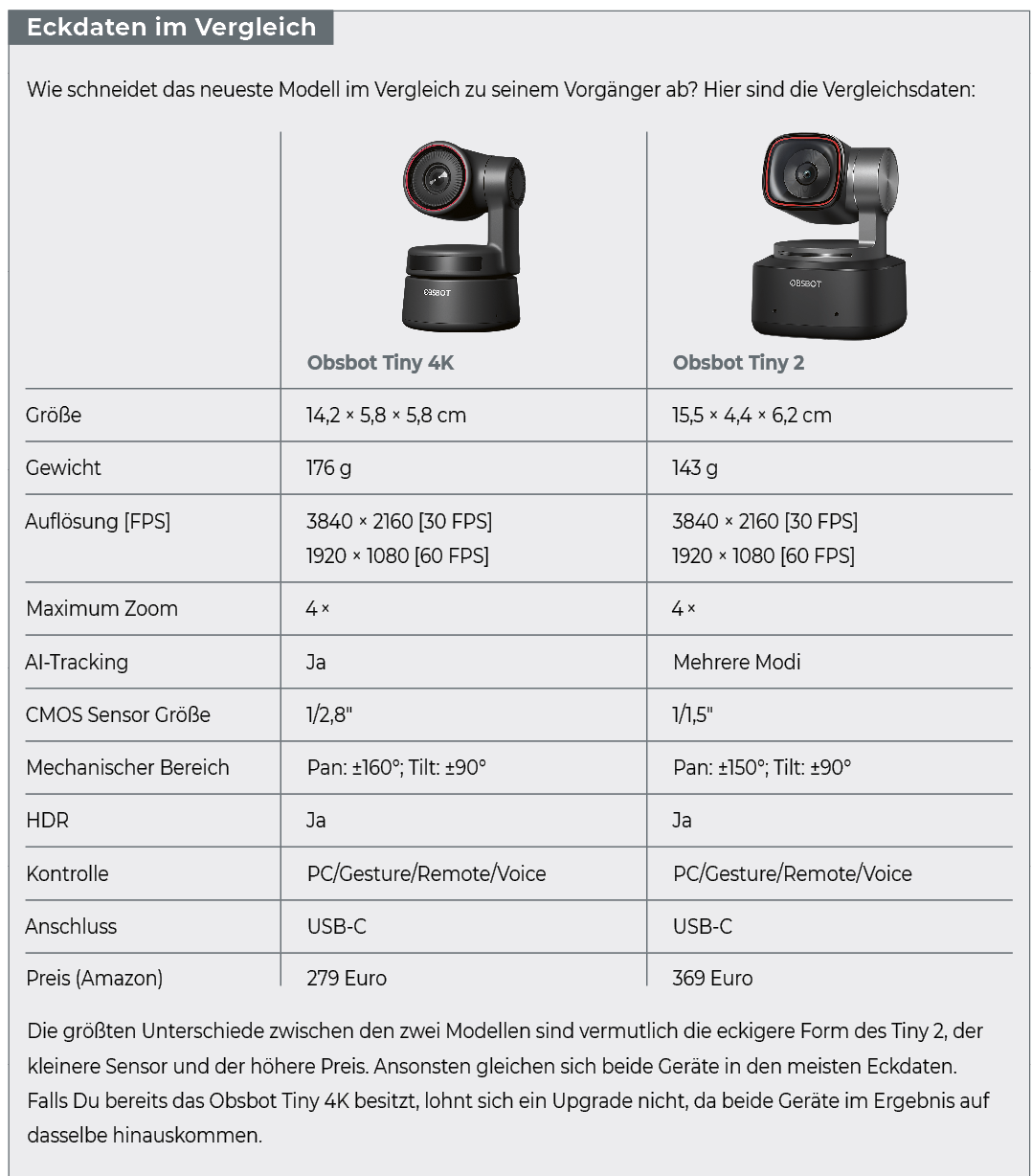
To summarise, I would recommend upgrading to 4K if budget allows and you want to look better on personal and business calls. Also, if you like the AI and tracking aspects, then Obsbot is definitely worth serious consideration. Alternatives like the Logitech RALLY CAMERA come in at an incredible – is there gold in it? – 1399 euros (Amazon: 976 euros). If you want to buy an Obsbot webcam, I would prefer the Obsbot Tiny 4K to the Tiny 2, as the technical differences are relatively small, but the price difference of 90 euros is relatively large.
