



As of its five-year anniversary, Adobe has announced that Fresco, their popular drawing and painting app, is now completely free. Originally designed for digital artists, Fresco’s move to free availability opens doors for new ways of integrating hand-drawn assets into projects. But before you rush to install it, here’s a closer look at what this tool offers—and whether it’s a fit for your workflow.
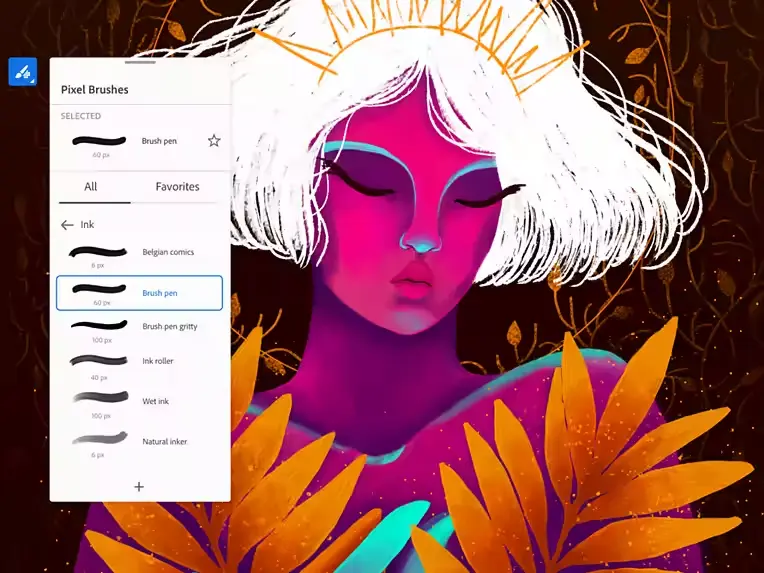
What is Adobe Fresco?
For those not familiar with Fresco, it’s an app designed primarily for digital art, with a focus on drawing, painting, and sketching. Its features range from pixel brushes to vector brushes, and it includes advanced blending modes to simulate real-world textures and effects. If you’re thinking, “I’m not an illustrator, does this even matter?”—stick with me. Fresco’s vector functionality is useful for those working in motion graphics and animation pipelines, especially when it comes to creating scalable assets for VFX or UI/UX elements in games.
Why Does Going Free Matter?
Let’s be honest—“free” is a strong motivator. But, for production artists, the question always remains: Is it stable? Is it reliable? Fresco is part of the Creative Cloud ecosystem, so it syncs easily with other Adobe apps like Photoshop, After Effects, and Illustrator. While you might not use Fresco for final production stages, it could be an excellent tool for previs) rough concept art or even storyboarding.
This move to make Fresco free also reduces the barrier for experimenting with hand-drawn elements in visual effects work. If you’re building concepts for a 3D animation or a new VR environment, Fresco offers a low-risk way to add that extra creative touch.
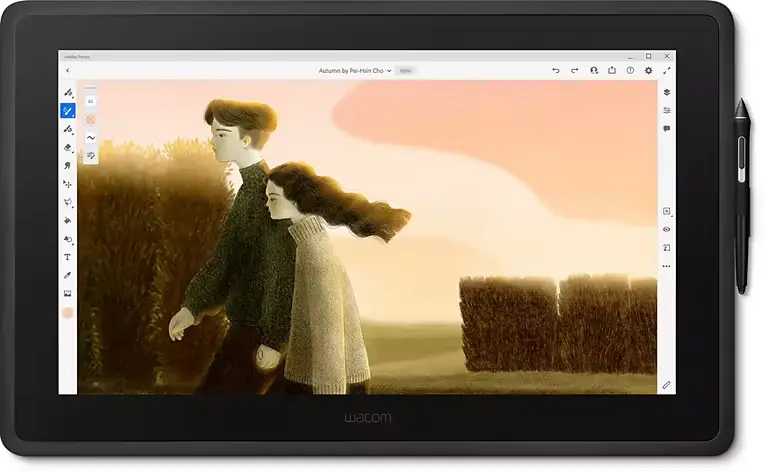
Integration with Other Tools
Integration is where Fresco starts to show potential for VFX artists. It’s compatible with Adobe Photoshop and Illustrator, so anything drawn in Fresco can be easily transferred to these programs for more advanced editing, compositing, or coloring. Additionally, Adobe’s Cloud Documents system means all work is saved automatically and accessible across devices.
This means if you’re sketching assets for a game or blocking out elements for a sequence, you don’t have to worry about loss of fidelity or having to redo work. Assets created in Fresco can easily transition into post-production pipelines, ready for further refinement in tools like After Effects or Premiere Pro. Just keep in mind that while the core drawing features are free, Adobe still offers some advanced features behind a paywall.
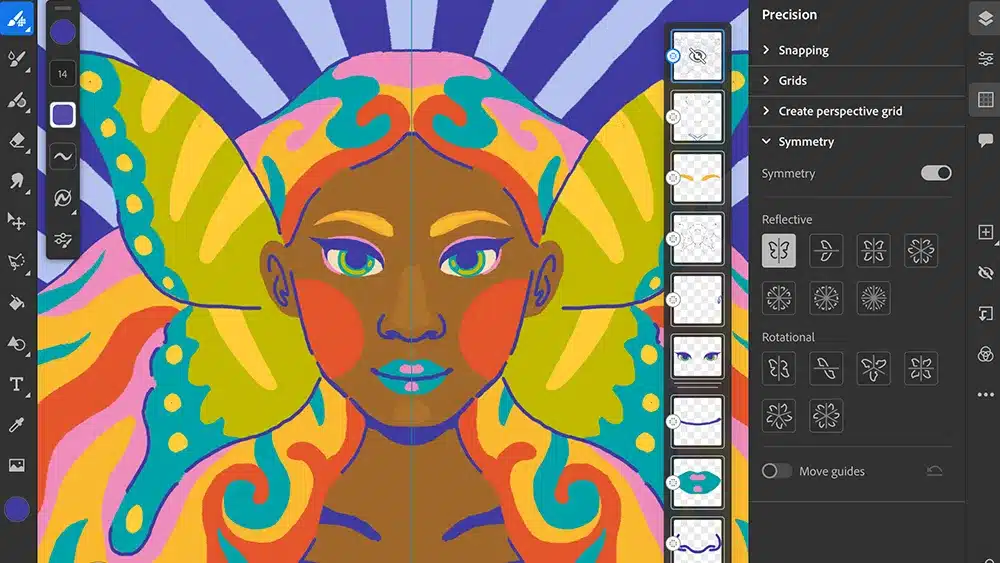
Stability and Simplicity
While Fresco’s creative potential is high, the real question is its practicality for post-production work. Simplicity and stability—two words every production artist lives by. Fresco, with its five-year track record, has developed into a stable product that focuses on ease of use. You’re not going to be bogged down by a thousand menus and overly complex features—this isn’t Houdini, after all. For professionals, it’s about grabbing a tool that works and diving right in.
And if you’re worried about whether a drawing app fits in your high-demand VFX pipeline, remember, Fresco is an additional tool—not a replacement. It’s not going to replace Nuke or Resolve, but it can definitely make parts of your workflow easier, especially in the early creative phases.
If you need more than what the free version offers, Adobe’s Creative Cloud subscription starts at $9.99/month, giving you access to the full range of brushes and tools. That said, this move to make Fresco freely accessible gives artists a chance to experiment without the need for an immediate financial investment. Just make sure you assess what features you might actually need before upgrading. More details here.
Final Thoughts: Is Fresco for You?
So, should you integrate Adobe Fresco into your workflow? It depends on how much drawing, sketching, or vector work you currently do. For game developers, especially those working on UI/UX design or creating custom assets, the ability to switch seamlessly between pixel and vector graphics is a plus. For film and VFX, it might be more of a niche tool, useful primarily in previs or storyboarding. Either way, it’s free now, so there’s little harm in downloading it and giving it a try.
But, as always, before you fully integrate any new software into your pipeline, test it out on non-critical projects. Nothing ruins a deadline faster than buggy software—though Fresco’s solid five-year development history suggests it’s up for the challenge.
Keep in mind, as with all new tools, it’s best to thoroughly test Fresco before committing it to any large-scale project. What works in theory might not always translate well in high-stakes post-production environments.
