



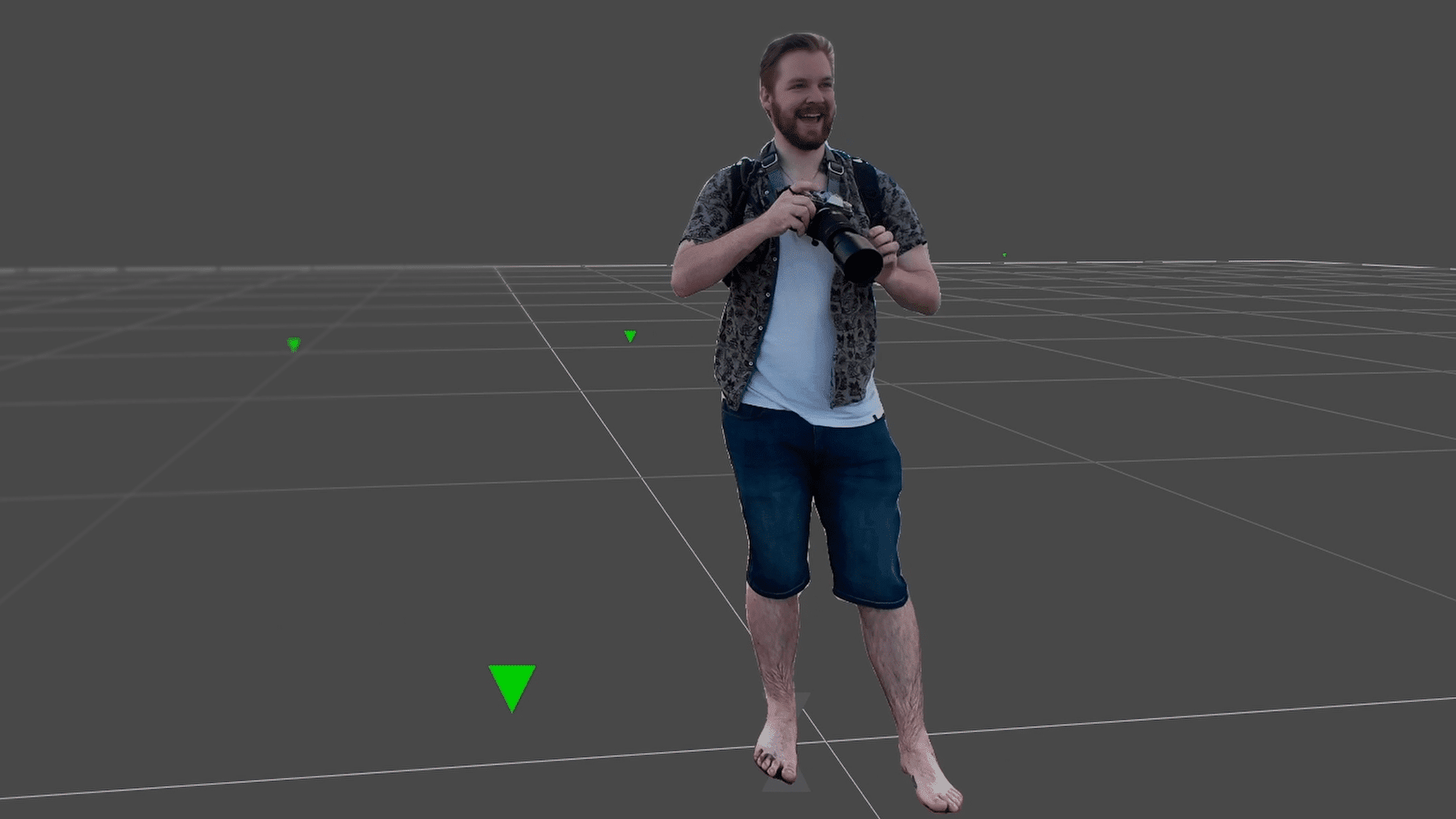
Mask ML, as the name suggests, is a machine-learning powered roto tool, complimenting the existing roto toolset in Syntheyes. Artists can very quickly define objects to be masked in a simple point-and-click procedure on either a single or multiple frames and then let the application produce roto to be used for example to exclude moving objects from a solve or to be rendered out to be used in another application.
Dynamic Tagging, Multi-Exporter and Workflow Presets
The 2025 release also focuses heavily on pipeline automation, introducing Dynamic Tagging. With the Project Tag Manager, Artists can set up a blueprint for file paths to be used on a certain project, ensuring that all the assets, renders and cameras are automatically saved in the right location.
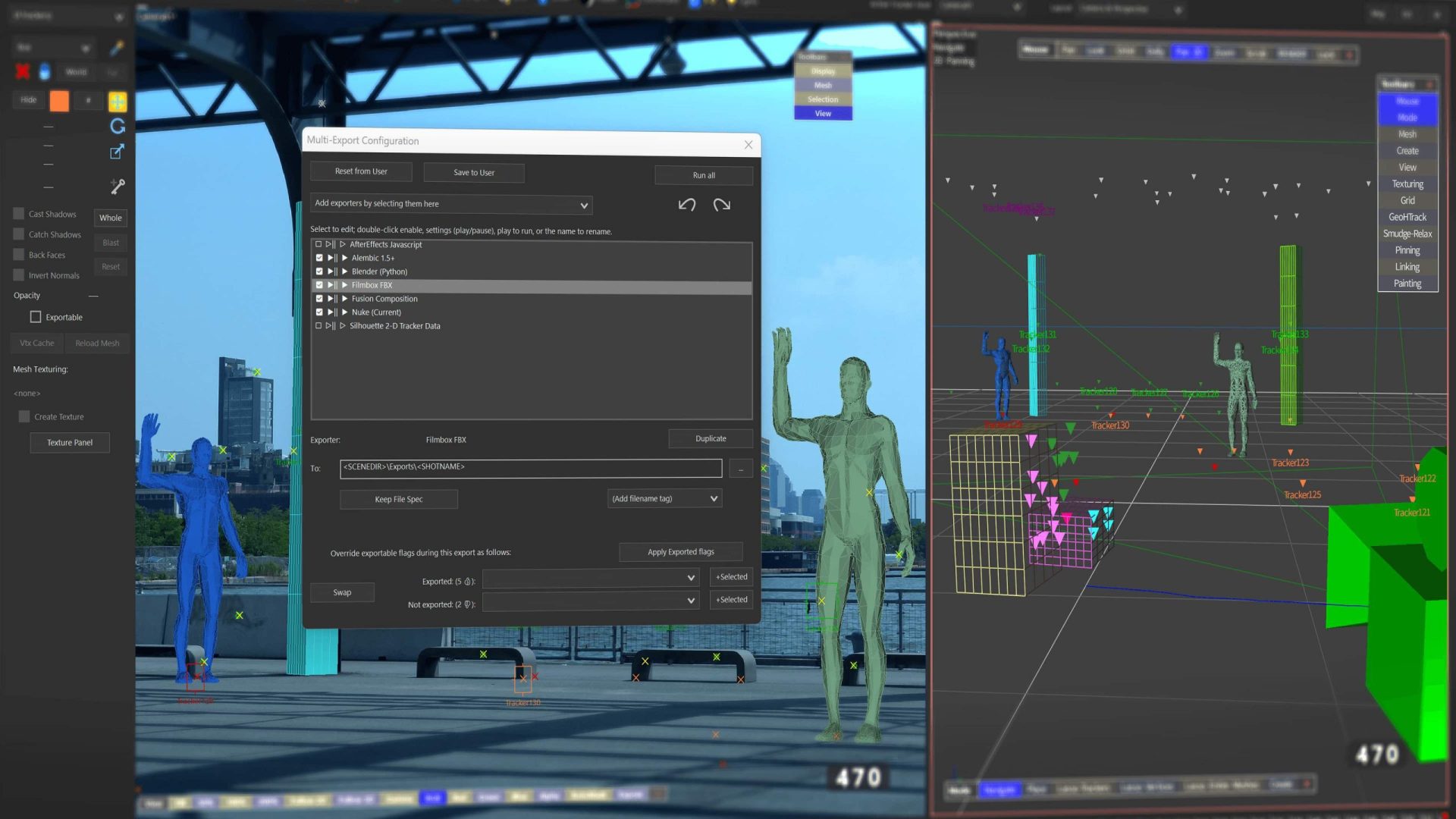
This feature works hand in hand with the new multi-exporter, which allows you to save multiple export presets into a single preset file. That way deliverables can be streamlined and automated, allowing you detailed control on type of export, geometry and trackers to be included and much more. This feature also takes advantage of the Dynamic Tags.
The new Workflow Presets Manager allows Artists to more easily adhere to a specific workflow by starting a new shot with specifically designed presets – these can be managed on a facility-, user- or project basis.
Head Geo
For head tracking, Syntheyes is now supplying a standard human face mesh in low, medium and high resolution meshes. These meshes can easily be added to a head track and then be customized using the brush tools inside of Syntheyes. From there the mesh can either be used in CG or compositing applications. Especially for de-aging and digital beauty work this feature can be really helpful.

Batch Processing
Batch Processing allows the Artist to queue numerous Syntheyes tasks like tracking, solving, processing lens distortion or the new Mask ML feature and then process them inside a single batch. As resources are allocated accordingly, the artist is still able to work in the foreground while the batch processing is happening simultaneously in the background.

Users on subscription or active upgrade and support plans will receive Syntheyes 2025 as a complimentary update. Right now Syntheyes is on a flash sale with 25% off until Friday, February 28th, 2025.
