



The compositing tool, which is integrated into Davinci Resolve or available as a standalone, is positioning itself more aggressively than ever as a cost-effective alternative between Nuke and After Effects as a one-stop shop for VFX and motion graphics. Whether integrated or standalone – the feature set is basically the same. Both versions bring exciting features that have been eagerly awaited for years.
Real deep image compositing
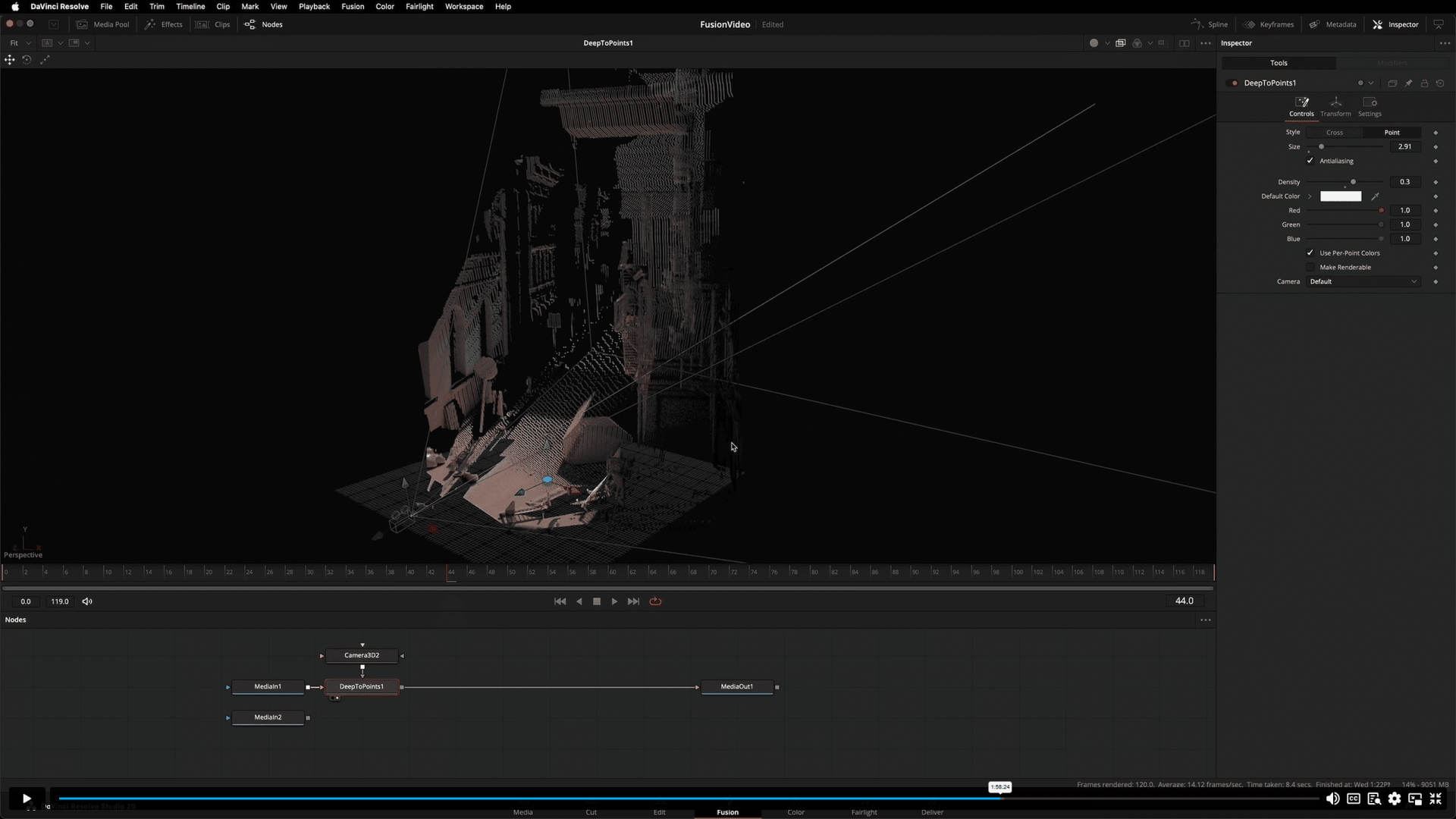
Blackmagic has been advertising on its website for years that deep pixel compositing is possible with Fusion, but what it really meant was the (admittedly extensive) possibilities of reading a world position pass and using it for all kinds of effects. Version 20 finally introduces real deep compositing, very similar to Nuke’s well-known toolset. This allows the depth data stored in the pixels to be read out and, for example, overlapping compositing or depth-based holdouts to be created without masks.
Shuffle something – the new multilayer workflow
By far the biggest obstacle when working with Fusion and CGI renderings was the lack of a proper EXR multilayer workflow. Technically, Fusion has always been able to laboriously extract AOV layers from an EXR by hand, which in practice was extremely cumbersome and time-consuming.
This agony is now history – Blackmagic is introducing a completely new workflow that perhaps even goes a little further than Nuke’s Shuffle Node – even if there is not yet a 1:1 equivalent. However, almost any node can take over this function – you can select which layer is to be displayed, processed or used as a mask.
For simpler adjustments, nothing needs to be “shuffled out”, you can stay in the flow with just a few nodes and merge the adjustments using multimerge. Otherwise, there is the option of extracting layers, subtracting them if necessary, processing them and adding them (back) as usual from Nuke using CHannel Bool Node, for example. In the viewer, all existing layers can also be selected and displayed via a new drop-down menu
and display them. The new workflow not only supports EXR, but also Photoshop layers.


Native Cryptomattes
The “Finally” category also includes the new Cryptomatte Node, which works very similarly to Nukes and replaces a previously required external plugin. This allows complex masks to be created quickly and easily from all objects in a 3D scene.

New Optical Flow Smart Vector Toolset
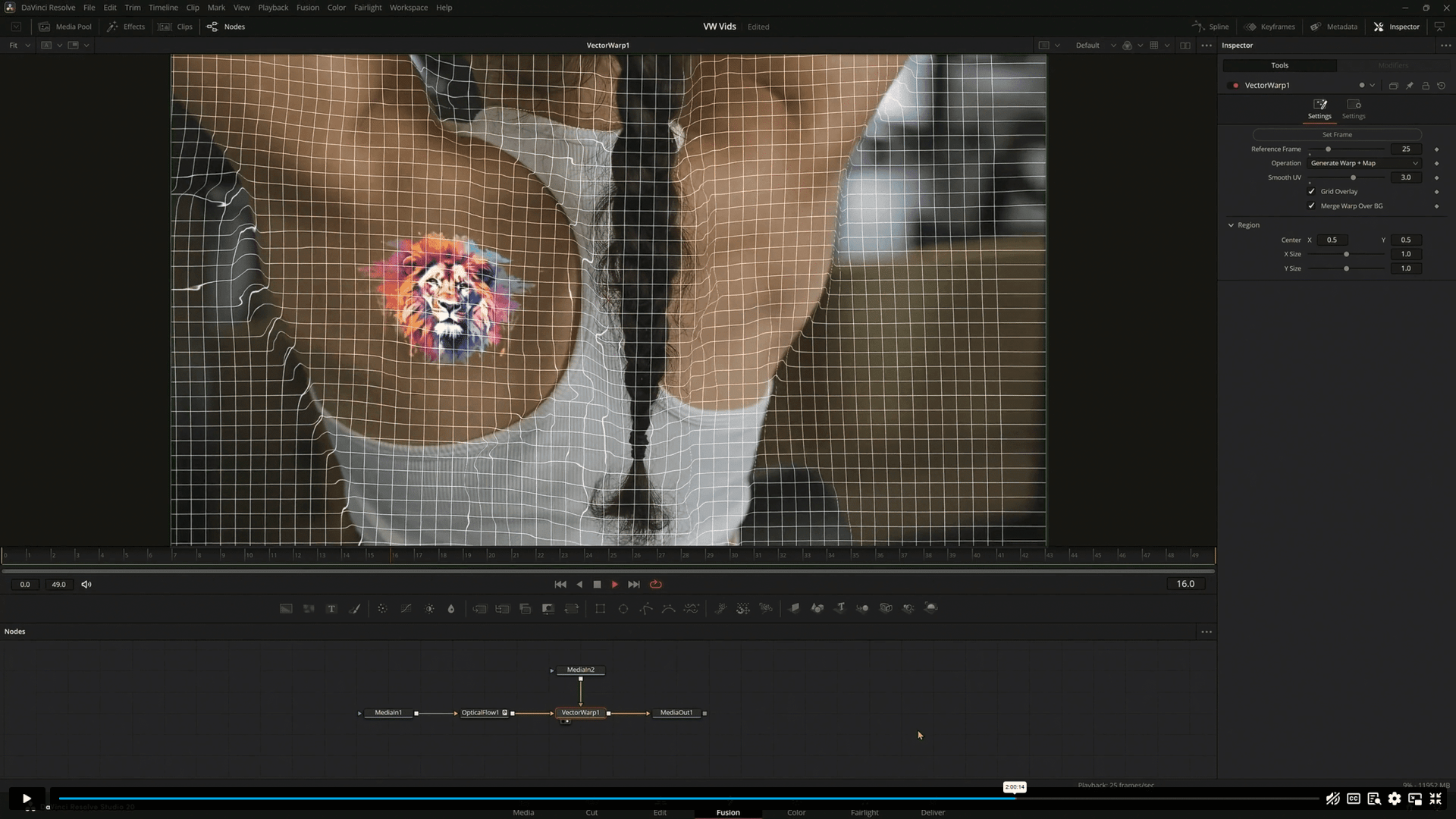
By analysing pixel movements, complex retouching of changing image content can be Image content easier to realise. Vector-Warp, -Denoise & -Transform are available.
Typography like never before
The new multitext tool offers the possibility to combine different text layers in just one node and for the first time offers the same functionality as in DTP programmes such as InDesign. Further updates include support for ACES 2.0. & OCIO 2.4.2 as well as the Filmlook Creator Node, which has made the leap from Resolve and offers various film emulators and lens effects. The Node search has been revised and can now be searched on a category basis. Fusion inside Resolve only: The option you have been waiting for since the integration in Resolve: You can now display the grading applied in the colour page in Fusion and set the start frame count independently of the footage.
In addition, the Warp Deformer can now also be controlled via Curves. The beta is available now and can be downloaded from the Blackmagic website. A Resolve or Fusion dongle or key is required for operation. This is available as a one-off purchase for around 300€ – as a lifetime licence with access to all future updates.
And the best comment from the Fusion forum WeSuckLess was by mattpf: The presentation was overwhelming. So much information. It was like asking for a drink of water and expecting a glass and getting blasted with a fire hose instead.
And if you want some files to play around with, there are sample projects on the BlackMagic Site for download (Right Column, under “What’s new in Fusion”). All these things are already in our lab, and get pelted with all the pixels we can find! Stay tuned to find out what’s what in the newest Fusion release.
A word on pricing
While the Resolve-Studio-Version is still at just below 300 US-Dollars (Local taxes apply), there is a “newer” price for Fusion standalone in the US, which comes in at 689 US-Dollars. So US-Users just should get the big Resolve licence. For the rest of the world, the price seems to be the same – for example, Germany is still showing 355€.

