



Microsoft’s latest terminal tool is Edit – a minimal, modeless, AI-less, command-line text editor for Windows that requires no GUI and no mouse. It’s open source, weighs less than 250 kilobytes, and is being positioned as the future default CLI editor for 64-bit Windows. The project is currently available on GitHub, and a preview will roll out to the Windows Insider Program before shipping with Windows 11.
It runs directly from terminal with edit or edit your-file-name. No context switching, no graphical interface, just pure TUI (text user interface), even if you can use the mouse. Designed to fill the CLI gap left behind when 64-bit Windows dropped edit.com, it aims for something users can actually exit – unlike the editor-that-must-not-be-named (starts with V, ends with M, lives rent-free in memes).
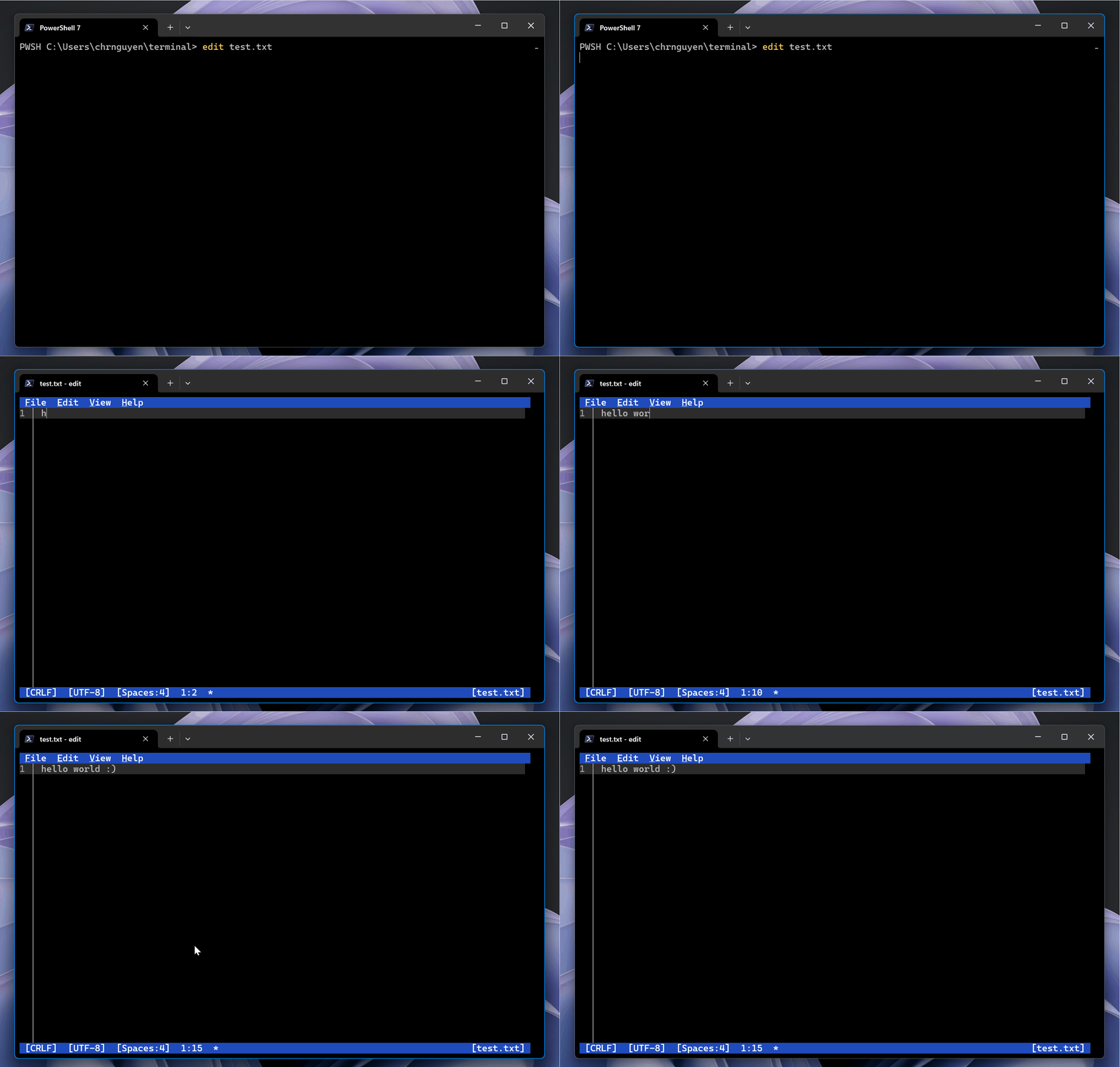
Features: Compact, Clear, Command-Driven
Edit opens multiple files and lets users toggle between them with Ctrl+P or by clicking the file list in the lower-right of the interface. That interface, by the way, features full mouse mode support. Menus are accessible via both keyboard shortcuts and mouse clicks – but everything is designed to work just fine from the keyboard alone.
Search and replace is built in, with Ctrl+R or via menu access. It includes options for match case and even regular expression support. Word wrap is enabled with Alt+Z or through the View menu.
The whole thing clocks in under 250 kilobytes, keeping the editor lightweight enough to be bundled without bloat. Unlike modal editors like Vim, Edit is modeless: no different states to remember, no arcane key sequences. Just type, move, save.
And yes, command-line editing is still fast – particularly when you’re inside remote shells, terminal sessions, or bouncing between Python scripts for Houdini, startup scripts for Maya, or .nk files in Nuke. For quick script edits without waiting for a full IDE to boot, this one might be worth bookmarking.
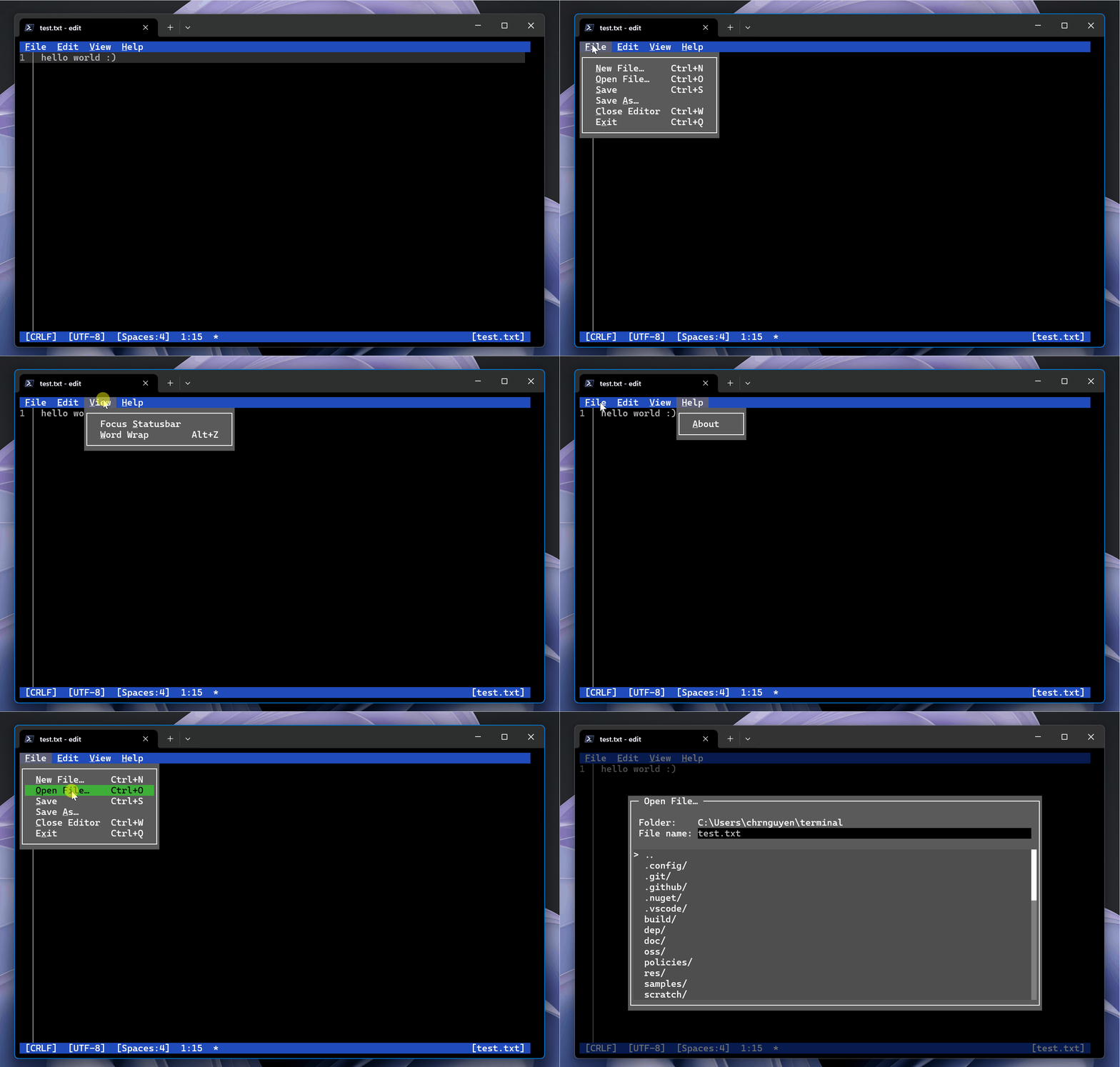
Compatibility and Availability
The editor is open source under the MIT license and available here. Windows 11 support is on the roadmap, and the current preview phase is aimed at users in the Windows Insider Program. If you’re not there yet, you can compile the code directly from source.
Usability Over Feature Bloat
Microsoft has stated that the editor’s motivation was to deliver a practical, easy-to-use CLI text editor for 64-bit Windows, rather than porting a heavyweight solution or requiring users to learn modal keystroke rituals. No plugins, no syntax highlighting, and intentionally minimal – the philosophy is clear: provide something that works fast and simply in the terminal.
Like any brand-new tool, Edit should be evaluated carefully before being added to production workflows. But for terminal editing tasks in scripting-heavy DCC environments, it’s a quick and lightweight option that’s less about reinvention and more about utility.
Happy editing. No Vim knowledge required.
