



Autodesk’s Maya 2026.1 introduces MotionMaker, an AI-driven animation system designed to generate character movements efficiently. By setting key start and end positions or defining a motion path, MotionMaker interpolates the in-between motions, primarily focusing on locomotion cycles for both bipeds and quadrupeds, as well as actions like jumping and sitting. This tool is particularly beneficial for layout and previs stages, aiming to provide approximately 80% of the animation, which can then be refined manually. MotionMaker includes its own editor window, allowing users to layer animations from various sources, including motion capture and keyframe animations retargeted from other characters. Additional controls such as speed ramping and character scale adjustments enable fine-tuning of movement timing and weight expression. The underlying AI models are trained on motion capture data from male and female human performers and wolf-style dogs, with the system designed to support additional motion styles in the future.
Bifrost Rigging: Modular and Integrated
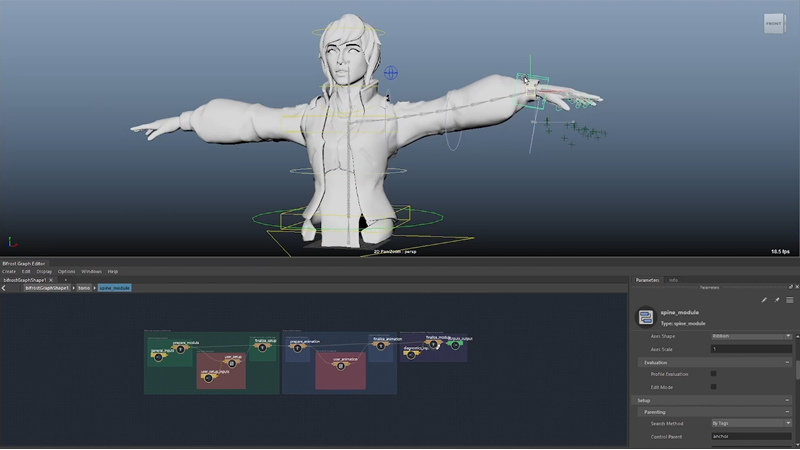
Maya 2026.1 also debuts a new modular rigging framework within Bifrost, Autodesk’s node-based visual programming environment. This compound-based system allows for the creation of production-ready rigs that are fully integrated with Maya. Animators can interact with module inputs and outputs directly from the Maya scene, and rigs created with Bifrost can be converted into native Maya controls, joints, and attributes. It’s important to note that this release is compatibility-breaking and does not work with earlier versions of the toolset.
Bifrost Simulation: Liquid Enhancements
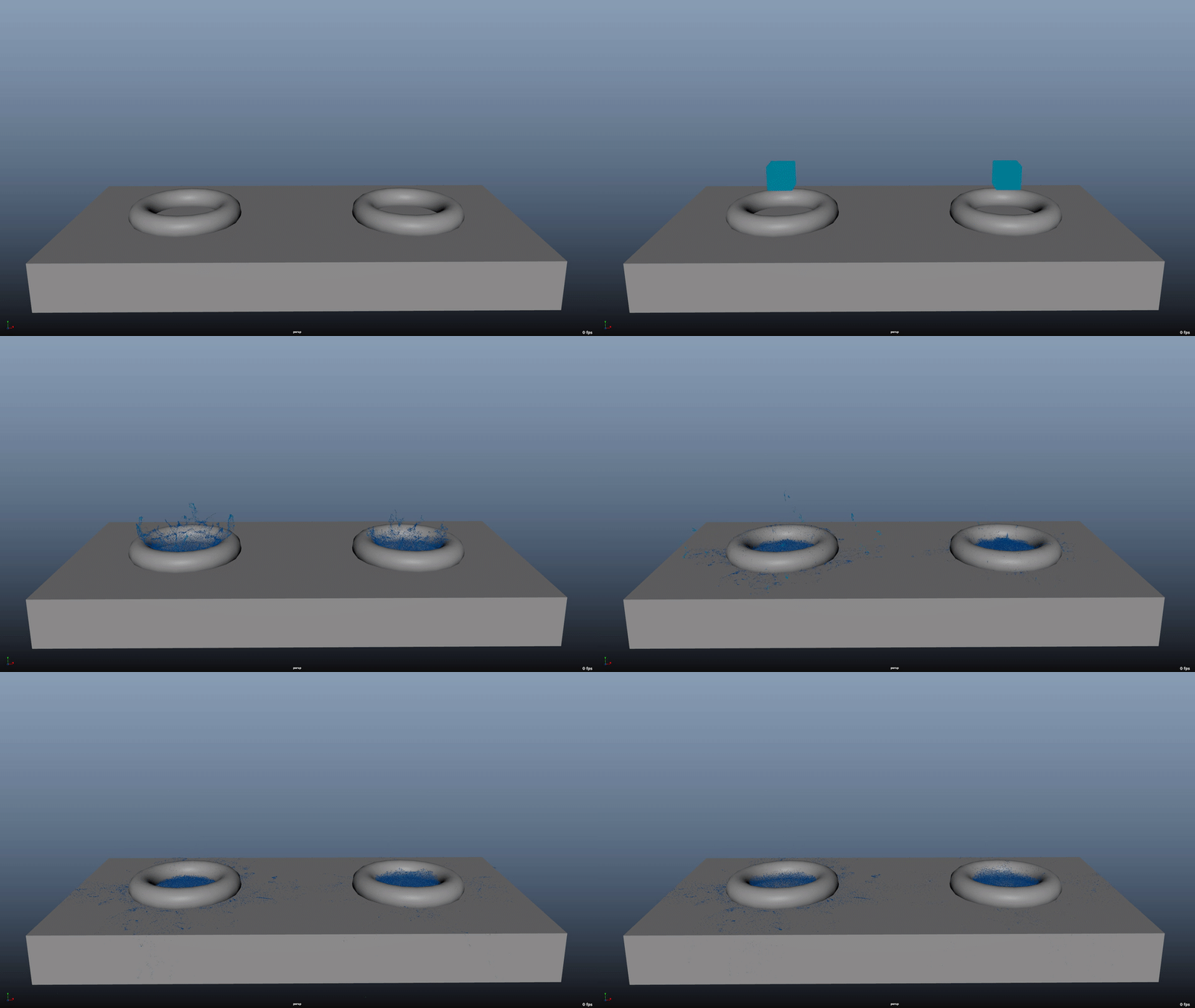
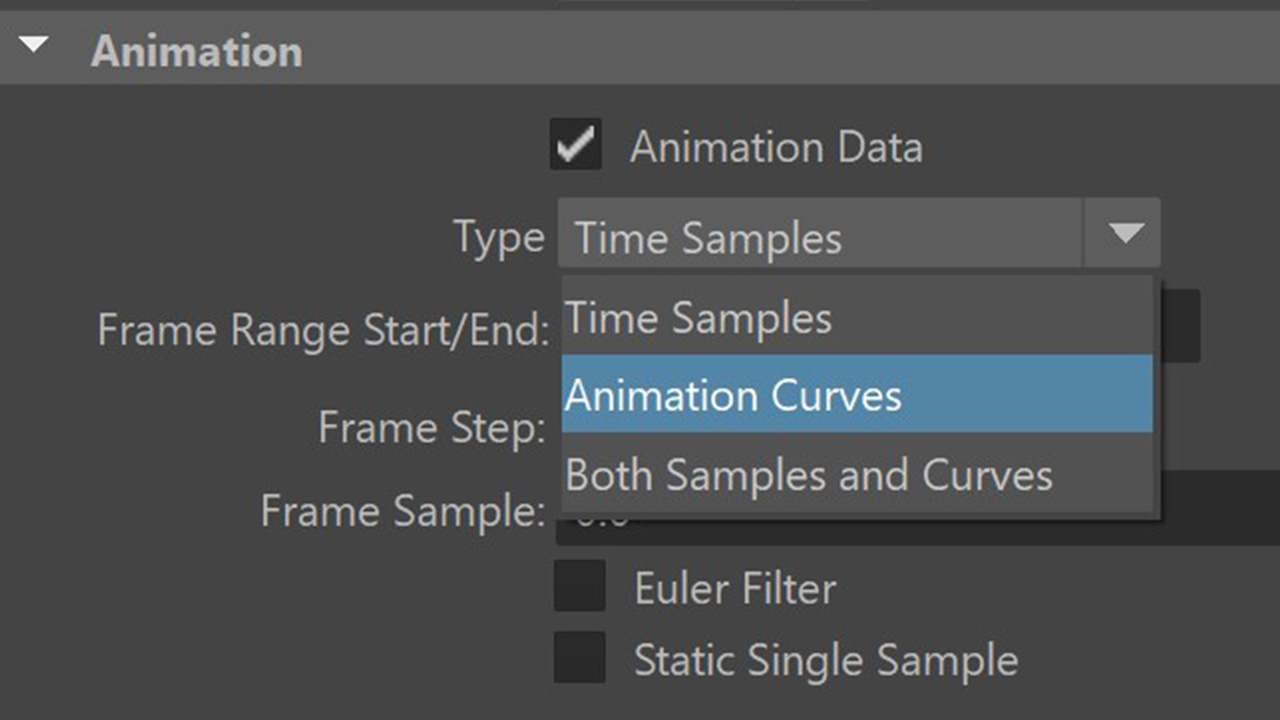
Bifrost 2.14 for Maya introduces improvements to liquid simulation workflows. Collider object properties such as bounciness, stickiness, and roughness now influence liquid behavior similarly to how they affect particles and other collisions. A new parameter controls air drag on foam and spray emitted by liquids. Workflow enhancements include the ability to convert Bifrost curves to Maya scene curves and batch execution options to write out cache files without the risk of overwriting them.
LookdevX: OpenPBR Support
Behind the seemingly modest “Graph tabs” toggle hides a structural overhaul of LookdevX’s node graph management. Each tab now acts as an explicit filter context for the Graph Editor, displaying only the MaterialX networks that belong to the currently-selected shading graph. In practice, this turns a single, spaghetti-like super-graph into a set of neatly separated workspaces: one tab for the hero character’s skin shader, another for the volumetric fog, a third for that procedural neon slime you promised lighting would be “quick”. Creating a tab spawns an empty graph container ready for fresh nodes, while switching tabs simply re-queries the underlying scene database—no node duplication, no hidden cross-links.

Because tabs are stored as scene metadata, their layout survives reloads and version control check-ins; the UI merely repopulates the view on file open. Performance-wise, filtering at the tab level slashes draw-calls in heavy scenes, so you can tumble the camera without the Graph Editor resorting to flip-book mode. Tab states are also respected by the smart-signalling system: only the currently visible graph flags downstream render contexts, keeping IPR refreshes snappy when you experiment with that last-minute anisotropy tweak. And if you still manage to get lost, the tab bar doubles as a breadcrumb trail—click a tab, and its full file path is echoed to the Script Editor for easy MEL or Python automation. In short, Graph tabs turn LookdevX from a one-room warehouse into a proper materials department, complete with labelled doors and the lights left on.
LookdevX: Graph Tabs for Organized Material Authoring
In Maya 2026, LookdevX introduces “Graph Tabs,” a feature that enhances material authoring by allowing users to create multiple tabs within the Graph Editor. Each tab serves as a separate workspace, enabling artists to organize and manage complex shading networks more efficiently. This compartmentalization facilitates focused editing and improves workflow clarity. The tabs are stored as scene metadata, ensuring that the layout persists across sessions and can be integrated into version control systems. This feature streamlines the material development process, particularly in projects with intricate shading requirements.
For more details on Maya 2026.1 and its new features, visit Autodesk’s official page: Autodesk Maya 2026.
