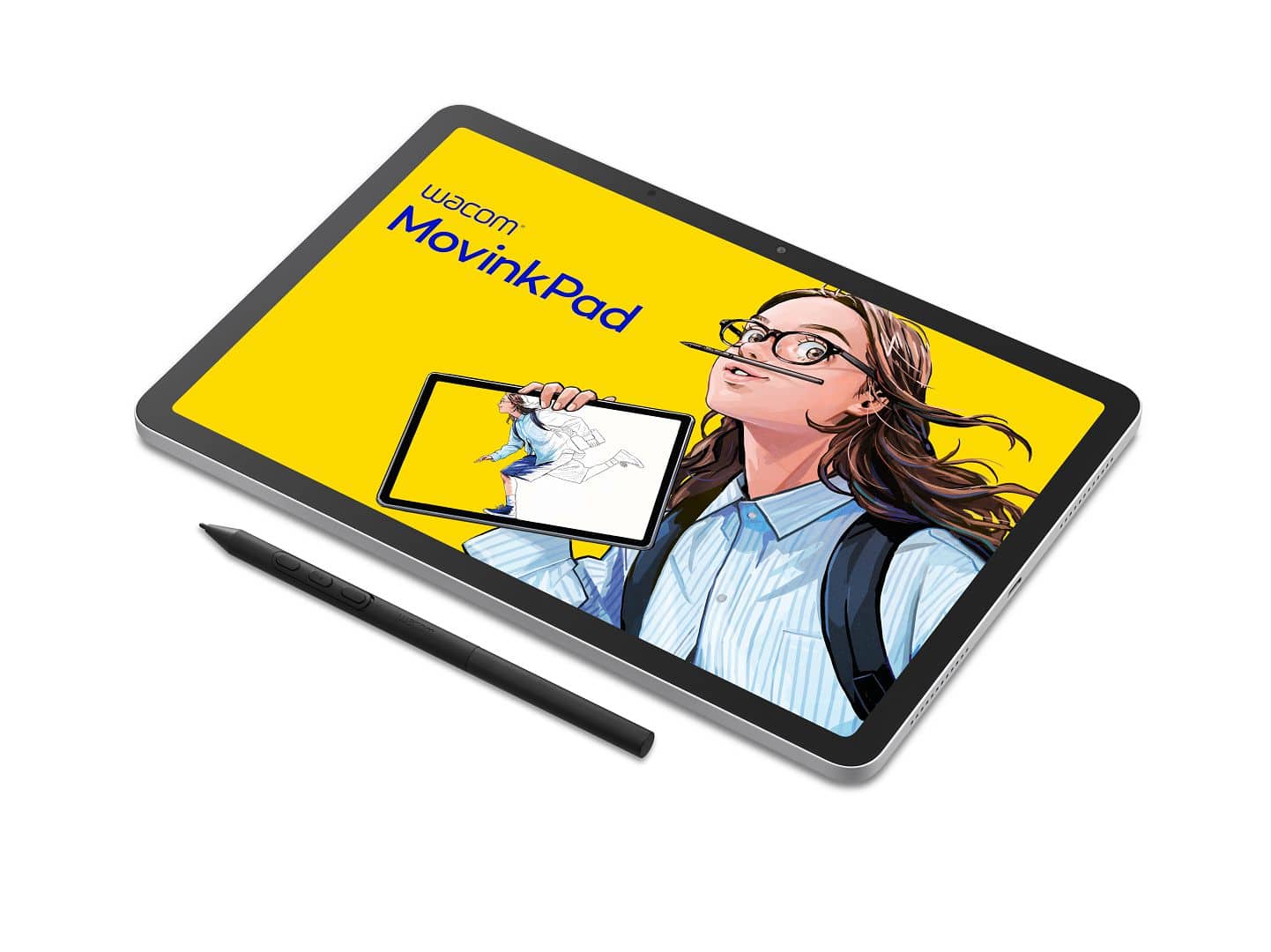
Wacom has released its most direct standalone answer to the iPad + Pencil combo: the MovinkPad 11. Aimed at artists and illustrators who want to leave the PC (and Apple) at home, the MovinkPad 11 combines Wacom’s proven pen tech with an Android 14-based tablet—all for $449. And all the options of Android!
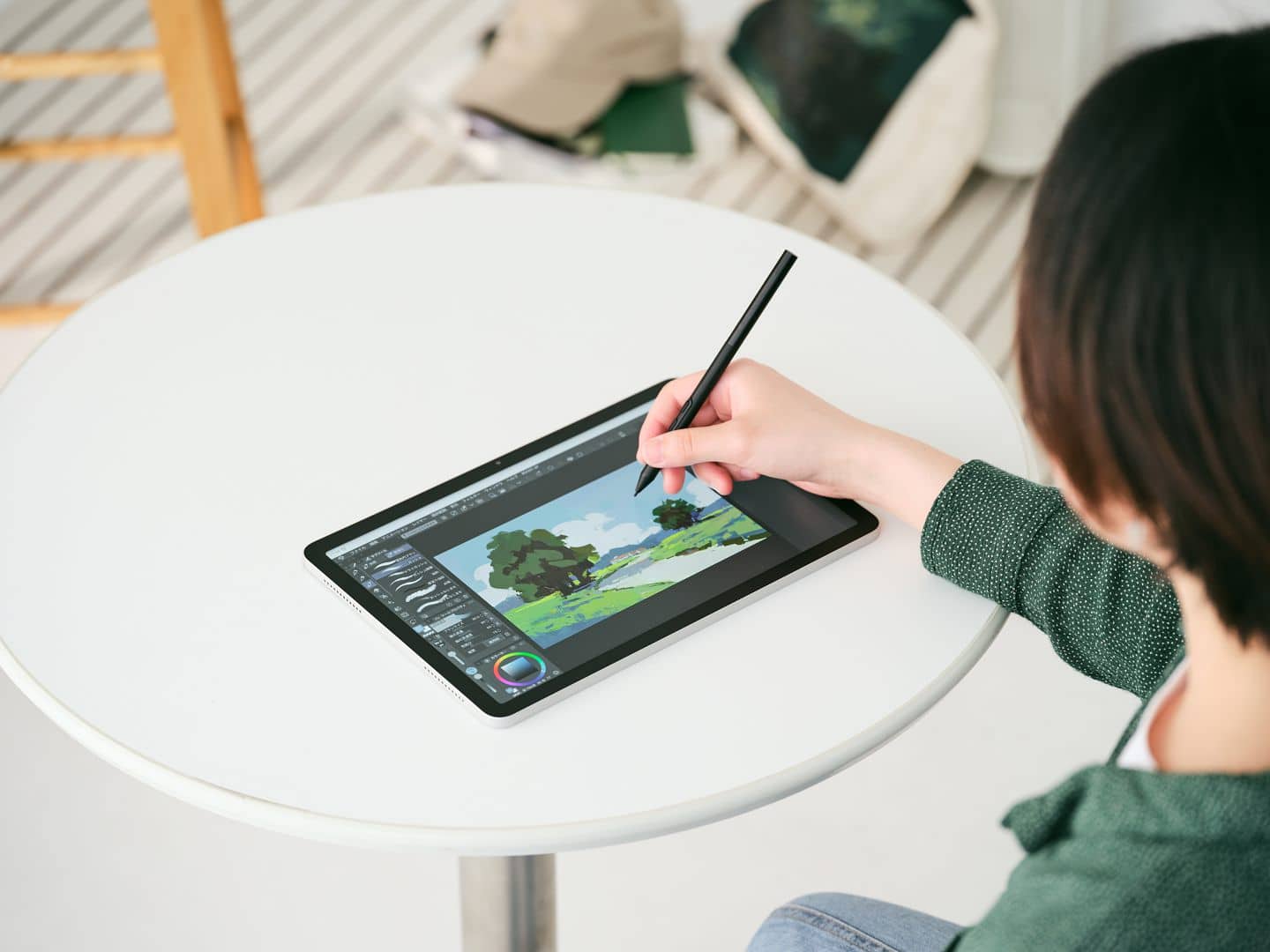
Purpose-Built for Drawing, Not Social Media
While the iPad remains the darling of generalists and influencers, the MovinkPad 11 doubles down on a focused sketching experience. Boot the device, and you’re instantly in Wacom Canvas (their new drawing app), with a “Quick Draw” feature that lets you wake-and-sketch by just tapping the screen with the pen. If you’d rather use Clip Studio Paint, you’ll find a 2-year license for Clip Studio Paint DEBUT included.
You won’t find bloatware, endless notifications, or pre-installed games. The MovinkPad 11 is intentionally distraction-free. It’s built for pen-first digital artists, not for binge-watchers or TikTok influencers.
Wacom MovinkPad 11: All Business, No Nonsense
The MovinkPad 11 is built around a 11.45″ IPS display (2200×1440 px, 400 nits, 99% sRGB, 16.7 million colors) topped with etched, anti-glare glass. The 60/90 Hz refresh rate and 1200:1 contrast ratio keep the panel functional, if not bleeding-edge.
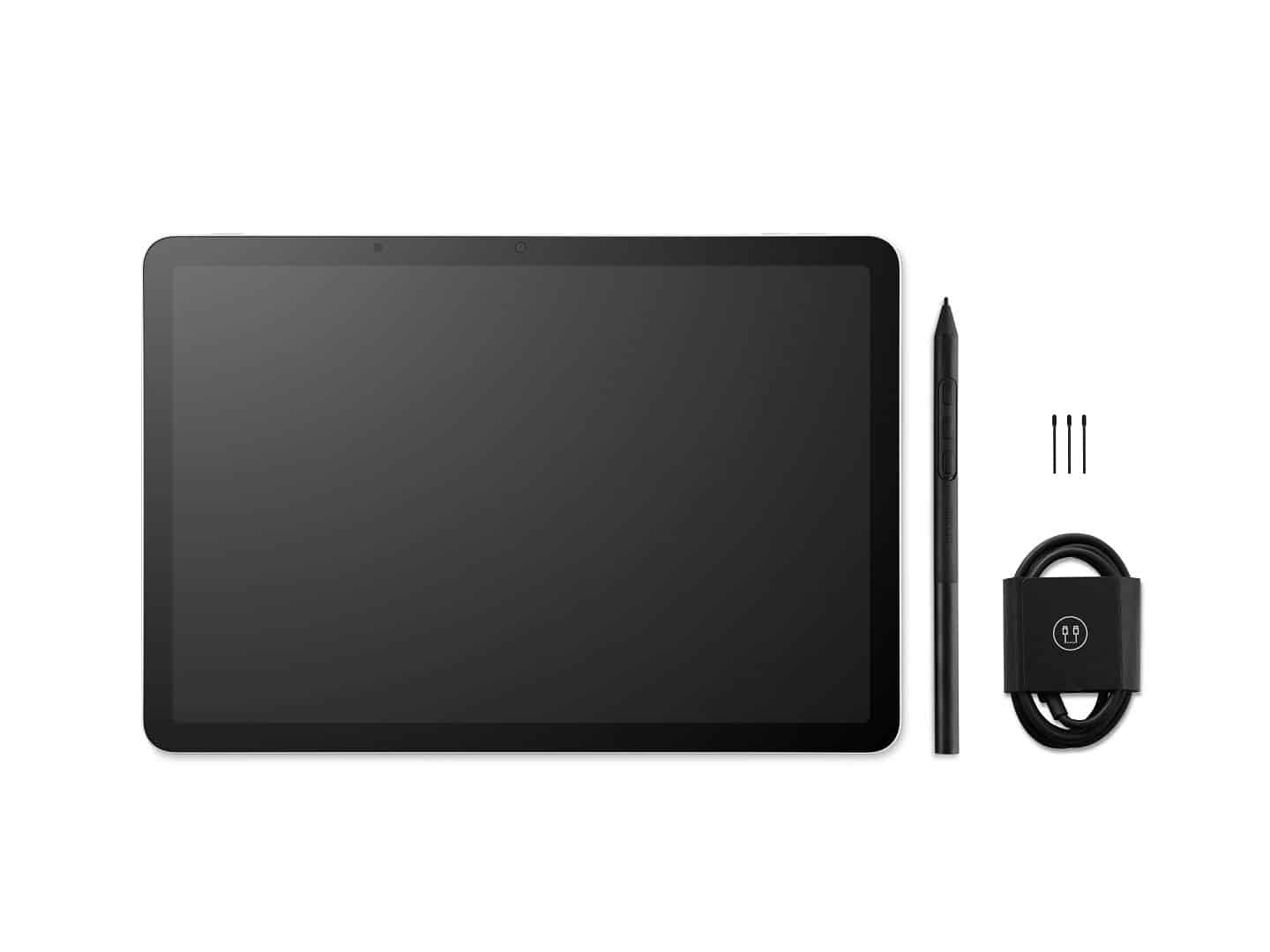
Under the hood, you’ll find a MediaTek Helio G99 processor (octa-core), 8 GB RAM, and 128 GB of internal storage (no microSD slot, so you’ll need to mind your file management). The battery weighs in at 7,700 mAh—official runtime isn’t stated, but field testing will reveal if it keeps up with long sessions. The unit measures 266 × 182 × 7 mm and weighs 588 g. This is slightly heavier than an iPad Air, but still travel-friendly.
Pen Tech: The Familiar Wacom Experience
The MovinkPad 11 comes bundled with the Wacom Pro Pen 3—the same EMR (electromagnetic resonance) technology trusted by Cintiq and MobileStudio users. It delivers 8,192 pressure levels, ±60° tilt support, and customisable side buttons and nibs. The battery-free design keeps things simple. Artists already on the Wacom ecosystem will find no learning curve here.
Android, with Art Apps—But Not Procreate
With Android 14 as the OS, you’ll have access to major sketching apps like Clip Studio Paint, ibis Paint, and Krita. However, Procreate (and Apple’s hardware lock-in) is not an option. Wi‑Fi (802.11a/b/g/n/ac) and Bluetooth 5.2 are included. The tablet also sports dual speakers, dual microphones, a 4.7 MP rear camera, and a 5 MP front camera. Connectivity is via USB‑C (USB 2.0).
Pros and Cons for the Production Artist
Pros: This is a genuinely standalone, purpose-built drawing device. No PC or Mac tether required. The boot-to-canvas workflow is immediate, and pen performance is exactly what you’d expect from Wacom. There’s little here to distract you from actually producing work.
Cons: The IPS screen, while accurate, doesn’t match OLED for contrast or punch. Storage is limited to 128 GB—no card slot—so heavy PSDs and reference folders will require management. Battery life is unspecified, so don’t trust it with live client work until you’ve tested your own workflow.
Verdict: iPad Alternative with Real Artist Cred
The MovinkPad 11 is Wacom’s most convincing standalone effort to date: focused, familiar, and ready for serious sketching. At $449, it undercuts the iPad Air + Pencil combo, without resorting to buzzwords or over-the-top promises. The value proposition: less social, more studio. For anyone wanting out of the Apple ecosystem (or just wanting less “influencer” and more “artist”), it’s a compelling choice.
As always, remember: specs don’t always tell the whole story. Test any new device in your own production pipeline before you trust it with paid projects or color-critical work.
Wacom MovinkPad 11 Official Product Page