



With version 2025.2, Cascadeur from Nekki introduces motion-style presets for its AI-driven inbetweening tool. Animators can now set the motion type between two poses: walk, run, crawl, jump, fall, acrobatic, or combat. The new “Style” selector appears in the Inbetweening panel, producing less generic and more context-aware inbetweens. This means less time wrestling generic curves and more time for real animation work.
AI Inbetweening: Now Up to 120 Frames
Cascadeur’s AI now handles intervals up to 120 frames (previously 88), and factors in tangents and velocities for noticeably better short-interval transitions. The days of choppy auto-generated motion are numbered, at least for mainstream motion types .
Tangent Editing Directly in the Viewport
Trajectory Edit Mode (beta) allows direct editing of Bezier curve tangents inside the viewport. Tangents can be linked or moved independently, and customized handles show up with red dots on the timeline. For those who actually like tangents, this is a major step up from menu-diving and guesswork. Tangent editing is Bezier-only: Linear and Step types don’t get handles, and likely never will. Direction Trajectories are also new, sitting alongside existing Translation and Rotation tracks.
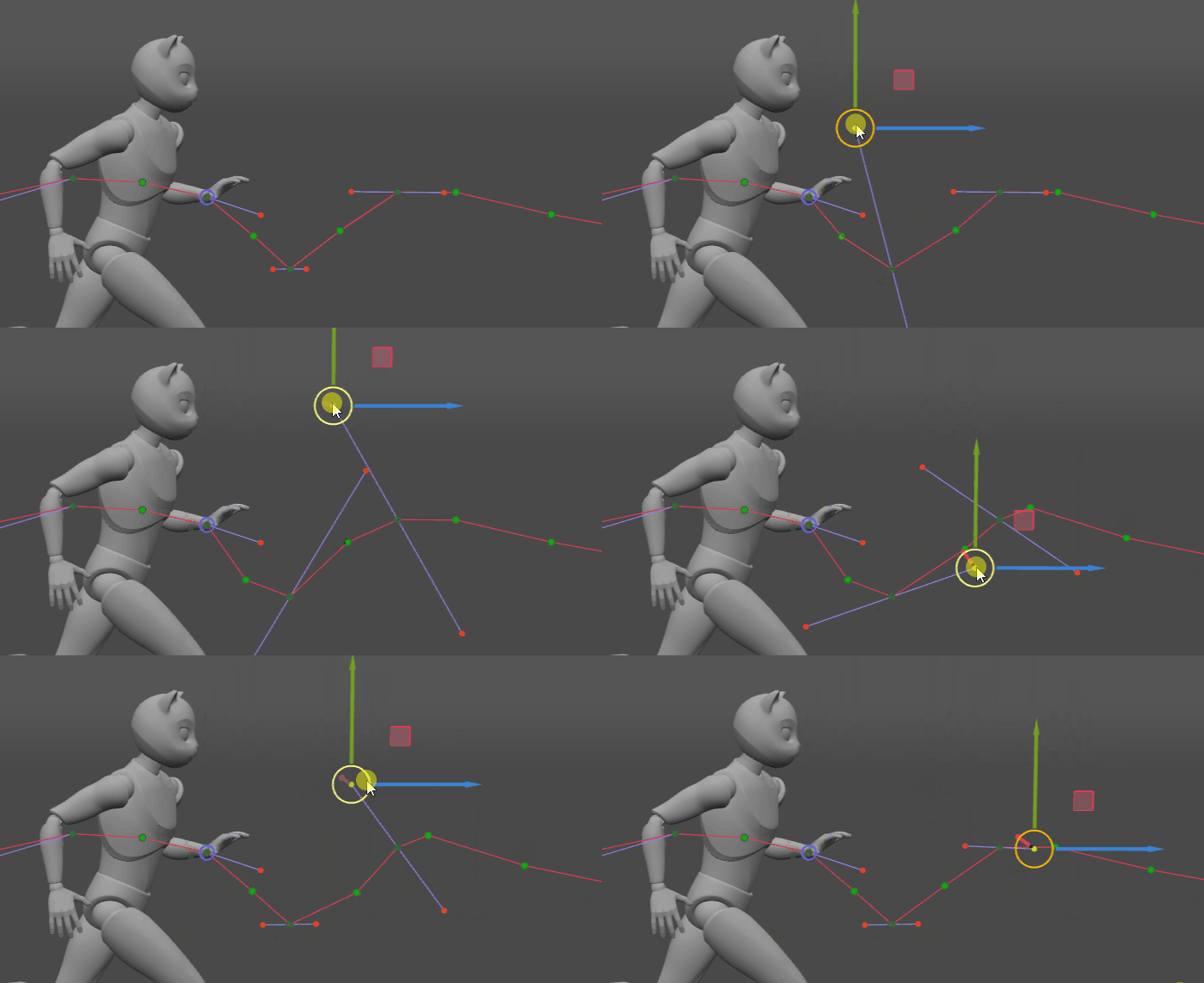
Fulcrum Points: Automatic and Manual
The inbetweening algorithm now auto-detects fulcrum points (those all-important pivots for grounded or rotating motion) in most situations. Manual overrides remain available via the “Is Custom Logic Fulcrum Point” checkbox and new adjustable collision radius and max speed parameters. The Fulcrum Motion Cleaning tool also loses some knee-popping and can now limit its work to just keyframes.
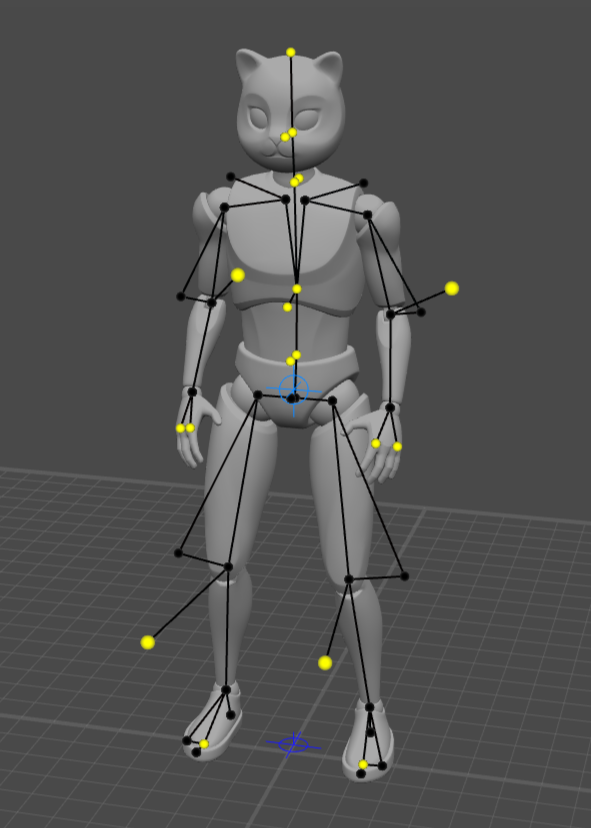
More Automation, Fewer Clicks
AutoPhysics (Cascadeur’s ballistic/physics tool) is now always enabled and supports character interactions during ballistic motion. The constraints system and video mocap tools have been streamlined for less clicking and more animating.
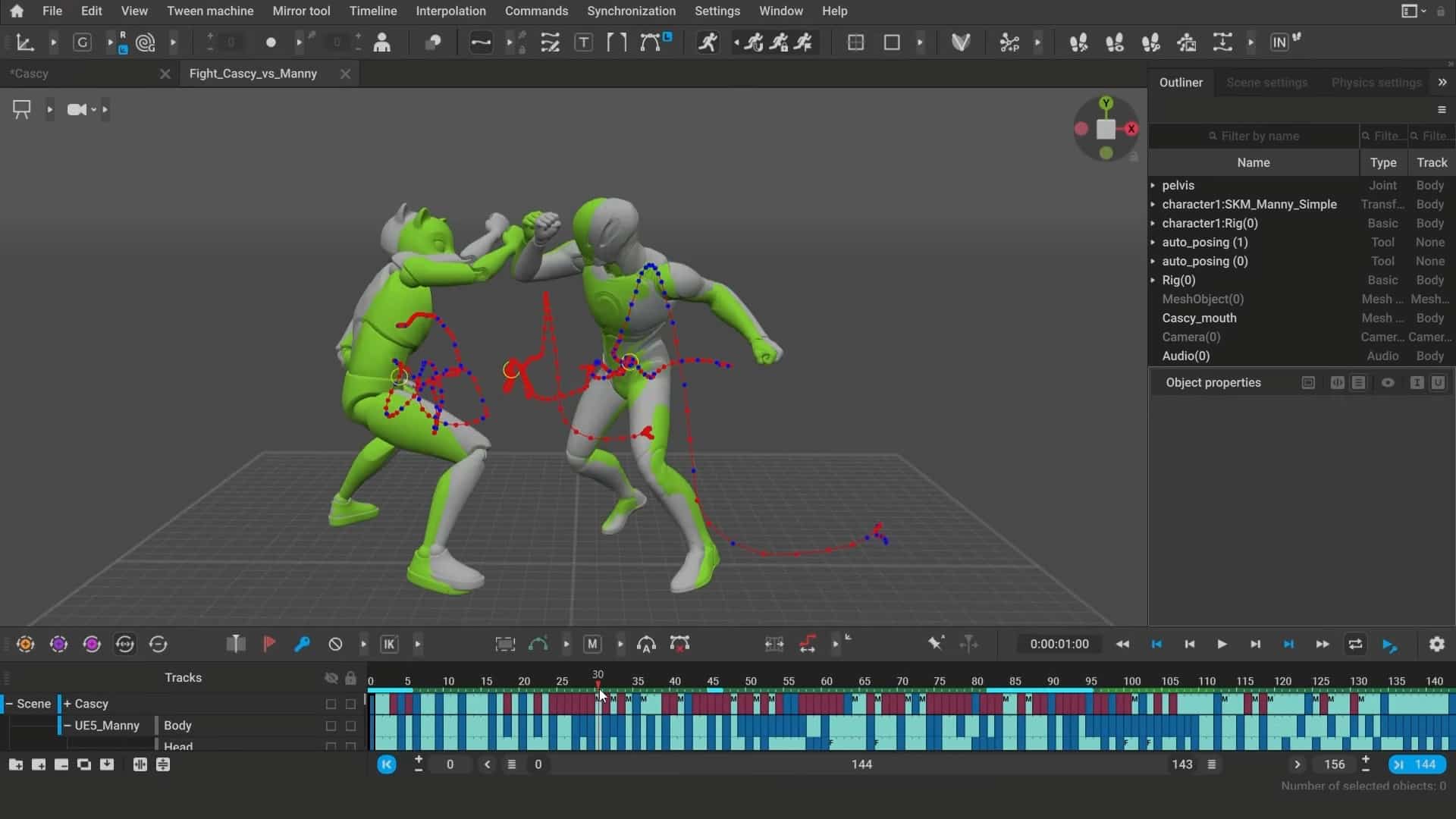
3Dconnexion Support for Windows
Windows animators gain experimental support for 3Dconnexion devices. That means six-axis viewport navigation—assuming you enjoy spinning your scenes like a vinyl record.
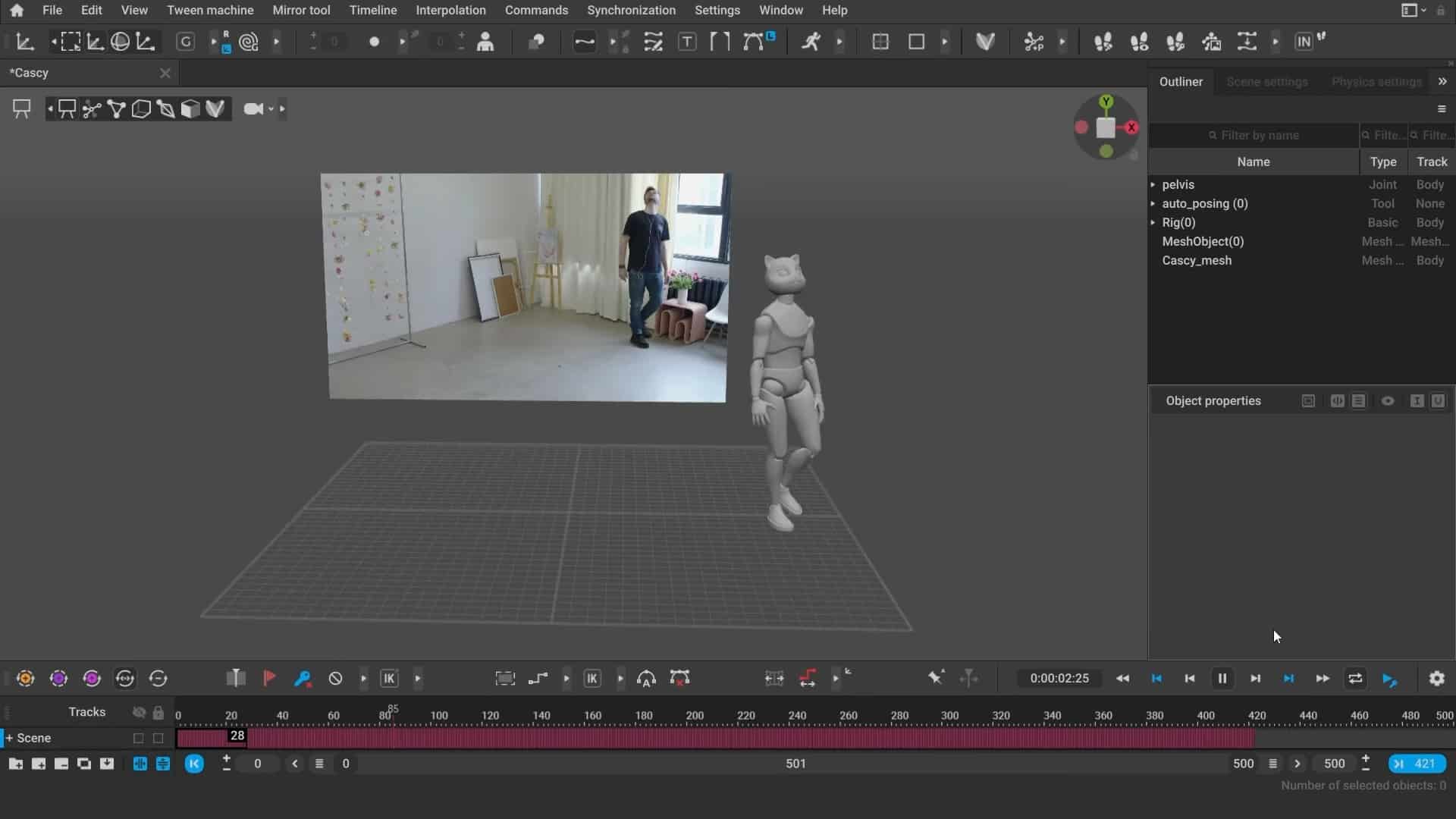
Pricing, Platforms, and Licensing
Cascadeur 2025.2 runs on Windows 10+, Ubuntu 20.04+, and macOS 13.3+. Indie subscriptions remain at USD 12/month or USD 96/year for revenues under USD 100k, Pro at USD 49/month or USD 396/year. Both convert to a perpetual license after a year. The free edition is unchanged: non-commercial use only, with .casc export.
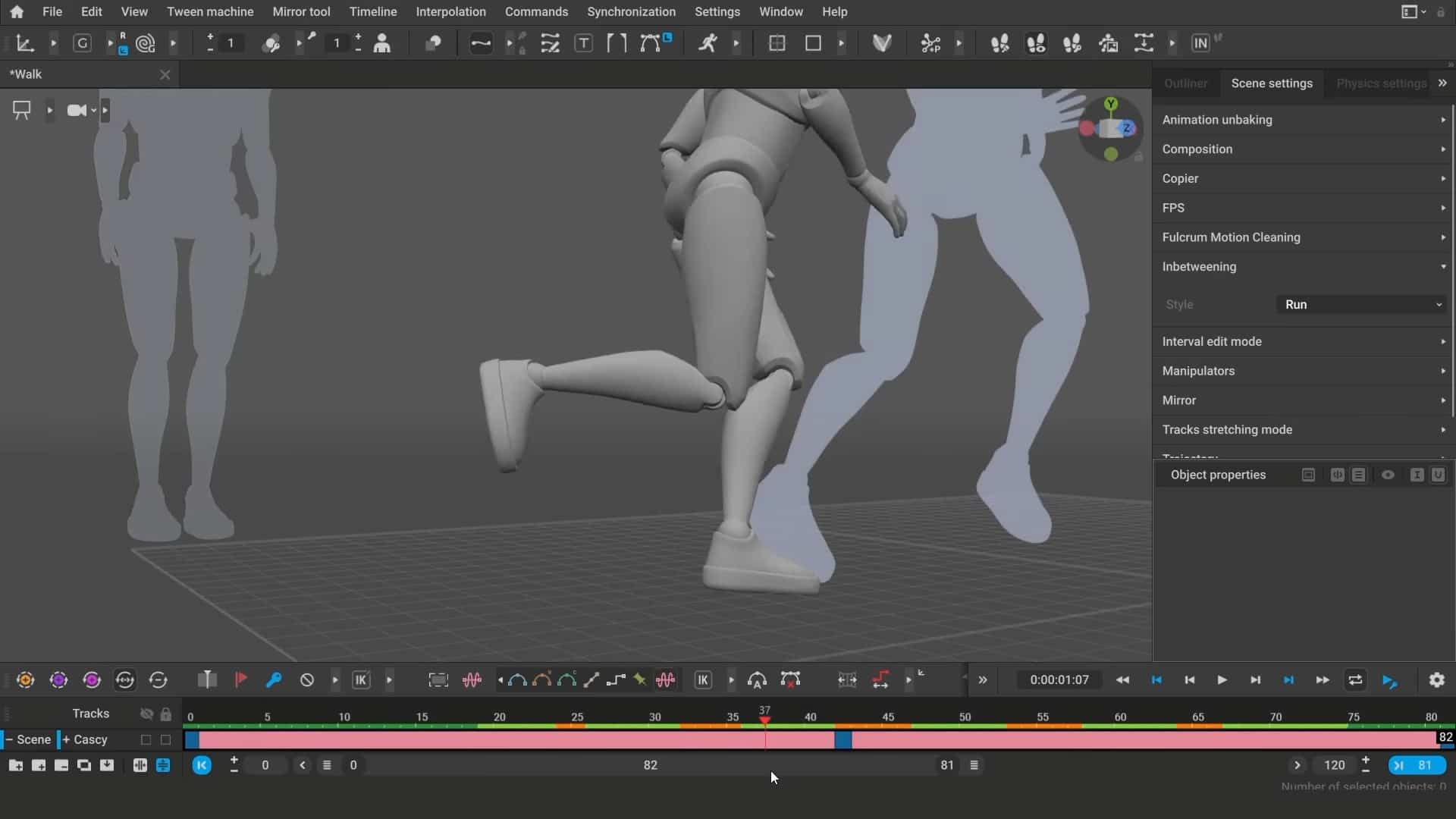
New AI and UX features in Cascadeur 2025.2 offer practical, usable tools for character animators who want less black box, more real control. Test all new functions with care before deploying in critical or client-driven productions.
