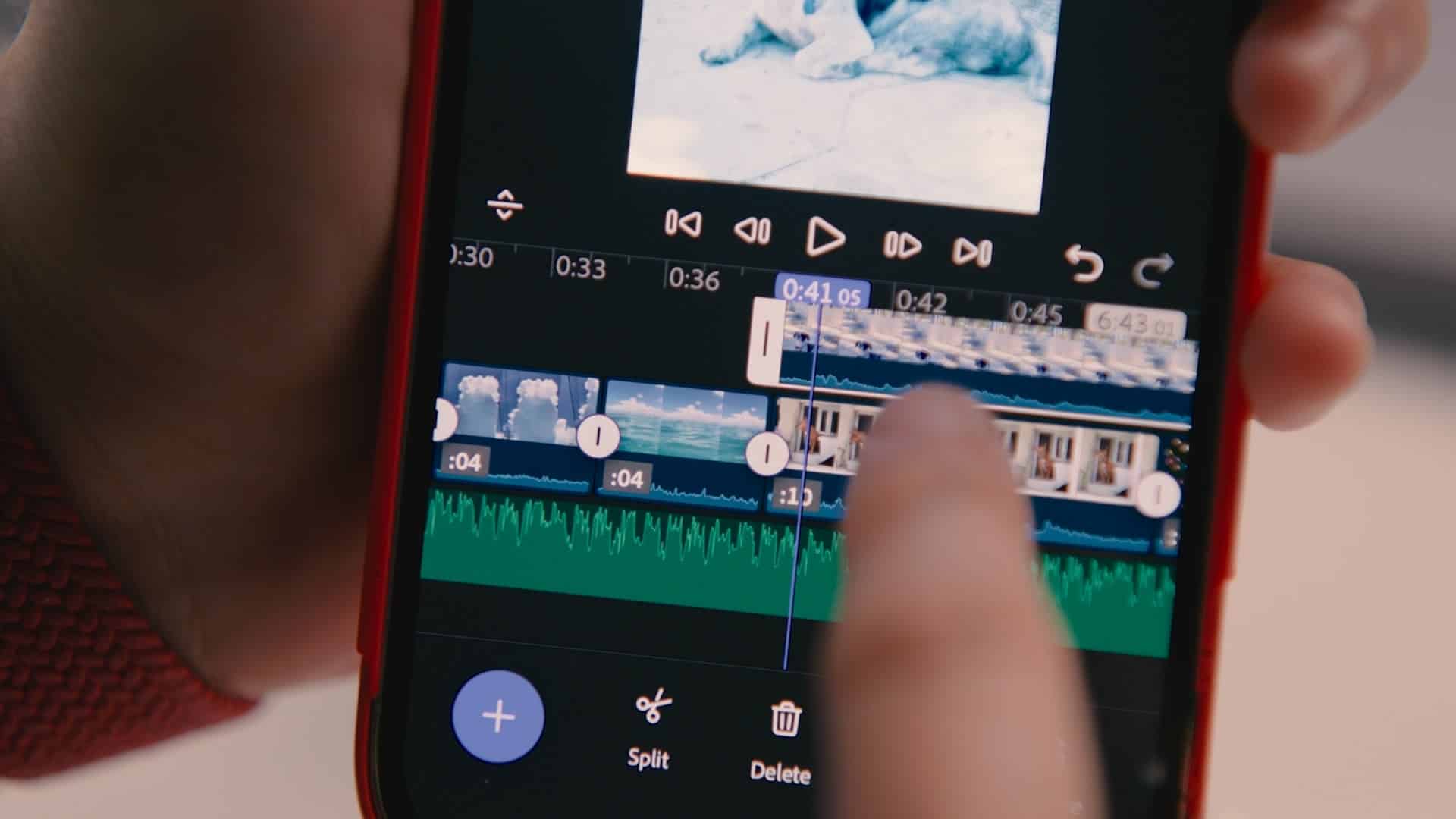
Adobe has released Premiere for iPhone, a free app that brings multi-track video editing, AI-powered tools, and cross-device workflows to mobile devices. Pre-order opened on the Apple App Store on 4 September. (Well insert the link as soon as we have it ourselves) The app takes its cues from Premiere Pro, but is designed for on-the-go creators. Adobe positions it as a way to capture, edit, and publish without leaving the phone, while still allowing handover to desktop for fine-tuning.
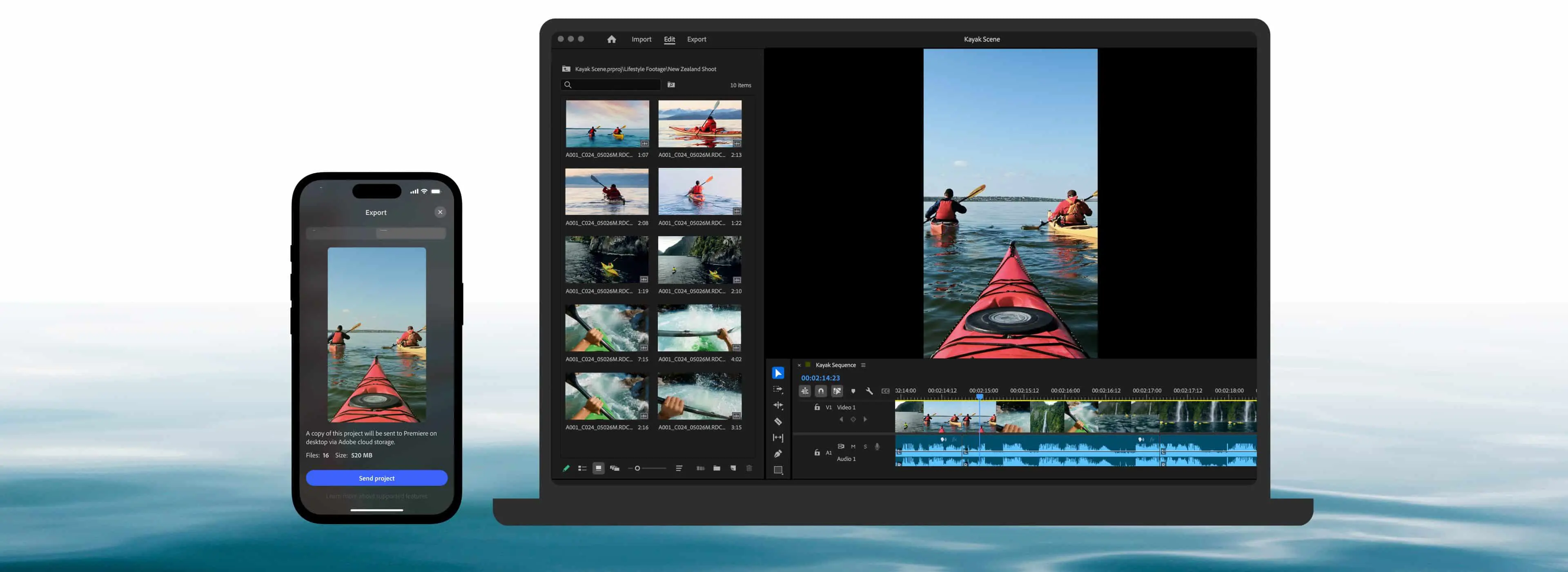
Here is a short overview of the workflow in Premiere for iPhone
Multi-track editing on mobile
Premiere for iPhone features a multi-track timeline with coloured tracks and audio waveforms. Users can trim, layer, and adjust clips with frame-accurate precision. The app supports unlimited video, audio, and text layers, 4K HDR media, and automatic captions with stylised subtitles. Adobe says the UI is simplified compared to desktop but retains familiar concepts for existing Premiere users.
Mobile-to-desktop workflow
Projects can start on iPhone and later open in Premiere Pro on desktop. Exports to TikTok, YouTube Shorts, and Instagram are available in one tap. Automatic resizing keeps subjects framed when switching between aspect ratios.
Firefly assets included
The app integrates Adobe Firefly for generative AI. Users can access millions of stock stickers, images, fonts, and music tracks or generate unique content directly in the app. Adobe states Firefly is trained on data that respects creator ownership. How many creations and uses are possible is not clear at this moment, and we’ll update as well. Premiere for iPhone doubles as a mobile recording studio. It includes the voice-driven sound effect generation and studio-quality voiceover capture from Firefly and the “Enhance Speech” function designed to clean noisy recordings automatically from Adobe Podcast.

The app is free to download and use, without ads. Costs only apply for generative credits and cloud storage. We’ll keep you in the loop on any updates, and if you don’t have an iPhone, but want to test it: Why not visit the Adobe Booth in Hall 7 of IBC? As with all new tools, Adobe’s mobile Premiere should be tested carefully in production environments before integrating into professional workflows.