



Blackmagic Design has released DaVinci Resolve Studio 20.2, available at no charge to existing users via the Blackmagic support site. While project libraries remain backward-compatible with Resolve 19.1.3, any project created or opened in 20.2 cannot be reopened in 19.1.3. Blackmagic therefore recommends full project library backups as well as individual project backups before migration.
URSA Cine Immersive Workflows
Resolve 20.2 extends the immersive video toolset for productions shot with URSA Cine and intended for Apple Vision Pro playback. Content can now be streamed directly from the Fusion page to Vision Pro, and the PanoMap node has gained immersive options. World pose rotations and flips are supported, stereoscopic 3D renders can be output in full side-by-side or top-bottom formats, and node stacks can now be used in stereoscopic workflows. The release also introduces immersive EXR workflows with full metadata retention, which is particularly relevant for VFX turnovers and stereoscopic finishing.
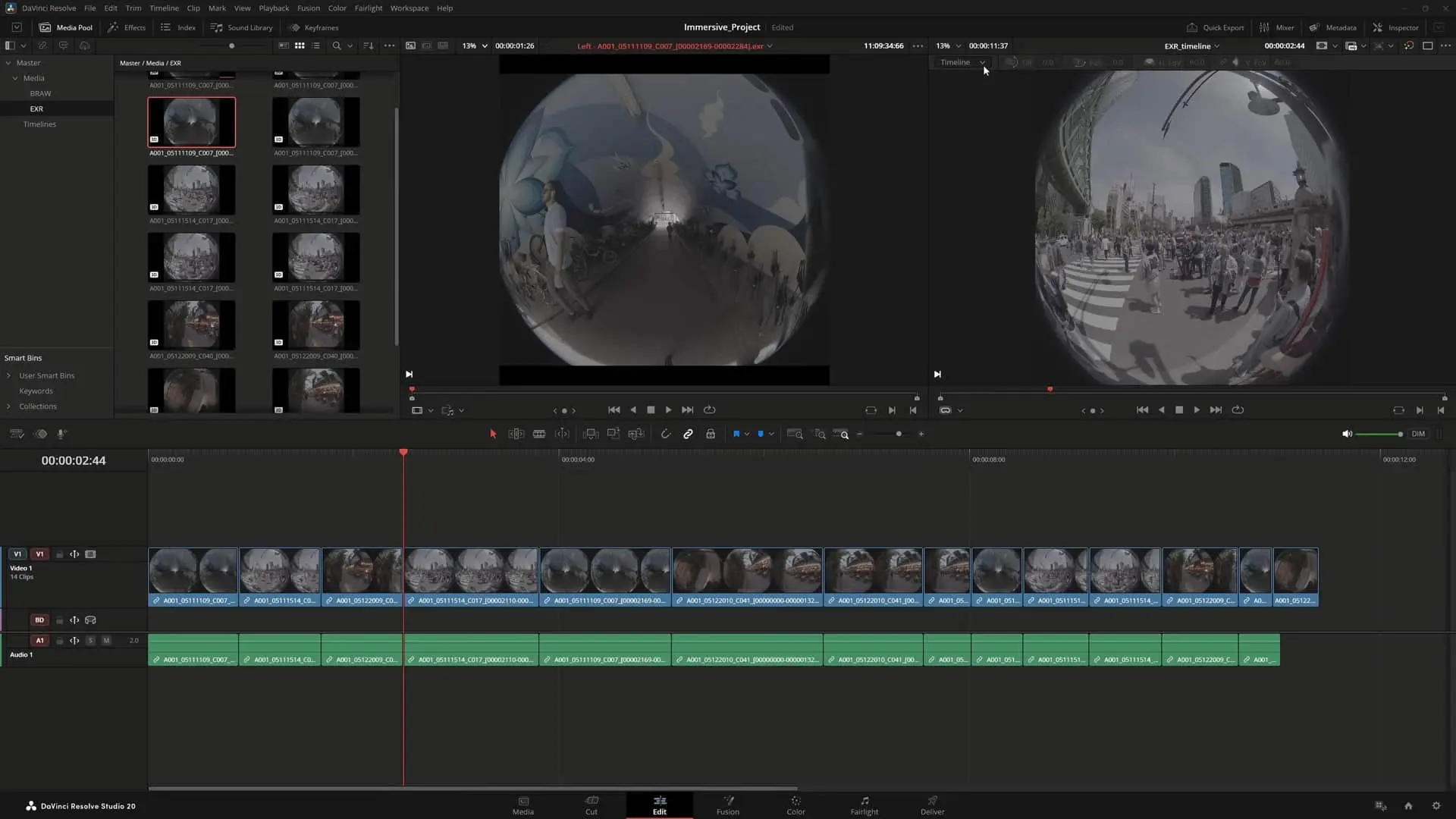
Cut Page: Replay Handling
For the Cut page, Blackmagic has addressed live-production workflows. Replay stinger transitions now behave more reliably in interlaced timelines, while replay editor and ATEM switcher feedback during replays has been improved.
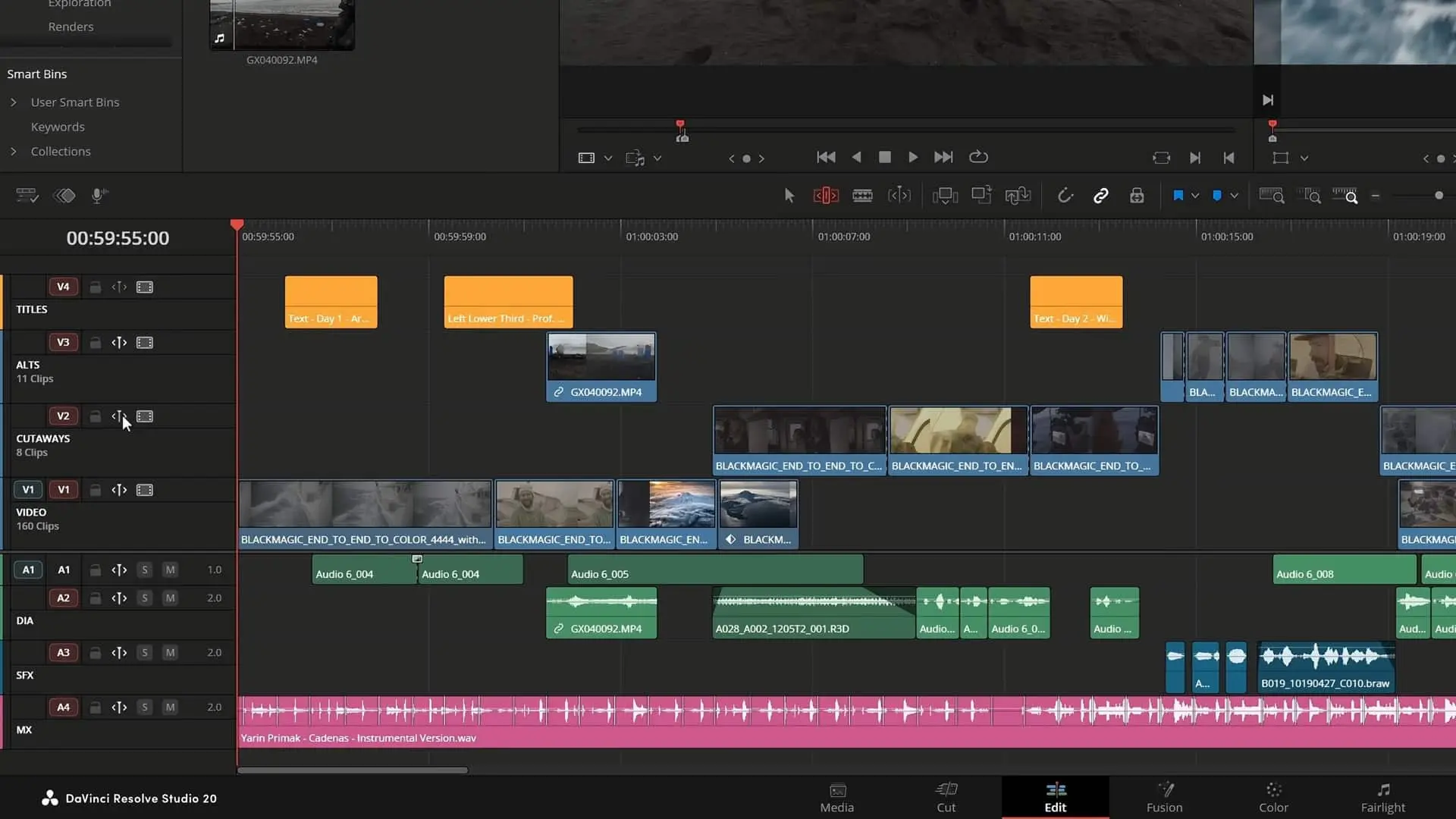
Edit Page: Sync, Ripple, Metadata
Editing gains a series of workflow refinements. Sync lock controls now ripple edits independently of the auto-select function, while ripple trimming has been redesigned to maintain sync across edit actions. The trim editor automatically opens during dynamic trimming, though users who prefer a single-viewer mode can switch in preferences. Track headers offer improved source and destination patching, and an audio menu action makes it possible to detach synced audio from video while retaining timeline sync. Custom metadata fields can now be created and populated in the timeline, multicam clips with speed changes can be flattened correctly, the source timeline viewer supports audio track soloing, and destination patching can be reset to default through a dedicated sub-menu.
Cut & Edit Pages: Keyframes, Guides, Audio
The Cut and Edit pages now include direct menu actions to move keyframes up, down, left, or right. The timeline curve and keyframe editor has gained a toolbar for common actions, while shift-click toggles multiple parameter states and alt-click enables exclusive toggling. Guides now support individual colours and lock states, and their position can be set in either pixel or percentage units. Fusion, transform, and effect overlays now take precedence over guides under the mouse, ensuring smoother manipulation of elements. Voice-over countdowns have been enhanced with audible beeps, and audio bus automation written in Fairlight now survives ripple edits on the Cut and Edit pages. A ripple delete silence command has been introduced for tightening dialogue or narration, and transcription and voice convert analysis are now up to twice as fast on macOS.
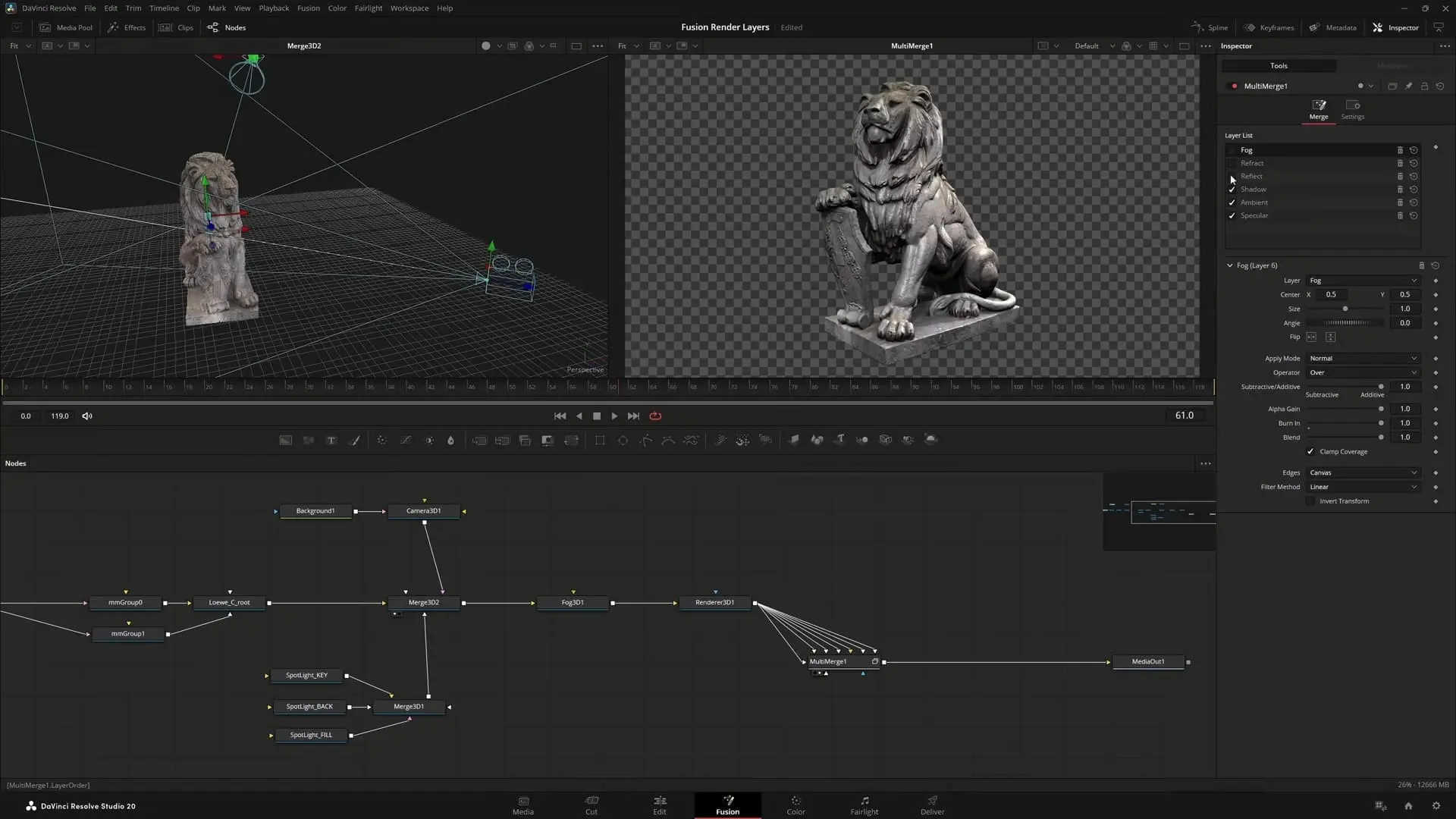
Fusion Page: Multilayer Rendering and Speed
On the Fusion side, guides can now be edited directly in viewers. MultiText has improved alignment and transformation controls, while USD tools support animated image inputs. The 3D renderer now includes multilayer support, and the USD renderer can output multilayer AoV (arbitrary output variable) channels. Performance has also been increased, with the surface tracker running up to twice as fast.
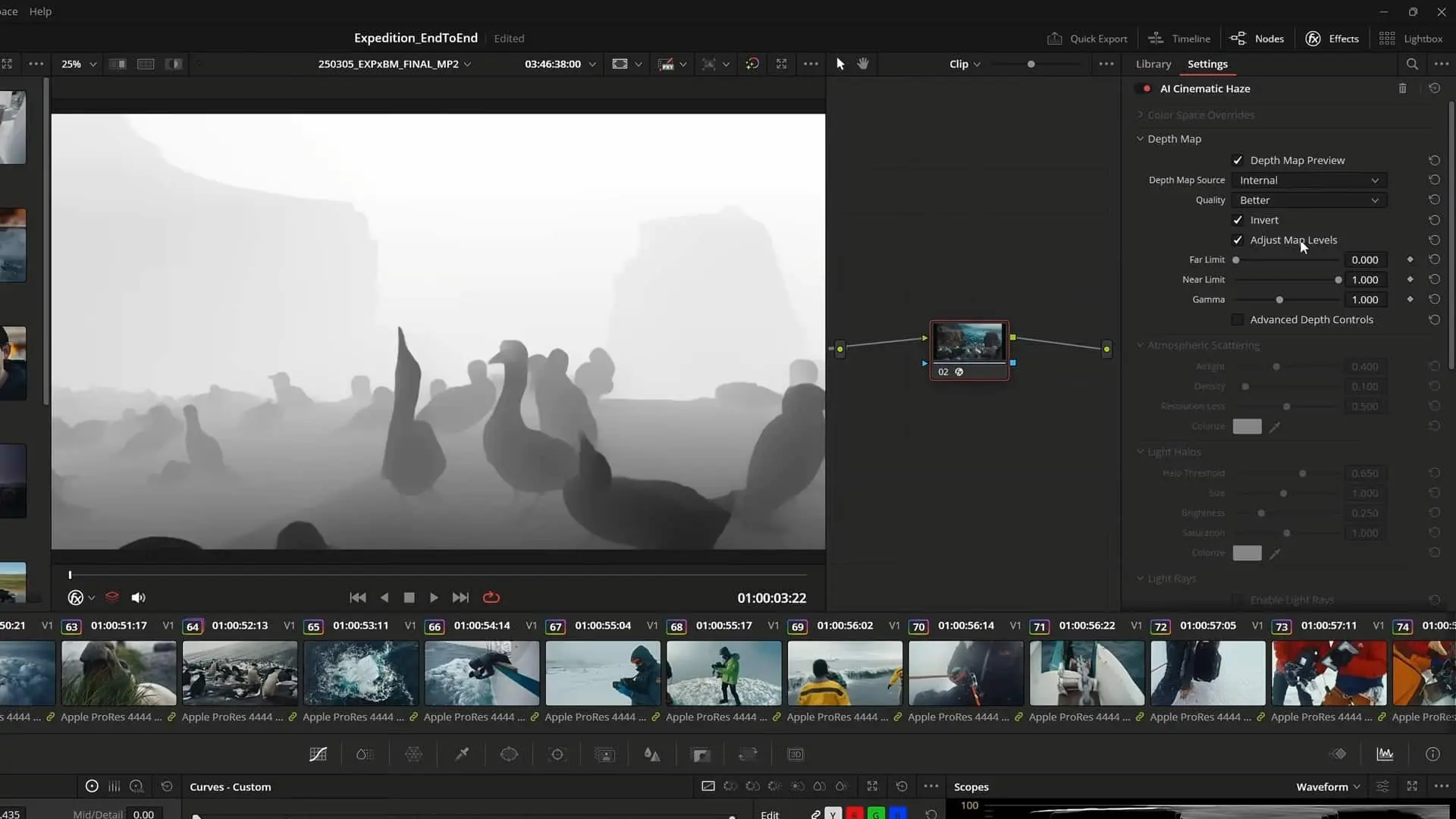
Colour Page: AI Fog and Better HDR
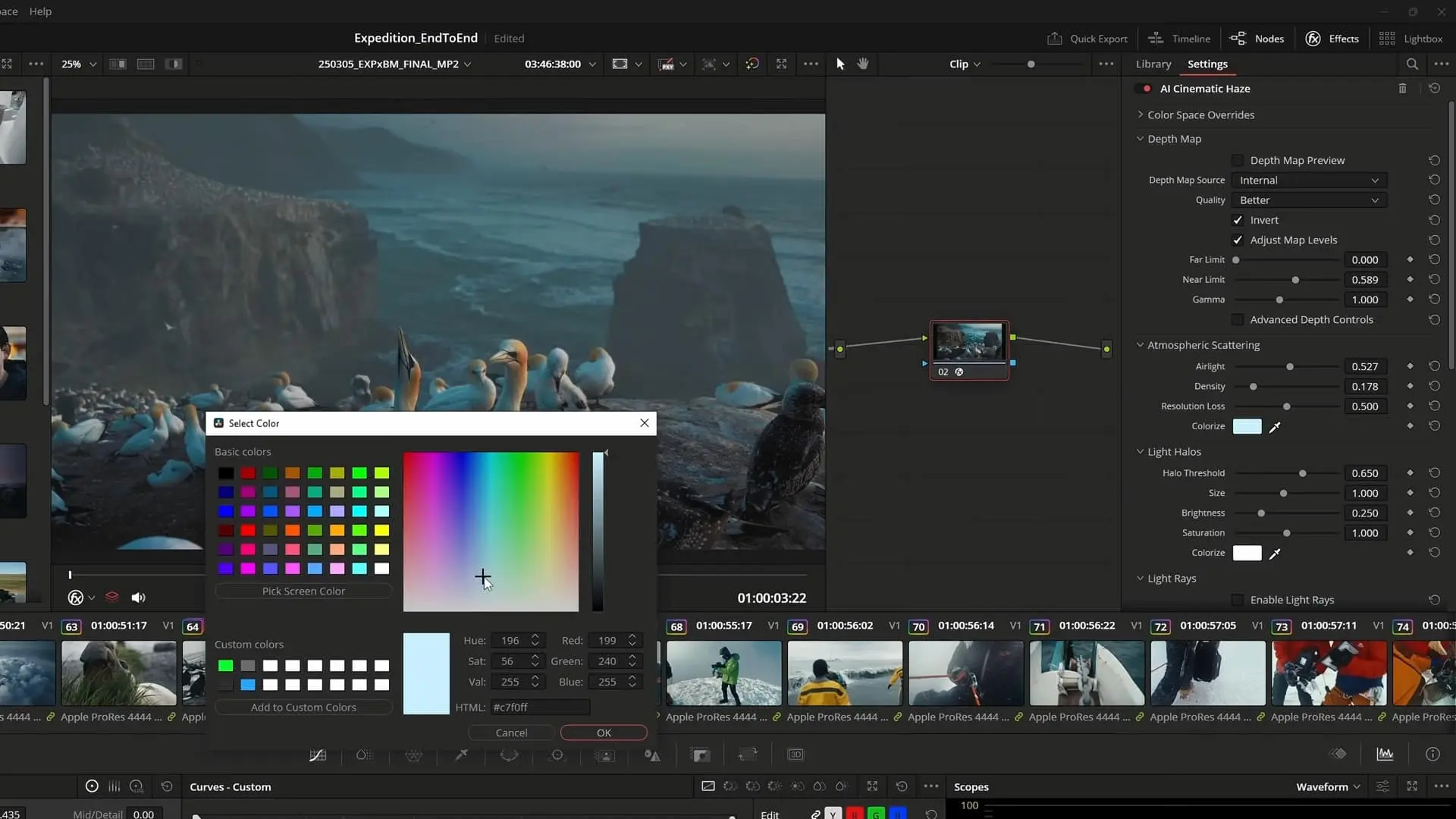
Resolve 20.2 introduces an AI-based Resolve FX called Cinematic Haze, which simulates atmospheric scattering with depth-based fog. Light rays can be extended from existing sources, and air disturbance can break up the fog into smokier turbulence. Light effects now support glow driven by alpha sources, while a new command makes it possible to navigate clips by number. Node colours can be reset for multiple selected clips, advanced colour panels now retain side panel states after restart, and HLG output has been improved when using viewer display profiles. Both RCM and CST conversions now conform to ITU BT.2408 for HLG and PQ. Performance has again improved, with the Resolve FX surface tracker running at double the previous speed.
Codecs & I/O: Big Additions
Resolve 20.2 expands codec and I/O support considerably. The update introduces native Apple ProRes RAW decoding on macOS, Windows, and Linux, as well as encoding support for Samsung APV. Sony ARW still image files can now be decoded, ARRICORE clips are supported, and single-frame WEBP and GIF files can be imported as stills.
General Improvements
General usability gains include a new skim function: pressing and holding the C key moves the playhead under the mouse in viewers. Exported DRT timelines now include linked Fusion comp media. Data burn-ins and render file names can now include current date and time tags, and the scripting API has been extended to support subtitles in render jobs and to allow setting clip names in the timeline and media pool. Performance and stability improvements round out the release.
Minimum System Requirements
For macOS, DaVinci Resolve 20.2 requires macOS 14 Sonoma or later, at least 8 GB of RAM (16 GB if using Fusion), and an Apple Silicon system or a GPU with Metal support. Windows users require Windows 10 or later, 16 GB of RAM (32 GB for Fusion), a GPU with 4 GB of VRAM supporting OpenCL 1.2 or CUDA 12.8, and recent AMD, Intel, or NVIDIA Studio drivers (570.65 or newer). Windows on ARM is now supported with Windows 11 ARM, a Snapdragon X Elite processor, and 16 GB of RAM, with 32 GB recommended for 4K or Fusion. Linux support requires Rocky Linux 8.6, 32 GB of RAM, and a discrete GPU with at least 4 GB of VRAM plus drivers supporting OpenCL 1.2 or CUDA 12.8, with NVIDIA Studio driver 570.26 or newer.
Stability Reminder
Blackmagic Design advises users to back up both project libraries and individual projects before upgrading. Postproduction teams should validate Resolve 20.2 in test environments before integrating into live workflows, especially where new sync, ripple, and immersive EXR features could alter established pipelines.
