



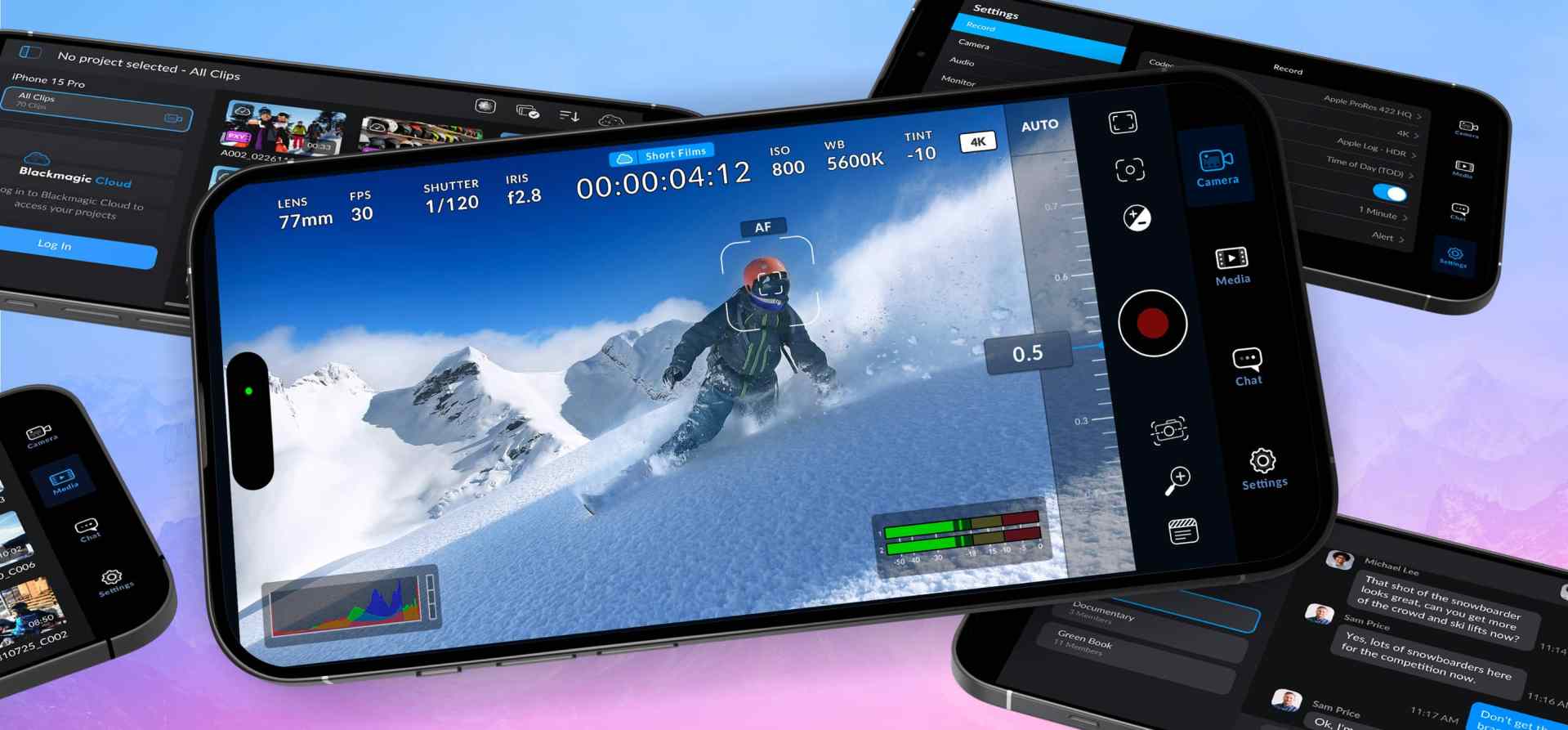
Blackmagic Design has released Blackmagic Camera 3.0 for iOS and Android. The update introduces a feature users have been requesting since launch: the ability to sync and copy clips from remote phones back to a controller device. For productions that rely on multiple phones (for live events, social content, or indie filmmaking) this reduces both errors and time spent on data wrangling in post.
Until now, the app could act as a controller for other devices: previewing live feeds, changing settings remotely, and starting or stopping recordings. What was missing was media consolidation. Version 3.0 closes that gap by allowing the controller to pull down finished clips automatically, ensuring all material ends up on one device without additional transfers.
Remote Syncing: How It Works
The system runs over Wi-Fi, with one device acting as a controller and others set as clients. After recording, clients upload clips back to the controller. Each synced clip carries its metadata and timecode, allowing immediate conform in DaVinci Resolve or via Blackmagic Cloud. Blackmagic positions it as the core of the 3.0 release, making smartphones more viable for professional, multi-cam acquisition.
Live Streaming Direct from the App
The Android release notes also confirm native live streaming to YouTube, Vimeo and Twitch. For content creators, this is less about cinematic capture and more about direct delivery pipelines. Still, the ability to push high-quality video out in real time has obvious use cases for production teams working on fast-turnaround projects.
Faster Navigation: Swipes and Function Buttons
Version 3.0 revamps navigation with two simple gestures, which we had to seriously tone our Tinder-jokes down for (You are reading version 4 of this news, and no, we are not adults. At all.)
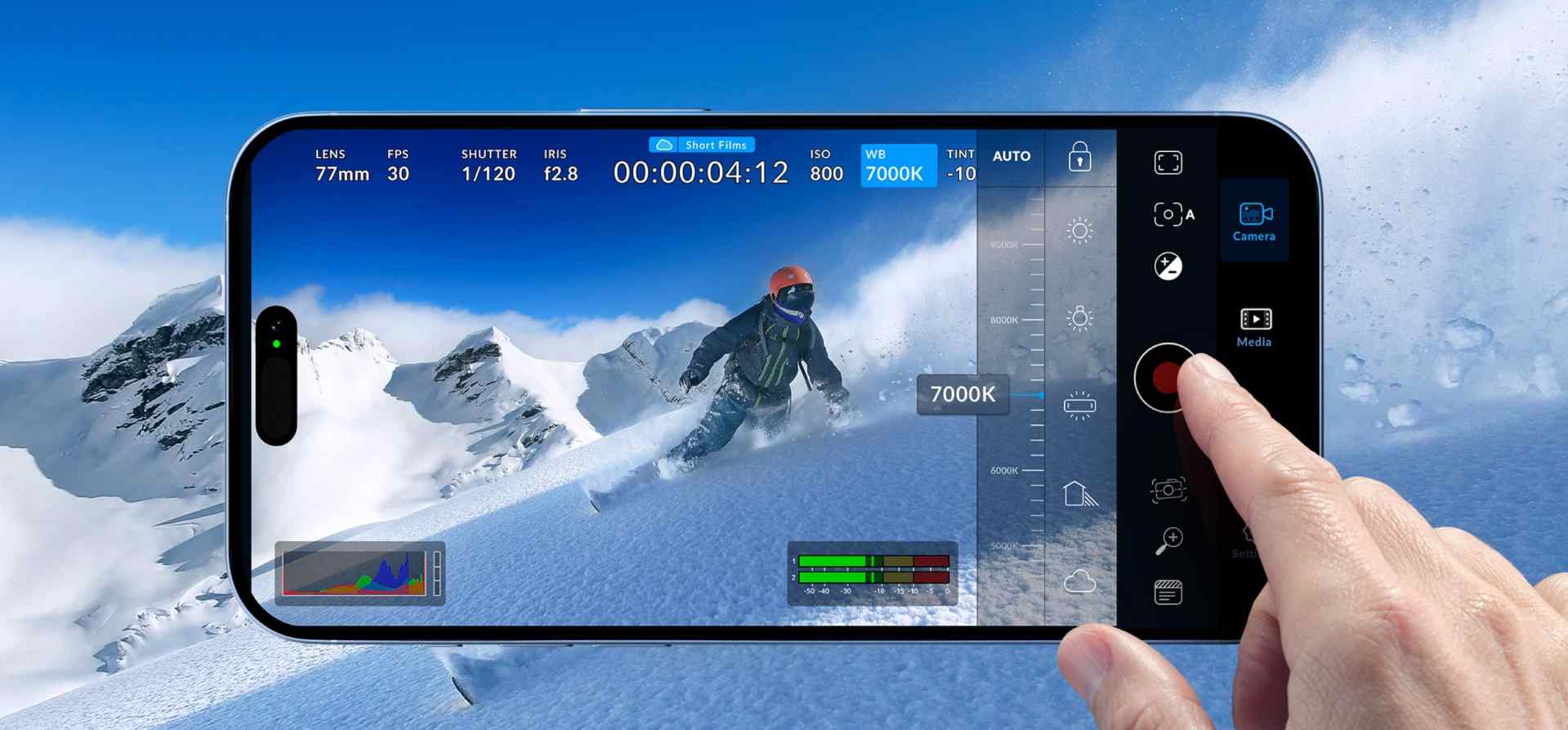
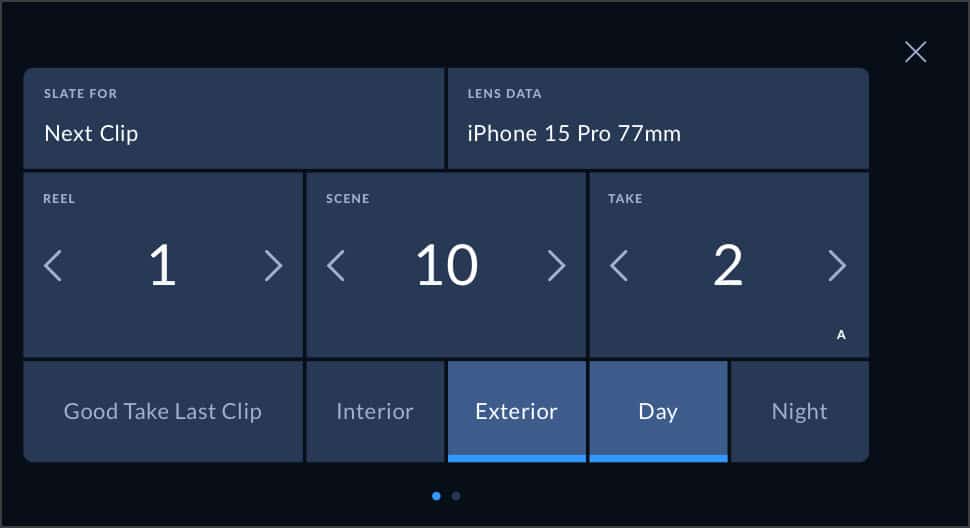
- Swipe left for immediate access to picture presets, slate controls and core camera settings.
- Swipe right for three user-programmable function buttons.
Expanded Control Set
The update also extends existing controls across both platforms:
- LUT handling has been refined, improving both monitoring and baked-in recording workflows.
- Lens and zoom control has been reworked.
- Frame rate settings now cover off-speed shooting and time-lapse capture.
- A new camera light control allows direct adjustment of device lighting hardware.
- Vertical multi-view support improves monitoring when working in portrait orientation, aligning with social-first shooting.

iOS-Specific Additions
The iOS release goes further with an extensive set of refinements:
- Toolbar reorganisation for faster access.
- Single-lens dolly zoom control.
- Expanded FPS options beyond standard ranges.
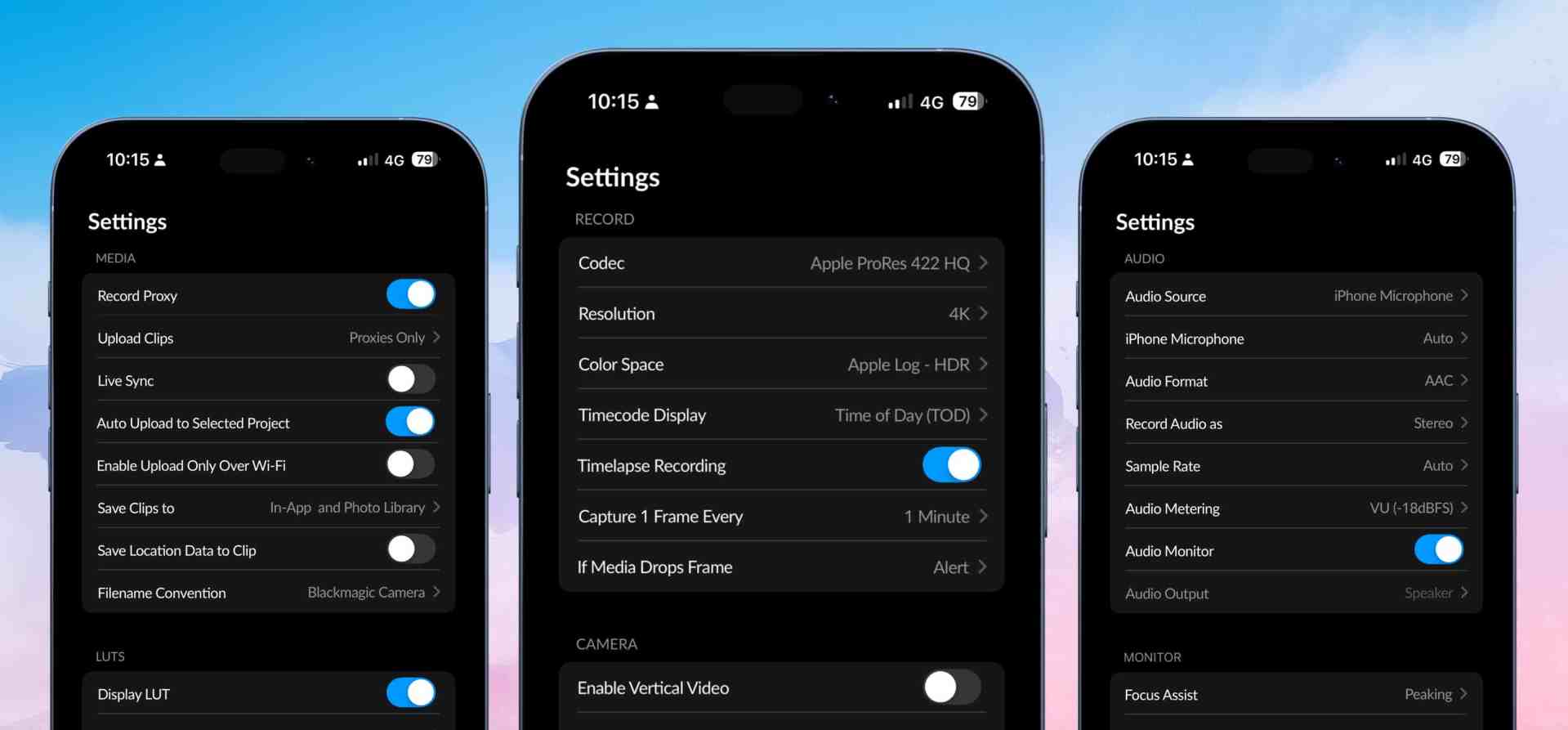
- HUD enhancements including histogram expansion and live LUT switching (Apple Log, Rec.709, Rec.2020, P3 D65).
- Recording in open-gate mode, with support for 2.0 anamorphic de-squeeze.
- Auto exposure when using automatic mode.
Blackmagic Camera in Context
The update sits within the broader architecture of Blackmagic Camera. At its core, the app is designed to give smartphones a digital film camera interface, complete with heads-up display (HUD) and touch-driven controls for ISO, shutter, white balance, resolution and frame rate.
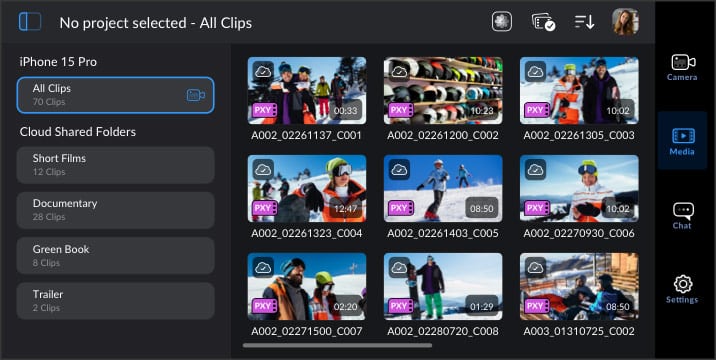
Recording can be done locally on the device, to external storage via supported accessories, or directly to Blackmagic Cloud. The app includes media management, metadata entry, chat, and integration with DaVinci Resolve project libraries, making it more than just a capture tool. With version 3.0, the gap between acquisition and edit has narrowed further: remote clip syncing reduces ingest time, while Blackmagic Cloud upload pushes material directly into a Resolve timeline for collaborative editing.
Pro Workflows: LUTs, Metadata and Timecode
Professionals will note that the update builds on existing LUT management. LUTs can be loaded for monitoring or burned into the recording. With iOS 3.0, histogram displays can now expand to fill the preview, giving a more accurate look at exposure.
Metadata entry via the slate remains central to the workflow: users can define project, scene, take and notes on-set, with data carrying into Resolve bins. Timecode support with external Bluetooth sync devices continues to make multi-camera shoots viable, now with the addition of automatic media transfer.
Accessories and Expansion
While version 3.0 is primarily a software update, it interacts directly with supported hardware like the Blackmagic Camera ProDock. For productions needing HDMI output, genlock, timecode, or professional audio I/O, the ProDock provides the physical expansion missing from phones. At US$ 325, it’s positioned as the bridge between casual smartphone capture and professional rigs.

Testing Before Deployment
While the features are clear in official documentation, teams should test the update in-house before using it on critical productions. Remote syncing and live streaming are particularly sensitive to network stability and device limitations, which vary across iOS and Android hardware.
