



KStudio has released version 3.41 of its Project Manager plugin for 3ds Max, expanding asset-handling features and changing how licences are activated. The update introduces an online licensing system that allows one key to manage several installations via a central account dashboard. This replaces the previous per-machine activation model and enables remote deactivation. KStudio states that the new system simplifies multi-seat management but does not specify offline activation options.

Importing Directly from Archives
A practical quality-of-life feature in 3.41 is the ability to read compressed archives directly. Assets stored in .zip, .rar, or .7z containers can now be accessed without manual unpacking. For studios handling large shared libraries, this reduces redundant extraction steps and disk clutter.
PBR Translucency Support
Version 3.41 extends its physically based rendering (PBR) feature set by introducing translucency map support. This addition benefits materials representing thin or semi-transparent surfaces such as paper, foliage, or plastics. The changelog mentions updated templates to accommodate translucency but offers no details on renderer-specific compatibility. Users should verify results within their chosen engine before deployment.
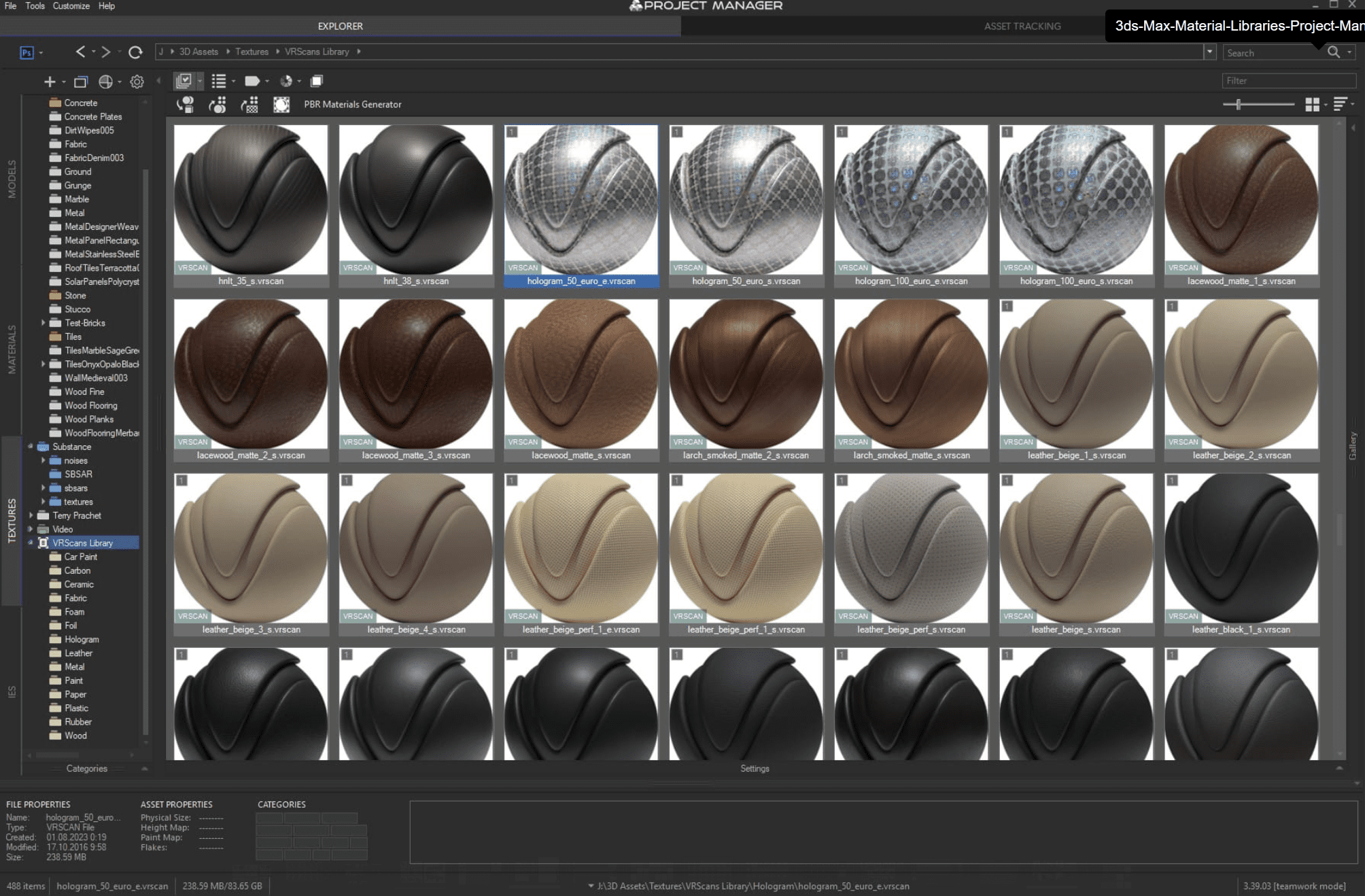
Visual Organisation: Colours and Labels
KStudio has introduced custom folder colours and colour labels for assets, allowing users to visually organise large asset trees. Folder colour palettes are editable, and colour tags can be applied to assets for quick categorisation. This addresses long-standing user requests for better library readability.

Multi-Category Filtering
Search filtering now supports multi-category queries, letting users refine results by selecting several categories within a single view. This change helps navigate libraries where assets belong to multiple classifications, improving discovery without requiring nested folders.
Batch Import and Merge Enhancements
The new batch import/merge function lets users load multiple models into a 3ds Max scene at once while retaining original hierarchy and spatial placement. This reduces repetitive merge operations during scene assembly or bulk asset ingestion. KStudio also adds an Extract command for unpacking archives, new icon sets for folders, and improved Redshift support. The developer lists several unspecified performance improvements and bug fixes.
Testing Before Production Use
KStudio’s forum post describing version 3.41 positions these additions as “features you requested.” While they address concrete workflow issues, the move to online licensing changes studio deployment procedures. Pipelines operating offline or under strict IT governance should test the new activation method before migrating. As always, new features should be tested in a controlled environment to confirm stability and compatibility with render setups, material libraries, and network paths.
