



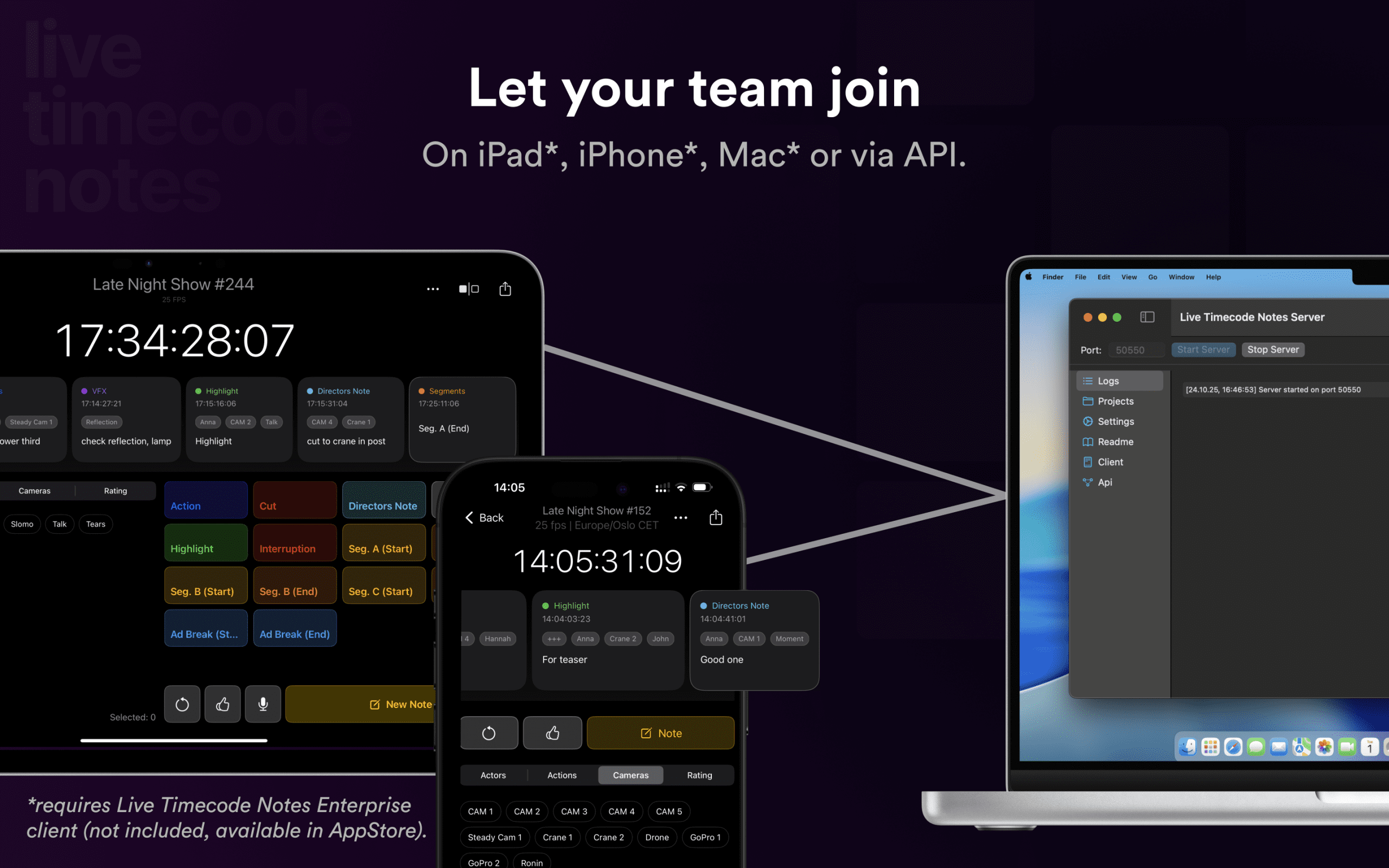
EditingTools.io has announced the Live Timecode Notes Server, a macOS-based solution for secure, local collaboration during live and live-on-tape productions. Scheduled for release in late 2025, the app turns any Mac into an offline hub for production notes, removing the need for cloud or internet access.
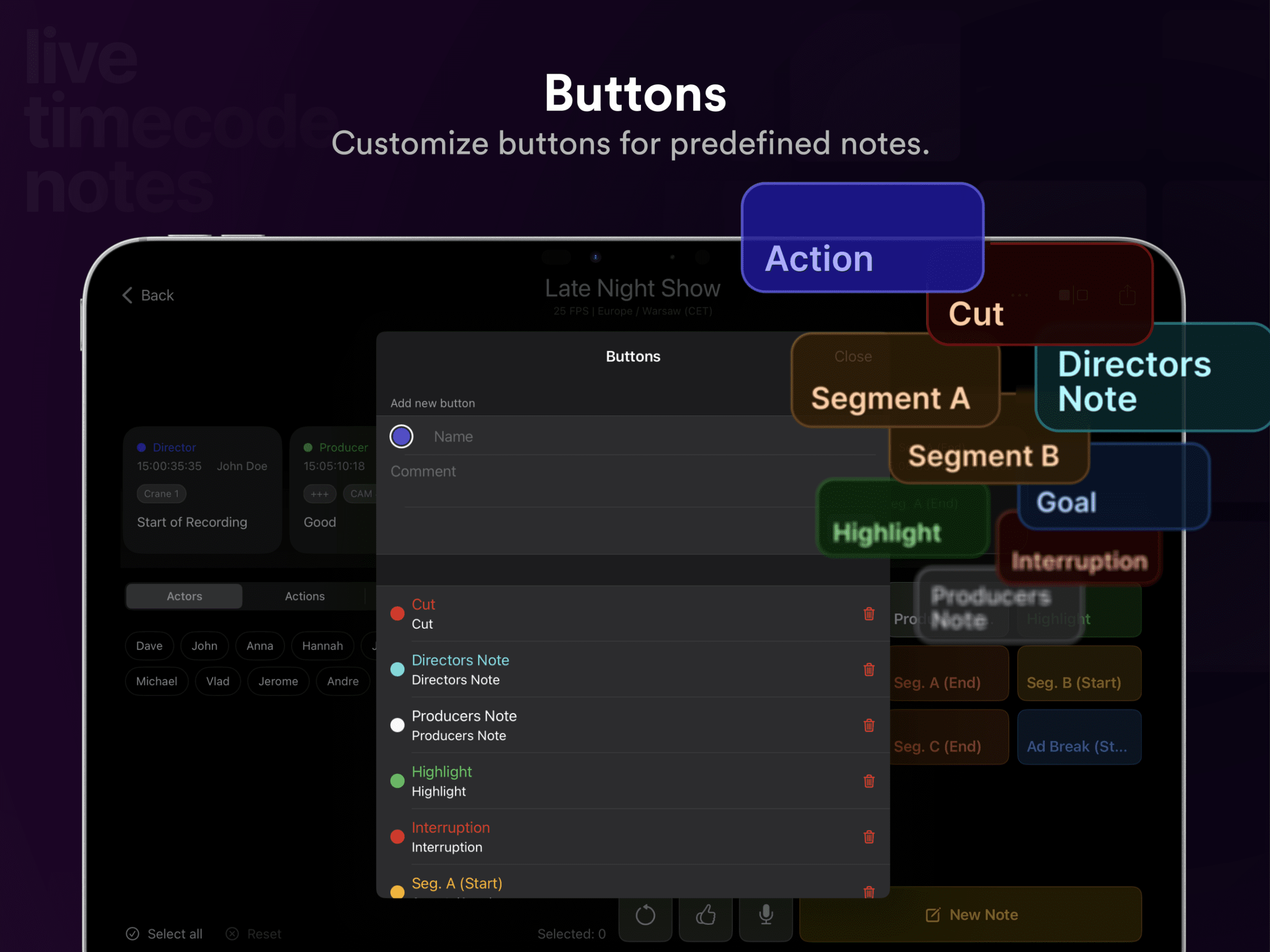
The new server complements the existing Live Timecode Notes app for iOS and macOS, which has been tested in hundreds of productions since its spring 2025 release. The mobile app supports live logging, tags, and predefined buttons, and exports notes and markers to Media Composer, Premiere Pro, DaVinci Resolve, and other NLEs.
A special treat: Digital Production readers get this link, and can test ALL the features of the pro version for free for two weeks – just remember to cancel the subscription to the Live Timecode Notes App before that, unless you fell in love with it. Or use it in your production.
The special Link to the Appstore.
The Original App: Notes for Professionals
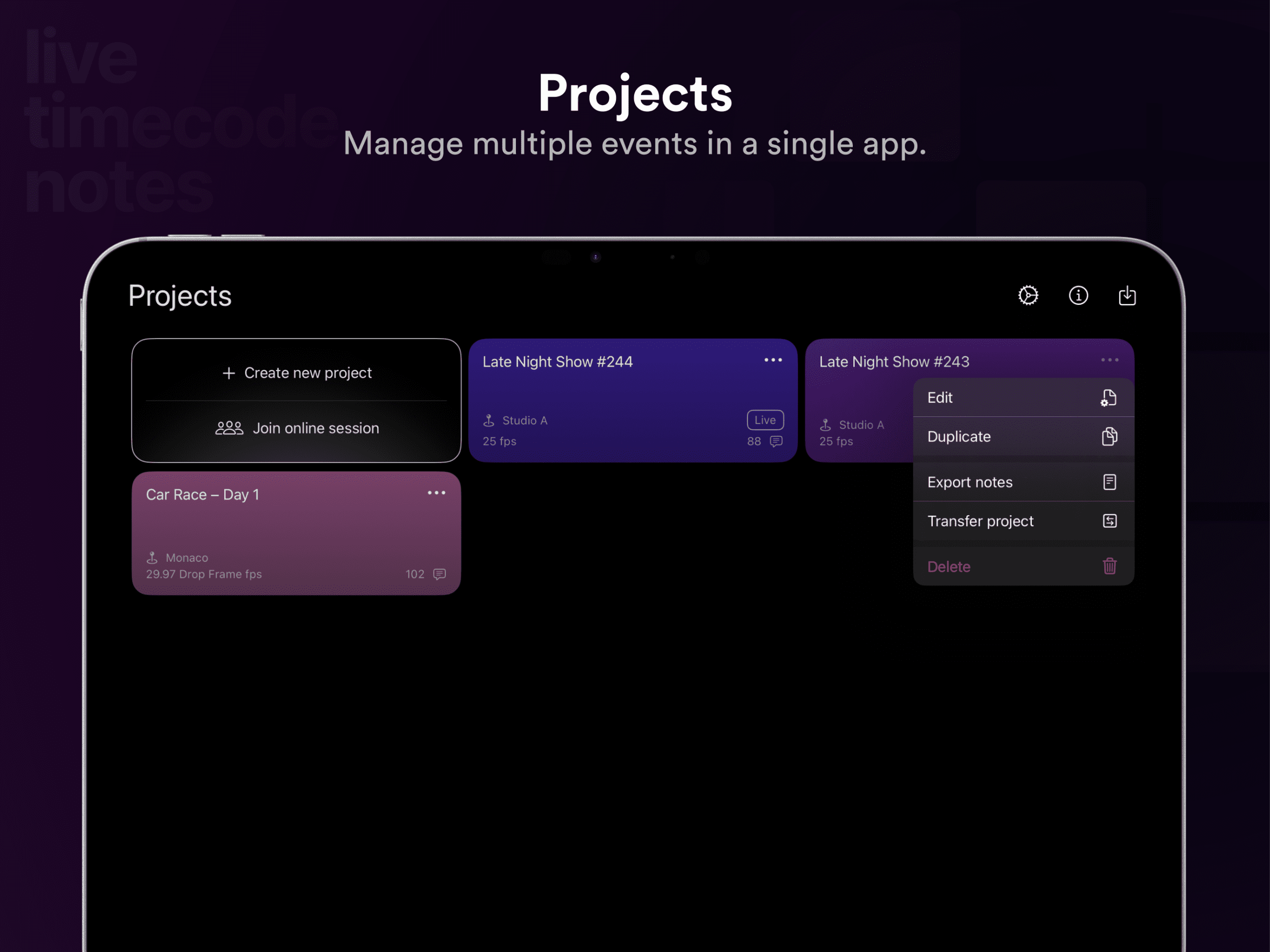
The original Live Timecode Notes app debuted as a lightweight logging tool for iOS and web, designed for live and taped productions that rely on precise timecode notes. It connects directly to external timecode generators such as those from Tentacle Sync, and automatically synchronises notes, tags, and markers across devices in real time. Notes can be exported in native formats for Avid Media Composer, Adobe Premiere Pro, DaVinci Resolve, and other editing systems, cutting out the need for manual transcription or error-prone spreadsheets.
For field teams, script supervisors, or multicam coordinators, this was already a quiet revolution: the ability to log, tag, and share notes instantly while cameras roll. However, the original app depends on a live internet connection for sync and collaboration. This made it less practical in secure or air-gapped environments, where the new macOS Live Timecode Notes Server now steps in. By bringing the same toolset offline, EditingTools.io effectively removes the last obstacle for productions that need reliability without relying on the cloud.
Built for Air-Gapped Sets
The Live Timecode Notes Server is designed for productions that must operate in offline or secure environments, such as reality TV, game shows, music or late-night shows, studio recordings, and documentaries. EditingTools.io emphasises data sovereignty, stating that all notes stay within the local network, while teams still benefit from real-time collaboration. Obviously, you can still bolt your Timecode Sync Tool, for example Tentale Sync, into your set.

The macOS application is compatible with macOS 12, 13, 14,15 and the latest, 26, and can run on MacBook, iMac, Mac mini, or MacBook Air systems. It operates by default on port 50550, with options for custom configuration.
Enterprise-Only and Unlimited

The server integrates with the Live Timecode Notes Enterprise client, but not with the subscription-based consumer version. Enterprise users gain access to an unlimited number of clients and projects within their local network.
Additional features include an open API for automation or third-party integration, IPv4/IPv6 compatibility, and standardised project backup support. The application is licensed perpetually, aligning with EditingTools.io’s enterprise model and avoiding recurring subscription costs. No Cloud, no subscription, no tracking – and that in 2025!

Pre-Order Access
EditingTools.io expects to ship the Live Timecode Notes Server between November and December 2025, following final testing. Pre-orders are already open at a discounted price via the company’s sales page. As always, professionals should verify stability and workflow compatibility before deploying new software in production environments.
A Quiet Pattern: Going Offline, by Design
The Live Timecode Notes Server is not the first time EditingTools.io has unplugged its own tools. Earlier this year, the company released a standalone version of its Marker Converter for macOS and iOS, another utility re-engineered for enterprise users and network-restricted environments.

The tool, which converts timeline markers between editing applications, now runs entirely offline and supports both light and dark modes. According to EditingTools.io, the goal is to make its key workflow tools available to teams operating in air-gapped systems or studios where internet access is tightly controlled. The company also released offline editions of its ALE Converter, and EDL Converter (Get them both in a Bundle HERE). Others may follow, depending on user demand.
