



If you’ve been using Blender for years, brushing through 2.x and 4.x versions and checking for that “next big thing”, here it is. The Blender Foundation today published Blender 5.0, marking not just a point-update but a clearly defined production ready milestone. Find the official announcement here: https://www.blender.org/press/blender-5-0-release/
Blender 5.0 introduces full support for the ACES workflow (Academy Colour Encoding System), enabling a more accurate and unified colour management system across pipelines. The release also brings HDR (High Dynamic Range) support, allowing for consistent high-fidelity colour reproduction on modern displays and rendering workflows.
Handling of large-scale geometry has been improved significantly. The software can now manage much larger .blend files and assets containing millions of vertices without becoming unstable or unresponsive. This directly benefits studios handling detailed scans, simulation caches, or complex game-ready environments.
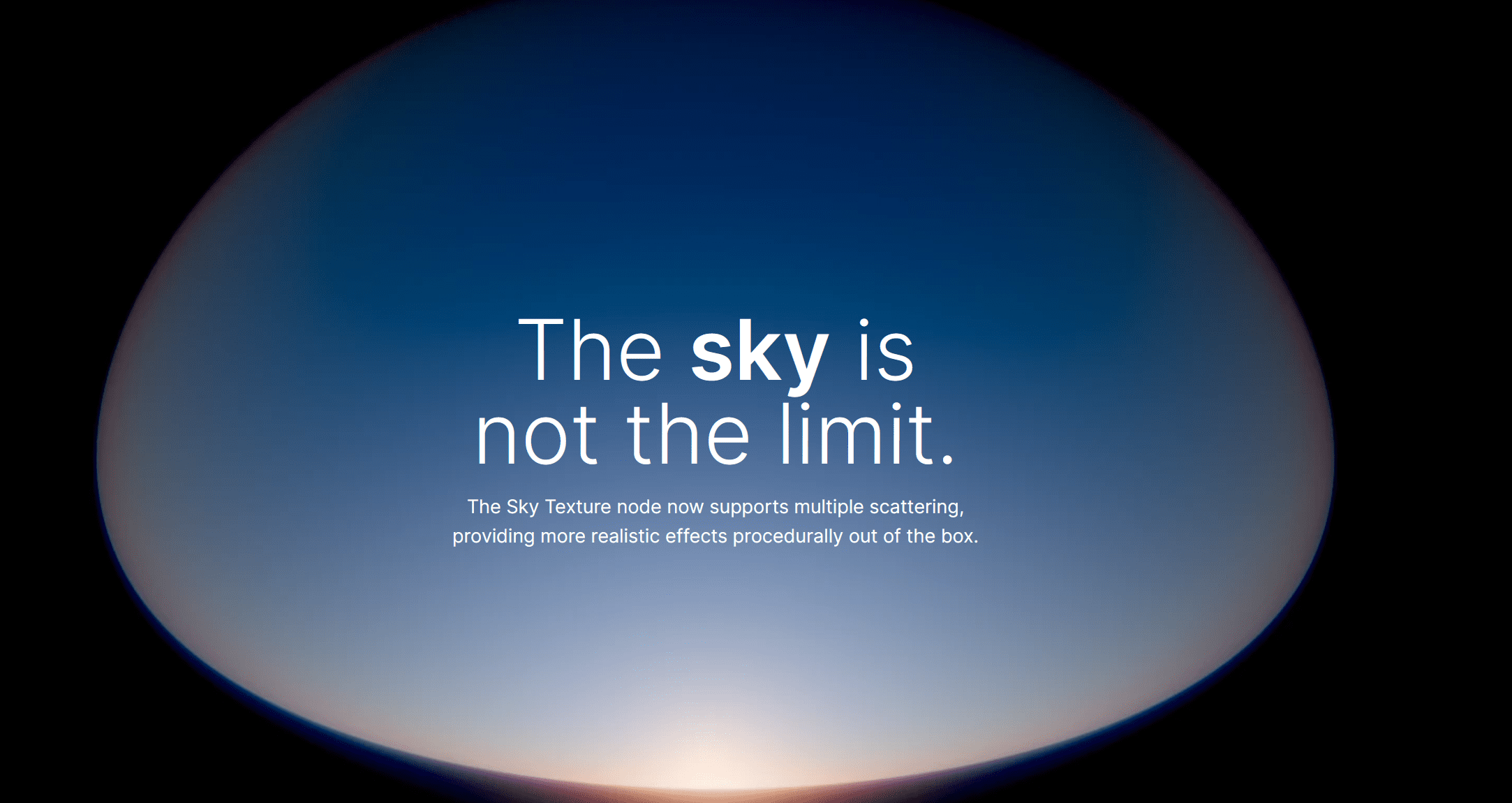
Rendering also receives notable refinements. There are new passes such as the Render Time Pass and Portal Depth Light Pass, and the OptiX Denoiser (for NVIDIA GPUs) now produces cleaner and more stable results, improving overall render efficiency. The UI and workflow have been tightened up as well. Drag-and-drop now feels smoother, the Outliner behaves more predictably, and widget styles have been unified for better readability. The Video Sequencer gains a useful improvement: using Shift + A now places a new strip directly under the mouse cursor, a small but meaningful quality-of-life fix for editors.

One caveat: Blender 5.0 introduces breaking changes that affect file compatibility. Projects saved in version 5.0 may not open properly in earlier 4.x versions. This should be considered before committing ongoing production work to the new version.

Grease Pencil
In Blender 5.0 the Grease Pencil toolset receives a new “Pen” tool in Edit Mode, which behaves similarly to the legacy curves pen tool, allowing more direct stroke-editing of Grease Pencil generated geometry. In addition, changes such as improved cyclic-stroke handling (start and end segments now connect without overlaps or gaps) are documented, improving reliability for looped 2D/3D hybrid animations.
Compositing
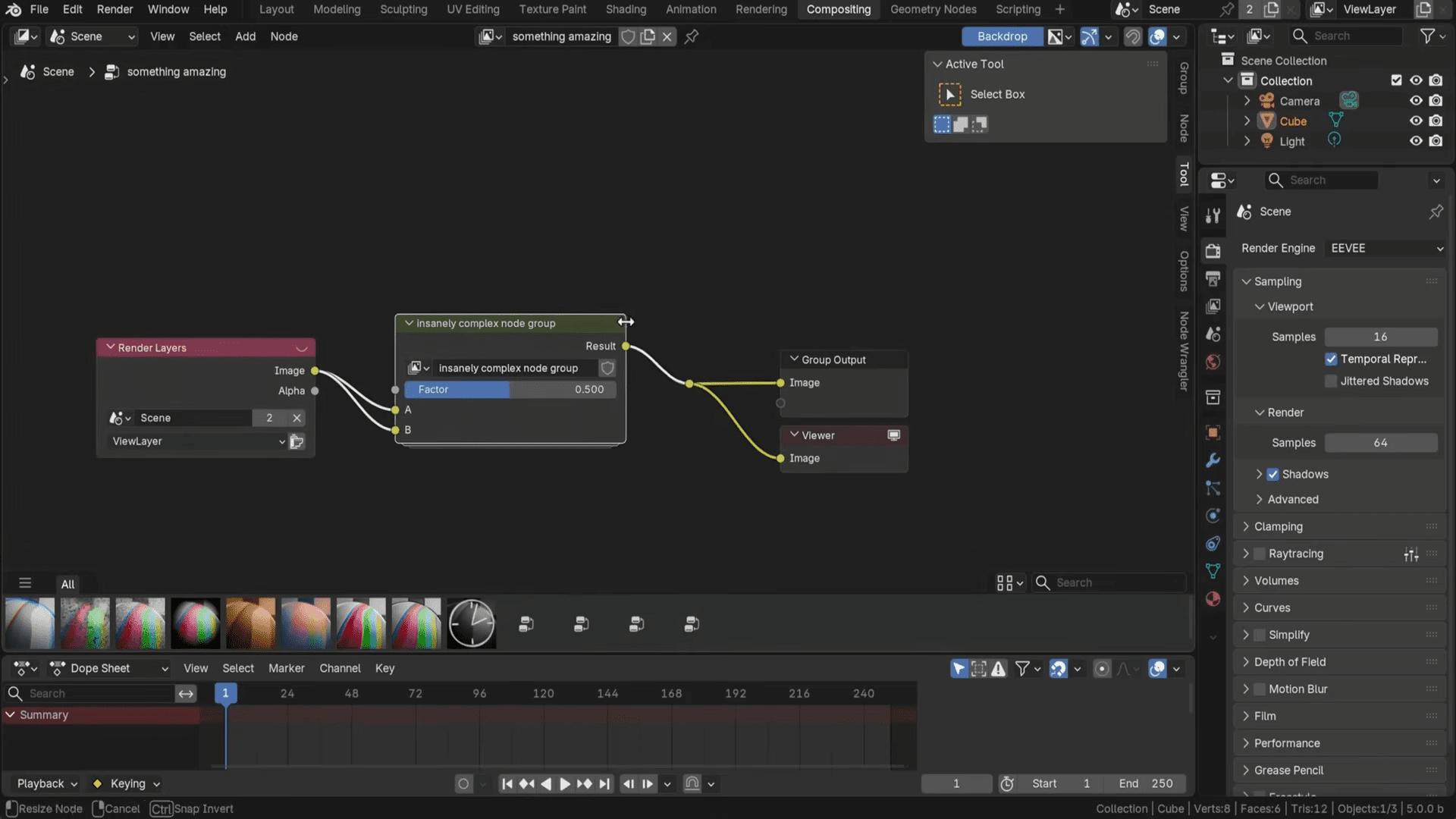
The compositor in Blender 5.0 sees enhancements aimed at more efficient node-based workflows. For instance, new nodes like Chromatic Aberration (simulating lens fringing) and Sensor Noise have been added. Also worth noting: the addition of an Asset Shelf in the node editor enables reuse of node groups across files, facilitating more modular compositing setups.
Geometry Nodes
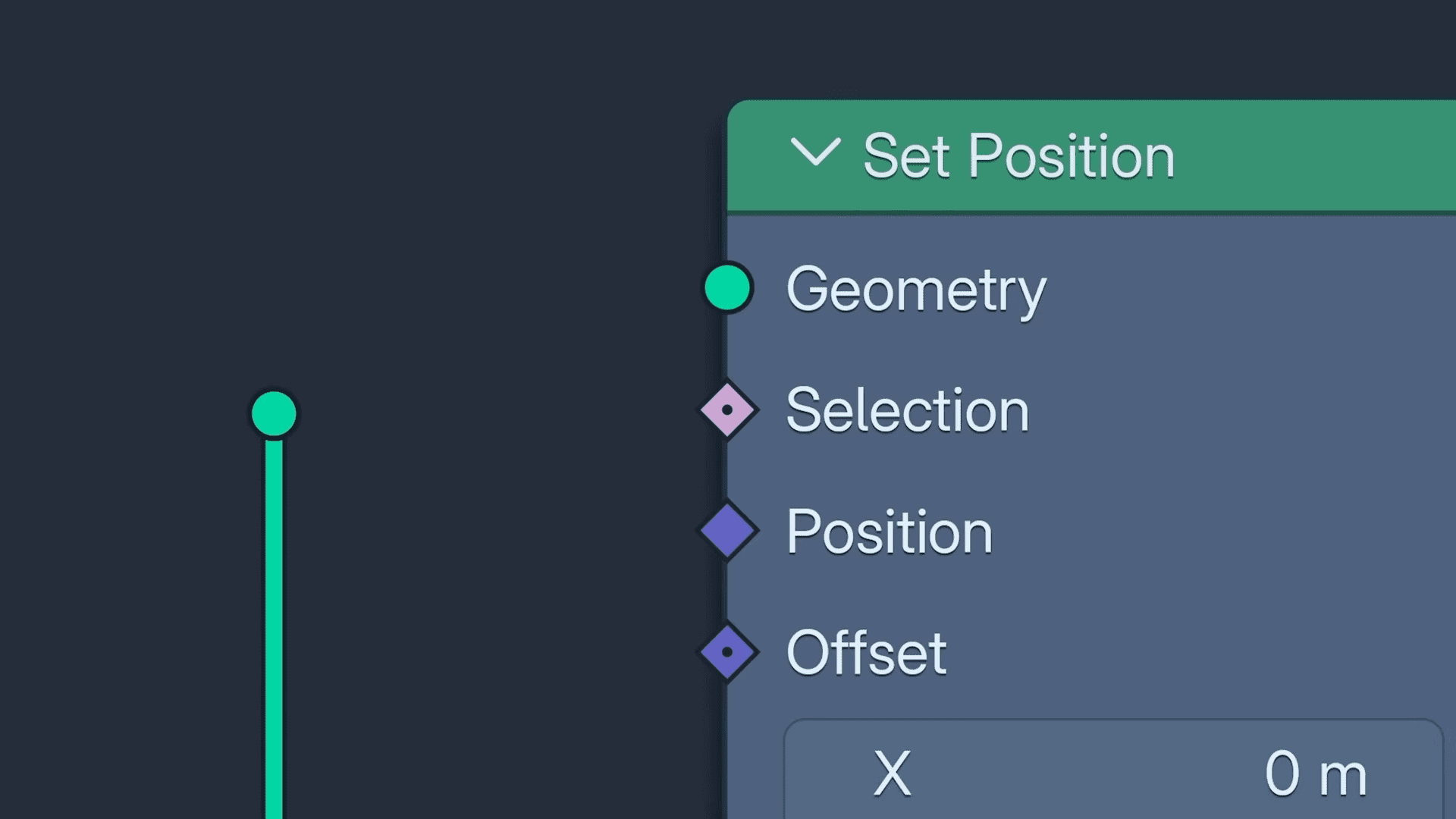
Blender 5.0 significantly expands the capabilities of the Geometry Nodes system. A new volume grid data type is supported, enabling volumetric workflows in procedural layouts (via OpenVDB grids) rather than converting to mesh forms. It also introduces SDF-Grid Laplacian and SDF-Grid Median nodes to process signed distance fields for curvature flow and noise reduction within SDF data sets.
Cycles
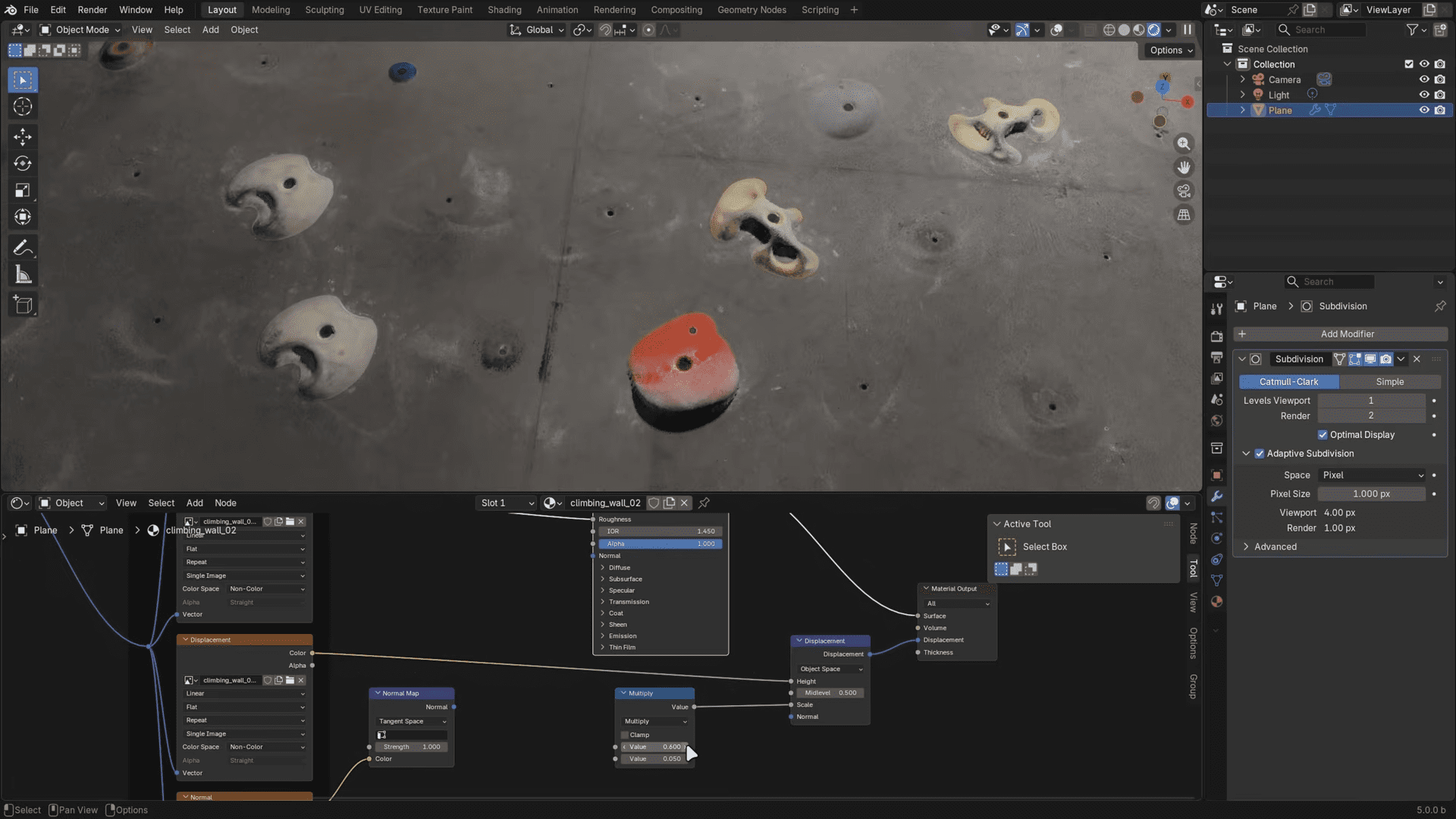
The rendering engine Cycles in Blender 5.0 receives updates such as a new default volume rendering algorithm based on “null scattering” which reduces artefacts in overlapping volumes and simplifies parameter tuning. cSupport for thin-film iridescence in the Metallic BSDF shader and improvements in subsurface scattering (SSS) via the Random Walk model are also included.
Video Editing (Sequencer)
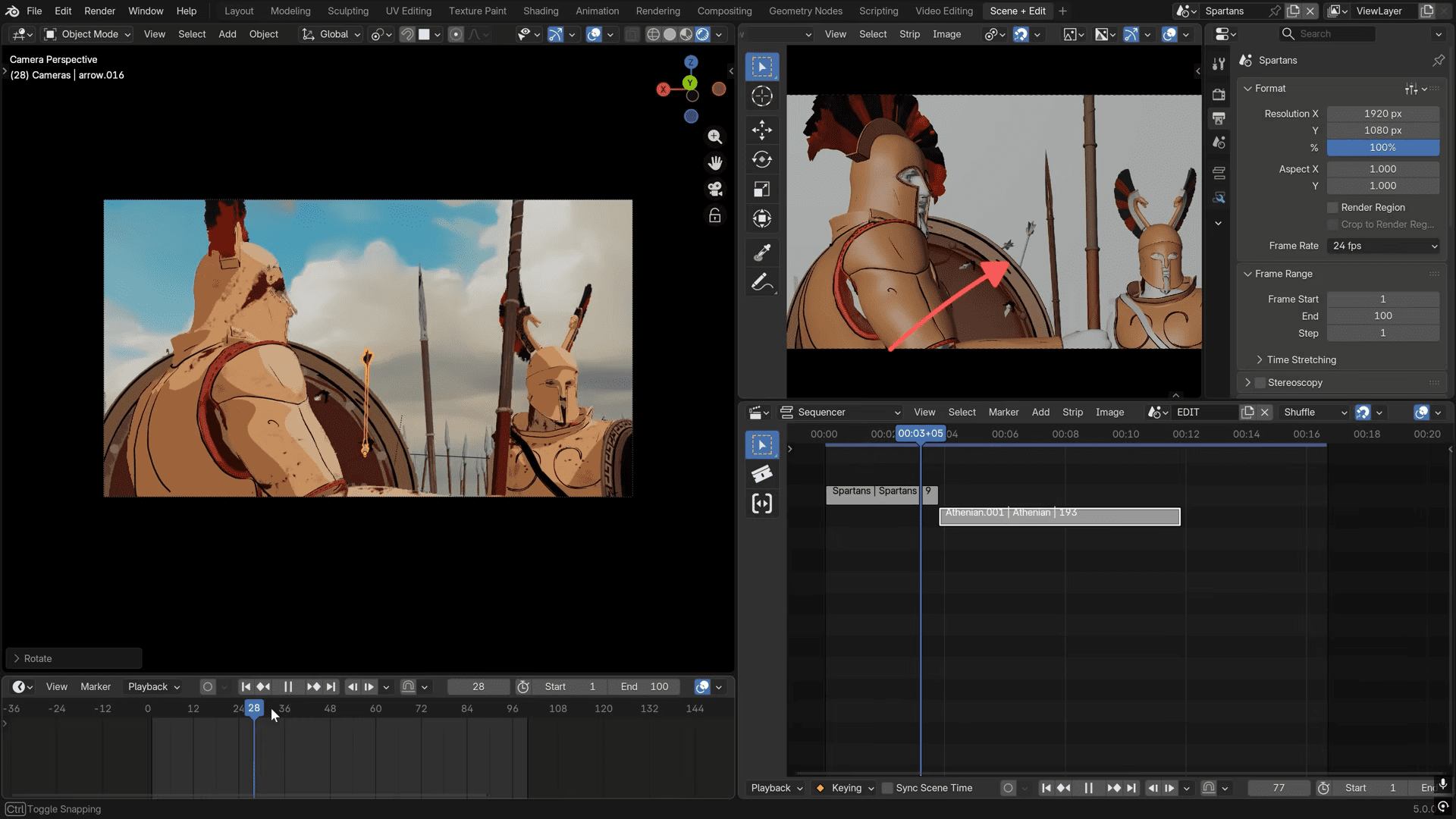
In the Video Sequencer module of Blender 5.0 there is now the ability to apply compositing node trees directly inside the Sequencer via a ‘Compositor modifier’, allowing editors and motion-graphics artists to work within a unified timeline rather than switching contexts. General timeline behaviour improvements and UI refinements accompany this feature, though documentation of major new video-editing specific nodes remains minimal.
Production Tips & Caveats
For anyone planning to introduce Blender 5.0 into a studio or pipeline environment, caution and preparation remain essential. It is strongly recommended to first test 5.0 on non-critical projects to assess stability and compatibility with existing tools. Large pipelines have complex dependencies, and even minor version changes can lead to unexpected issues in rendering, scripting, or I/O.
Before migrating, verify that essential add-ons and Python scripts are compatible with the new version. Major releases often introduce API changes that can break automation tools or extensions. Keeping a parallel installation of the previous stable version (such as 4.5 LTS) ensures that ongoing projects remain safe while the team evaluates the upgrade. While the release notes provide strong technical documentation, it has not been independently verified at press time how stable every new feature performs under heavy production workloads. Testing before adoption in live projects is essential.
Final Thoughts
After years of steady iteration, Blender 5.0 feels like a landmark release. It brings the open-source 3D suite closer to the needs of real production environments, not through flashy gimmicks but through practical improvements: robust colour workflows, more reliable geometry handling, and thoughtful interface refinements.
For anyone who has been with Blender since the endless 2.x days, this version might be the moment it finally explodes. If your pipeline can handle a test migration, now is a good time to download, install, and see what Blender 5.0 can actually do for your studio.
