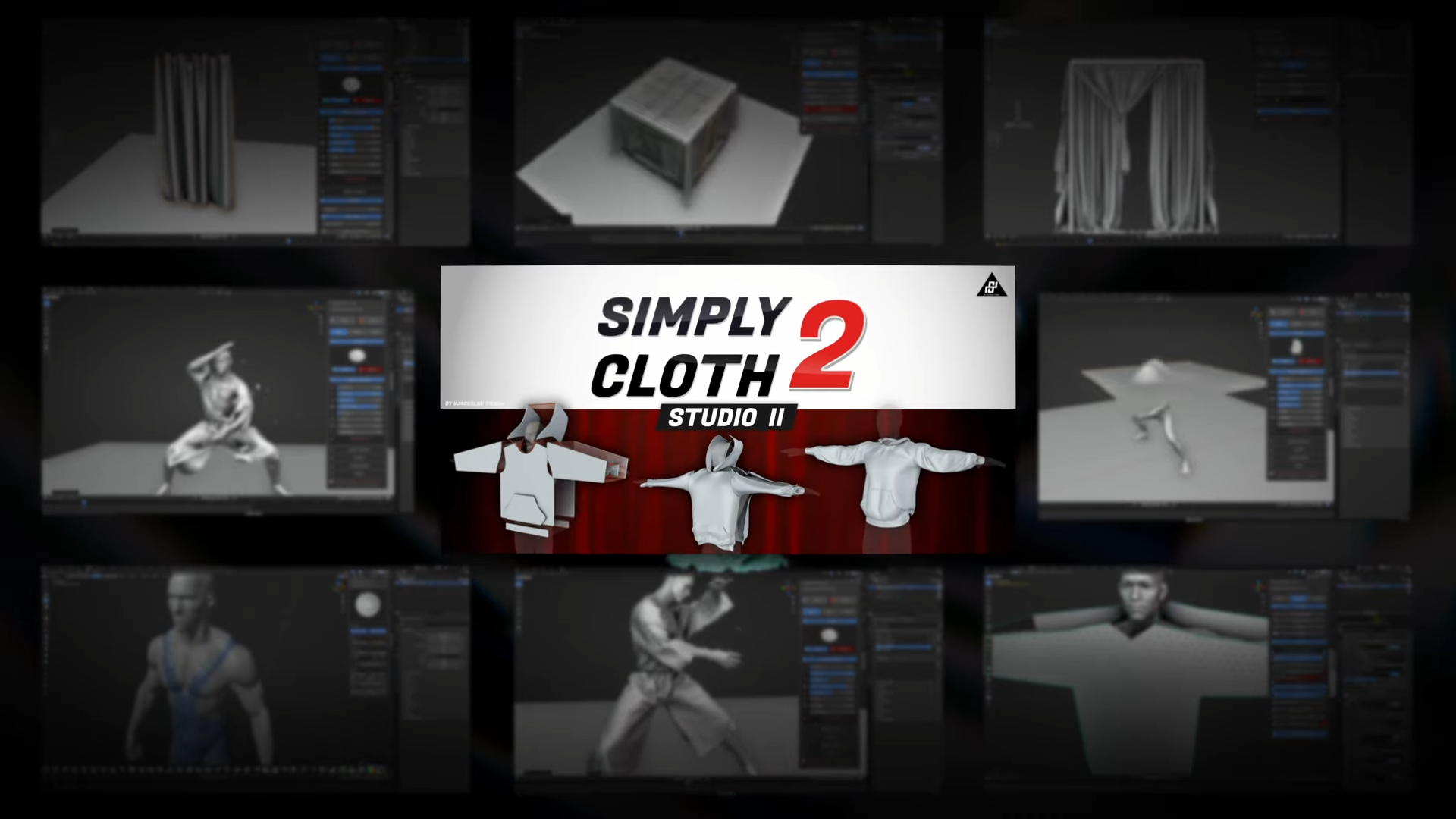
For those who don’t know the tool: Simply Cloth Studio is a Blender add-on for creating realistic digital clothing through real-time cloth simulation. It sits between modelling and simulation, offering a fast prototyping environment for artists who prefer geometry nodes over complex cloth setups.
Simply Cloth Studio 2.0 arrives as a complete rebuild for Blender 5.0, replacing every button, menu, and modifier with a cleaner, faster foundation. The developer, ViaceslavT, promises smoother simulations, a modernised interface, and far less guesswork when setting up garments.
The new window management system keeps the workspace tidy, while adaptive structures automatically handle subdivision and collision. Documentation is available in English and Japanese and can be downloaded from the user account page.
Wrinkles that know what they’re doing
Version 2.0’s adaptive wrinkle system analyses mesh angles and curvature to generate weight-based wrinkle maps on the fly. Artists can control wrinkle intensity, direction, and detail level using Blender’s geometry nodes, with optional adaptive subdivision when extra precision is needed. A built-in “Merge Distance” setting helps fix shading artefacts when the model scale differs from defaults, a small but practical improvement.
Cleaner sewing, sharper tearing
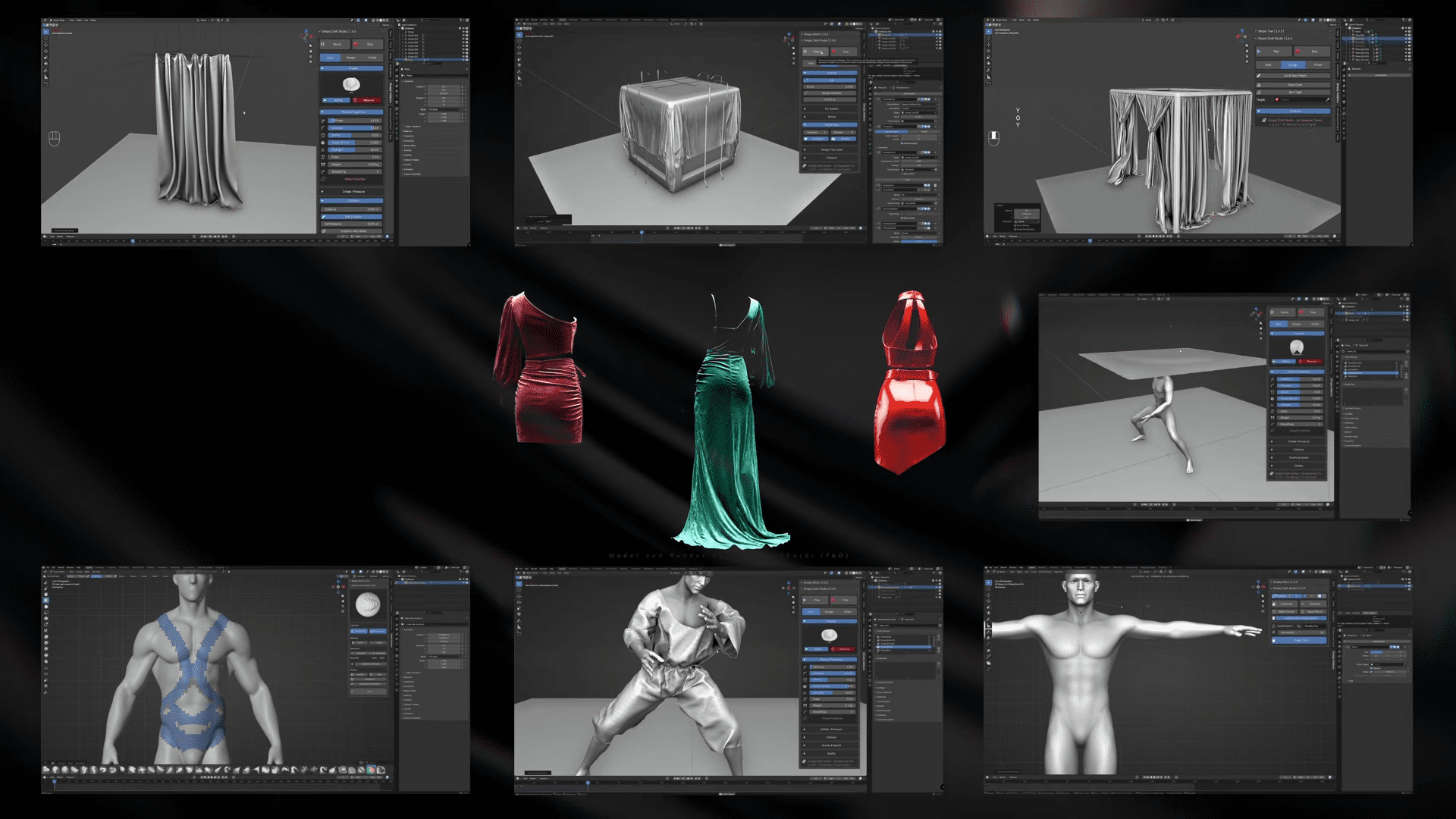
The interface now separates the workflow into Start, Design, and Finish stages. Each stage exposes only the relevant controls, collision setup, pattern cutting, or final baking. A new sewing logic improves edge matching and reduces mesh collapse during gap closure. Simply Cloth Studio also integrates a static tearing tool, based on Simply Tear Lite. A Pro version exists separately for dynamic, collision-based tearing, but the included Lite tool is enough for most cloth breakup needs.
Paint your clothes directly
Paint Cloth, the add-on’s sculpt-based garment extractor, lets artists paint clothing directly onto a model and simulate it as a new object. The system includes sculpt brushes for bending, grabbing, inflating, and twisting cloth surfaces. UI bugs in these brushes have been fixed, along with caching and keyframe baking.
Versions, pricing, and upgrades
Simply Cloth Studio 2.0 comes in three paid editions:
- Studio 2.0 – Full Functionality: USD 36.
All core simulation tools, cloth presets, sewing, and pin systems. - Studio 2.0 + Cut & Sew Asset Library: USD 66.
Adds a library of 200+ editable garment patterns designed for live simulation. - Full Commercial Licence: USD 170.
Includes both add-on and asset library, licensed for up to three seats per industry sector.
Anyone who bought version 1.5 on or after 16 July 2025 can claim a free upgrade by contacting the developer directly.
Under the hood
The 2.0 update fixes multiple long-term bugs: Paint Cloth extraction errors, sculpt brush UI misalignment, shape key cache problems, and broken keyframe baking are all marked resolved. Geometry Nodes compatibility has also been tightened, ensuring stable performance across Blender 4.1 and later. The add-on now runs faster in viewport playback and includes the Optim Cloth mode for low-resolution previews. Users can bake simulations to cache or keyframes, and the new Shrink and Pin systems have better vertex-layer control.
The two cloth packs, explained
The Cut & Sew Asset Library (included in the USD 66 and USD 170 versions) offers flat, editable patterns for simulation inside Blender. The Simply Clothing Pack, sold separately, contains the same 200+ garments as pre-simulated meshes—ready to drop into scenes without running cloth physics. Same assets, different intent: one for artists who simulate, one for those who just need clothes. All documentation and FAQs are available online, with a Discord community and direct email support.
https://superhivemarket.com/products/simply-cloth/