



For those who don’t know the tool: Autodesk Flow Studio is a cloud-based AI VFX platform derived from Wonder Studio by Wonder Dynamics, now owned by Autodesk. It automates tasks such as motion capture, camera tracking and character animation. The new Wonder 3D model adds generative asset creation to this pipeline.
Autodesk adds generative asset creation
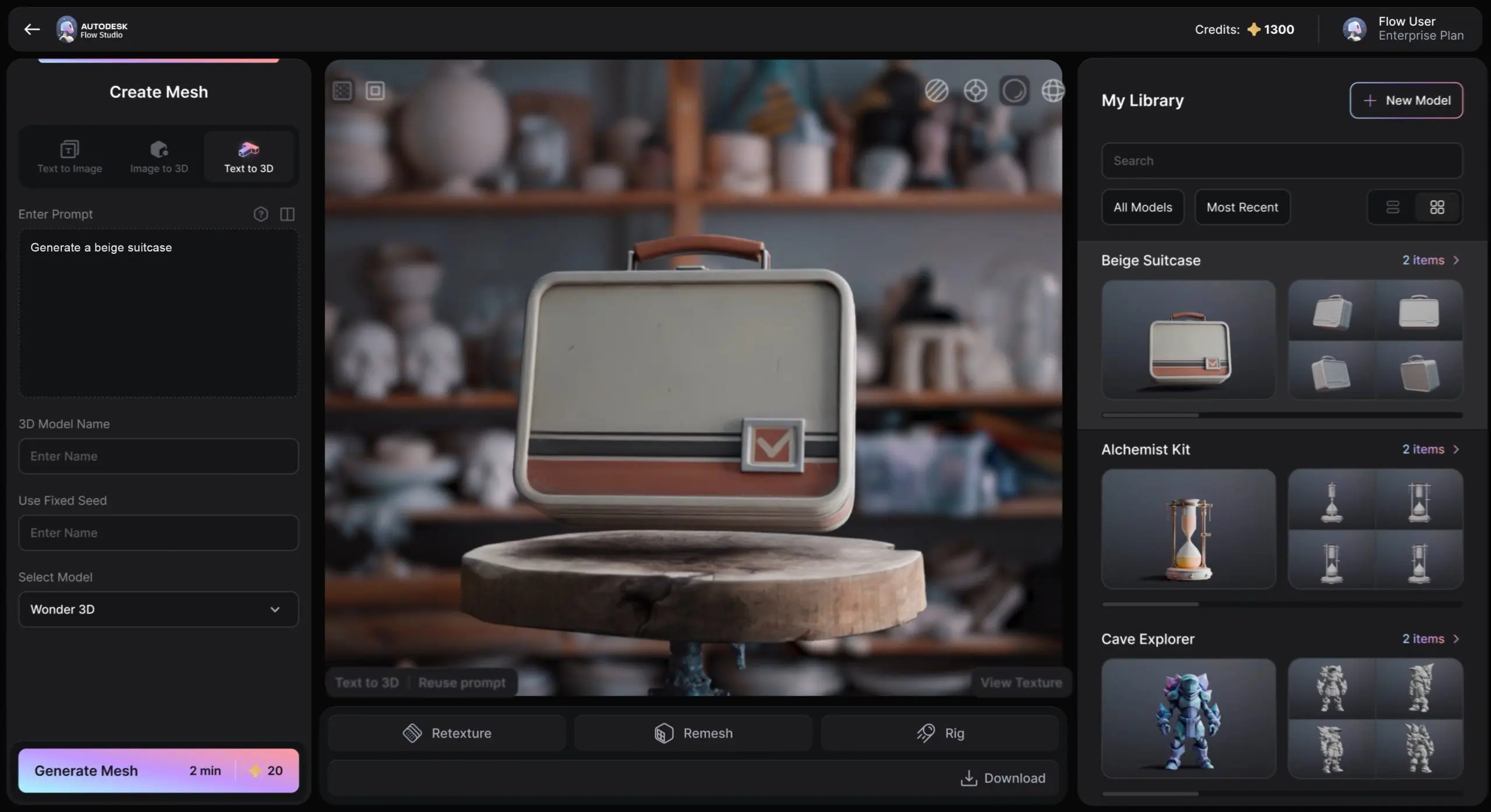
Autodesk has introduced Wonder 3D, a generative AI model integrated into Autodesk Flow Studio. The model generates 3D assets from text prompts or reference images and is now available inside the Flow Studio interface. According to Autodesk, Wonder 3D allows users to produce editable 3D assets including characters and objects through prompt-based workflows. The feature is available as part of the Wonder Tools section in Flow Studio and is accessible to all subscription tiers of the platform.

Flow Studio itself is the cloud-based evolution of Wonder Studio, the AI VFX system developed by Wonder Dynamics prior to its acquisition by Autodesk. The software automates technical tasks such as motion capture extraction, camera tracking and character animation in live-action plates. Wonder 3D extends this system with generative asset creation.

Prompt based 3D generation
Wonder 3D supports several generative workflows that convert prompts into 3D models or concept images.
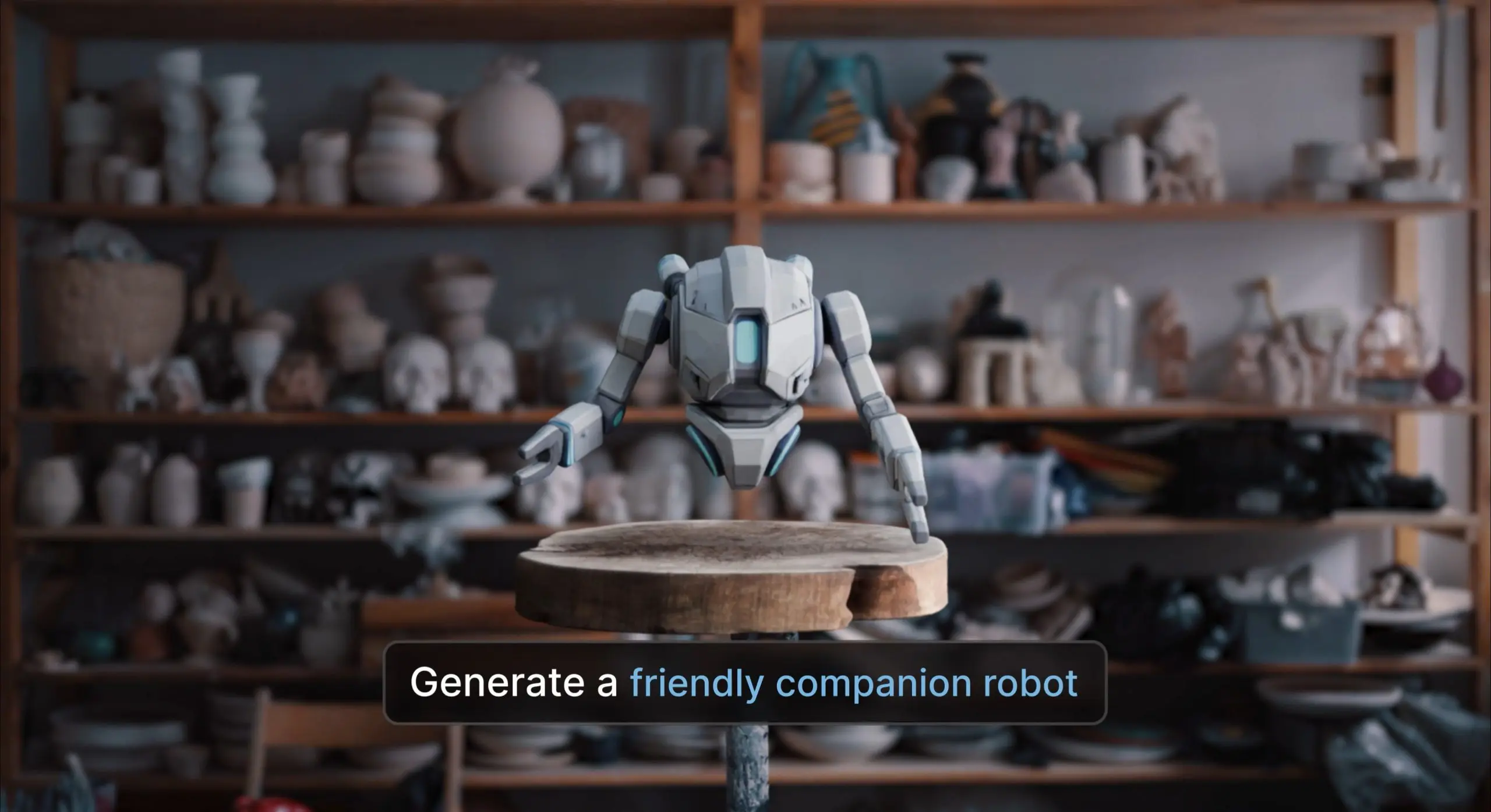
Text to 3D allows users to describe characters, creatures or props in written prompts. The system then generates 3D assets including geometry and textures. Autodesk states that these models remain editable and can be reused or refined within later production stages.
Image to 3D converts reference images into 3D models. Autodesk states that users can input sketches, concept art or other imagery to produce textured 3D models. The resulting models can be adjusted by modifying form, structure and surface details.
Text to image generation is also included. This mode produces concept imagery from written prompts. Autodesk describes this workflow as a way to explore visual ideas before converting them into 3D assets.
Generated assets can be exported as OBJ files. The OBJ format supports interchange between 3D tools and can also be used for 3D printing or physical prototyping. Whcih is what we’ll be doing as soon as we have access to Flow Studio.
Autodesk states that assets created with Wonder 3D are fully editable. However, the exact structure of the generated meshes, the quality of their topology, and their suitability for rigging or deformation workflows are not yet tested.
Intended use cases
Autodesk positions Wonder 3D as a rapid asset creation tool for a range of creative workflows. For game development, the company states that studios can generate characters, props and environmental assets for early prototyping. The company notes that both independent developers and large studios may use the system to produce placeholder assets during early development stages.
Autodesk also states that the tool can assist virtual production and extended reality teams by allowing them to populate scenes with quickly generated assets.
Further use cases outside professional production pipelines are for independent developers without large art teams, and hobbyists producing models for 3D printing. These use cases are presented as potential applications by Autodesk. No performance benchmarks, production case studies or pipeline validation examples are known yet.
Integration inside Flow Studio
Wonder 3D is implemented directly within the Flow Studio interface. Autodesk describes it as one of the tools within the Wonder Tools section. Flow Studio already provides automated AI-driven tools for integrating CG characters into live-action footage. The platform performs motion capture extraction, lighting estimation and camera tracking automatically from footage.
In that context, Wonder 3D potentially provides an internal asset generation stage before characters or props are inserted into scenes using the existing Flow Studio pipeline. However, Autodesk has not detailed how Wonder 3D assets interact with other parts of the Flow Studio system. Documentation describing rigging compatibility, animation workflows or interchange with external DCC tools is not provided yet.
Availability
Wonder 3D is available immediately inside Autodesk Flow Studio. Autodesk states that the tool is accessible to all Flow Studio users regardless of subscription tier – The company has not published separate pricing for Wonder 3D. More information is available on the Autodesk Flow Studio website.

As with any new tool introduced into production environments, studios should evaluate its behaviour, performance and asset quality carefully before integrating it into active pipelines.
// https://www.autodesk.com/campaigns/flow-studio
// https://wonderdynamics.com/
