

Brushes, now in orbit
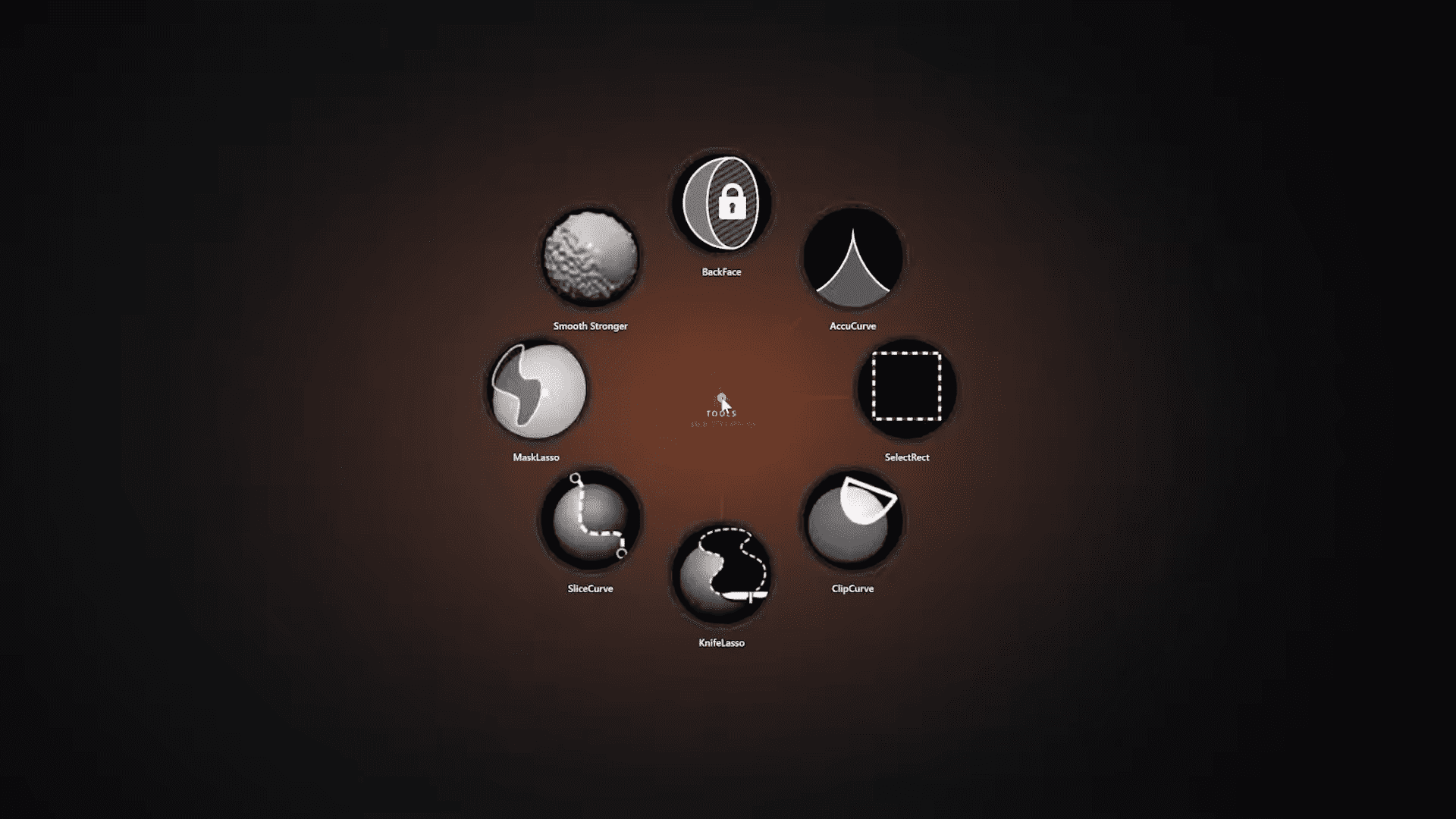
RadialZ places brush thumbnails in a circle around the cursor. Open the menu, move the pen towards a brush and select it with a directional gesture. The idea is pleasantly small: stop travelling across the interface whenever a different brush is needed. During a long sculpting session, those tiny journeys can become a commute. But: RadialZ reorganises access to existing tools. It does not introduce a new brush format or alter stroke behaviour.
And you can create several menus for different tasks. Blocking brushes can live in one wheel, detailing tools in another, and Insert Multi Mesh brushes in their own well-stocked drawer.
Bring your own brushes
The picker supports the standard ZBrush library, custom brushes, vector displacement mesh brushes and Insert Multi Mesh brushes – useful for productions where factory tools rarely remain alone for long. Personal brushes, studio presets and project-specific assets can sit beside the defaults instead of being exiled to another menu.

Made for pen juggling
The utility supports Wacom tablets. Artists can trigger it from a keyboard, left-hand controller or Elgato Stream Deck. The drawing hand stays near the model while the other opens the wheel. Once the directions become familiar, brush selection can rely more on muscle memory and less on remembering whether ClayBuildup was assigned to Shift, Ctrl, Alt or interpretive dance. But too many wheels would recreate the original problem in circular form. Sensible menu design requires adult supervision. So, ask your Colorist or Rigger to help you with that.
Windows only, for now
RadialZ currently requires Microsoft Windows and ZBrush 2026. Earlier releases, macOS and ZBrush for iPad are not supported. That narrow compatibility may rule it out for studios running frozen software builds. But RadialZ is very new, ad compatibility and OS support might widen.

The price?
RadialZ costs $39 USD as a one-time purchase. The licence can be reactivated after moving to another computer. One-Time, no subscription. The developer describes the utility as lightweight and claims it does not affect performance. We’ll see about that, but as a small, helpful tool it is at least worth a try.
