



“The Amazing Spider-Man 2: Rise of Electro” was one of the most elaborate projects for Sony Pictures Imageworks in recent times. DP met Digital Effects Supervisor David A. Smith at FMX 2O14. In the interview he told us more about the workflow and the use of Katana on this project.
After three film adaptations with Tobey Maguire as the comic hero Spider-Man between 2002 and 2007, but then disputes arose over part 4, Sony Pictures Imageworks (SPI) stopped another production with the old team.
Without further ado, a new start was made and Peter Parker alias Andrew Garfield went back to high school in the first part. This year in April, “The Amazing Spider-Man 2: Rise of Electro” was released in cinemas, and the film will be released on DVD and BluRay on 9 September. The box office takings of the second instalment were decent at 750 million worldwide, but were below the financial success of the first instalment. The release of the third instalment has currently been postponed to 2018.
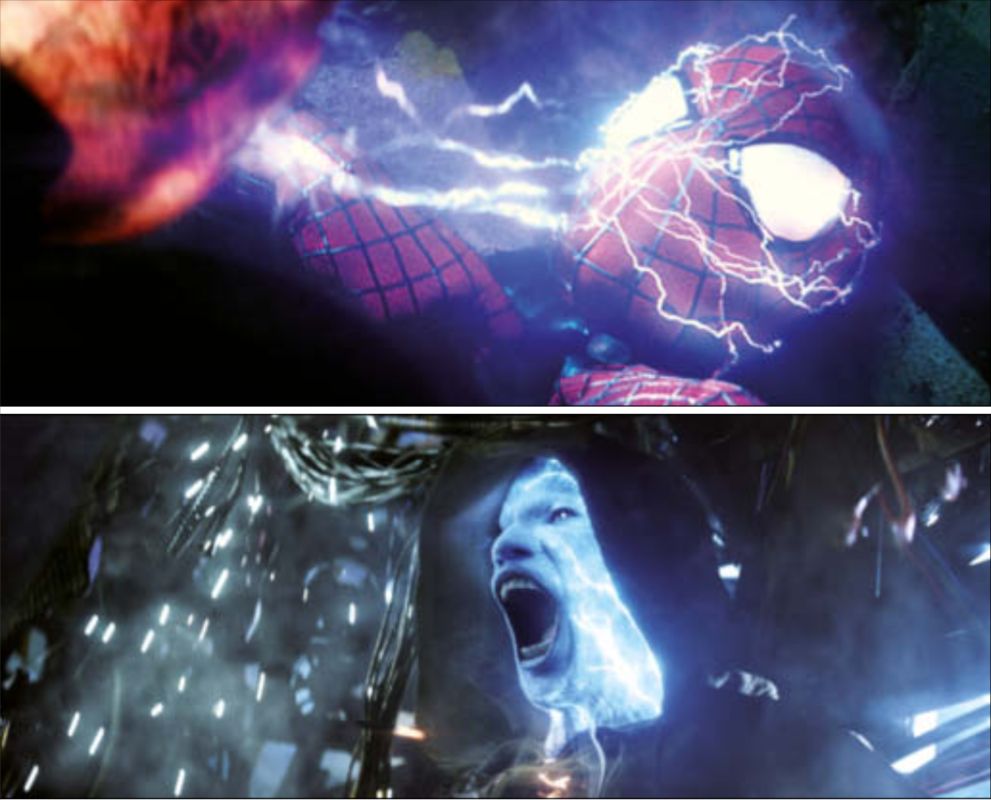
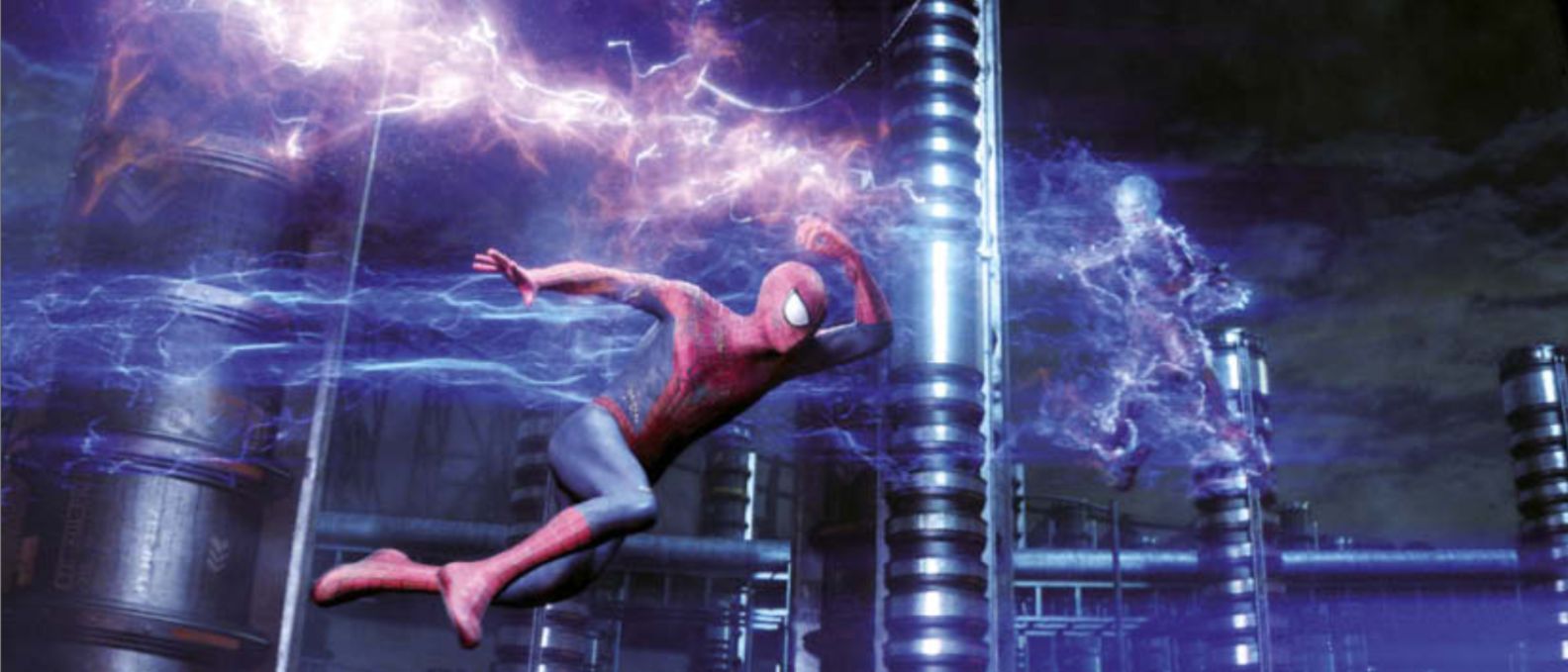
As with all “Spider-Man” film adaptations to date, SPI was responsible for the visual effects, with MPC, Shade VFX(www.shadevfx.com) and Pixel Playground(www.pixelplaygroundinc.com) helping out as vendors. One of the biggest VFX challenges was posed by the villain Electro (Jamie Foxx), through whose veins blue electricity pulses instead of blood. His special effects make-up was created by the KNB EFX Group(www.knbefxgroup.com), and to bring it to life, SPI added VFX layers. The VFX team drew on references from night-time thunderstorms for its glowing-from-within look.
The first part of the reboot series was filmed natively in 3D, with Legend 3D(legend3d.com) and Prime Focus(www.primefocusworld.com) providing the stereo conversion of the analogue Arriflex and Panavision camera footage for the second part. The team shot the entire film in and around New York City. On Long Island, SPI recreated a huge backdrop of the northern part of Times Square in its original scale. The VFX team recorded every detail of the New York square with photographs and videos as well as a surveying team. Huge green screen areas were integrated into the set so that advertising posters and films on Time Square could be added or changed at short notice according to the film sponsors.
David A. Smith(www.imdb.com/name/nm0807860) told us why Andrew Garfield was unable to put on the white plastic eyes of the “Spider Man” costume during filming, despite the built-in lenses, and what advantage this had for the CG team.
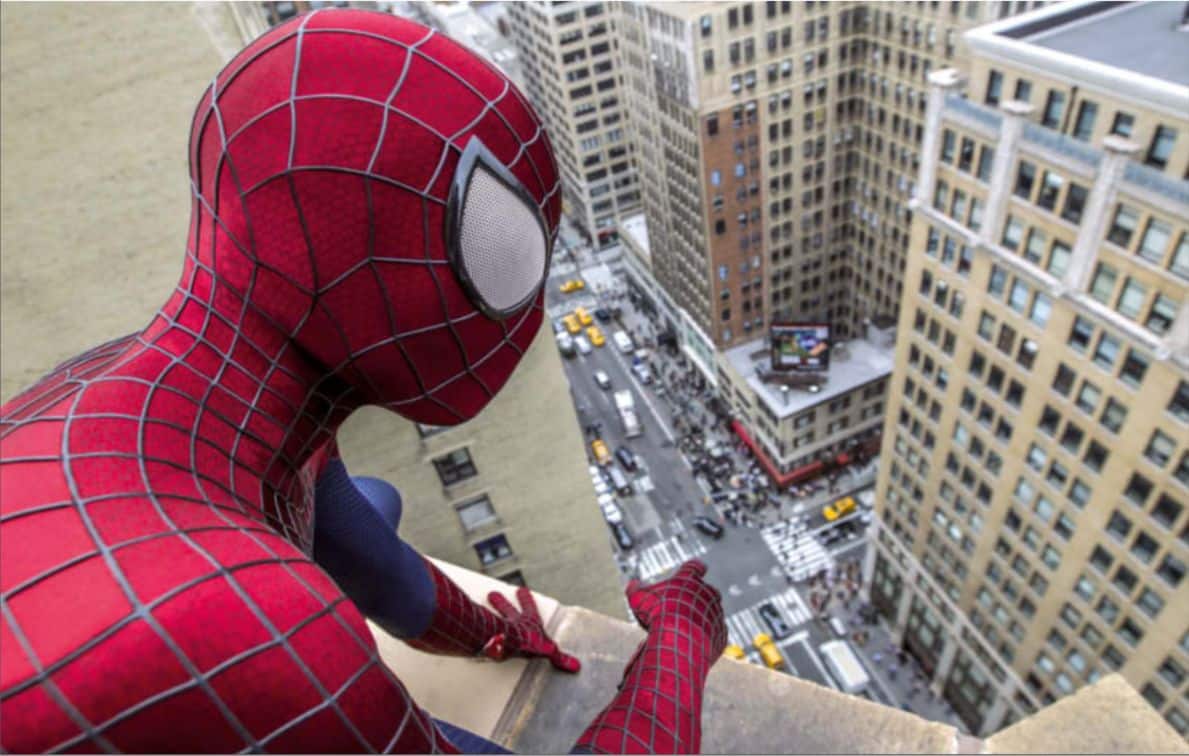
DP: Why does Spider-Man have much bigger eyes in this instalment?
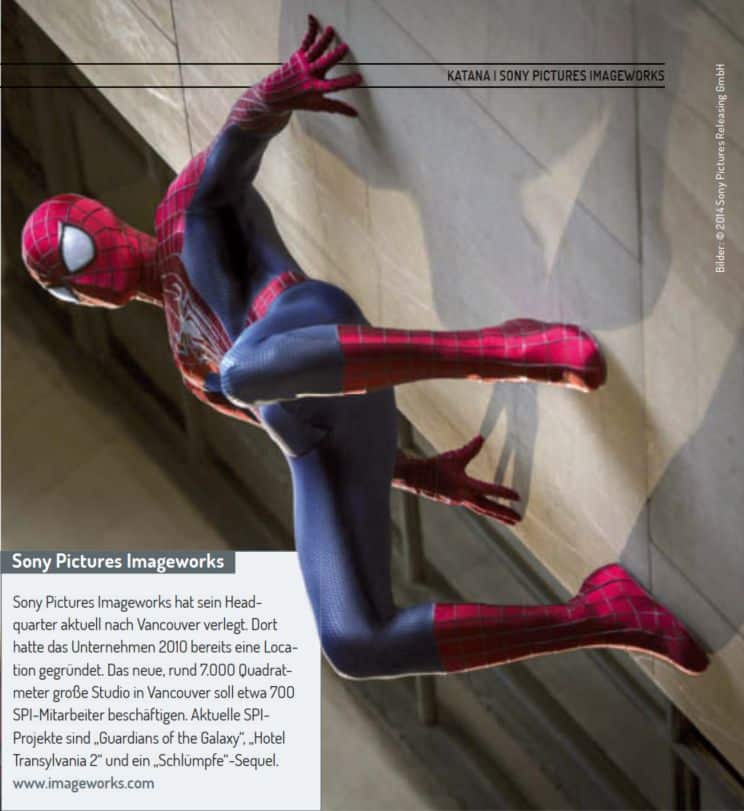
David A. Smith: I wanted his suit to look more cartoonish. The design decision was probably influenced by the look of the “Ultimate Spider-Man” comic series. The funny thing about the suit was that because the actors or stunt people couldn’t see enough through the plastic eyes during filming, they never wore them. That’s why we had to use them in all the shots in post-production, which had the advantage that we could reflect all kinds of things in them. That brought a lot of life and expression to Spider-Man’s face.
DP: How big was the SPI team for the project?
David A. Smith: Our teams in Los Angeles and Vancouver worked on “Spider-Man 2”. It was a 50/50 split between the two locations, with a total of about 400 artists working on the project for SPI. We have a communication system that allows all team members to see the same interface, so it makes no difference to us where someone is sitting. We also work with a division in India and various vendors.
DP: How is the SPI pipeline structured?
David A. Smith: It is Maya-based and is supplemented by numerous proprietary codes and plug-ins. We use Maya for Cloth and Hair simulations, for “Spider-Man 2” the tool was mainly used for the spider webs. We convert the Maya data into Alembic format and import it into Katana or Houdini. We lighten in Katana, render in Arnold and comp in Nuke. It’s a classic pipeline that a lot of people have – so artists are able to work more fluidly with it and share more. Our management system, Track-It, is a comprehensive tool that we wrote ourselves and have been using for ten years. We’ve also tested Shotgun to see if it might be more effective for our purposes, but haven’t switched yet.
DP: Did you create Electro’s lightning effects with Houdini?
David A. Smith: Most of them – they were generated geometries and procedurals that we broke apart. Thanks to Alembic, we can import any kind of geometry into Katana.
DP: What other advantages does Katana have in the workflow?
David A. Smith: It’s intuitive, but still very comprehensive to use. About 50 to 60 artists used it regularly for lighting on “SpiderMan 2”. Even if an artist is not so tech-savvy or not a lighting expert, they can still use it to quickly learn the basics of lighting. On the other hand, those who work in a very technology-orientated way can use it to expand their application. For example, we use it to manage levels of destruction of objects across sequences. Or to manage variations of an asset if we have digital doubles of actors, for example. Katana can be used to organise everything from the lighting area.
DP: How many assets can Katana handle at the same time?
David A. Smith: I haven’t experienced a limit. We were able to create our assets as large as we needed without Katana causing any problems. The important thing is that the pipeline around Katana is capable of encoding so much data. We have recently made the data encoding process much more efficient. The team only had to worry about whether they had enough resources and time to create a CG world as realistically as possible – but not worry about technical limitations. Artists have many ways to efficiently edit huge asset scenes, such as the skyscraper backdrops in “Spider-Man”: they can switch assets off or on in a scene and edit or render only certain areas. This significantly shortens the iteration time.
DP: Consistent naming is extremely important when using Katana. How did you organise this in such a large team?
David A. Smith: To this end, we have developed many support tools to ensure that the artists adhere to the naming conventions. The team calls them “policing tools” because they force them to use the right names and know which shots have been authorised for use. This is extremely helpful in minimising confusion.
DP: What features have been added over the course of development that you particularly appreciate?
David A. Smith: With the current version, we are able to render all the volume elements of a scene together – we really needed that capability. Before, we had to split everything up into different passes and renderers. Especially for the “Spider-Man 2” scenes with the numerous gas and lightning effects, this was essential.
DP: Why did SPI sell Katana to The Foundry?
David A. Smith: It had many advantages for us: We are now The Foundry partners, which is very useful in terms of our Nuke usage. We also want to be recognised in the industry for our innovative technologies and robust pipeline.
DP: Is the SPI Katana the same as the one available from The Foundry?
David A. Smith: No, we’ve always developed our own version and made it theirs. But I think the basic framework is still similar.
